


Change My MAC - изменить MAC-а
Играйте на ПК с BlueStacks – игровой платформе для приложений на Android. Нас выбирают более 500 млн. игроков.

Страница изменена: Jun 23, 2024
Run Change My MAC - Spoof Wifi MAC on PC or Mac
Get freedom from your phone’s obvious limitations. Use Change My MAC – Spoof Wifi MAC, made by Banana Studio, a Tools app on your PC or Mac with BlueStacks, and level up your experience.
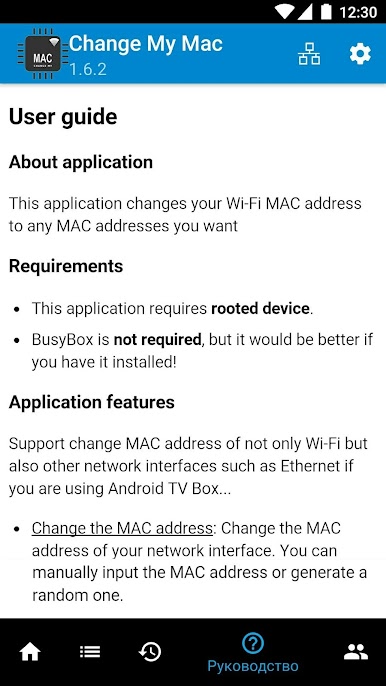
Change My MAC – Spoof Wifi MAC is one of those tools that’s actually pretty straightforward once you get into it, especially if you like tinkering with how your device connects to the internet. It lets users swap out their Wi-Fi MAC address, and it even goes beyond that—someone running Android TV boxes can adjust Ethernet MACs too. The catch is, your device has to be rooted for this to work, so it’s definitely aimed more at tech folks who know their way around Android settings. BlueStacks makes running it on a computer pretty simple, so if you want to manage this stuff from your PC keyboard and with a bigger screen, that’s totally possible.
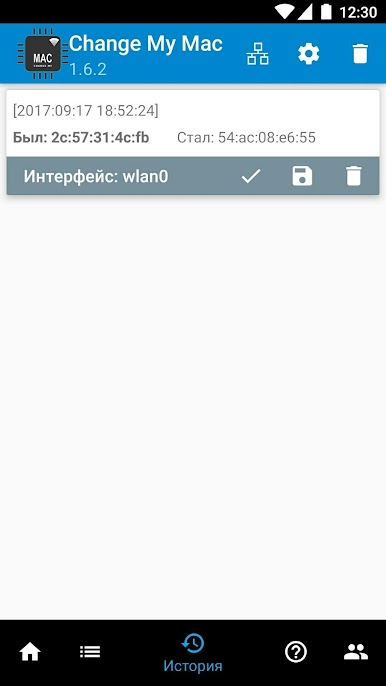
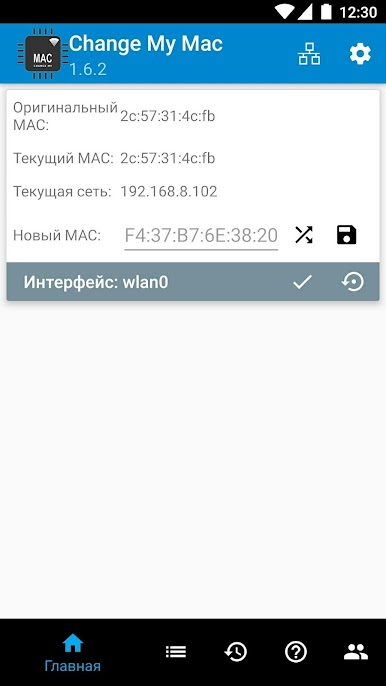
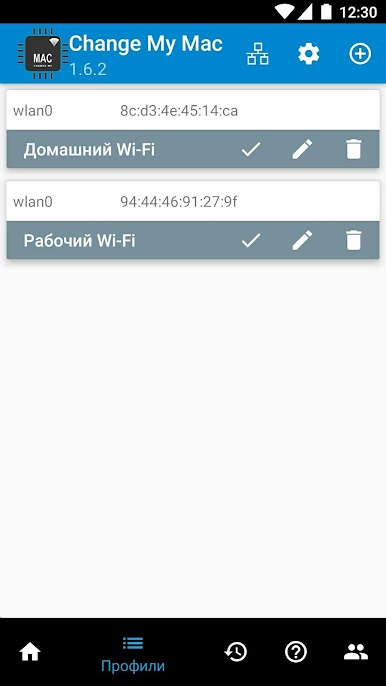
The interface isn’t busy or cluttered. There are options for setting a MAC address manually or just generating a random one if that’s all you need. Then there’s this little profile manager that saves past addresses, so you aren’t stuck retyping things if you want to switch back. It also keeps a simple history, which is useful if you’re checking which address you used and when. Even if something goes sideways—like Wi-Fi not reconnecting after the change—there’s some built-in guidance for common problems. Usually toggling the Wi-Fi off and on sorts it out, but sometimes a restart is needed. The app doesn’t load you with ads or push you to get a paid version, which is nice. It runs well on a pretty good list of devices, especially ones with MediaTek chips and popular phones and tablets, with updates coming along to support more. For anyone who wants to experiment with MAC addresses for privacy, troubleshooting, or network testing, this one’s got the basics covered, and it’s accessible to those comfortable with rooted Android systems.
Big screen. Bigger performance. Use BlueStacks on your PC or Mac to run your favorite apps.
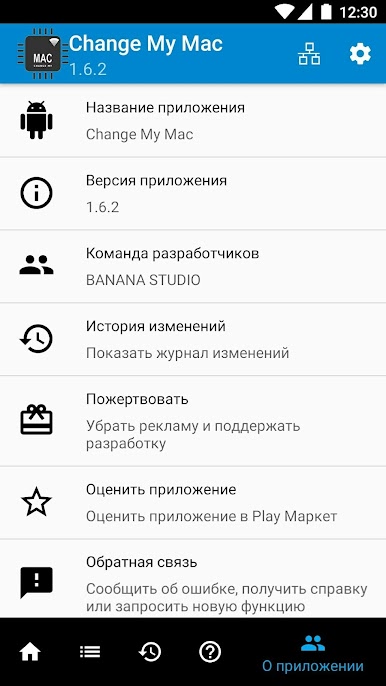
Играйте в игру Change My MAC - изменить MAC-а на ПК. Это легко и просто.
-
Скачайте и установите BlueStacks на ПК.
-
Войдите в аккаунт Google, чтобы получить доступ к Google Play, или сделайте это позже.
-
В поле поиска, которое находится в правой части экрана, введите название игры – Change My MAC - изменить MAC-а.
-
Среди результатов поиска найдите игру Change My MAC - изменить MAC-а и нажмите на кнопку "Установить".
-
Завершите авторизацию в Google (если вы пропустили этот шаг в начале) и установите игру Change My MAC - изменить MAC-а.
-
Нажмите на ярлык игры Change My MAC - изменить MAC-а на главном экране, чтобы начать играть.

