

nRF Toolbox for Bluetooth LE
Играйте на ПК с BlueStacks – игровой платформе для приложений на Android. Нас выбирают более 500 млн. игроков.

Страница изменена: Dec 9, 2025
Run nRF Toolbox for BLE on PC or Mac
Why limit yourself to your small screen on the phone? Run nRF Toolbox for BLE, an app by Nordic Semiconductor ASA, best experienced on your PC or Mac with BlueStacks, the world’s #1 Android emulator.
About the App
Ever needed a one-stop spot to manage all your Bluetooth Low Energy projects? nRF Toolbox for BLE from Nordic Semiconductor ASA has you covered. Whether you’re experimenting with BLE gadgets, tracking health data, or tinkering with device firmware, this feature-packed toolbox puts everything right at your fingertips in one tidy package. It’s designed for anyone messing around with BLE, from beginners to developers, and makes working with nRF5 devices about as straightforward as it can get.
App Features
-
Quick Access to BLE Profiles
Easily test and work with a variety of Bluetooth Low Energy profiles—things like heart rate monitors, cycling speed, glucose meters, and more. Switching between demos or profiles just takes a tap. -
Handy UART Support
Need some two-way chatter between devices? Use the built-in Nordic UART Service for simple, text-based communication. You can even play around with configurable remote controls using the UART interface—even on devices running Android Wear. -
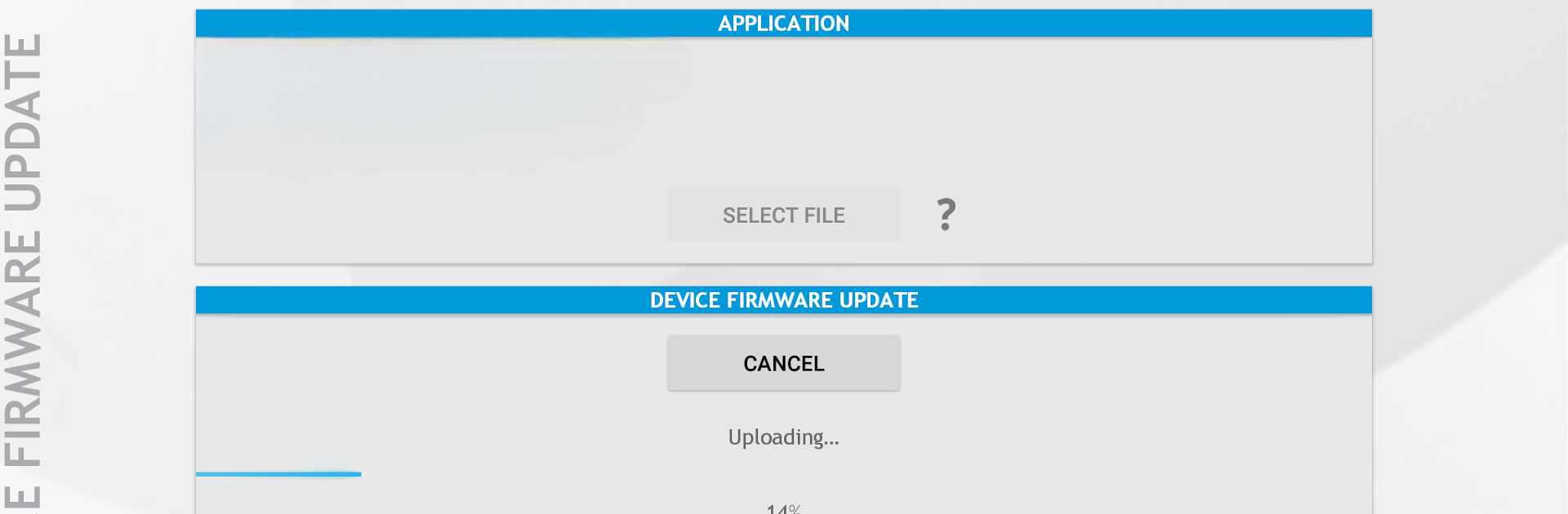
OTA Device Firmware Update (DFU)
Got new firmware? Updating your nRF5 device wirelessly is easy here. The app scans for devices in DFU mode and lets you upload application, bootloader, or Soft Device images, straight from HEX or BIN files. Pause and resume? Yep, no problem. -
Pre-installed Example Profiles
Not sure where to start? Check out the included heart rate and running speed/cadence profiles to see how everything works right out of the box. -
Simple File Uploads
Whether it’s uploading files from your phone or tablet, or updating multiple firmware components in a single go from a ZIP file, the app makes these tasks painless. -
Compatible and Flexible
Built for Android 4.3 and up, and fully tuned for nRF5 hardware. If you’re using BlueStacks, you’ll have all these tools ready to go on your PC as well. -
Developer-Friendly
Perfect for developers who want to tweak, debug, or play, with support for custom firmware and plenty of options to explore.
Big screen. Bigger performance. Use BlueStacks on your PC or Mac to run your favorite apps.
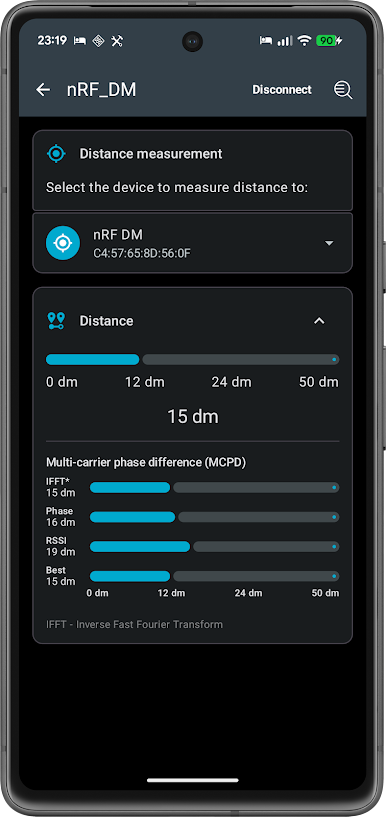
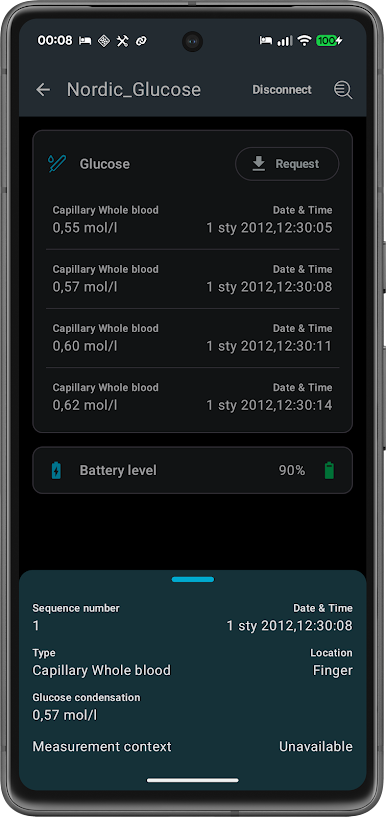
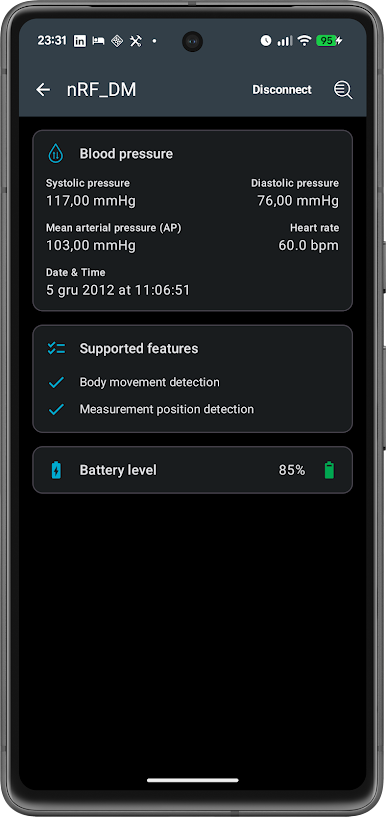
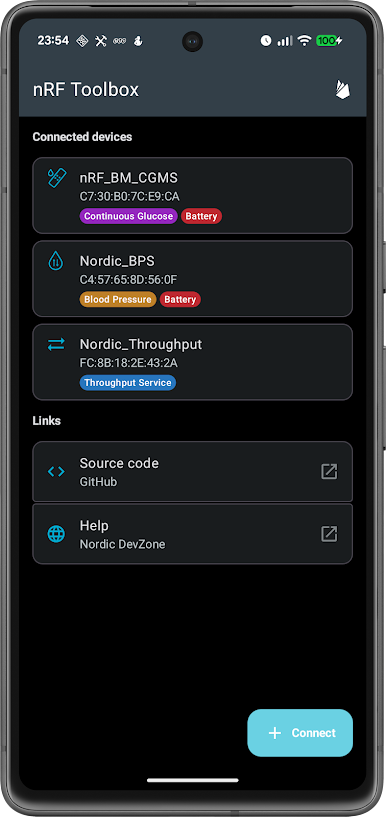
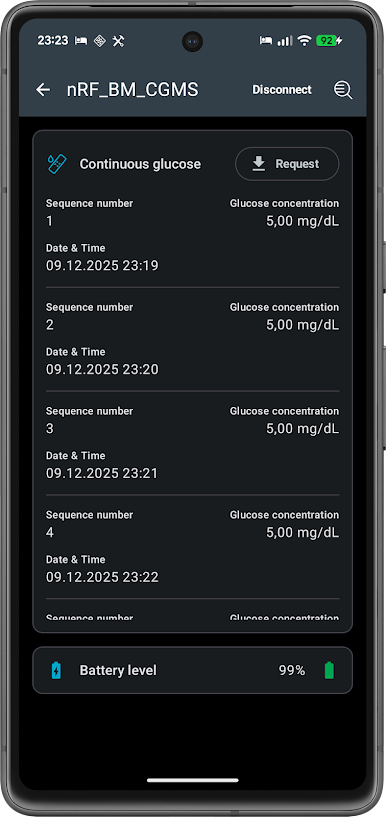
Играйте в игру nRF Toolbox for Bluetooth LE на ПК. Это легко и просто.
-
Скачайте и установите BlueStacks на ПК.
-
Войдите в аккаунт Google, чтобы получить доступ к Google Play, или сделайте это позже.
-
В поле поиска, которое находится в правой части экрана, введите название игры – nRF Toolbox for Bluetooth LE.
-
Среди результатов поиска найдите игру nRF Toolbox for Bluetooth LE и нажмите на кнопку "Установить".
-
Завершите авторизацию в Google (если вы пропустили этот шаг в начале) и установите игру nRF Toolbox for Bluetooth LE.
-
Нажмите на ярлык игры nRF Toolbox for Bluetooth LE на главном экране, чтобы начать играть.

