


YellowNote Notizen Notizblock
Spiele auf dem PC mit BlueStacks - der Android-Gaming-Plattform, der über 500 Millionen Spieler vertrauen.

Seite geändert am: Jun 4, 2025
Run YellowNote - Notepad, Notes on PC or Mac
What’s better than using YellowNote – Notepad, Notes by Notas Notepad? Well, try it on a big screen, on your PC or Mac, with BlueStacks to see the difference.
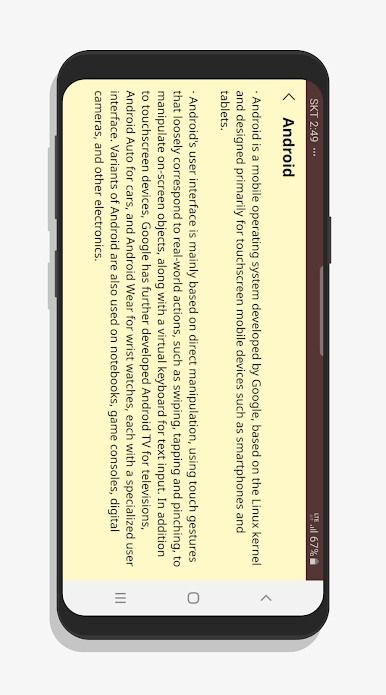
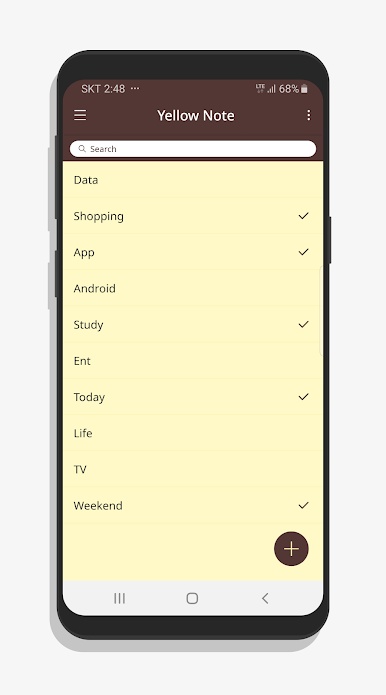
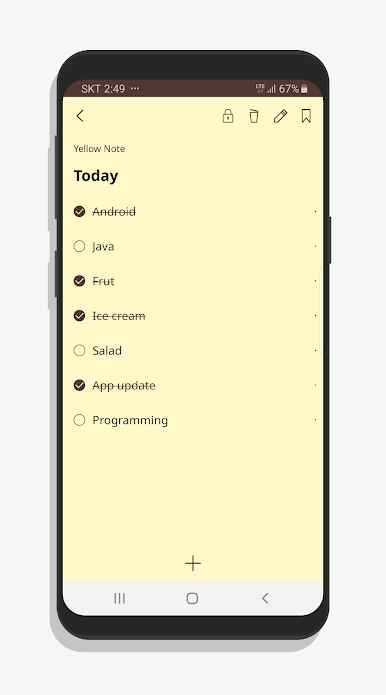
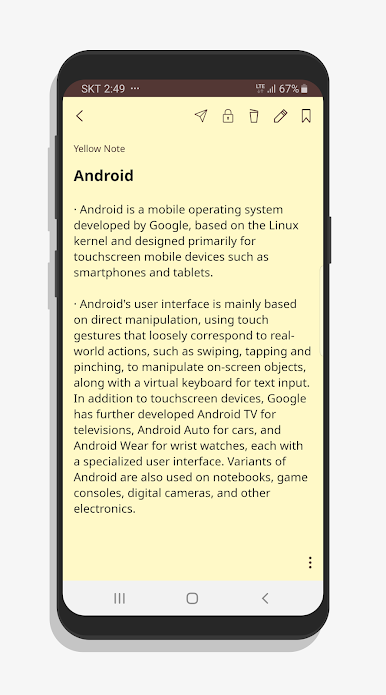
YellowNote – Notepad, Notes is as simple as it sounds. It opens fast, shows a clean yellow page, and lets someone type without getting lost in menus or settings. The whole thing feels like a digital sticky note wall, just tidier. Make a note, give it a quick title if needed, and move on. No fancy formatting or busy toolbars, which is kind of the point. It is built for quick thoughts, grocery lists, small to do’s, random ideas, phone numbers, all the little bits people want to keep somewhere that is easy to find later.
On PC with BlueStacks, it behaves like a lightweight notes window they can park next to a browser or video call. Typing with a full keyboard feels natural and copy paste is smooth, so it is handy for grabbing text from other apps and dropping it in. The bright yellow theme is easy to spot on a cluttered desktop, and the interface keeps focus on the note itself. Add a new note, edit, or delete, nothing confusing in the flow. It suits anyone who wants a no fuss notepad rather than a big notebook system. If someone needs something dead simple for everyday reminders and quick writing, this gets out of the way and just lets them write, which honestly is what a notepad should do.
Ready to experience YellowNote – Notepad, Notes on a bigger screen, in all its glory? Download BlueStacks now.
Spiele YellowNote Notizen Notizblock auf dem PC. Der Einstieg ist einfach.
-
Lade BlueStacks herunter und installiere es auf deinem PC
-
Schließe die Google-Anmeldung ab, um auf den Play Store zuzugreifen, oder mache es später
-
Suche in der Suchleiste oben rechts nach YellowNote Notizen Notizblock
-
Klicke hier, um YellowNote Notizen Notizblock aus den Suchergebnissen zu installieren
-
Schließe die Google-Anmeldung ab (wenn du Schritt 2 übersprungen hast), um YellowNote Notizen Notizblock zu installieren.
-
Klicke auf dem Startbildschirm auf das YellowNote Notizen Notizblock Symbol, um mit dem Spielen zu beginnen

