


Bamboo Forest Live Wallpaper
Spiele auf dem PC mit BlueStacks - der Android-Gaming-Plattform, der über 500 Millionen Spieler vertrauen.

Seite geändert am: Aug 2, 2025
Play Bamboo Forest Live Wallpaper on PC
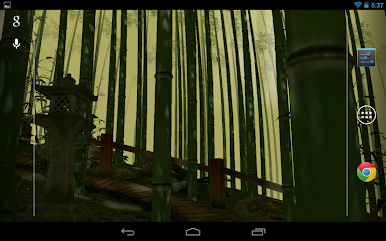
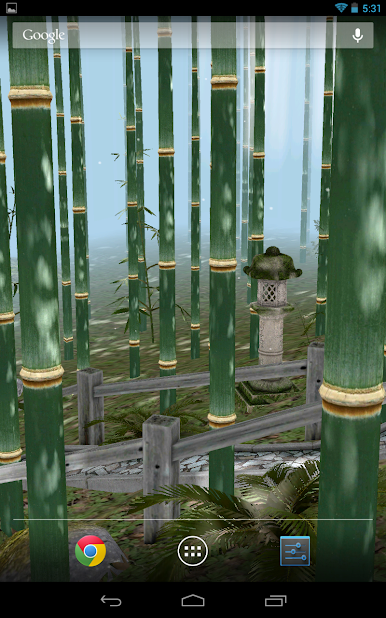
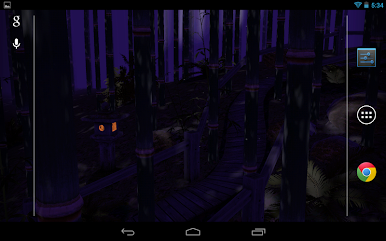
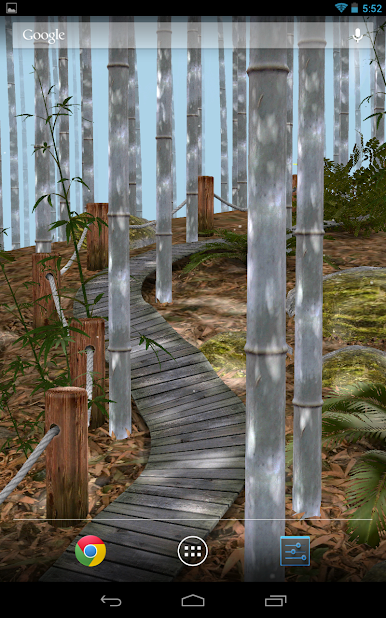
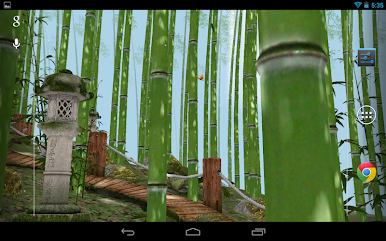
You can customize the following options of live wallpaper and screen saver:
- type of ground and grass;
- bamboo plants;
- butterflies or fireflies;
- path and railings;
- stone lanterns, falling leaves, sun rays, dust particles etc.

Spiele Bamboo Forest Live Wallpaper auf dem PC. Der Einstieg ist einfach.
-
Lade BlueStacks herunter und installiere es auf deinem PC
-
Schließe die Google-Anmeldung ab, um auf den Play Store zuzugreifen, oder mache es später
-
Suche in der Suchleiste oben rechts nach Bamboo Forest Live Wallpaper
-
Klicke hier, um Bamboo Forest Live Wallpaper aus den Suchergebnissen zu installieren
-
Schließe die Google-Anmeldung ab (wenn du Schritt 2 übersprungen hast), um Bamboo Forest Live Wallpaper zu installieren.
-
Klicke auf dem Startbildschirm auf das Bamboo Forest Live Wallpaper Symbol, um mit dem Spielen zu beginnen

