

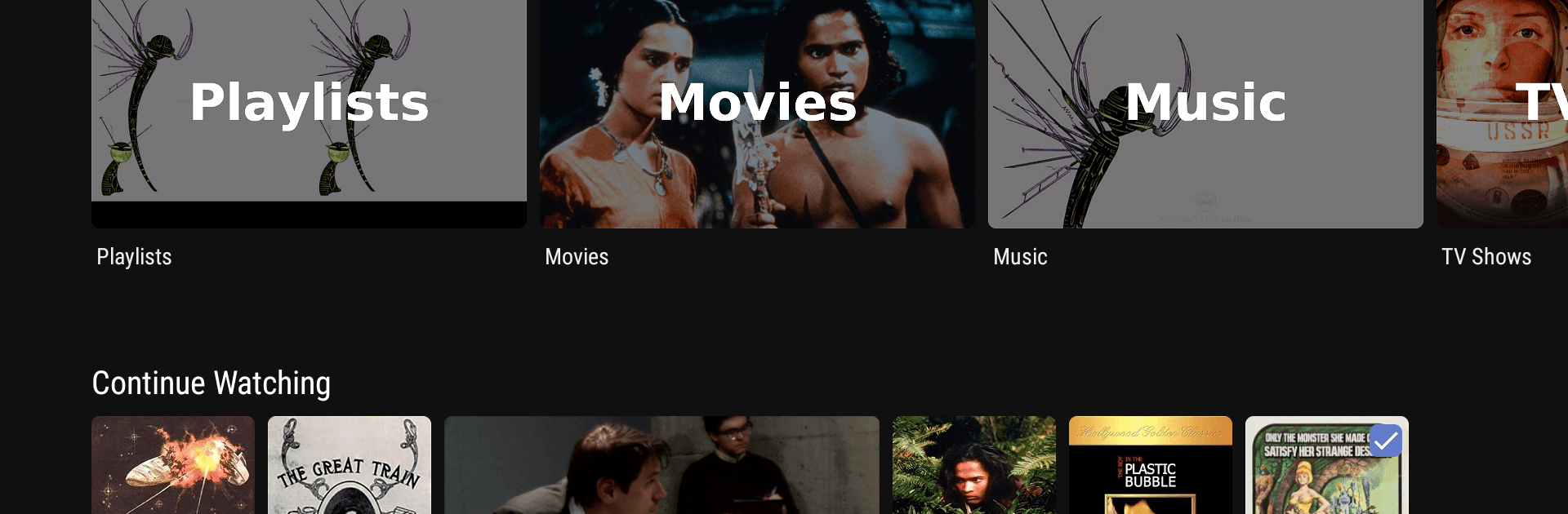
Jellyfin for Android TV
500M + oyuncunun güvendiği Android Oyun Platformu, BlueStacks ile PC'de oynayın.

Sayfa Değiştirilme tarihi: Dec 13, 2025
Run Jellyfin for Android TV on PC or Mac
Upgrade your experience. Try Jellyfin for Android TV, the fantastic Video Players & Editors app from Jellyfin, from the comfort of your laptop, PC, or Mac, only on BlueStacks.
About the App
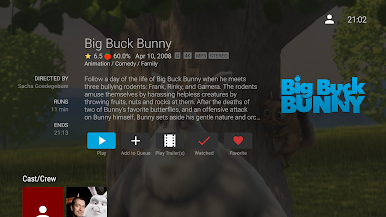
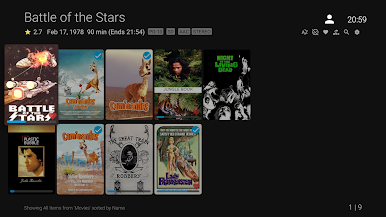
Jellyfin for Android TV is your ultimate video-player, giving you the freedom to control your media experience. No sneaky fees or hidden messages here—just a solid way to enjoy your media from a Jellyfin server. Set up your server, and diving into your collection becomes a breeze.
App Features
Stream Your Way
– Access live TV and recorded shows straight from your Jellyfin server. Yes, you’ll need some extra hardware or services, but who doesn’t love flexibility?
Chromecast Support
– Send those favorite shows and movies right to your big screen with Chromecast. No fuss, just hit play and relax.
Seamless Android Integration
– Your media, accessible right from your Android device. It’s as easy as pie; you’ll feel like a tech wizard.
User-Friendly Interface
– Browsing through your collection should be simple and fun, not daunting. Enjoy a playful design that makes you smile.
Big screen. Bigger performance. Use BlueStacks on your PC or Mac to run your favorite apps.
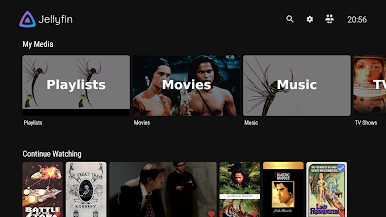
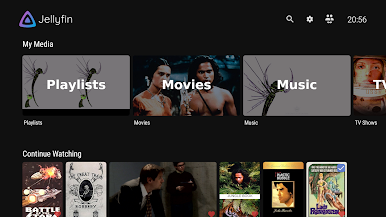
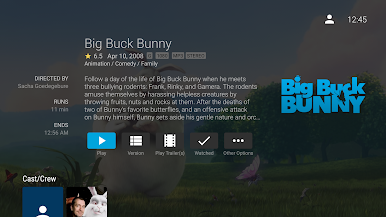


Jellyfin for Android TV oyununu PC'de oyna. Başlamak çok kolay.
-
BlueStacks'i PC'nize İndirin ve Yükleyin
-
Play Store'a erişmek için Google girişi yapın ya da daha sonraya bırakın.
-
Sağ üst köşeye Jellyfin for Android TV yazarak arayın.
-
Jellyfin for Android TV uygulamasını arama sonuçlarından indirmek için tıklayın.
-
(iEğer Adım 2'yi atladıysanız) Jellyfin for Android TV uygulamasını yüklemek için Google'a giriş yapın.
-
Oynatmaya başlatmak için ekrandaki Jellyfin for Android TV ikonuna tıklayın.

