


NoteFor - Journal Portal
Spiele auf dem PC mit BlueStacks - der Android-Gaming-Plattform, der über 500 Millionen Spieler vertrauen.

Seite geändert am: Aug 16, 2025
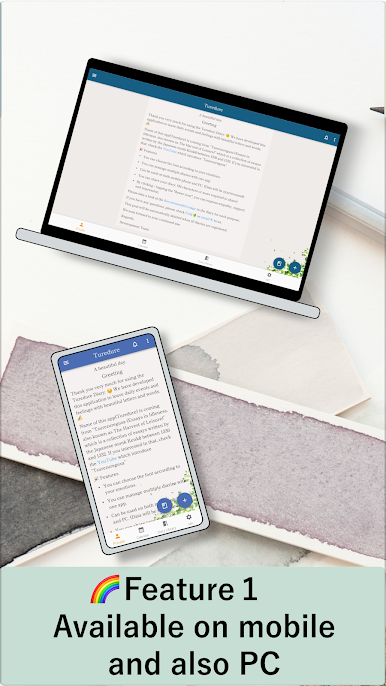
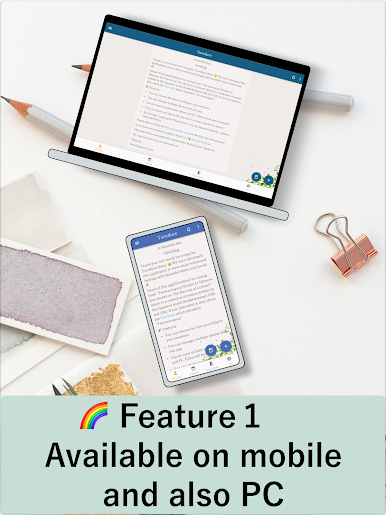
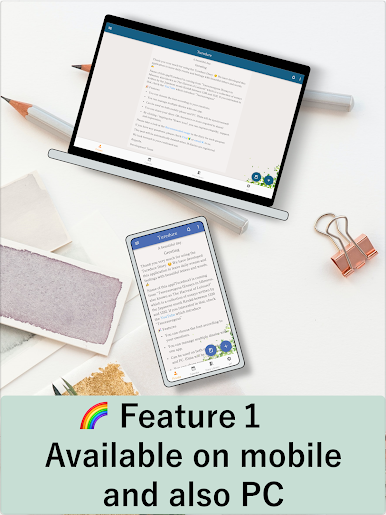
Play NoteFor - Journal Portal on PC
- No pesky ads.
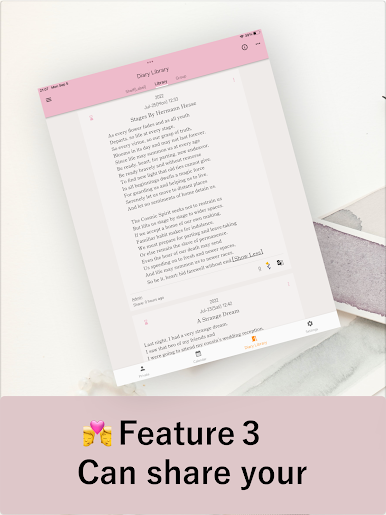
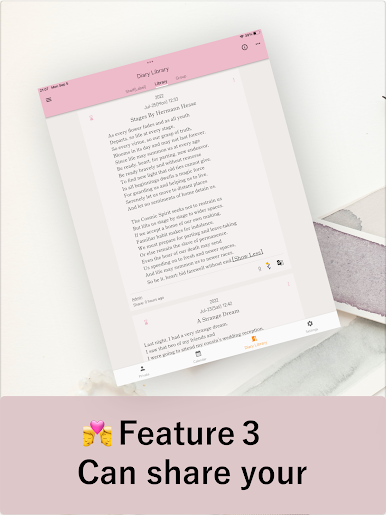
- You can share your diary with multiple pennames, in public.
- You can share your diary with your fave people
- Our community's super safe (No Criticism / No Evaluation)
So, you can use "NoteFor" in three different ways.✍
[Use Case 1] Personal Diary
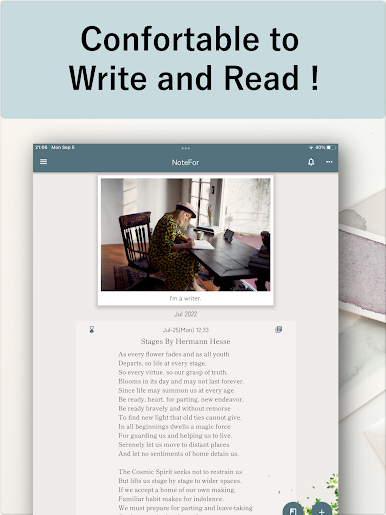
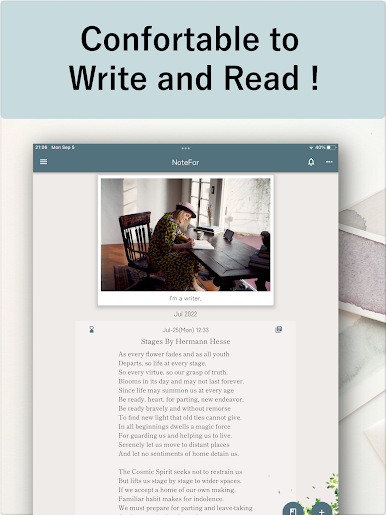
- Can attach photos.
- Can choose fonts.
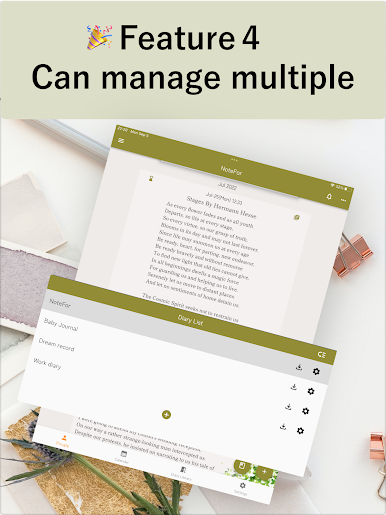
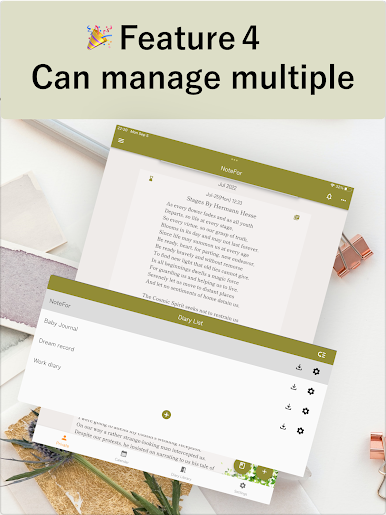
- Can manage multiple diaries.
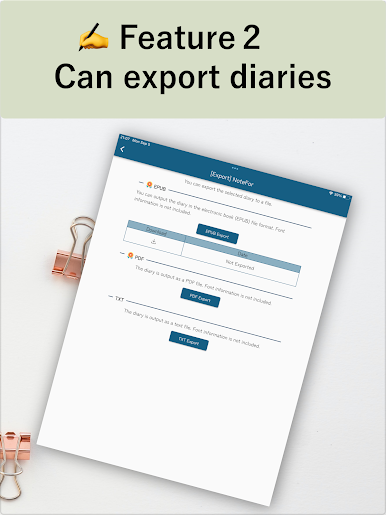
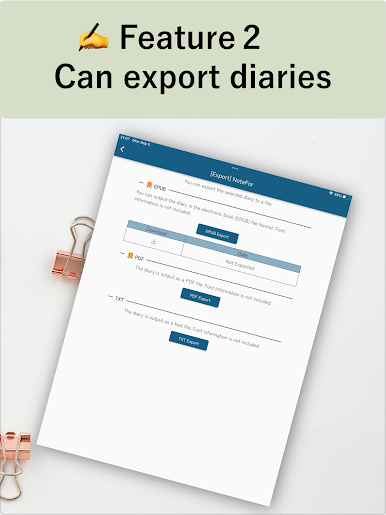
- Can export diary (txt, pdf, e-book format)
[Use Case 2] Public Diary
- Can use multiple pseudonyms
- Can choose the publication period
[Use Case 3] Group Diary
- Can share diary with up to 18 members
- Can share photos with the group




Spiele NoteFor - Journal Portal auf dem PC. Der Einstieg ist einfach.
-
Lade BlueStacks herunter und installiere es auf deinem PC
-
Schließe die Google-Anmeldung ab, um auf den Play Store zuzugreifen, oder mache es später
-
Suche in der Suchleiste oben rechts nach NoteFor - Journal Portal
-
Klicke hier, um NoteFor - Journal Portal aus den Suchergebnissen zu installieren
-
Schließe die Google-Anmeldung ab (wenn du Schritt 2 übersprungen hast), um NoteFor - Journal Portal zu installieren.
-
Klicke auf dem Startbildschirm auf das NoteFor - Journal Portal Symbol, um mit dem Spielen zu beginnen

