

3ABN+
Spiele auf dem PC mit BlueStacks - der Android-Gaming-Plattform, der über 500 Millionen Spieler vertrauen.

Seite geändert am: Aug 28, 2025
Run 3ABN+ on PC or Mac
Upgrade your experience. Try 3ABN+, the fantastic Entertainment app from Three Angels Broadcasting Network (3ABN), from the comfort of your laptop, PC, or Mac, only on BlueStacks.
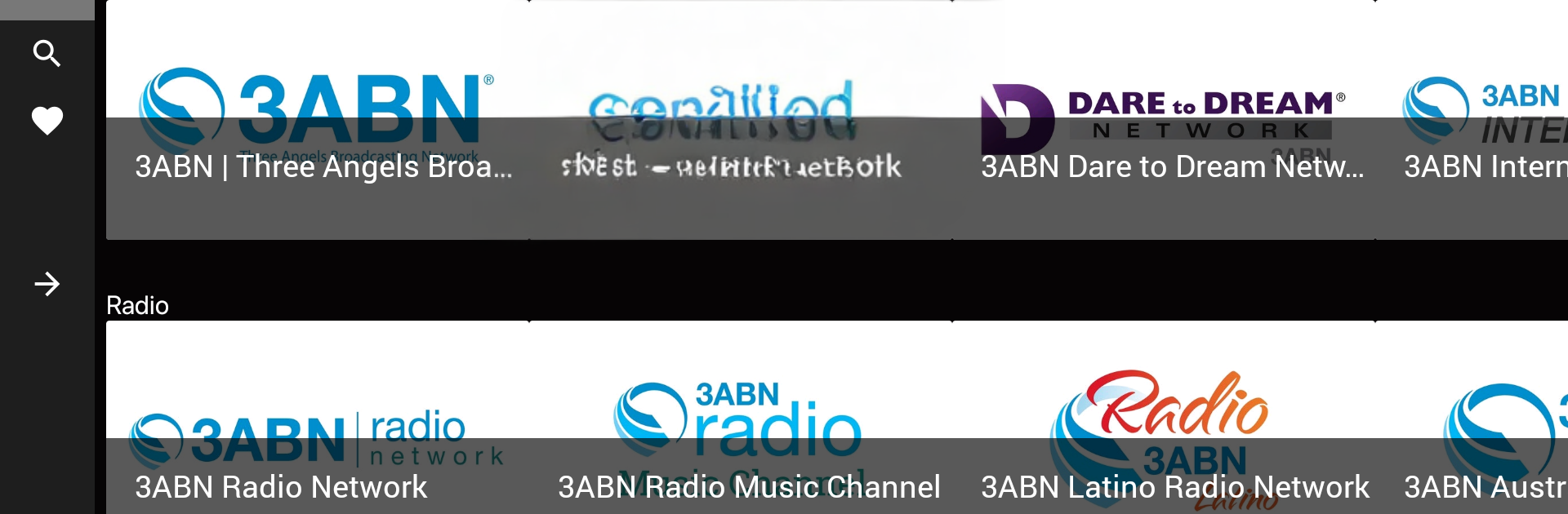
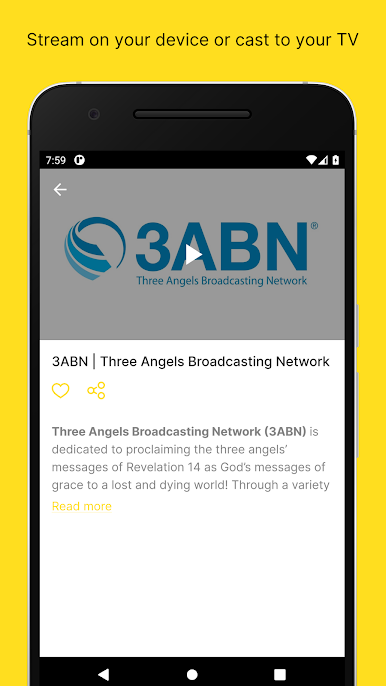
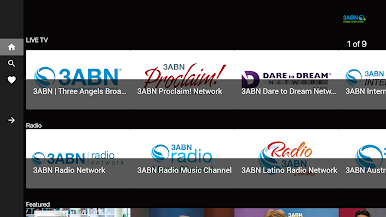
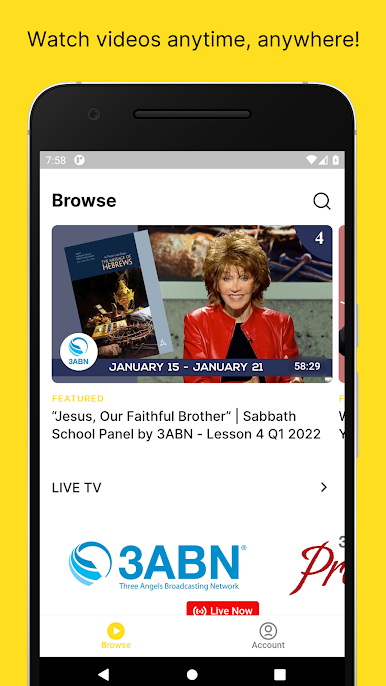
3ABN+ feels like a calm, faith-focused hub where someone can keep Christian TV and radio playing in the background all day, or just dip into specific programs when there is time. The mix is wide: Bible teaching for adults and kids, Christian music, health and plant-based cooking shows, recovery and family topics, even weight loss and emotional wellness. It is not flashy, but it is steady, and that is kind of the point. There are multiple live channels to flip through, including the main 3ABN feed, Proclaim, Dare to Dream, International, Praise Him, Kids, plus language networks in Spanish and Portuguese for Latino audiences, Russian, and Francais. Radio is here too, with a regular stream, a music-only channel, and region-focused stations.
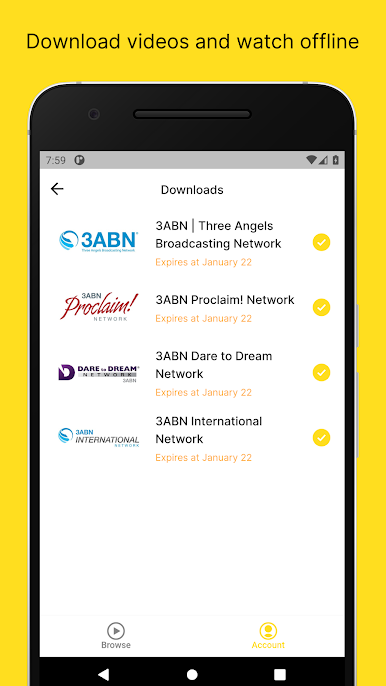
On a PC with BlueStacks, it runs smoothly and is easy to leave open while doing other things. Streams start quick, quality is solid, and older programs may show black bars or look old-school, which the app is upfront about. The on-demand library is organized in a way that makes sense, with simple browsing and a watchlist so a person can save favorites. Downloading videos for offline viewing is handy for travel or spotty internet. Full features sit behind a login for subscribers, but the layout stays clean either way. Someone looking for faith-based content that covers real-life issues along with worship and study will probably feel at home here, and families get a safe kids lane without extra fuss.
BlueStacks gives you the much-needed freedom to experience your favorite apps on a bigger screen. Get it now.
Spiele 3ABN+ auf dem PC. Der Einstieg ist einfach.
-
Lade BlueStacks herunter und installiere es auf deinem PC
-
Schließe die Google-Anmeldung ab, um auf den Play Store zuzugreifen, oder mache es später
-
Suche in der Suchleiste oben rechts nach 3ABN+
-
Klicke hier, um 3ABN+ aus den Suchergebnissen zu installieren
-
Schließe die Google-Anmeldung ab (wenn du Schritt 2 übersprungen hast), um 3ABN+ zu installieren.
-
Klicke auf dem Startbildschirm auf das 3ABN+ Symbol, um mit dem Spielen zu beginnen

