


Fastlink
Spiele auf dem PC mit BlueStacks - der Android-Gaming-Plattform, der über 500 Millionen Spieler vertrauen.

Seite geändert am: Dec 6, 2025
Run Fastlink on PC or Mac
Multitask effortlessly on your PC or Mac as you try out Fastlink, a Communication app by Fastlink on BlueStacks.
About the App
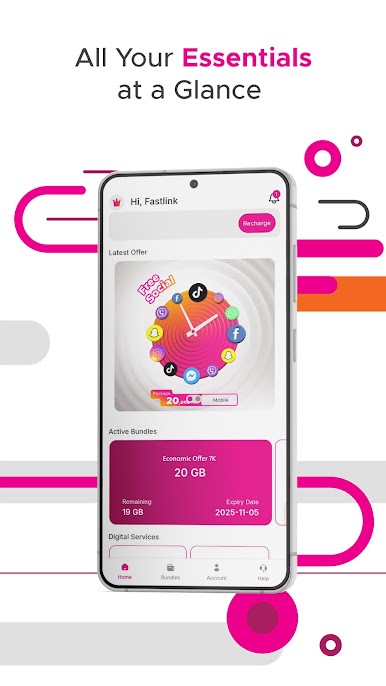
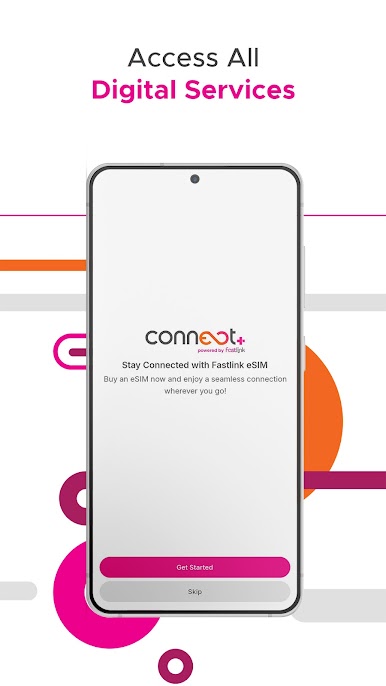
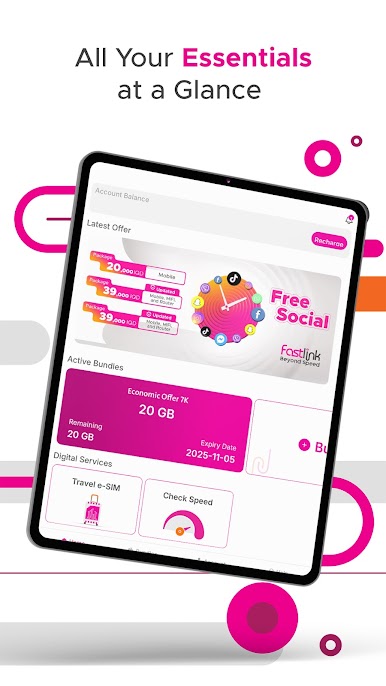
Fastlink brings you an all-in-one spot to handle your internet needs, whether you’re checking your plan details on the go or just want a quick way to keep tabs on your usage. It’s designed to make managing your subscription simple, especially if you’re after fast, reliable connections powered by 4G LTE. With Fastlink from Fastlink, you get more control, more info, and a smoother experience, all in your pocket.
App Features
-
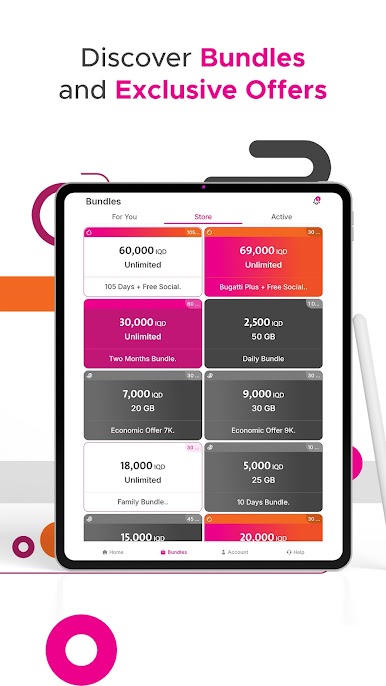
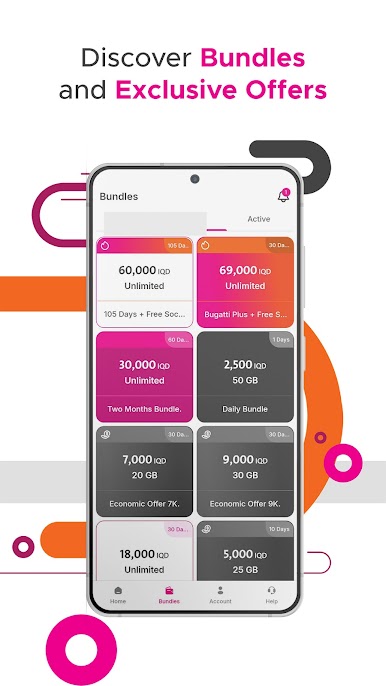
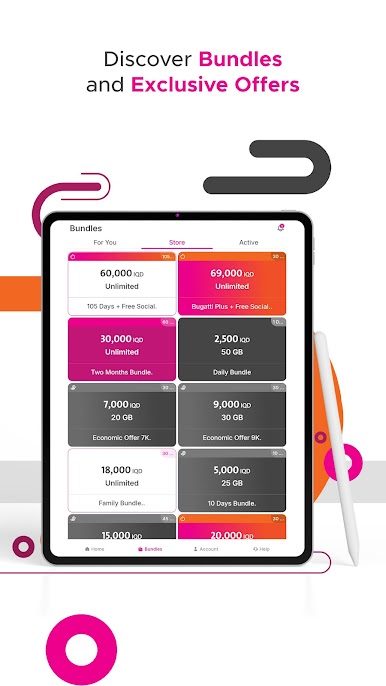
Plan Purchases Made Simple
Forget the hassle—pick and purchase your internet bundles right in the app. It takes just a tap or two and you’re ready to go. -
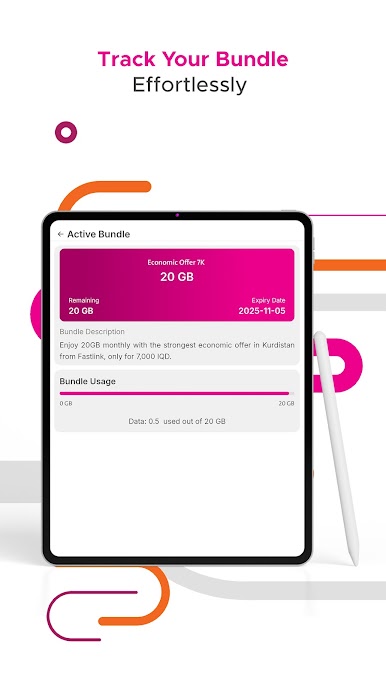
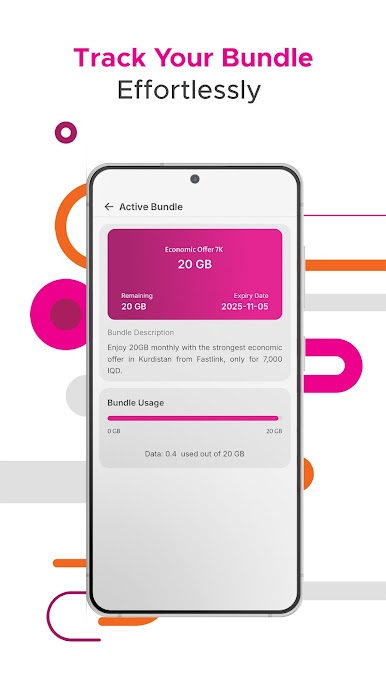
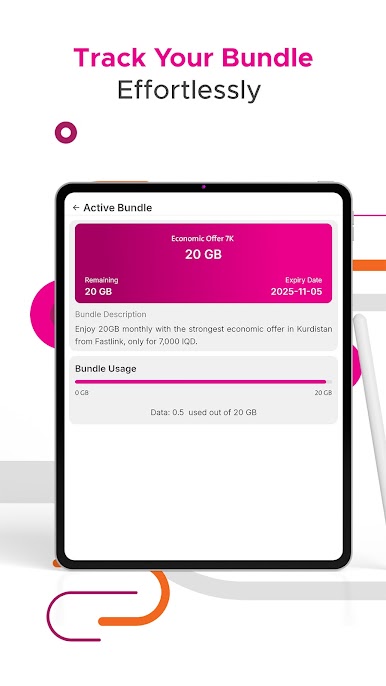
Usage Tracking at a Glance
Wondering how much data you’ve used? Get breakdowns of your daily, weekly, and monthly activity, going back up to three months. No guessing, just straightforward stats. -
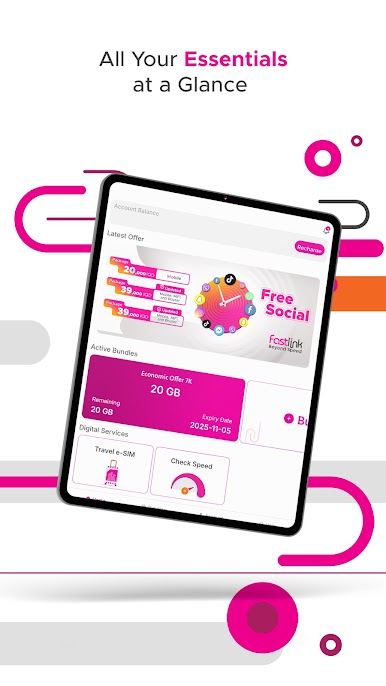
All Your Offers, In One Place
Stay in the loop with the latest promos and deals sent straight from the Fastlink team. You’ll never miss a special offer again. -
Find Nearby Sales Points
Need to top up or buy a new device? Quickly locate the closest stores selling Fastlink recharge cards or devices, so you can pick up what you need without wandering around. -
Easy Access to Support
Whether it’s customer service, social media, or other important contact info—you’ll find everything in the app. Got questions or need help? The answers are usually just a tap away.
Using Fastlink on BlueStacks means you can make the most of these features from your laptop or desktop too, keeping everything synced and easily managed wherever you are.
BlueStacks gives you the much-needed freedom to experience your favorite apps on a bigger screen. Get it now.
Spiele Fastlink auf dem PC. Der Einstieg ist einfach.
-
Lade BlueStacks herunter und installiere es auf deinem PC
-
Schließe die Google-Anmeldung ab, um auf den Play Store zuzugreifen, oder mache es später
-
Suche in der Suchleiste oben rechts nach Fastlink
-
Klicke hier, um Fastlink aus den Suchergebnissen zu installieren
-
Schließe die Google-Anmeldung ab (wenn du Schritt 2 übersprungen hast), um Fastlink zu installieren.
-
Klicke auf dem Startbildschirm auf das Fastlink Symbol, um mit dem Spielen zu beginnen

