


Bubble Shooter
Spiele auf dem PC mit BlueStacks - der Android-Gaming-Plattform, der über 500 Millionen Spieler vertrauen.

Seite geändert am: Apr 6, 2026
Spiele Bubble Shooter für PC
- Bubble Shooter is an Offline Game and Free to play.
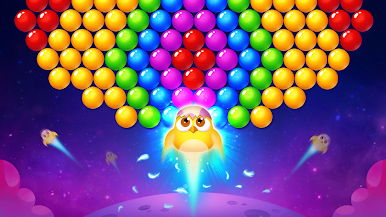
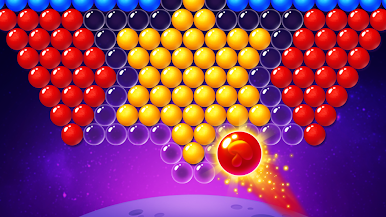
- We have endless levels with various bubble layouts.
- You can test logic skills in super relaxation.
- It's a Brand-new Android version with well designed graphics.
- Please enjoy yourself in match-3 bubble burst.
How to play?
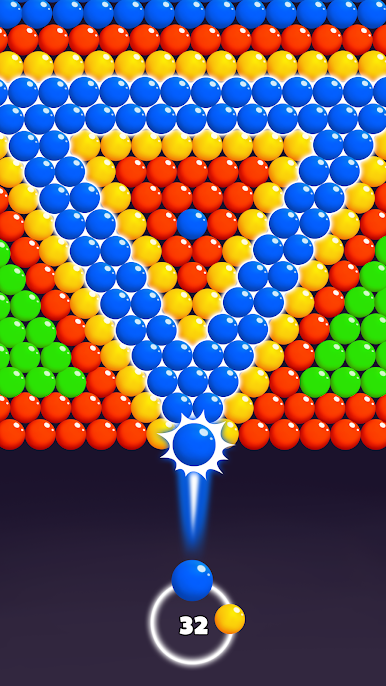
- Aim, match, shoot, blast.
- Drag the laser line to pop bubbles.
- Group 3 bubbles in the same color to clear them.
- Unlock new levels and magic balls when all bubbles are cleared.
- Don't forget to collect awesome awards.
Why choose us?
- Free to download!
- Offline game! No Wi-Fi Needed!
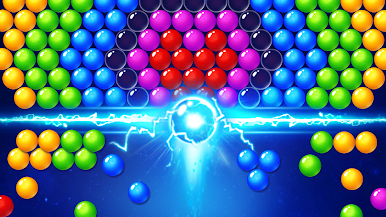
- Cool effect and awesome sound.
- More amazing puzzle levels offer you quick and lasting fun.
Join millions of Bubble Shooter Fans. Let's play!

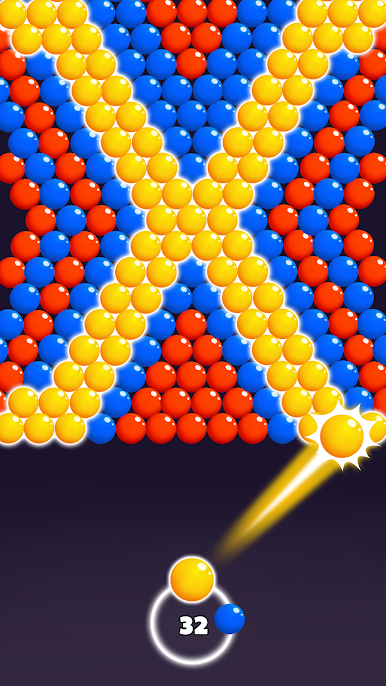
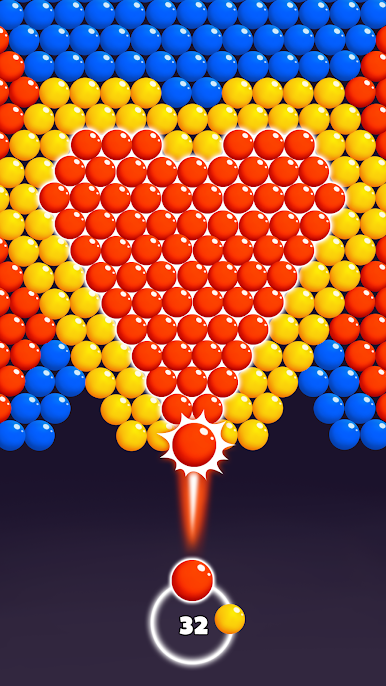
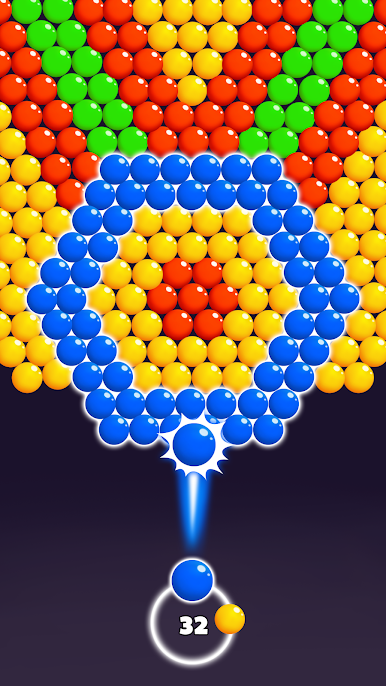
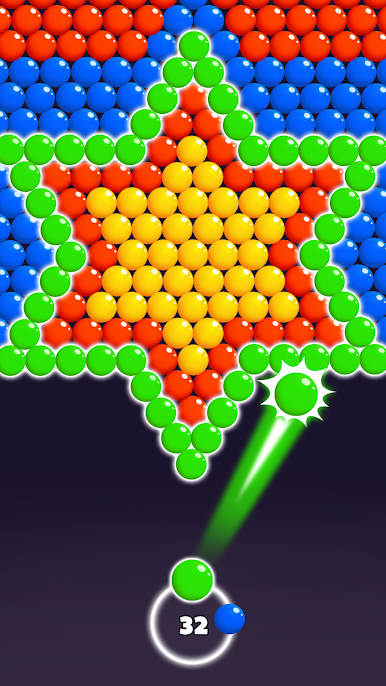
Spiele Bubble Shooter auf dem PC. Der Einstieg ist einfach.
-
Lade BlueStacks herunter und installiere es auf deinem PC
-
Schließe die Google-Anmeldung ab, um auf den Play Store zuzugreifen, oder mache es später
-
Suche in der Suchleiste oben rechts nach Bubble Shooter
-
Klicke hier, um Bubble Shooter aus den Suchergebnissen zu installieren
-
Schließe die Google-Anmeldung ab (wenn du Schritt 2 übersprungen hast), um Bubble Shooter zu installieren.
-
Klicke auf dem Startbildschirm auf das Bubble Shooter Symbol, um mit dem Spielen zu beginnen

