

Chestionare Auto DRPCIV 2025
Spiele auf dem PC mit BlueStacks - der Android-Gaming-Plattform, der über 500 Millionen Spieler vertrauen.

Seite geändert am: Aug 10, 2025
Run Chestionare Auto 2020 - DRPCIV on PC or Mac
Multitask effortlessly on your PC or Mac as you try out Chestionare Auto 2020 – DRPCIV, a Education app by PL Solutions on BlueStacks.
About the App
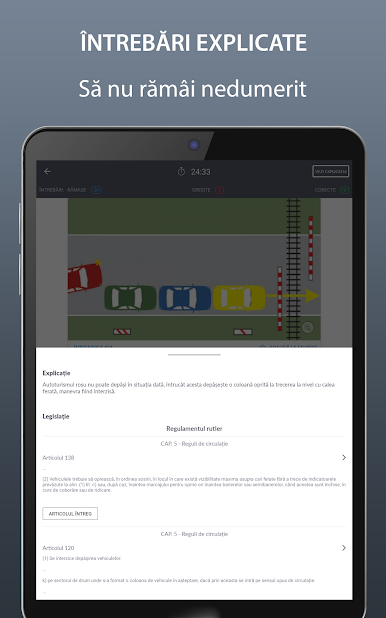
Ready to nail your driving exam or just want to brush up on the latest road rules? Chestionare Auto 2020 – DRPCIV gives you everything you need to prep with confidence. Whether you’re aiming for your first license, eyeing a new category, or just keen on revisiting those traffic signs, this app from PL Solutions wraps all the essentials into one straightforward package.
App Features
-
Comprehensive Question Bank
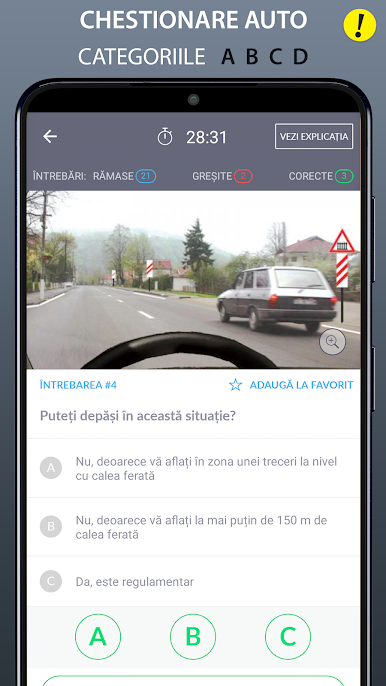
Access over 2,500 updated practice questions, neatly organized across categories like A, B, C, and D. No matter which license you’re after, there’s plenty to work with. -
Learning Mode
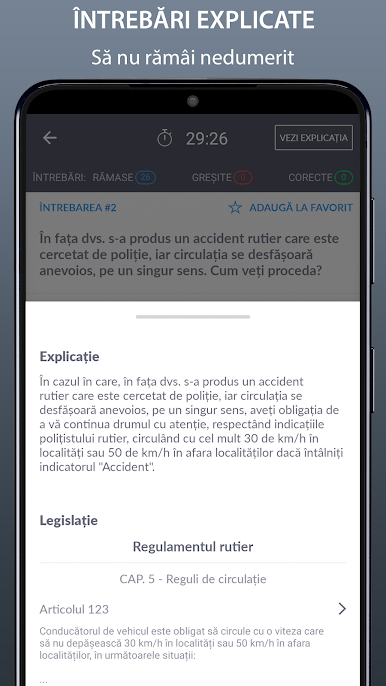
Tackle questions one by one, especially handy for Category B. This makes the whole review process less overwhelming and helps you focus where you need it most. -
Updated Legislation
Get the latest on the road code and regulations, reflecting all the official updates for 2020. Every article comes straight from the official source, so you’re studying the real thing. -
Modern Road Signs
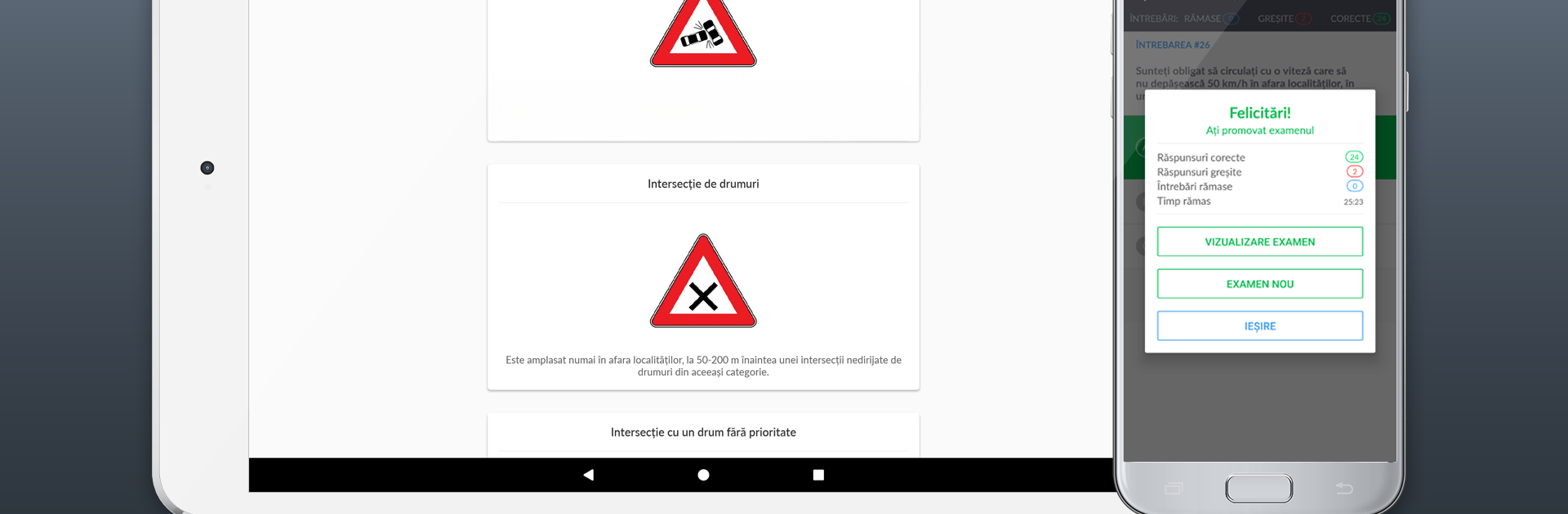
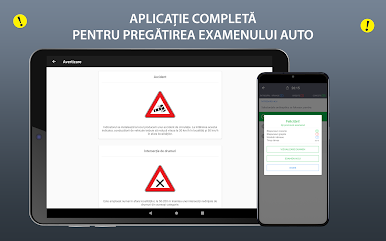
Browse clear, high-quality images of up-to-date traffic signs. Each one has a description too, so you finally know what all those odd shapes and colors mean. -
Exam Categories
Find exactly what you need for all major license types: motorcycles, cars, trucks, buses, and even specialty vehicles. Quick to switch, easy to explore. -
Progress Tracking
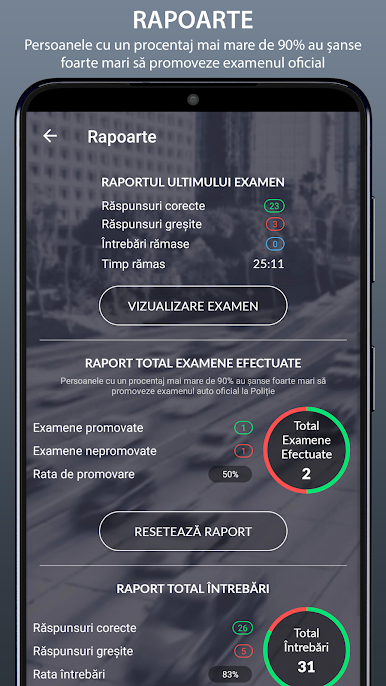
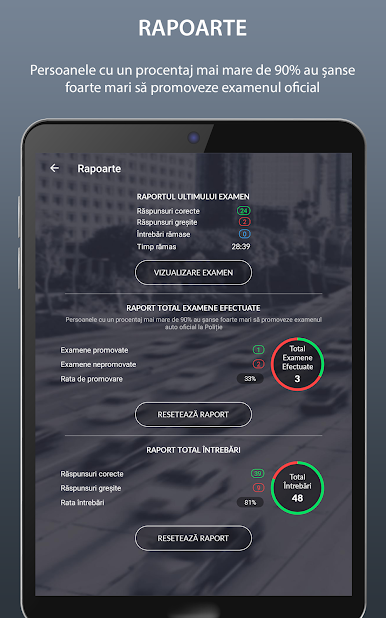
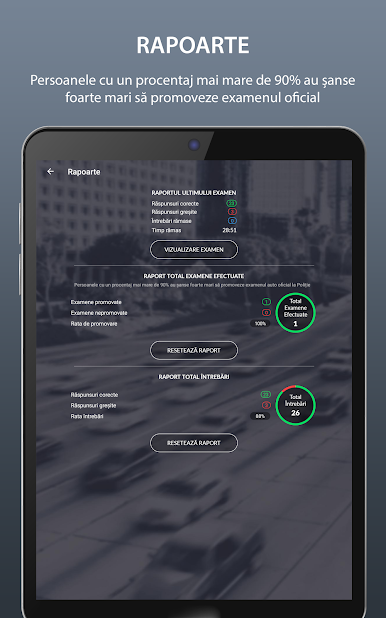
Dive into detailed stats showing where you’re nailing things and where you might want to give it another shot. -
Favorites & Tough Questions
Flag tricky questions so you can circle back later. Super useful when certain topics seem to keep tripping you up. -
Customizable Test Settings
Shuffle answer options every time you take a quiz so you’re not just memorizing positions—keeps you on your toes and actually learning.
If you want to brush up before your next test or simply stay sharp, Chestionare Auto 2020 – DRPCIV lets you study your way—even on a bigger screen if you run it on BlueStacks.
Big screen. Bigger performance. Use BlueStacks on your PC or Mac to run your favorite apps.
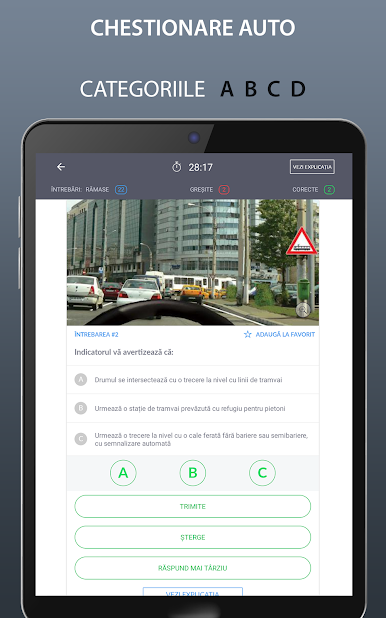
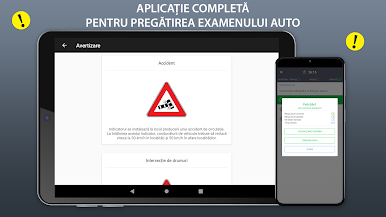
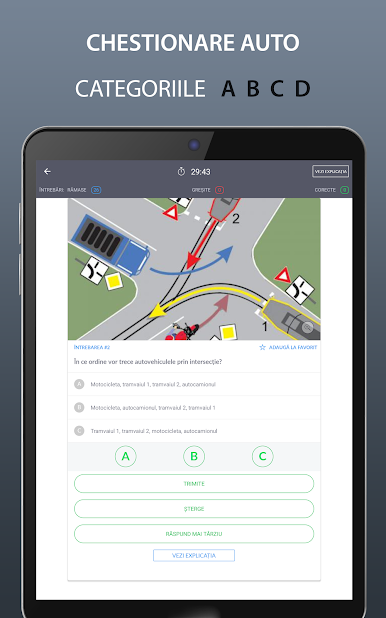
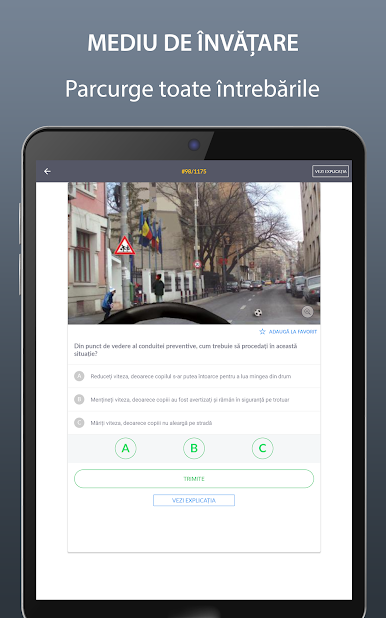
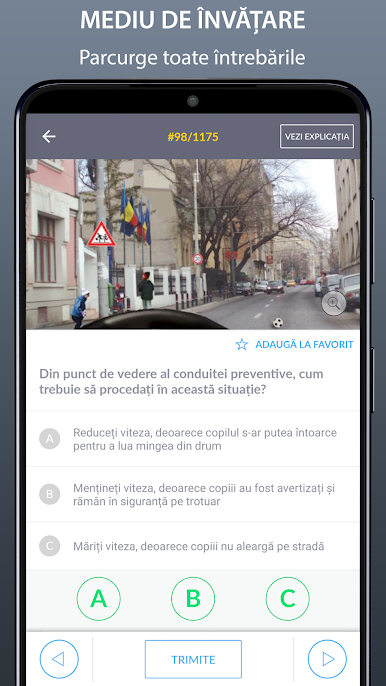
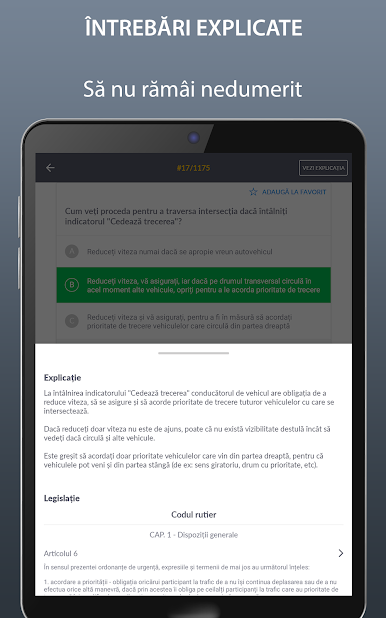
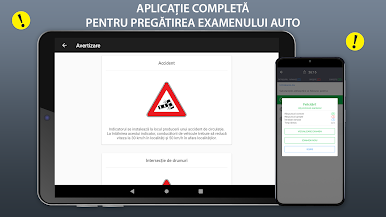
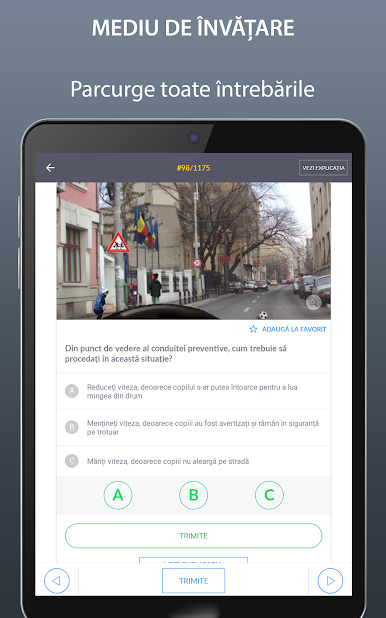
Spiele Chestionare Auto DRPCIV 2025 auf dem PC. Der Einstieg ist einfach.
-
Lade BlueStacks herunter und installiere es auf deinem PC
-
Schließe die Google-Anmeldung ab, um auf den Play Store zuzugreifen, oder mache es später
-
Suche in der Suchleiste oben rechts nach Chestionare Auto DRPCIV 2025
-
Klicke hier, um Chestionare Auto DRPCIV 2025 aus den Suchergebnissen zu installieren
-
Schließe die Google-Anmeldung ab (wenn du Schritt 2 übersprungen hast), um Chestionare Auto DRPCIV 2025 zu installieren.
-
Klicke auf dem Startbildschirm auf das Chestionare Auto DRPCIV 2025 Symbol, um mit dem Spielen zu beginnen

