


66 Santase - Kağıt Oyunu
500M + oyuncunun güvendiği Android Oyun Platformu, BlueStacks ile PC'de oynayın.

Sayfa Değiştirilme tarihi: Jun 16, 2026
Oyun 66 Santase - Kağıt Oyunu PC'de Oynayın
If you want to play vs real people you can download our new 66 Santase Online Multiplayer version of the game: https://play.google.com/store/apps/details?id=santasemulti.radefffactory
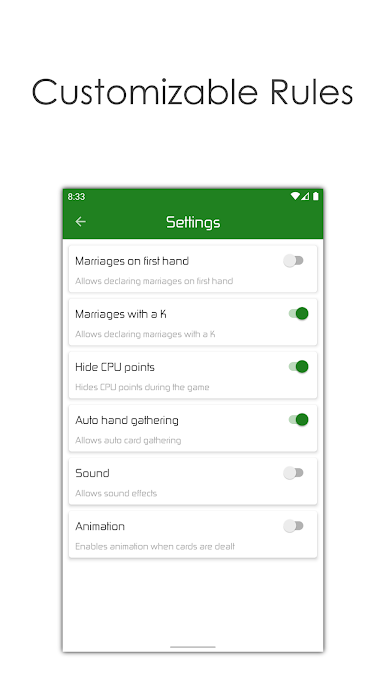
In game settings you can change:
- auto hand gathering (on/off)
- possibility to declare marriage (20/40) with no picks
- possibility to declare marriage (20/40) with queen and king (not only queen)
- possibility to hide android points (harder for the user to follow the game flow)
- change the score, user have to reach to win the game
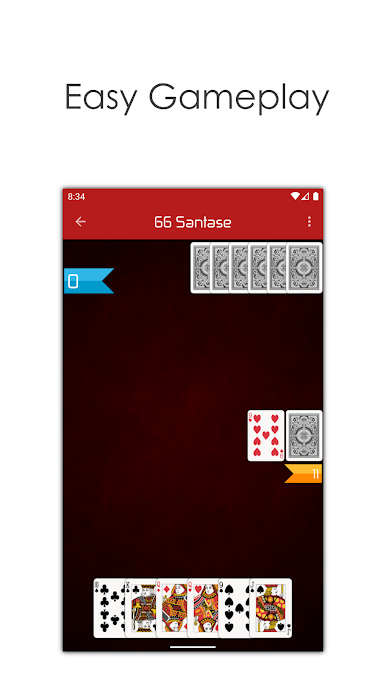
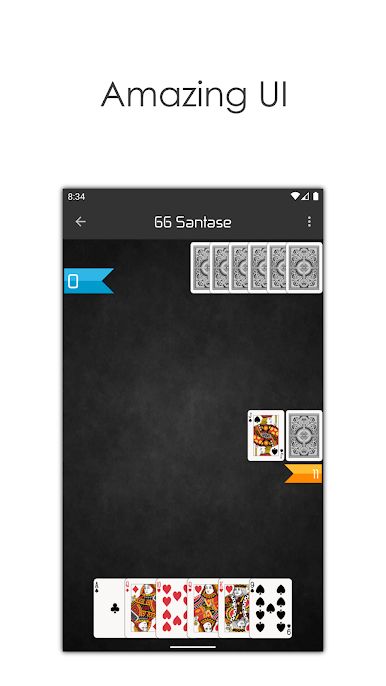
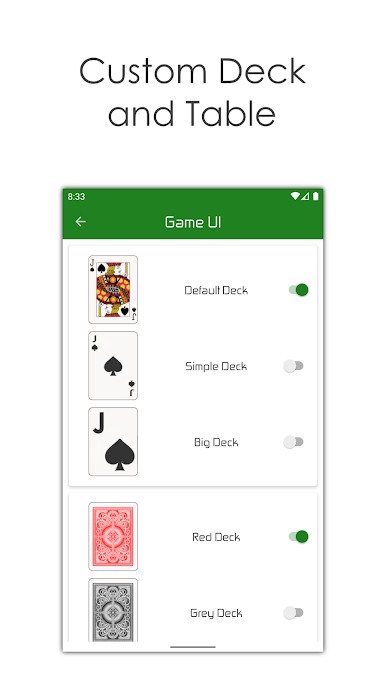
- change the look of the deck
- change the look of the back of the cards
- change the background and actionbar of the game
- turn sound on and off
- turn animation on and off
To declare marriage, according to the settings (upper in the description), just throw the queen (or the king, if set in the settings), and the points will be automatically added to your points.
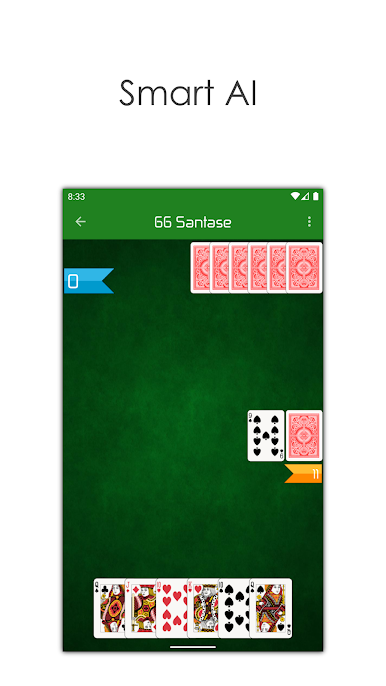
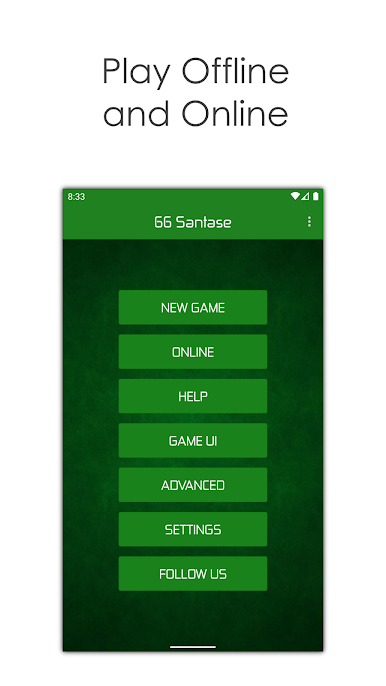
66 Santase - Kağıt Oyunu oyununu PC'de oyna. Başlamak çok kolay.
-
BlueStacks'i PC'nize İndirin ve Yükleyin
-
Play Store'a erişmek için Google girişi yapın ya da daha sonraya bırakın.
-
Sağ üst köşeye 66 Santase - Kağıt Oyunu yazarak arayın.
-
66 Santase - Kağıt Oyunu uygulamasını arama sonuçlarından indirmek için tıklayın.
-
(iEğer Adım 2'yi atladıysanız) 66 Santase - Kağıt Oyunu uygulamasını yüklemek için Google'a giriş yapın.
-
Oynatmaya başlatmak için ekrandaki 66 Santase - Kağıt Oyunu ikonuna tıklayın.

