Pebble Universe
Spiele auf dem PC mit BlueStacks - der Android-Gaming-Plattform, der über 500 Millionen Spieler vertrauen.
Seite geändert am: Feb 24, 2021
Play Pebble Universe on PC or Mac
Bring your A-game to Pebble Universe, the Puzzle game sensation from Itatake. Give your gameplay the much-needed boost with precise game controls, high FPS graphics, and top-tier features on your PC or Mac with BlueStacks.
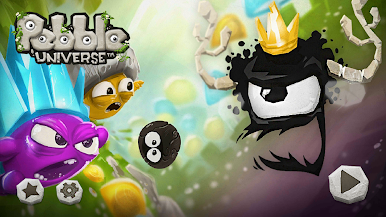
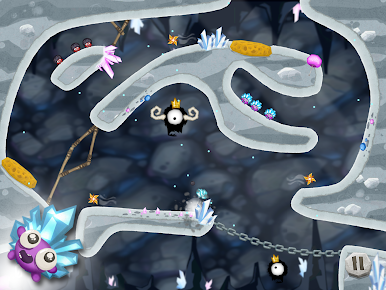
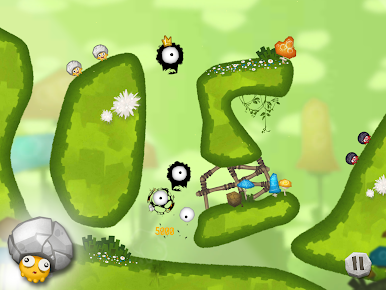
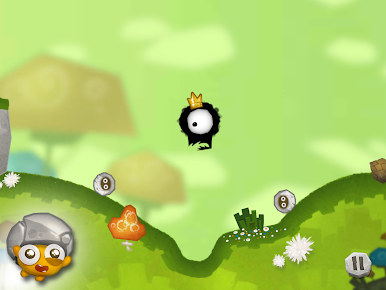
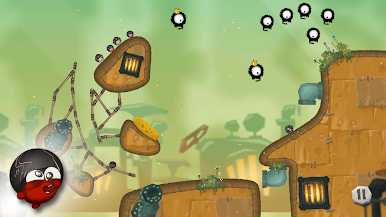
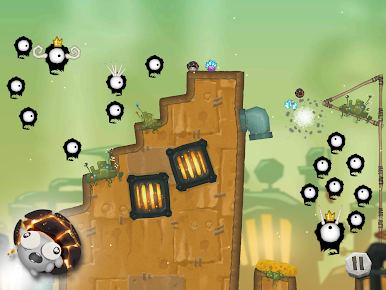
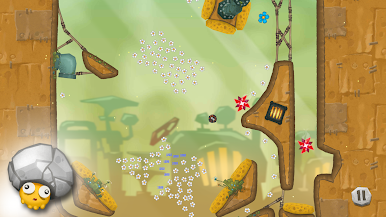
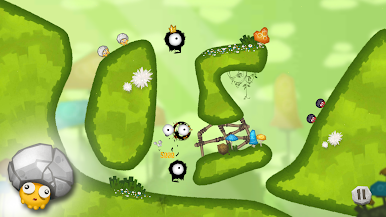
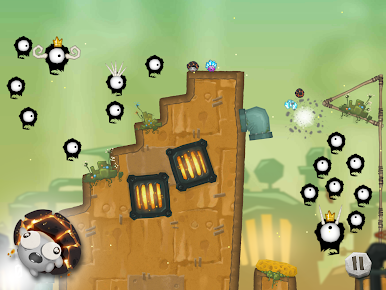
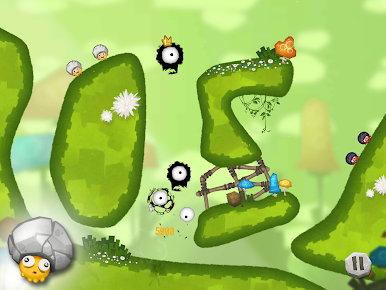
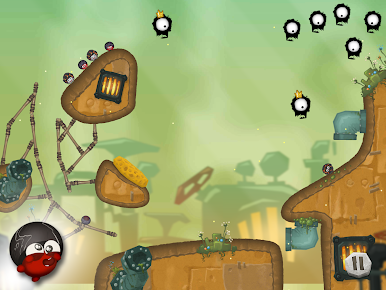
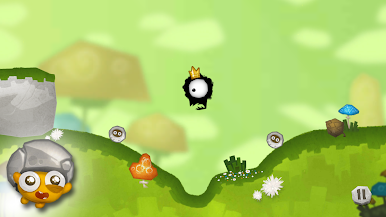
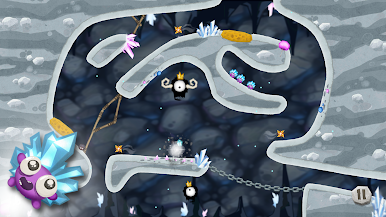
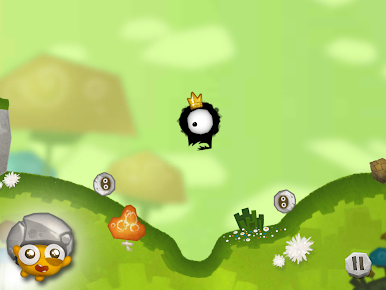
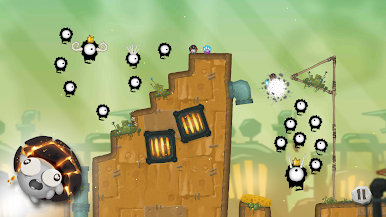
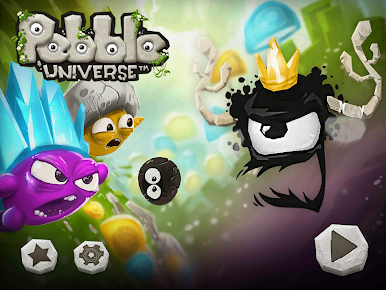
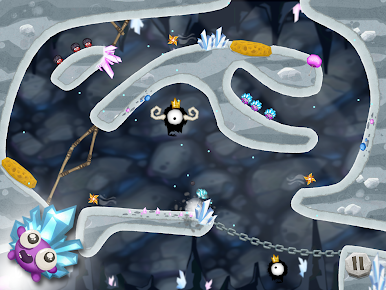
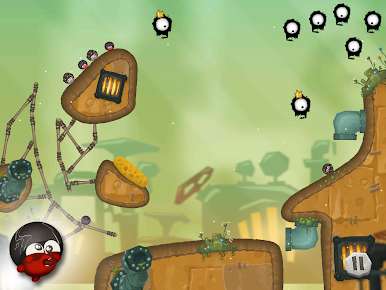
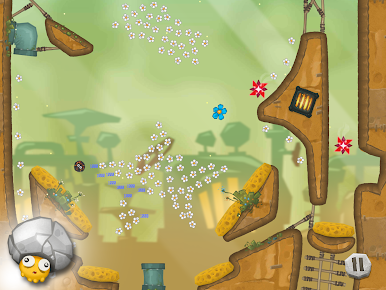
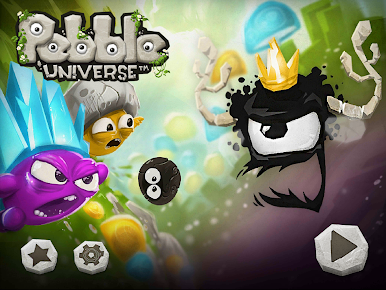
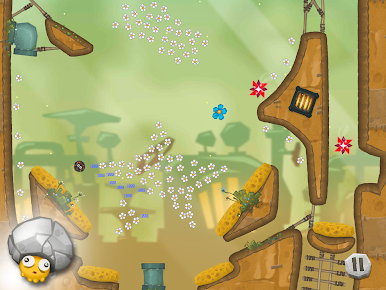
Pebble Universe is a physics puzzle that feels part cute story, part timing challenge. The Pebbles are tiny rock folks with big hats and a bigger problem, since soot-like monsters keep sniffing them out. The twist is neat. When two Pebbles slam into each other at speed, their hats burst and spray little shards that wipe out the monsters. So the whole game becomes about lining up angles, picking the right moment to launch, and chasing those chain reactions that clear a whole screen in one clever move. Levels are short and snappy, which makes mistakes no big deal, and the reset is quick. It looks charming without getting noisy, and the poof-crack sound when the hats pop is weirdly satisfying.
On PC with BlueStacks, the aiming feels more exact with a mouse click, and the bigger view helps judge bounce paths and timing. Early stages teach the basics, then it starts adding tighter spaces, moving targets, and awkward corners that force smarter shots instead of random flinging. It rewards planning but still feels playful. Getting a clean sweep in one blast is the best part, and when a plan barely works, the chaos is funny rather than annoying. It is a chill little puzzle game that still makes the brain work, and it does not waste time with fluff.
Make your gaming sessions memorable with precise controls that give you an edge in close combats and visuals that pop up, bringing every character to life.
Spiele Pebble Universe auf dem PC. Der Einstieg ist einfach.
-
Lade BlueStacks herunter und installiere es auf deinem PC
-
Schließe die Google-Anmeldung ab, um auf den Play Store zuzugreifen, oder mache es später
-
Suche in der Suchleiste oben rechts nach Pebble Universe
-
Klicke hier, um Pebble Universe aus den Suchergebnissen zu installieren
-
Schließe die Google-Anmeldung ab (wenn du Schritt 2 übersprungen hast), um Pebble Universe zu installieren.
-
Klicke auf dem Startbildschirm auf das Pebble Universe Symbol, um mit dem Spielen zu beginnen