


Primetime - Live varje dag!
Spiele auf dem PC mit BlueStacks - der Android-Gaming-Plattform, der über 500 Millionen Spieler vertrauen.

Seite geändert am: Feb 24, 2026
Spiele Primetime - Live varje dag! für PC
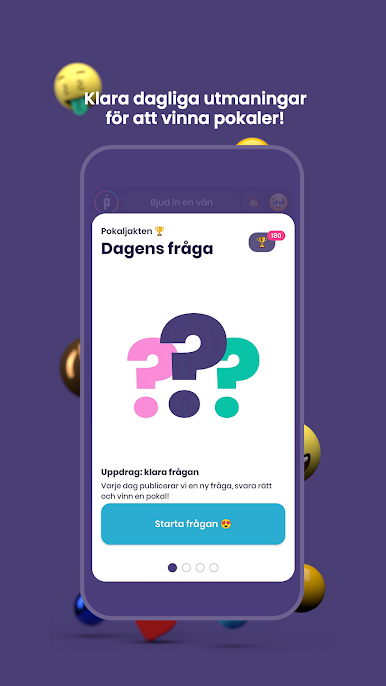
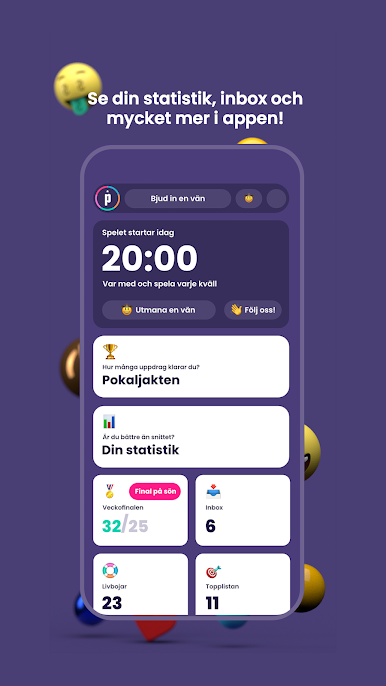
Alles, was Sie tun müssen, um Geld zu gewinnen, ist, alle Fragen richtig zu beantworten – und die Teilnahme ist völlig kostenlos! Sobald du falsch antwortest, scheidest du aus der Runde aus, bekommst aber bereits in der nächsten Runde eine neue Chance.
Primetime ist unglaublich einfach zu starten, macht Spaß und ist lehrreich.
Machen Sie es jeden Tag wie Zehntausende andere Spieler - beginnen Sie jetzt zu spielen, damit Sie die heutige Runde nicht verpassen!
Datenschutzrichtlinie: https://primetimequiz.se/integritetspolicy



Spiele Primetime - Live varje dag! auf dem PC. Der Einstieg ist einfach.
-
Lade BlueStacks herunter und installiere es auf deinem PC
-
Schließe die Google-Anmeldung ab, um auf den Play Store zuzugreifen, oder mache es später
-
Suche in der Suchleiste oben rechts nach Primetime - Live varje dag!
-
Klicke hier, um Primetime - Live varje dag! aus den Suchergebnissen zu installieren
-
Schließe die Google-Anmeldung ab (wenn du Schritt 2 übersprungen hast), um Primetime - Live varje dag! zu installieren.
-
Klicke auf dem Startbildschirm auf das Primetime - Live varje dag! Symbol, um mit dem Spielen zu beginnen

