


Tomappo
Spiele auf dem PC mit BlueStacks - der Android-Gaming-Plattform, der über 500 Millionen Spieler vertrauen.

Seite geändert am: May 22, 2025
Play Tomappo easy gardening on PC
👉 Download the app filled with everything you need for gardening. With Tomappo, garden planning is straightforward and effective! 🍅🌽🥒🍆🥕🥦
📱 FEATURES INCLUDE:
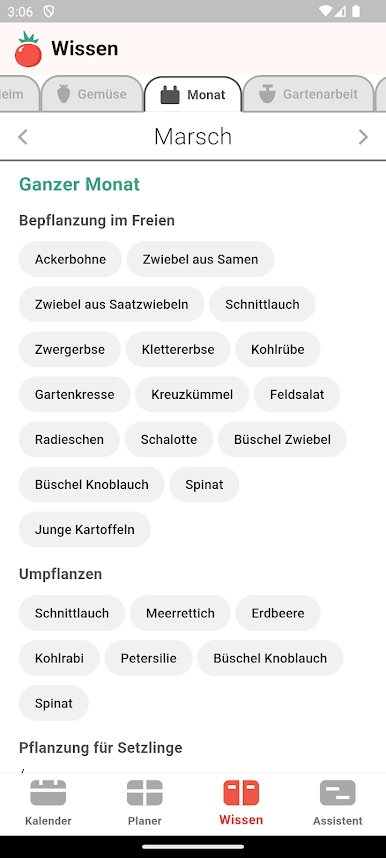
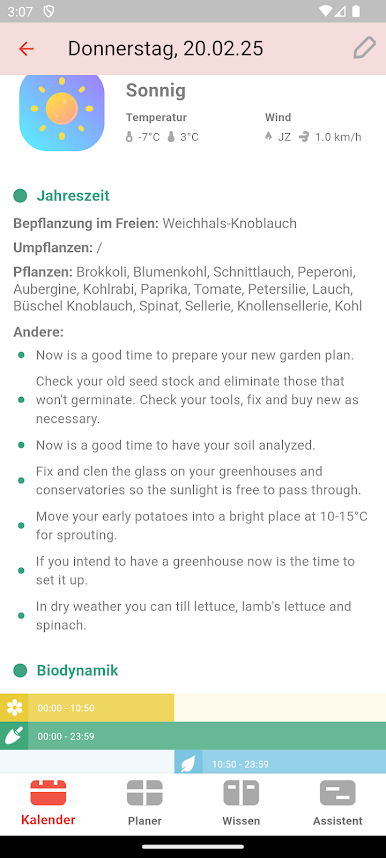
- 📆 Moon Sowing Calendar: Shows the optimal days for planting various garden crops based on lunar phases.
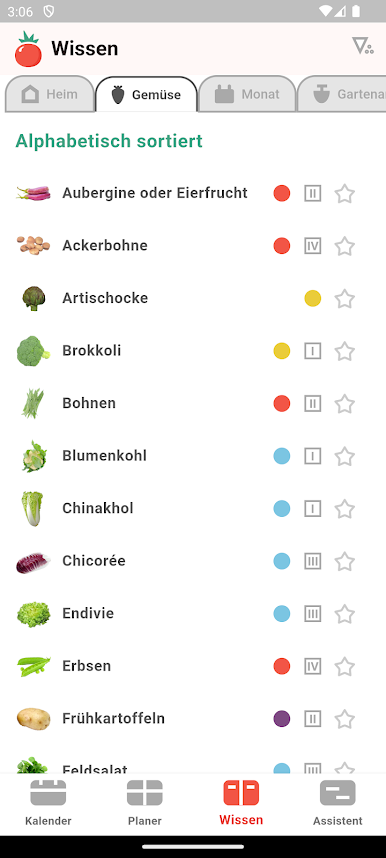
- 📚 Descriptions of 50+ Garden Crops: All the information you need for successful cultivation, including planting dates, fertilizing tips, companion planting (good and bad neighbors), spacing between rows, and dealing with pests and diseases.
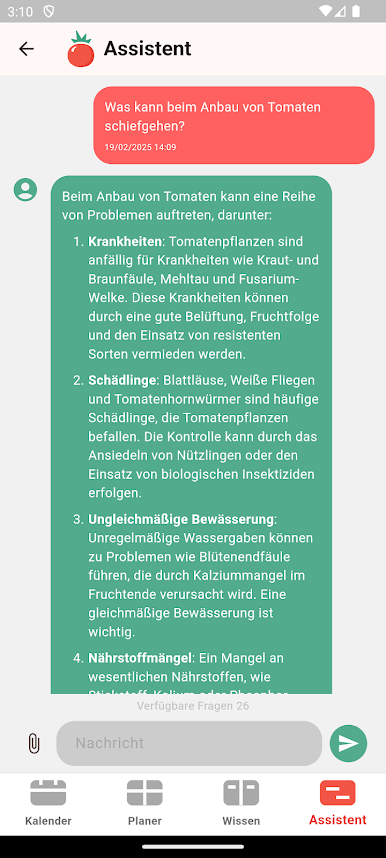
- 💬 Expert and AI Assistance: Get answers to all your gardening questions from an expert or our artificial intelligence.
- 🚿 Gardening Advice: Tips on watering, fertilizing, troubleshooting garden problems, and more.
- 📝 Notes and Photos: Keep track of your gardening activities with written notes or photos.
- 🔔 Reminders: Never forget a gardening task with timely reminders.
- ☀️ Weather Forecast: Tailored for your garden's location.
- 🤷♀️ Blog and Forum Insights: Access to gardening news and tips.
- 🤝 Seed Exchange: Share and receive seeds from fellow gardeners.
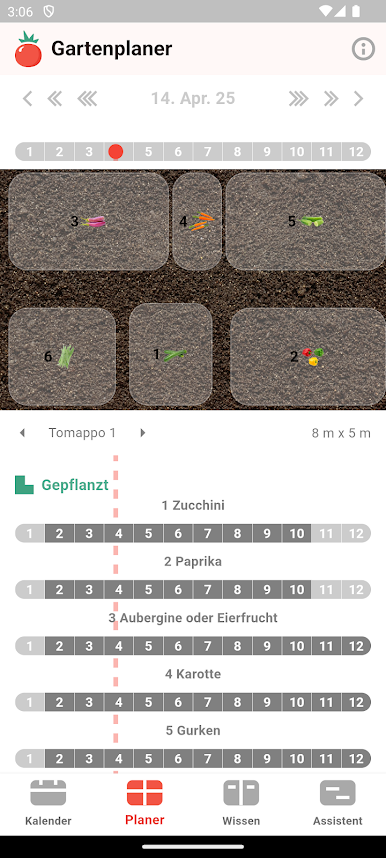
- 💻 Web App and Garden Planner: An intuitive garden planner to complement the mobile app, available at webapp.tomappo.com, for planning on a bigger screen using mouse and keyboard. View companion planting, how many seedlings you need, planting/transplanting times, and crop rotation.
For Beginners and Experts Alike!
- Contains concise and clear instructions that are pocket-friendly, even in the garden.
- Beginners will find all necessary information in one place, guiding you through all seasons, including autumn and winter gardening.
- Expert tips and suggestions for a productive gardening season.
Support and Feedback:
We're continuously improving Tomappo based on your feedback and adding new content and features. Let us know your suggestions at info@tomappo.com. Thank you!
🌍 Together, let's do something good for our health and the planet. 💪💪💪



Spiele Tomappo auf dem PC. Der Einstieg ist einfach.
-
Lade BlueStacks herunter und installiere es auf deinem PC
-
Schließe die Google-Anmeldung ab, um auf den Play Store zuzugreifen, oder mache es später
-
Suche in der Suchleiste oben rechts nach Tomappo
-
Klicke hier, um Tomappo aus den Suchergebnissen zu installieren
-
Schließe die Google-Anmeldung ab (wenn du Schritt 2 übersprungen hast), um Tomappo zu installieren.
-
Klicke auf dem Startbildschirm auf das Tomappo Symbol, um mit dem Spielen zu beginnen

