

Simple Reboot (root)
Играйте на ПК с BlueStacks – игровой платформе для приложений на Android. Нас выбирают более 500 млн. игроков.

Страница изменена: Apr 3, 2024
Run Simple Reboot (root) on PC or Mac
Upgrade your experience. Try Simple Reboot (root), the fantastic Tools app from Francisco Franco, from the comfort of your laptop, PC, or Mac, only on BlueStacks.
About the App
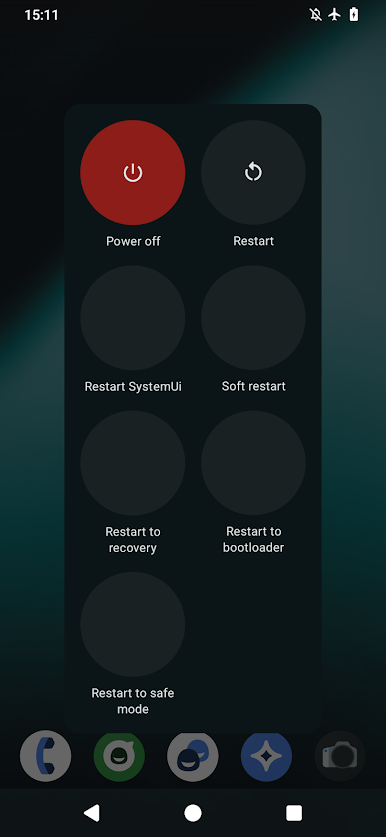
Simple Reboot (root) is a small, no-nonsense tool that gives rooted Android devices the reboot controls they should’ve had from the start. Skip the command line and tap your way into the exact mode you need—normal reboot, recovery, bootloader, and more. Built by Francisco Franco, this Tools app focuses on speed, clarity, and doing one job really well. It’s also handy if you’re tinkering with Android apps on your desktop through BlueStacks.
App Features
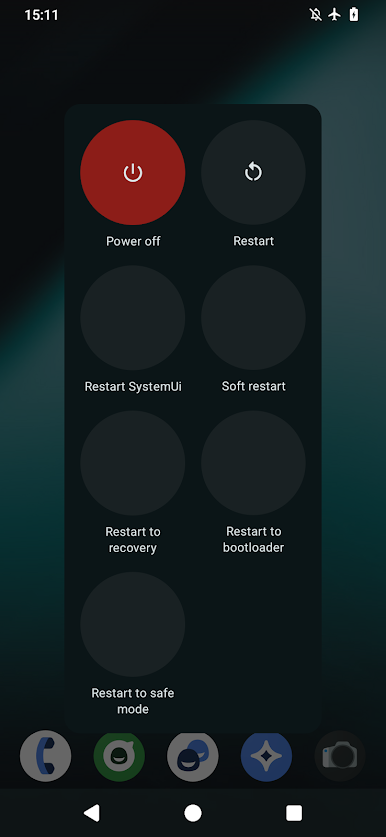
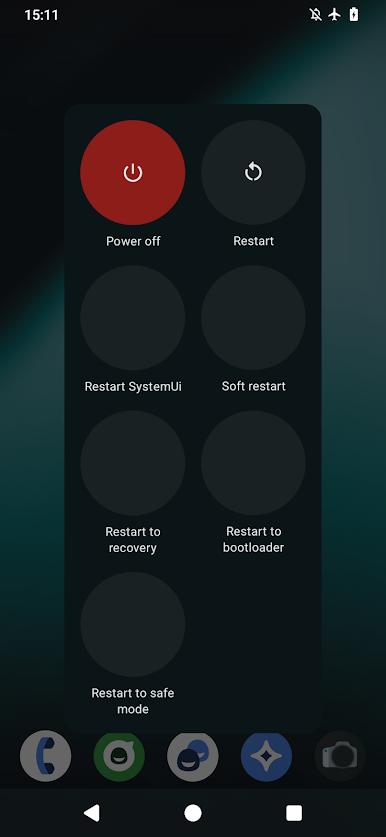
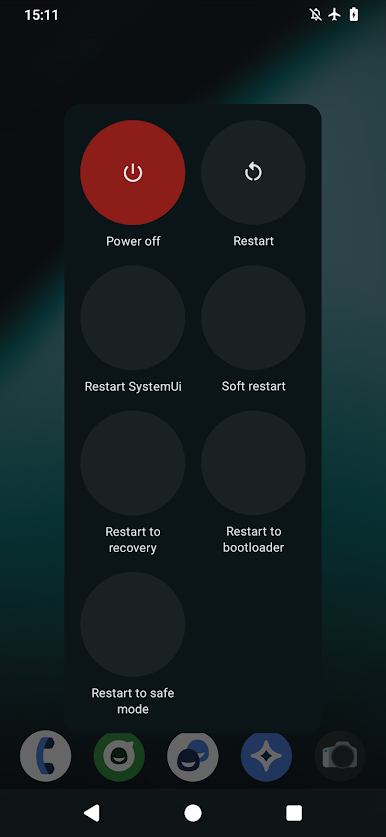
- One-tap reboots: Quick shortcuts to restart your device without typing a single command or opening a terminal.
- Recovery mode: Jump straight into recovery with a tap—perfect for flashing, backups, or maintenance.
- Bootloader access: Reboot directly to the bootloader for fastboot tasks without fiddling with ADB.
- Soft reboot: Refresh the Android framework fast when you don’t need a full device restart.
- Safe Mode reboot: Start clean to troubleshoot apps and system behavior without extra steps.
- Restart System UI: Reload System UI instantly, no full reboot required—great for themers and tweakers.
- Root required: Designed for rooted devices; it won’t function without proper root access.
- Clean and private: Uses only the permissions it needs, with no data collection or hidden extras.
- Straightforward design: Clear labels and focused actions so you can get in, do the thing, and get out.
BlueStacks brings your apps to life on a bigger screen—seamless and straightforward.
Играйте в игру Simple Reboot (root) на ПК. Это легко и просто.
-
Скачайте и установите BlueStacks на ПК.
-
Войдите в аккаунт Google, чтобы получить доступ к Google Play, или сделайте это позже.
-
В поле поиска, которое находится в правой части экрана, введите название игры – Simple Reboot (root).
-
Среди результатов поиска найдите игру Simple Reboot (root) и нажмите на кнопку "Установить".
-
Завершите авторизацию в Google (если вы пропустили этот шаг в начале) и установите игру Simple Reboot (root).
-
Нажмите на ярлык игры Simple Reboot (root) на главном экране, чтобы начать играть.

