


Welche Blume ist das?
Spiele auf dem PC mit BlueStacks - der Android-Gaming-Plattform, der über 500 Millionen Spieler vertrauen.

Seite geändert am: Apr 28, 2025
Play What's that flower? on PC
Internet connection is required to run this application!
In app purchase:
- search by photo
- observations
- offline mode
- custom filter - change order or number of filters.
- search in English or Latin names or in taxonomy
- remove ads

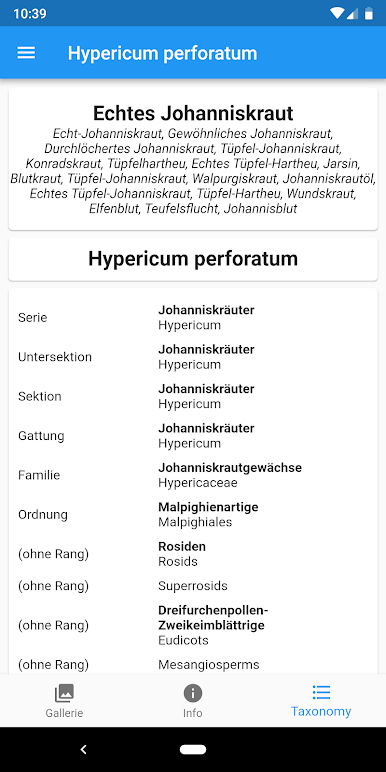

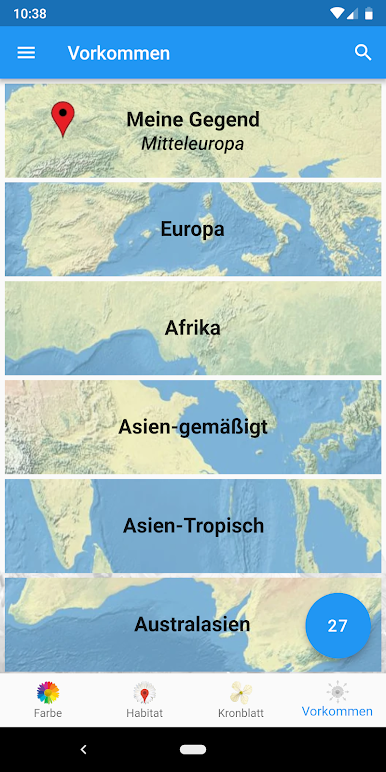
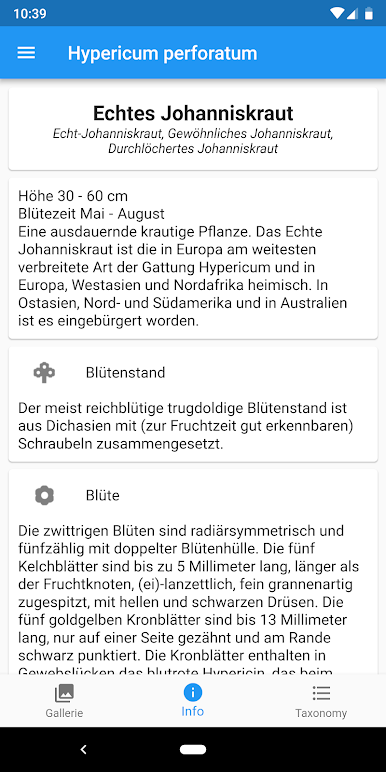
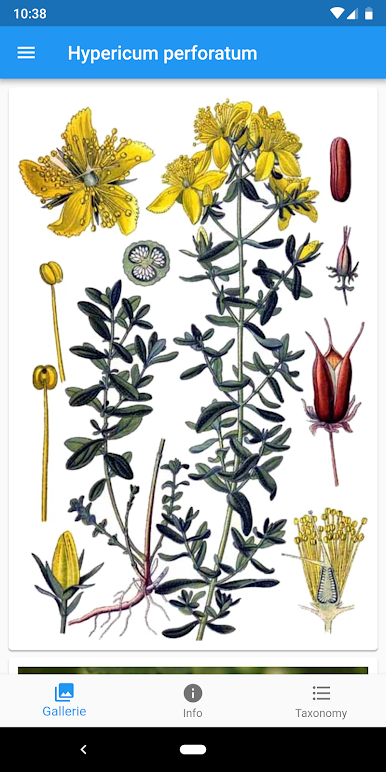
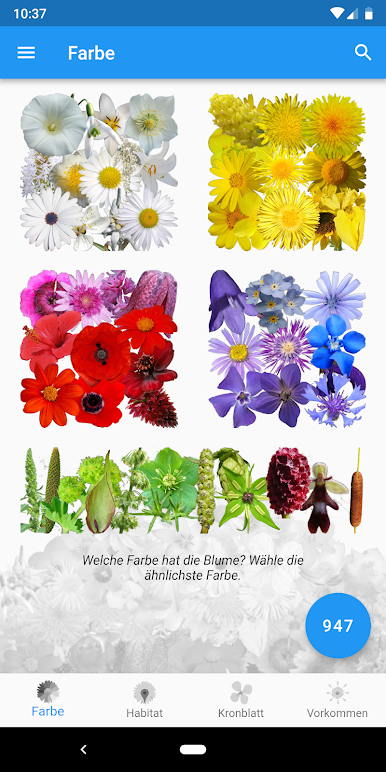
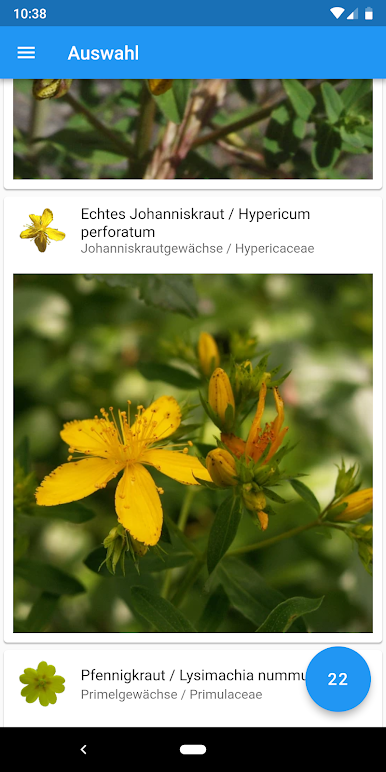
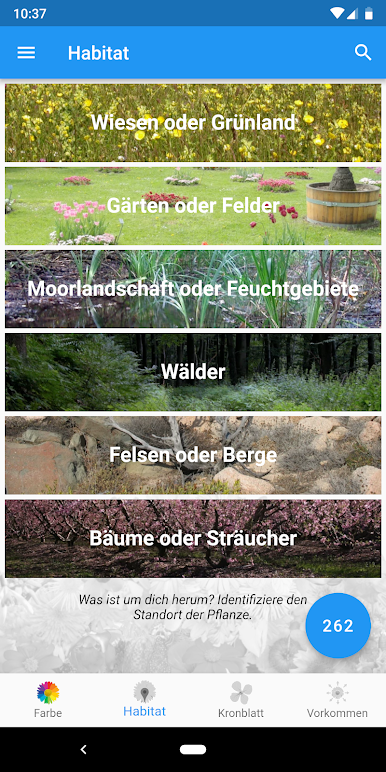
Spiele Welche Blume ist das? auf dem PC. Der Einstieg ist einfach.
-
Lade BlueStacks herunter und installiere es auf deinem PC
-
Schließe die Google-Anmeldung ab, um auf den Play Store zuzugreifen, oder mache es später
-
Suche in der Suchleiste oben rechts nach Welche Blume ist das?
-
Klicke hier, um Welche Blume ist das? aus den Suchergebnissen zu installieren
-
Schließe die Google-Anmeldung ab (wenn du Schritt 2 übersprungen hast), um Welche Blume ist das? zu installieren.
-
Klicke auf dem Startbildschirm auf das Welche Blume ist das? Symbol, um mit dem Spielen zu beginnen

