

Camera ZOOM FX Premium
Spiele auf dem PC mit BlueStacks - der Android-Gaming-Plattform, der über 500 Millionen Spieler vertrauen.

Seite geändert am: Dec 4, 2024
Run Camera ZOOM FX Premium on PC or Mac
Upgrade your experience. Try Camera ZOOM FX Premium, the fantastic Photography app from androidslide, from the comfort of your laptop, PC, or Mac, only on BlueStacks.
About the App
Ever wish your phone’s camera could do just a little more? Camera ZOOM FX Premium from androidslide gives you a ton of pro-level tools right at your fingertips. Whether you’re just snapping selfies, capturing a cityscape, or looking to mess around with some wild effects, this app’s got you covered. It feels like unlocking a whole drawer of camera gadgets—without ever actually buying any extra gear.
App Features
-
Manual Controls for Photographers
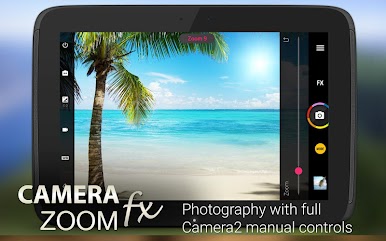
Ready to set your own ISO, adjust shutter speed, mess with focus, or capture in RAW? If your device supports it, these DSLR-style tweaks are right there in the app. -
Flexible Shooting Modes
Mix and match modes (like HDR with a timer or stable shot with time lapse) for a setup that fits whatever you’re photographing. There’s even voice activation, so you can snap a pic hands-free. Kinda cool, right? -
Burst and Best Shot Options
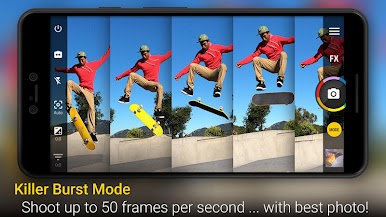
Need to catch fast action? Burst mode lets you shoot a bunch of photos in a row—then use Best Photo Mode to pick your favorite out of the stack. -
Built-In Collage Maker
Throw together selfies or any collection of pics with the built-in collage maker. Choose your layout (2×2 for four shots, for example) before you even start shooting. -
Fun Effects and Filters
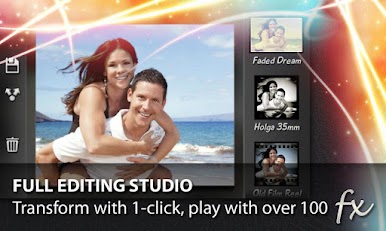
From retro and vignette filters to tilt-shift and lomo, you can experiment with tons of looks in real time. There’s also live effects so you can see changes as you shoot. -
Stable Shot and Silent Camera
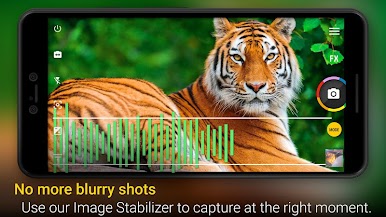
Get sharper photos with the stable shot feature and shoot quietly with silent mode, which is handy when you’re trying to keep things low-key. -
Customizable Interface
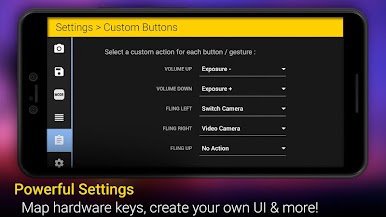
Personalize button layouts, set hardware controls (like volume for zoom), and customize folders—including support for external storage. -
Widget and Extras
Quick access widgets, selfie flash, 360 horizon leveling, and dozens of free add-ons (like props, animated shutters, and fun buddies) round out the toolset.
And if you’re using BlueStacks, you can take advantage of all these features right from your PC or laptop.
Switch to BlueStacks and make the most of your apps on your PC or Mac.

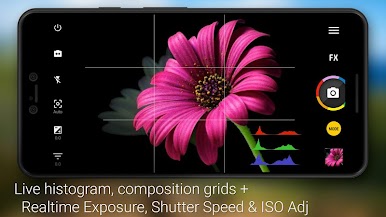
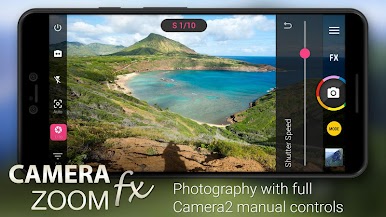
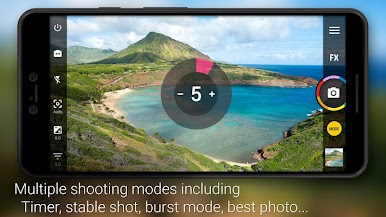
Spiele Camera ZOOM FX Premium auf dem PC. Der Einstieg ist einfach.
-
Lade BlueStacks herunter und installiere es auf deinem PC
-
Schließe die Google-Anmeldung ab, um auf den Play Store zuzugreifen, oder mache es später
-
Suche in der Suchleiste oben rechts nach Camera ZOOM FX Premium
-
Klicke hier, um Camera ZOOM FX Premium aus den Suchergebnissen zu installieren
-
Schließe die Google-Anmeldung ab (wenn du Schritt 2 übersprungen hast), um Camera ZOOM FX Premium zu installieren.
-
Klicke auf dem Startbildschirm auf das Camera ZOOM FX Premium Symbol, um mit dem Spielen zu beginnen

