


Пасьянс Косынка
Играйте на ПК с BlueStacks – игровой платформе для приложений на Android. Нас выбирают более 500 млн. игроков.

Страница изменена: Nov 28, 2025
Играй Пасьянс Косынка На ПК
Классический пасьянс - это самая популярная карточная игра в пасьянс в мире. Старайтесь изо всех сил, чтобы закончить каждый уровень, стать звездой вашего пасьянс.
Нажмите, перетаскивание для перемещения карты, использовать меньше времени и движется получить самые высокие баллы.
Особенности
♠ Выберитедругойстилькарты
♠ Неограниченнаябесплатнаяотмена
♠ Неограниченныебесплатныеподсказки
♠ КосынкаОткрывай 1 карты
♠ КосынкаОткрывай 3 карты
♠ Автозавершениеигры
♠ Решите ежедневныйвызов, выиграть корону, платинукоронуитрофей
♠ Лидеров показатьсвоюлучшуюпроизводительность
♠ Статистика
♠ Игра левой рукой
♠ Поддержка планшетов
♠ Вертикальная версия игры
♠ Горизонтальная версия игры
Поддержка языков:
Английский, традиционный китайский, французский, немецкий, португальский, русский
Если вы любите классические пасьянсы, получить пасьянс для вашего устройства.
Загрузить!








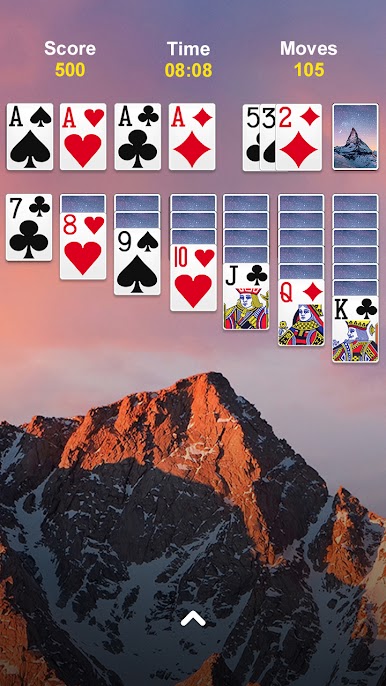
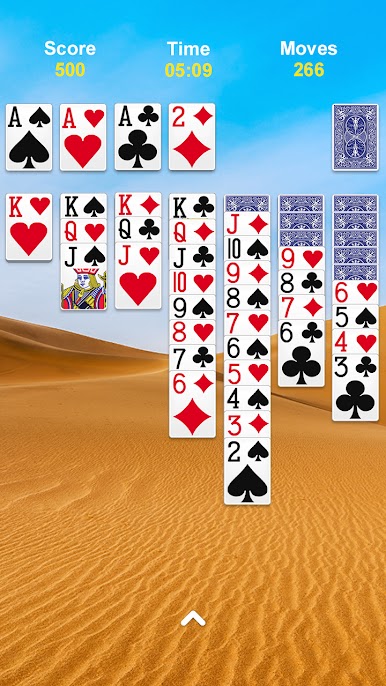




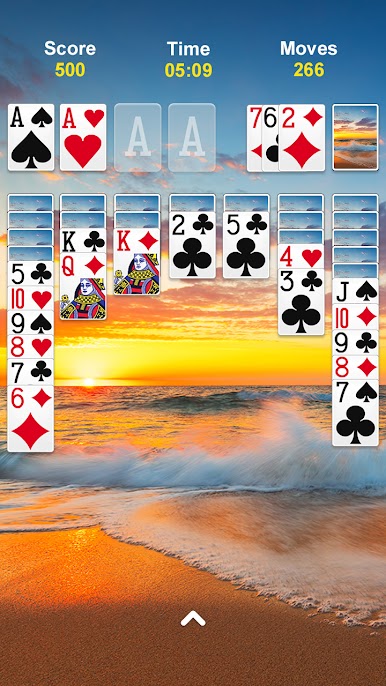

Играйте в игру Пасьянс Косынка на ПК. Это легко и просто.
-
Скачайте и установите BlueStacks на ПК.
-
Войдите в аккаунт Google, чтобы получить доступ к Google Play, или сделайте это позже.
-
В поле поиска, которое находится в правой части экрана, введите название игры – Пасьянс Косынка.
-
Среди результатов поиска найдите игру Пасьянс Косынка и нажмите на кнопку "Установить".
-
Завершите авторизацию в Google (если вы пропустили этот шаг в начале) и установите игру Пасьянс Косынка.
-
Нажмите на ярлык игры Пасьянс Косынка на главном экране, чтобы начать играть.

