

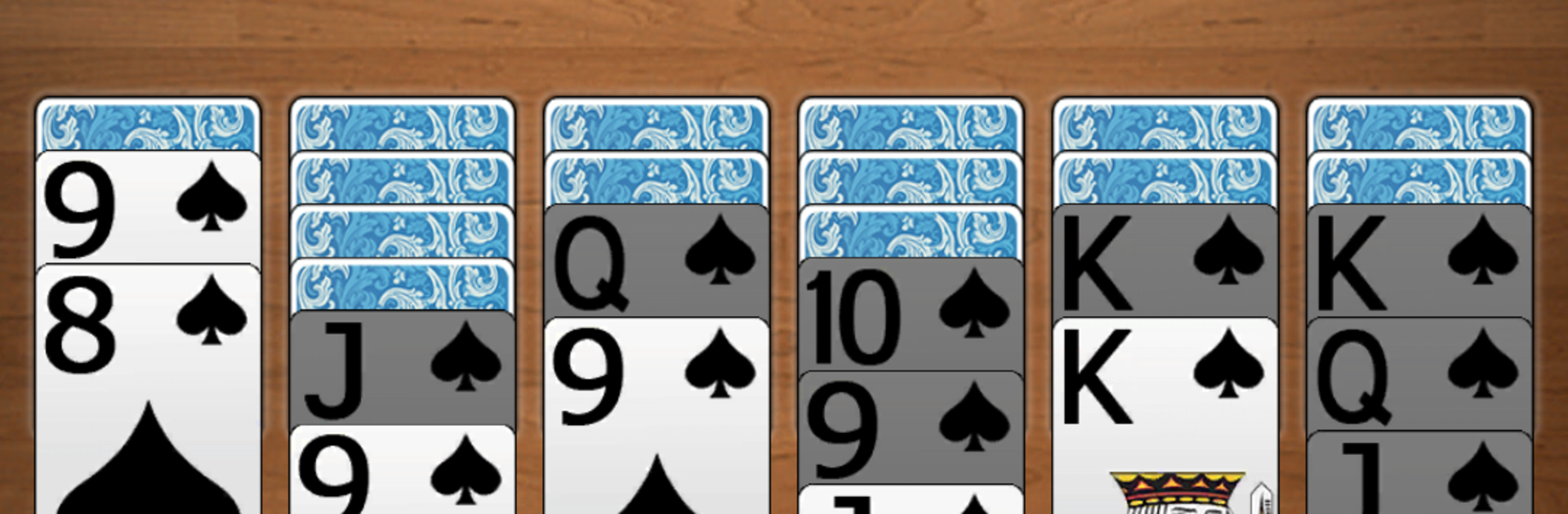
Spinnen-Solitär-Spiele
Spiele auf dem PC mit BlueStacks - der Android-Gaming-Plattform, der über 500 Millionen Spieler vertrauen.

Seite geändert am: Jul 25, 2024
Play Spider Lite - Brand New Solitaire Card Game on PC or Mac
Explore a whole new adventure with Spider Lite – Brand New Solitaire Card Game, a Card game created by Fantasy Word Games. Experience great gameplay with BlueStacks, the most popular gaming platform to play Android games on your PC or Mac.
About the Game
Spider Lite – Brand New Solitaire Card Game trims the classic Spider into a quicker, breezier package without losing the satisfying strategy. From Fantasy Word Games, this Card title keeps the familiar rules but uses a tightened deck so matches feel crisp and replayable. Build neat sequences from K down to 8, clear the piles, and chase new best times whenever you have a few minutes to spare.
Game Features
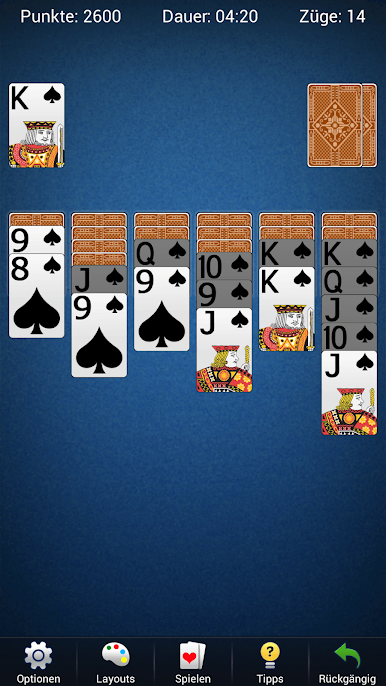
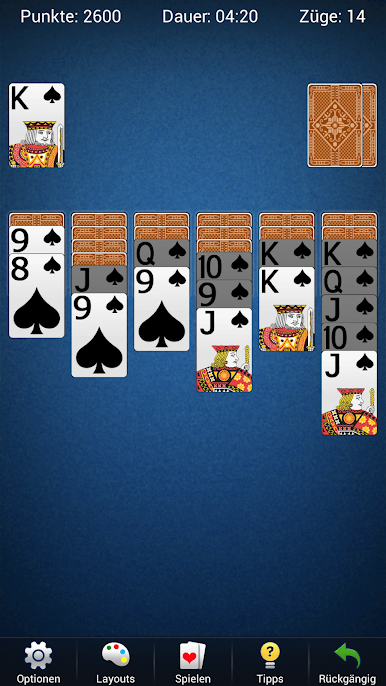
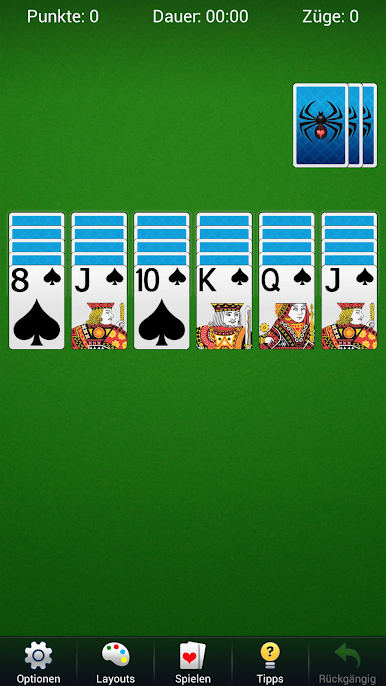
- Quick Spider twist: Play a streamlined take on Spider Solitaire with ranks running from K down to 8 for faster, punchier rounds.
- Two difficulty modes: Pick one suit for a relaxed flow or two suits when you want a real think-it-through challenge.
- Big, readable cards: Clean visuals and large cards make every move easy to see at a glance.
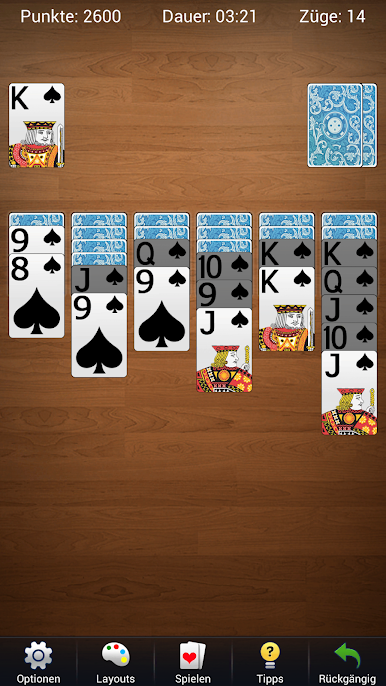
- Your look, your vibe: Swap between themes or drop in your own photos to give the table a personal touch.
- Undo and smart hints: Change your mind as often as you need and get helpful nudges when a layout looks stuck.
- Flexible dealing: Deal new cards even if there’s an empty column—keeps the pace moving and the board evolving.
- Win it in style: Smooth victory animations make finishing a run feel extra rewarding.
- Stats that matter: Track streaks, times, win rates, and more to see how your game improves.
- Plays how you like: Switch between portrait and landscape, plus a left-handed mode that feels natural.
- Smooth and snappy: Fast startup and responsive controls keep you in the rhythm from the first tap.
- Nice on a bigger screen: Prefer playing on PC? It works great with BlueStacks for comfy clicking and clear visuals.
Get ready for a buttery smooth, high-performance gaming action only on BlueStacks.
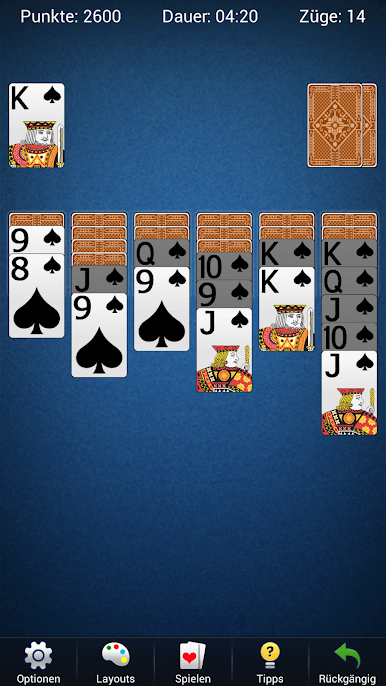
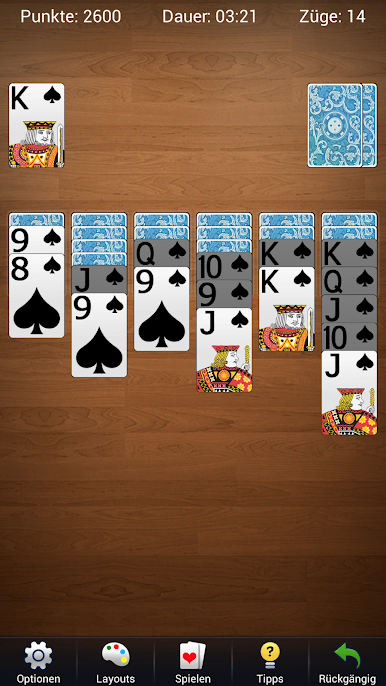

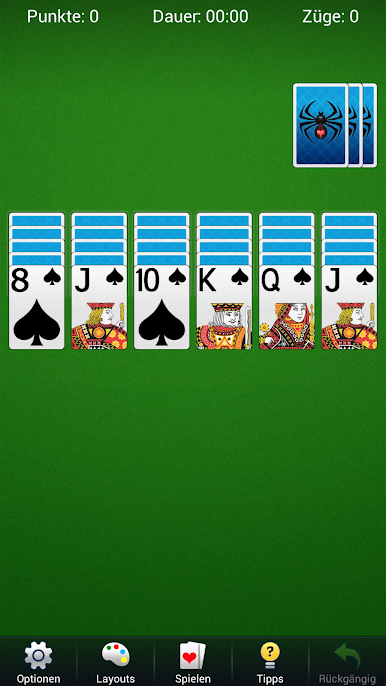


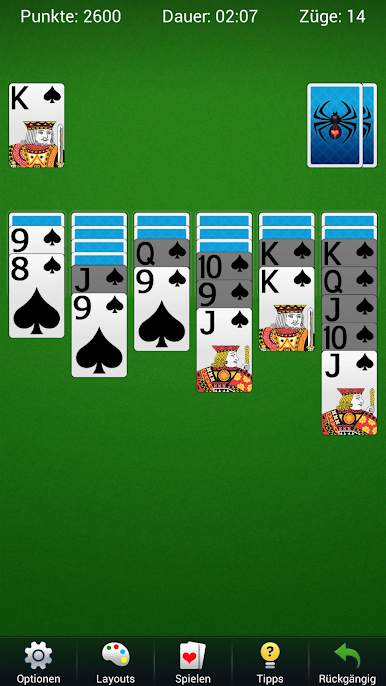
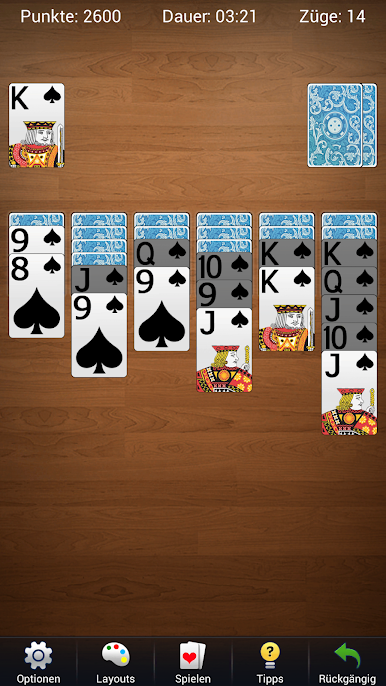
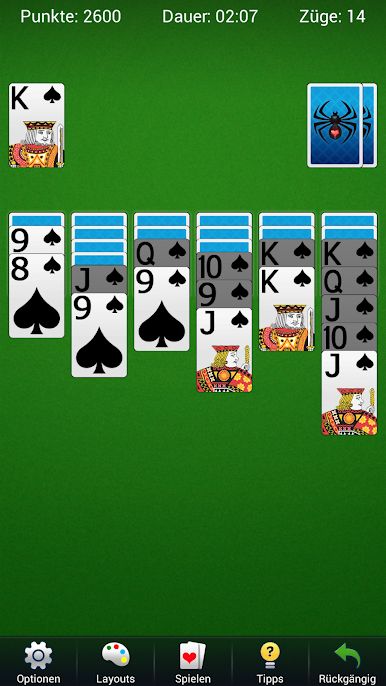
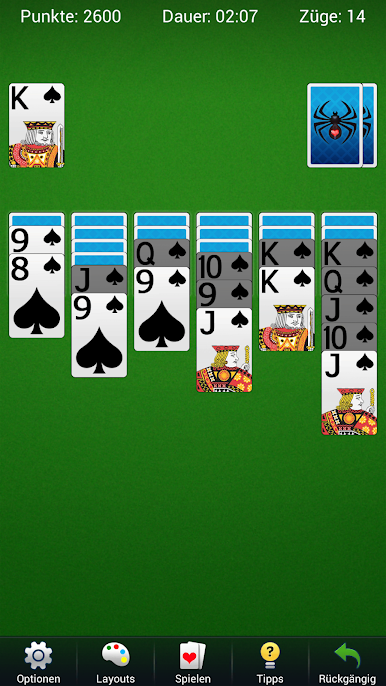
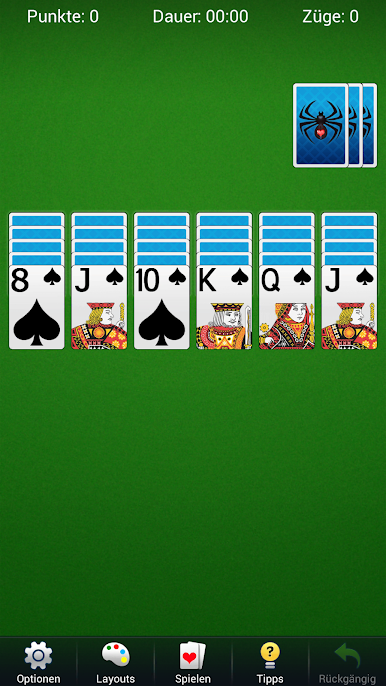
Spiele Spinnen-Solitär-Spiele auf dem PC. Der Einstieg ist einfach.
-
Lade BlueStacks herunter und installiere es auf deinem PC
-
Schließe die Google-Anmeldung ab, um auf den Play Store zuzugreifen, oder mache es später
-
Suche in der Suchleiste oben rechts nach Spinnen-Solitär-Spiele
-
Klicke hier, um Spinnen-Solitär-Spiele aus den Suchergebnissen zu installieren
-
Schließe die Google-Anmeldung ab (wenn du Schritt 2 übersprungen hast), um Spinnen-Solitär-Spiele zu installieren.
-
Klicke auf dem Startbildschirm auf das Spinnen-Solitär-Spiele Symbol, um mit dem Spielen zu beginnen

