


Bible Commentary Offline
Spiele auf dem PC mit BlueStacks - der Android-Gaming-Plattform, der über 500 Millionen Spieler vertrauen.

Seite geändert am: Jun 4, 2025
Play Bible Commentary Offline on PC
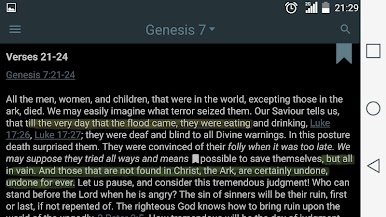
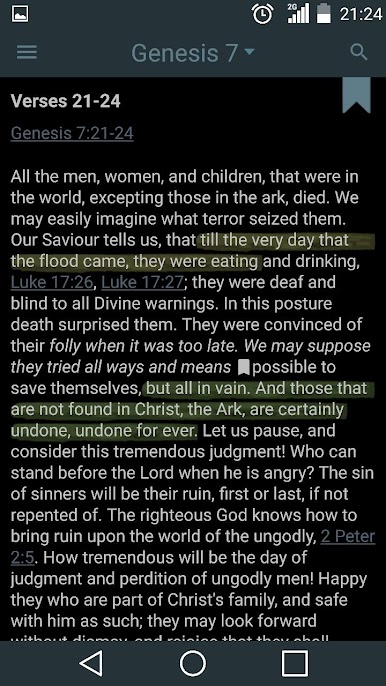
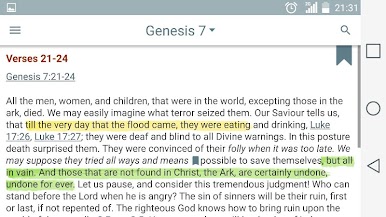
Matthew Henry's Concise Commentary on the Whole Bible is developed from the author's rare ability to express profound spiritual insights with simplicity and eloquence. His writings have been read and enjoyed for both their scholarship and devotion. For over 250 years this commentary has been one of the most widely used of all Bible commentaries.
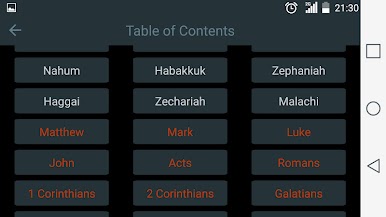
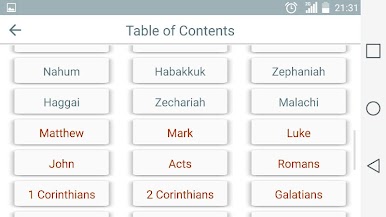
We hope you will find this app easy and userful in your Bible Study!
Reading Plans
Choose from Bible reading plans for 1 year, 180 days, or 90 days.
Daily reminders help you stay on track!
Daily Verses
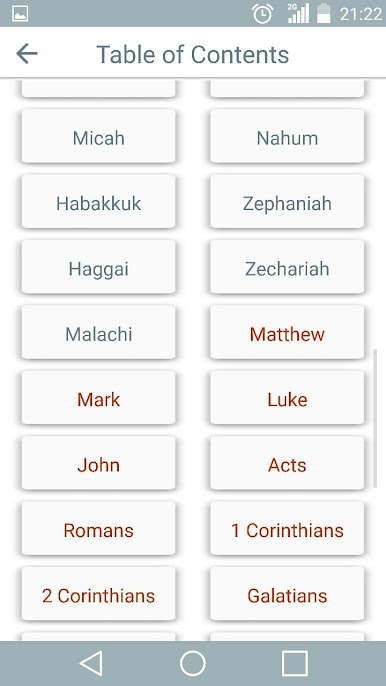
Create your own daily verse collections from your favorite Bible books.
Audio Bible
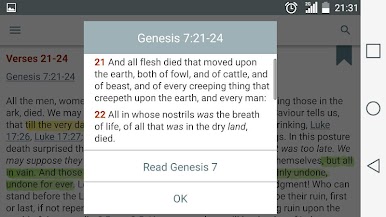
Tap any verse to listen instantly. Perfect when you can’t read!
The app supports seamless audio playback with FOREGROUND_SERVICE_MEDIA_PLAYBACK, ensuring smooth streaming and control—even in the background.
Personalized Experience
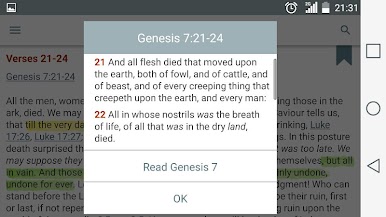
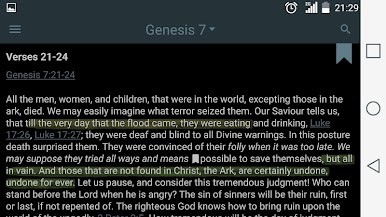
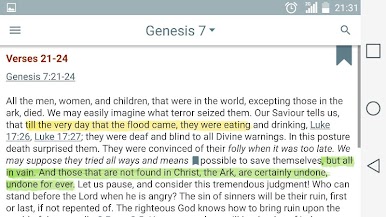
• Highlight verses, add notes, and write reflections
• Day & Night modes for comfortable reading anytime
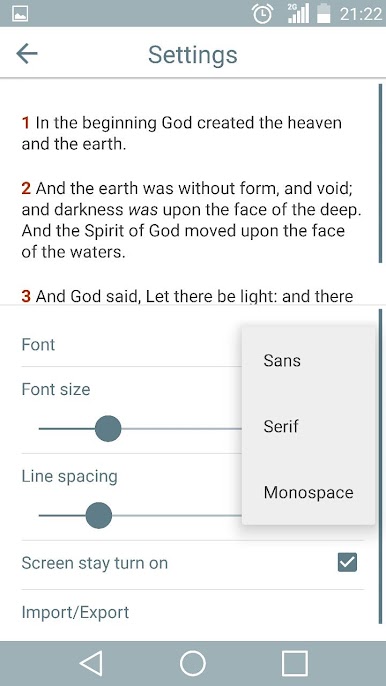
• Customize fonts, text size, spacing, and colors
• Adjust audio speed and pitch for a natural listening experience
• Track your progress with detailed statistics
• Sync across devices so your journey is always with you
• Share your favorite Bible passages with loved ones
Free and Offline
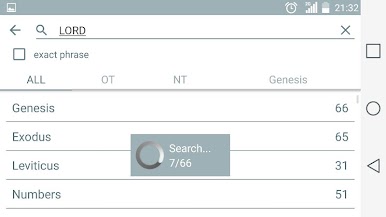
All features work completely offline and are 100% free!
Discover a powerful way to stay inspired, focused, and connected every day.
For suggestions or support, please feel free to contact me anytime.
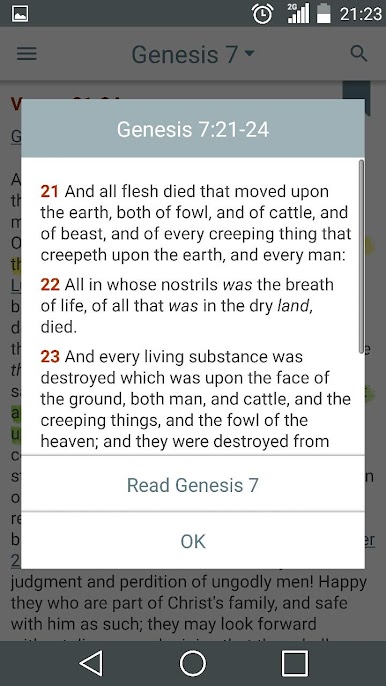
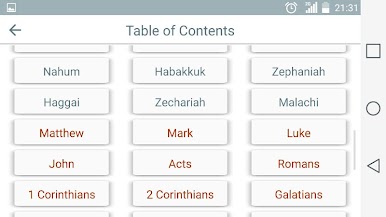
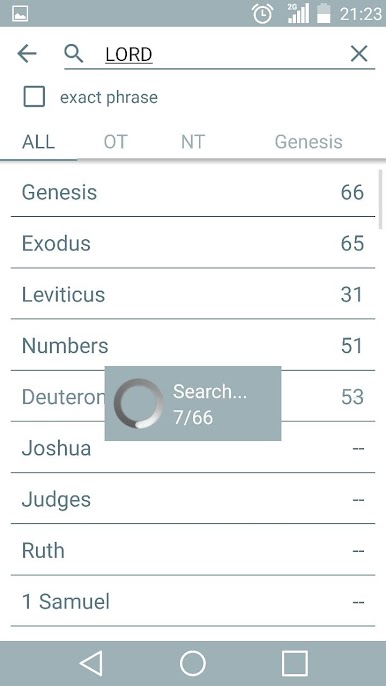


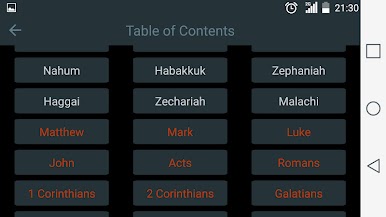
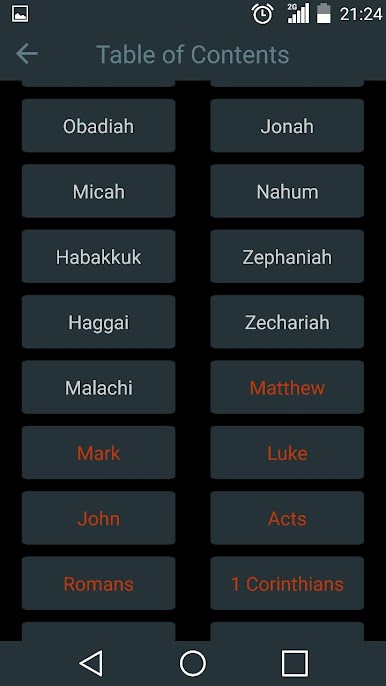
Spiele Bible Commentary Offline auf dem PC. Der Einstieg ist einfach.
-
Lade BlueStacks herunter und installiere es auf deinem PC
-
Schließe die Google-Anmeldung ab, um auf den Play Store zuzugreifen, oder mache es später
-
Suche in der Suchleiste oben rechts nach Bible Commentary Offline
-
Klicke hier, um Bible Commentary Offline aus den Suchergebnissen zu installieren
-
Schließe die Google-Anmeldung ab (wenn du Schritt 2 übersprungen hast), um Bible Commentary Offline zu installieren.
-
Klicke auf dem Startbildschirm auf das Bible Commentary Offline Symbol, um mit dem Spielen zu beginnen

