


Gloomhaven Companion
Spiele auf dem PC mit BlueStacks - der Android-Gaming-Plattform, der über 500 Millionen Spieler vertrauen.

Seite geändert am: Oct 7, 2025
Run Gloomhaven Companion on PC or Mac
Multitask effortlessly on your PC or Mac as you try out Gloomhaven Companion, a Entertainment app by TomKat Creative on BlueStacks.
About the App
Gloomhaven Companion, brought to you by TomKat Creative, is like your personal assistant for the epic board game experience. Whether you’re a first-time adventurer or a veteran tactician, this Entertainment app promises to keep all your game info tidy and super accessible—no frantic page-flipping or misplacing core details. It’s all about keeping your campaign smooth, letting you focus more on the fun and less on the fiddly bits.
App Features
-
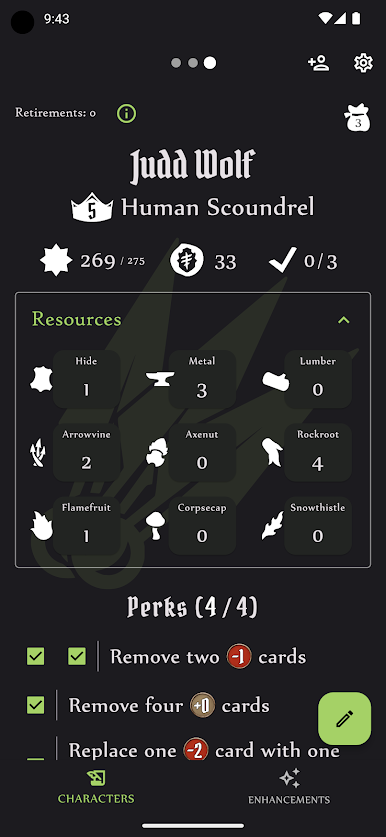
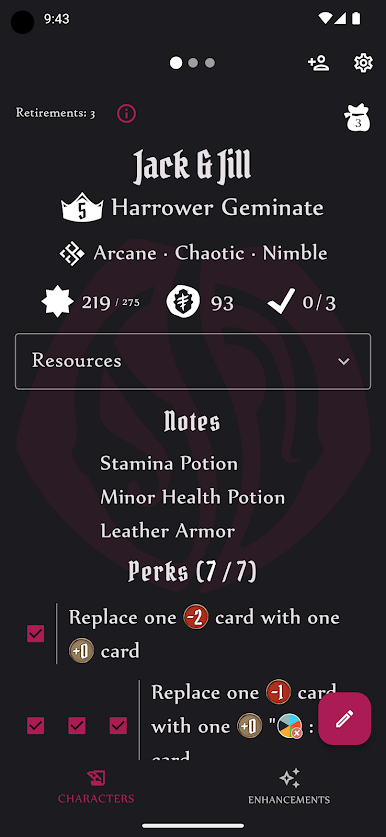
Intuitive Character Sheets
Keep tabs on your progress with user-friendly character sheets. Everything you need, from experience points to gear, is right at your fingertips—easy to update as your mighty hero grows. -
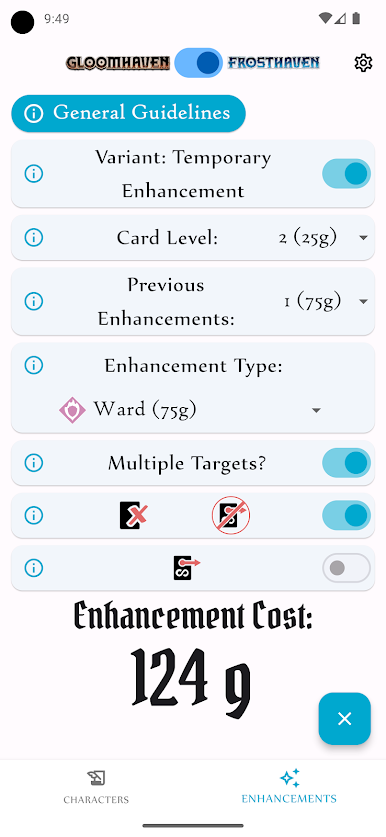
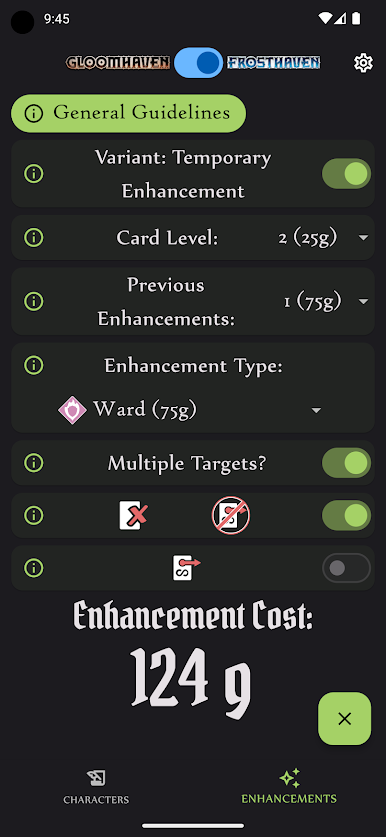
Simple Enhancement Calculator
Ever get stumped figuring out card enhancement costs? The app’s calculator spells it out clearly, breaking down fees and showing you every upgrade option, so you’ll never overpay (or forget an upgrade) again. -
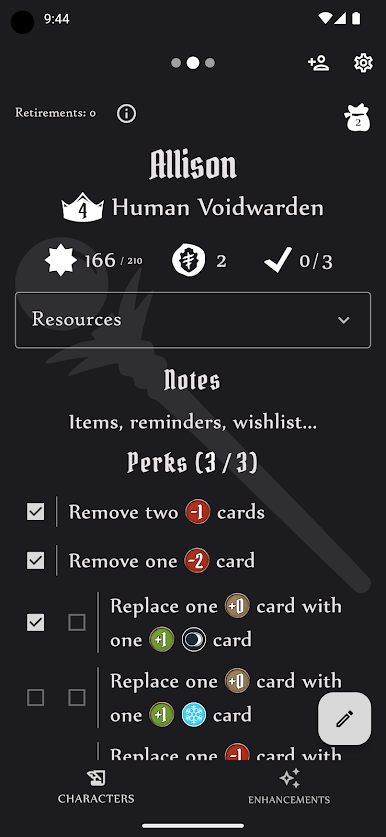
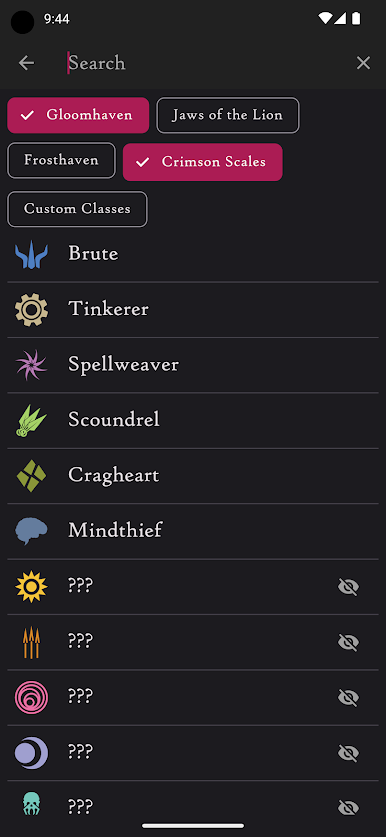
Color-Coded Classes
Each class gets its own shade and style, making it a breeze to spot your character and quickly check all relevant perks. -
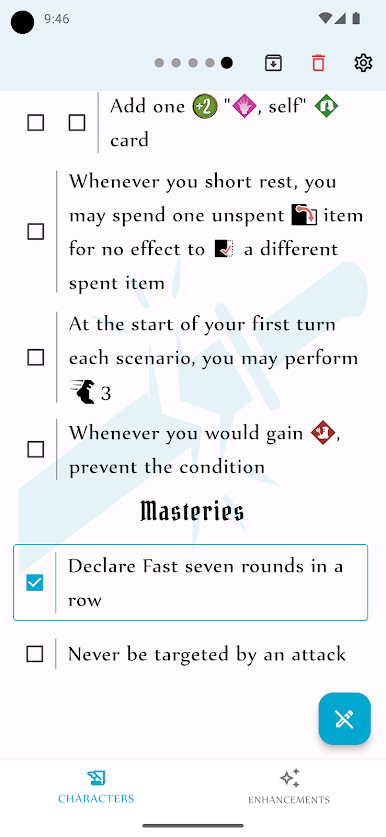
Comprehensive Perk Lists
Wondering what perks are left to snag? Find every potential bonus or unique ability in one handy spot—no more guessing or double-checking rulebooks. -
Use on BlueStacks
Prefer playing on your computer? You can take advantage of BlueStacks to use Gloomhaven Companion on a bigger screen, keeping everything visible as you plot your next move.
Ready to experience Gloomhaven Companion on a bigger screen, in all its glory? Download BlueStacks now.
Spiele Gloomhaven Companion auf dem PC. Der Einstieg ist einfach.
-
Lade BlueStacks herunter und installiere es auf deinem PC
-
Schließe die Google-Anmeldung ab, um auf den Play Store zuzugreifen, oder mache es später
-
Suche in der Suchleiste oben rechts nach Gloomhaven Companion
-
Klicke hier, um Gloomhaven Companion aus den Suchergebnissen zu installieren
-
Schließe die Google-Anmeldung ab (wenn du Schritt 2 übersprungen hast), um Gloomhaven Companion zu installieren.
-
Klicke auf dem Startbildschirm auf das Gloomhaven Companion Symbol, um mit dem Spielen zu beginnen

