


Video Crop & Trim (Videoschnit
Spiele auf dem PC mit BlueStacks - der Android-Gaming-Plattform, der über 500 Millionen Spieler vertrauen.

Seite geändert am: Oct 30, 2025
Play Video Crop & Trim (Video Cut) on PC
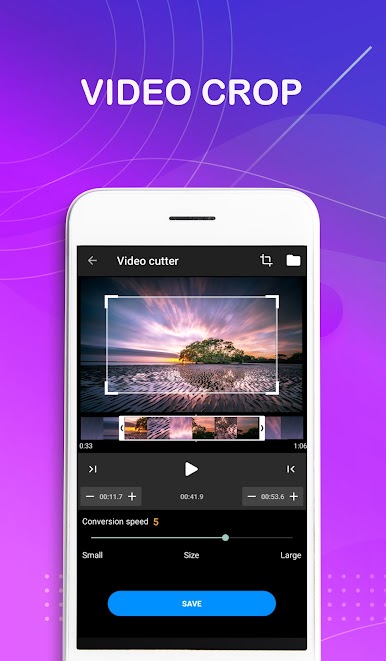
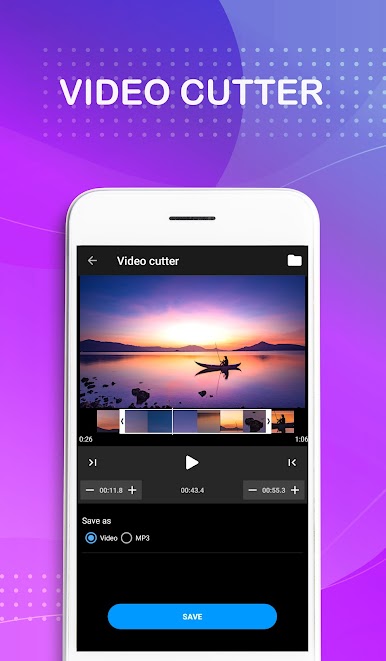
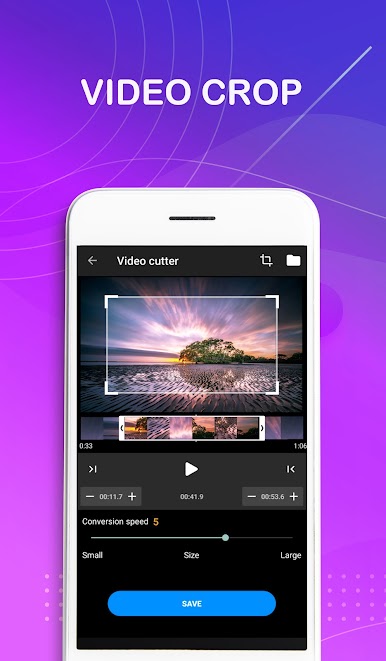
Edit videos faster than ever with this ultimate video cropper.
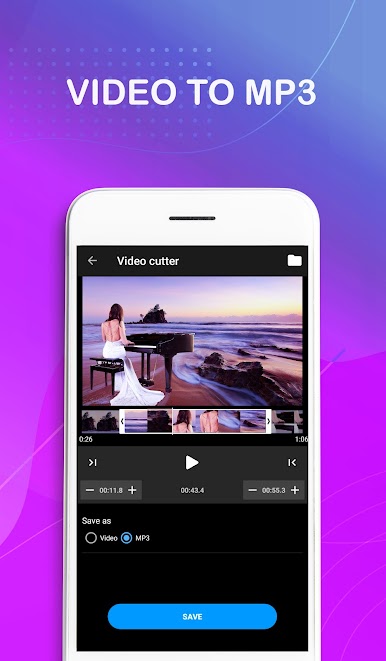
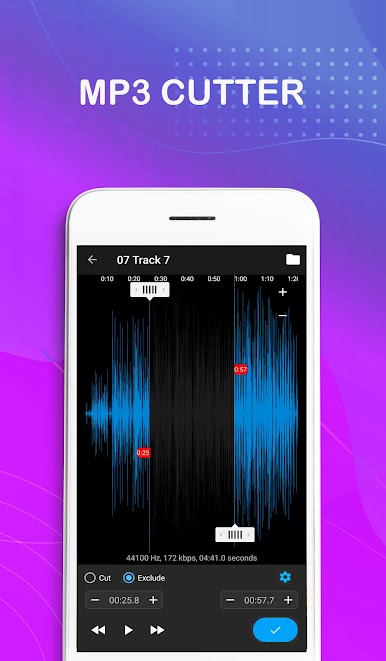
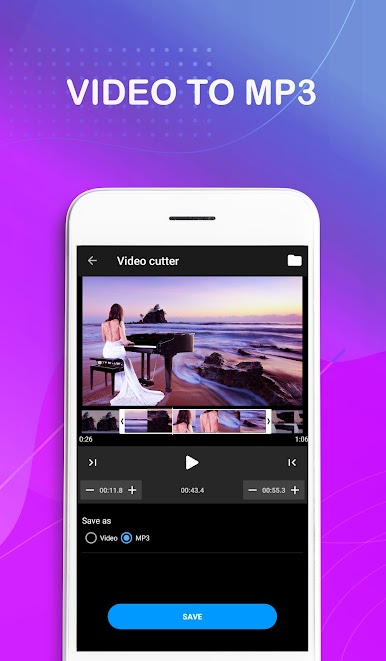
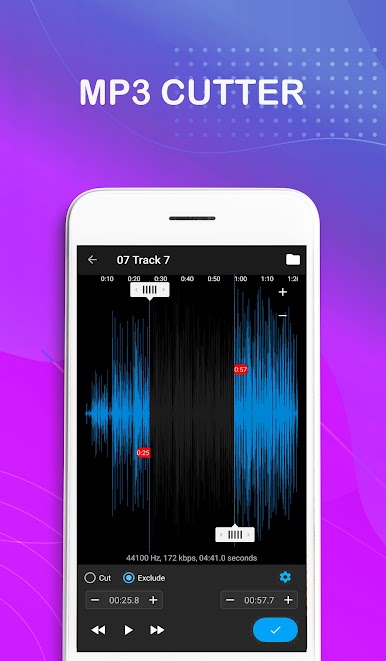
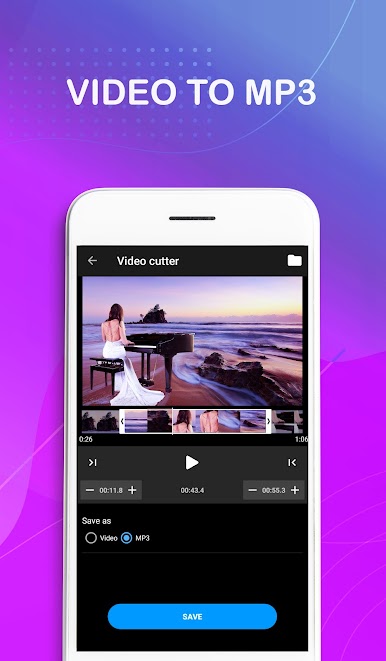
Video to audio converter and the audio cutter are also provided.
Features:
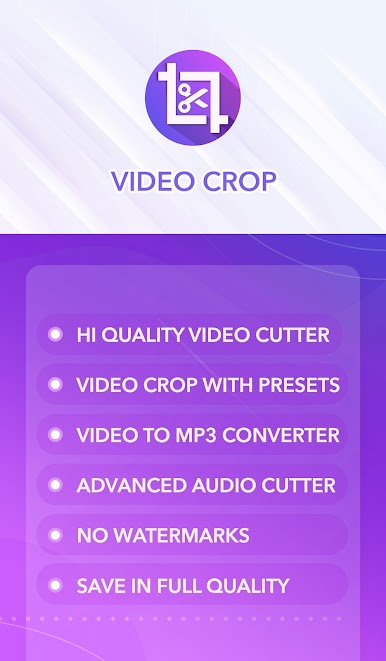
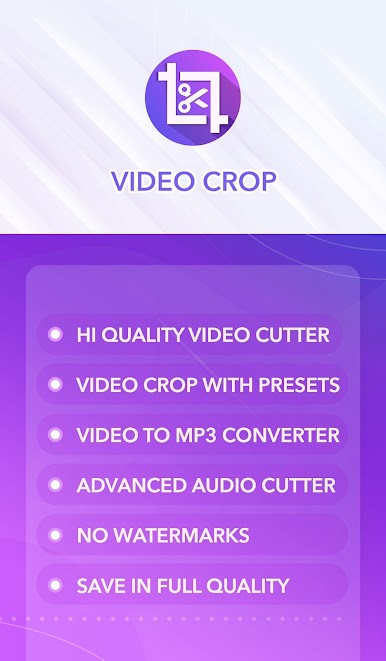
✪ Video crop & cut in your device.
✪ Supports all video formats including MP4, MOV, M4V, MKV, WMV, RMVB, FLV, AVI, 3GP, TS, etc.
✪ Export video without watermark.
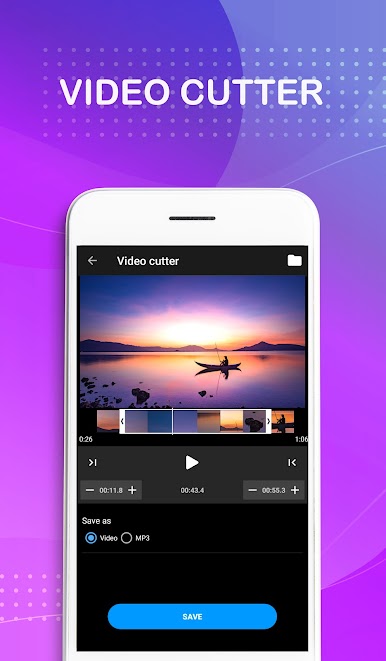
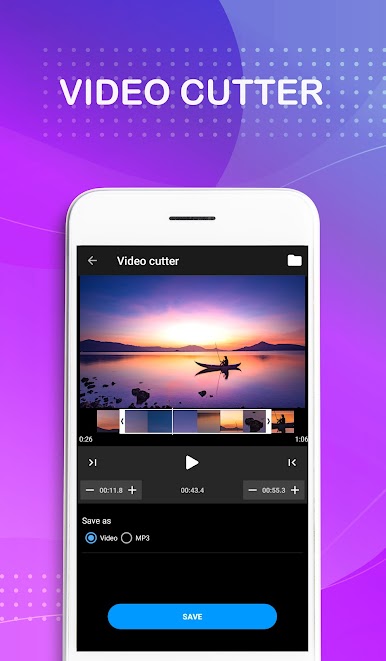
✪ Trim any part of the video.
✪ Video aspect ratio support (4:3, 16:9, 9:16, portrait, landscape, square ).
✪ Select Video crop compression quality and video size.
✪ Integrated video player.
✪ Fast video to MP3 converter & Ringtone maker.
✪ Directly share cropped videos with friends.



Spiele Video Crop & Trim (Videoschnit auf dem PC. Der Einstieg ist einfach.
-
Lade BlueStacks herunter und installiere es auf deinem PC
-
Schließe die Google-Anmeldung ab, um auf den Play Store zuzugreifen, oder mache es später
-
Suche in der Suchleiste oben rechts nach Video Crop & Trim (Videoschnit
-
Klicke hier, um Video Crop & Trim (Videoschnit aus den Suchergebnissen zu installieren
-
Schließe die Google-Anmeldung ab (wenn du Schritt 2 übersprungen hast), um Video Crop & Trim (Videoschnit zu installieren.
-
Klicke auf dem Startbildschirm auf das Video Crop & Trim (Videoschnit Symbol, um mit dem Spielen zu beginnen

