

txtpad+ — Create txt files
Играйте на ПК с BlueStacks – игровой платформе для приложений на Android. Нас выбирают более 500 млн. игроков.

Страница изменена: Aug 20, 2024
Run txtpad+ — Notepad, Create txt files 🗒️ on PC or Mac
Why limit yourself to your small screen on the phone? Run txtpad+ — Notepad, Create txt files 🗒️, an app by phrbnkv 💡, best experienced on your PC or Mac with BlueStacks, the world’s #1 Android emulator.
About the App
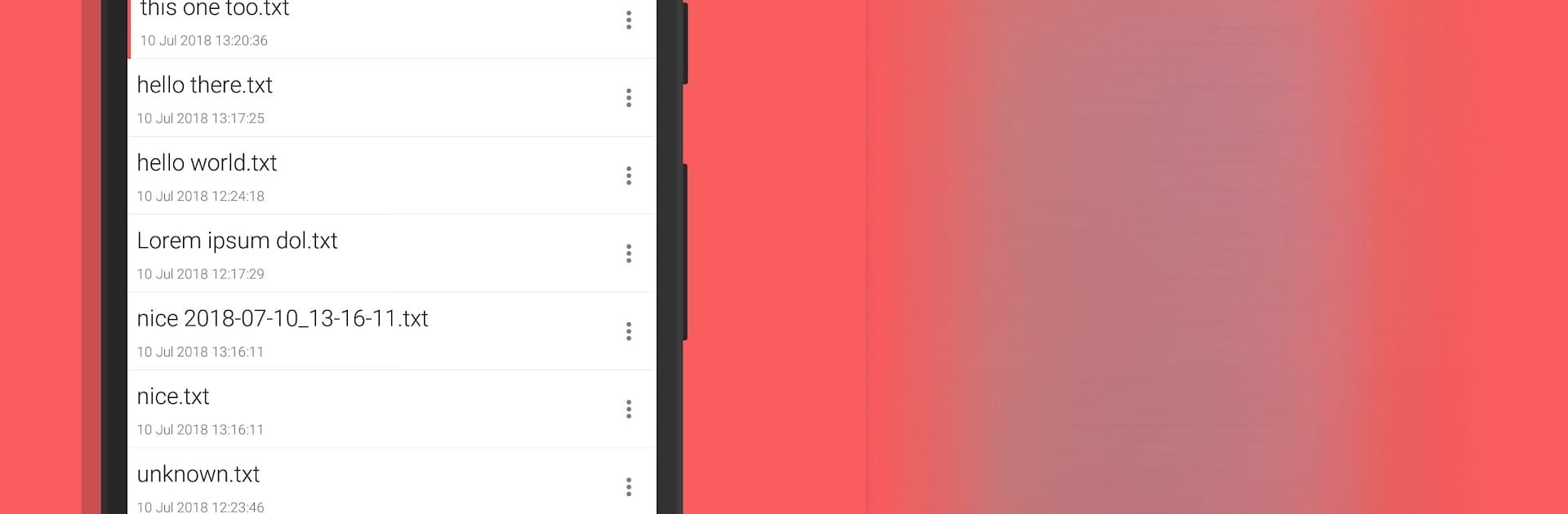
Ever wish jotting down your thoughts or to-dos on your phone could be a whole lot simpler? txtpad+ — Notepad, Create txt files 🗒️ by phrbnkv 💡 brings you a no-fuss notepad designed for quick notes, ideas, and lists. It’s a lightweight way to create or edit plain .txt files, right from your fingertips. Whether you’re writing reminders, keeping a diary, or managing work notes, this app makes sure all your stuff’s organized and easy to find.
App Features
-
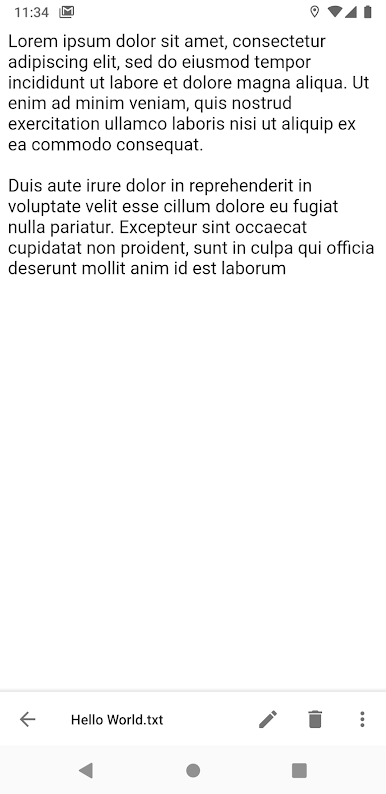
Easy .txt File Creation
Start a new note or document in seconds. txtpad+ lets you jump straight into writing plain text files with zero hassles. -
Sleek, User-Friendly Design
The interface is super clean—nothing distracting or overcomplicated. All your tools are right where you need them. -
Effortless Search
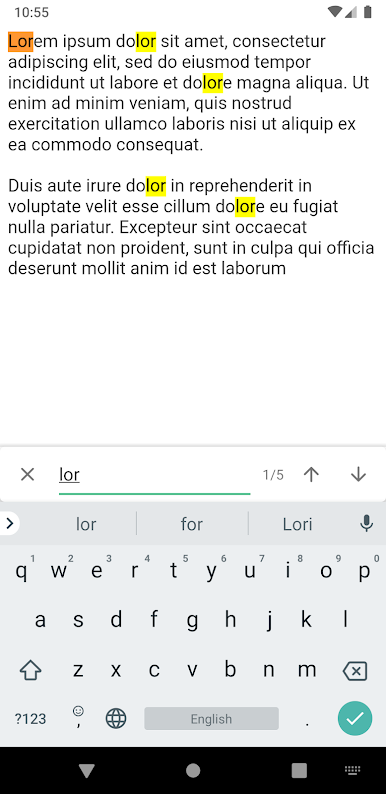
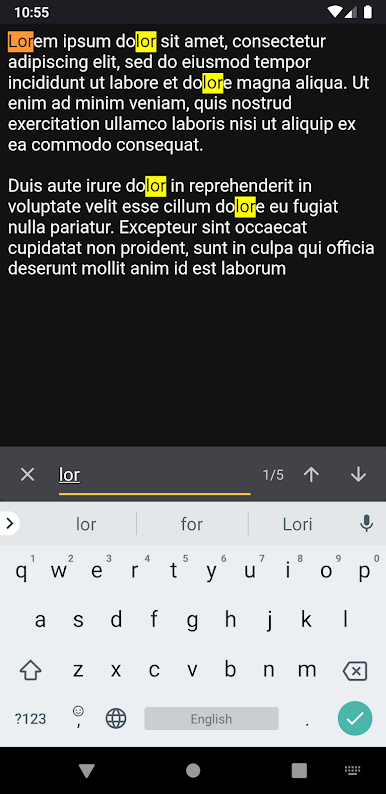
Forget scrolling forever. You can search through your txt files, and if you’re using the paid version, your search terms get highlighted to find what you need fast. -
Font Customization
Change up the font or tweak the size if your eyes need a break. Make it just right for your reading comfort. -
Theme Options
Love dark mode at night or need to save battery? Switch between light, dark, or AMOLED themes (with AMOLED especially in the paid version for those serious about conserving power). -
Pinning Important Notes
With the premium upgrade, you can pin important notes at the top—handy when you don’t want your shopping list to get buried under everything else. -
Ad-Free Option
Paid users enjoy an entirely distraction-free workspace (no pesky ads popping up). -
UTF-8 Encoding Support
Every txt file you make saves with UTF-8 encoding, so you won’t run into weird character issues.
Want a quick way to edit or manage your txt files on your PC or Mac? You can even use txtpad+ — Notepad, Create txt files 🗒️ through BlueStacks for that desktop experience, too.
Switch to BlueStacks and make the most of your apps on your PC or Mac.
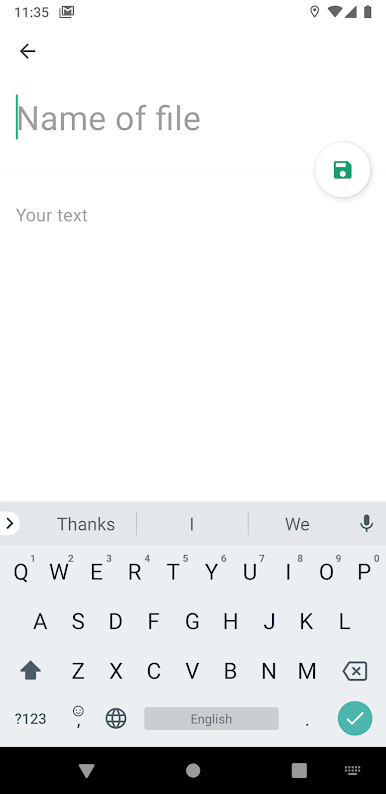
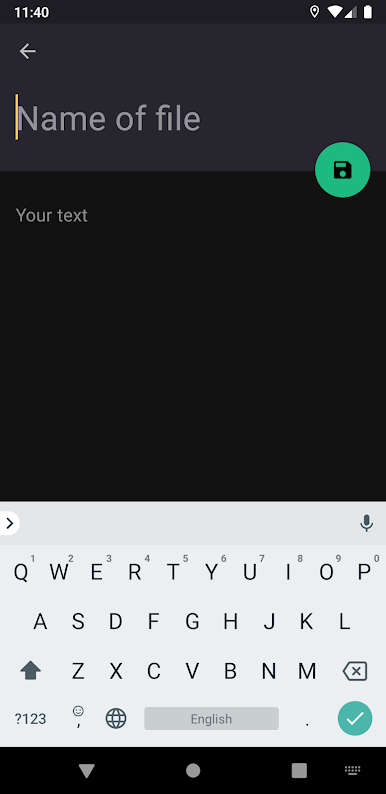
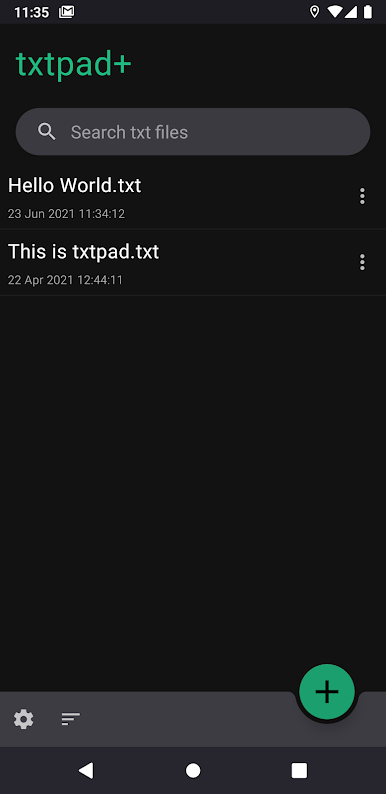
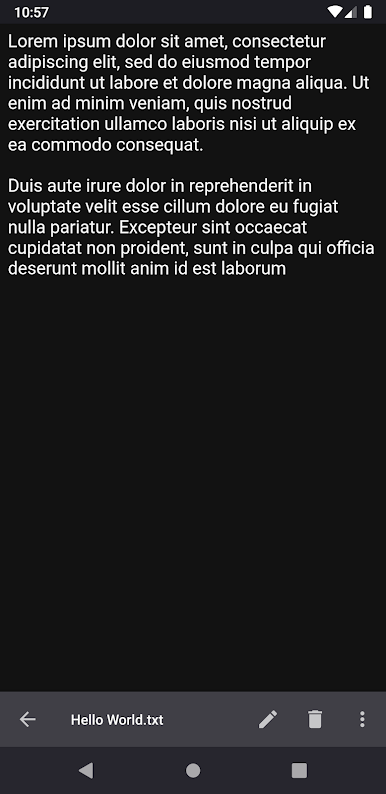
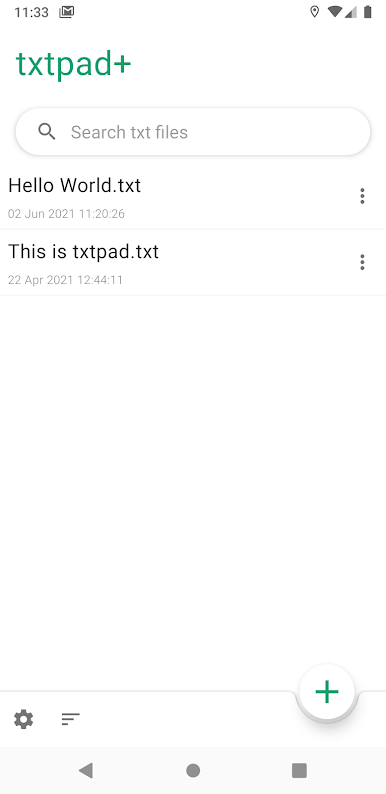
Играйте в игру txtpad+ — Create txt files на ПК. Это легко и просто.
-
Скачайте и установите BlueStacks на ПК.
-
Войдите в аккаунт Google, чтобы получить доступ к Google Play, или сделайте это позже.
-
В поле поиска, которое находится в правой части экрана, введите название игры – txtpad+ — Create txt files.
-
Среди результатов поиска найдите игру txtpad+ — Create txt files и нажмите на кнопку "Установить".
-
Завершите авторизацию в Google (если вы пропустили этот шаг в начале) и установите игру txtpad+ — Create txt files.
-
Нажмите на ярлык игры txtpad+ — Create txt files на главном экране, чтобы начать играть.

