


диктофон
Играйте на ПК с BlueStacks – игровой платформе для приложений на Android. Нас выбирают более 500 млн. игроков.

Страница изменена: Dec 16, 2025
Play voice recorder on PC
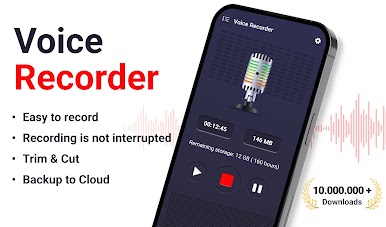
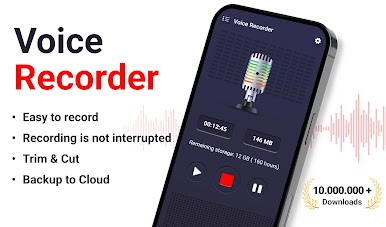
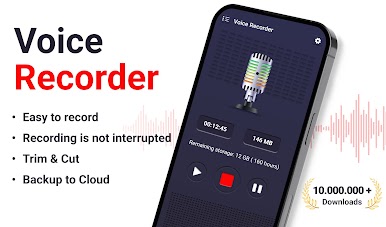
voice recorder application is simple and easy to use.
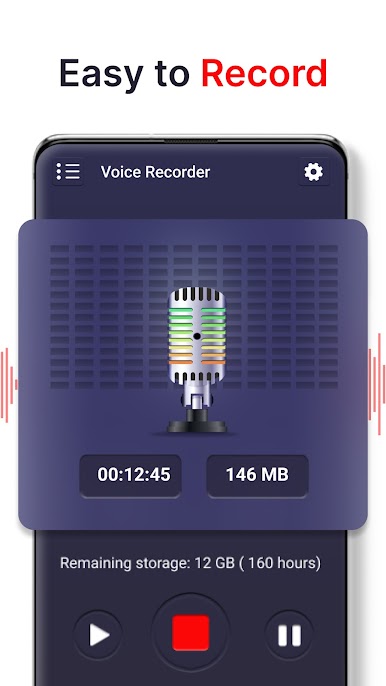
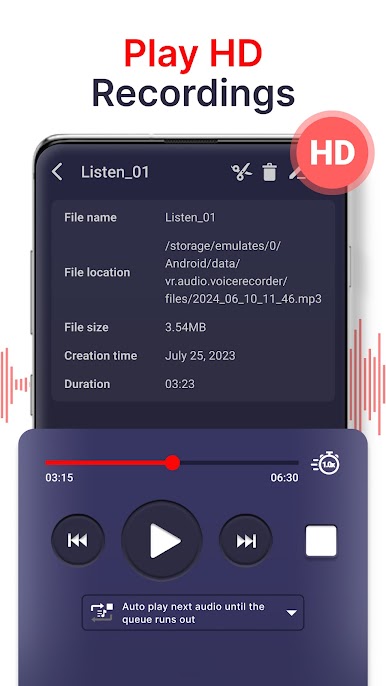
You can reliably record your meetings, personal notes, speeches, lectures, songs with high quality. There is no time limits just depend on your remaining space of internal storage or SD card.
Features:
- record your meetings, personal notes, speeches, lectures, songs
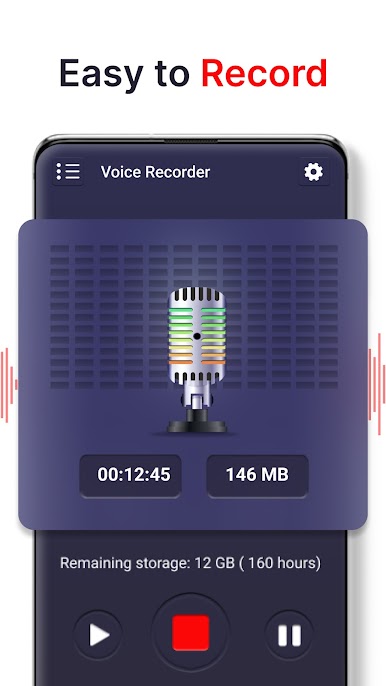
- beautiful user interface, easy to understand.
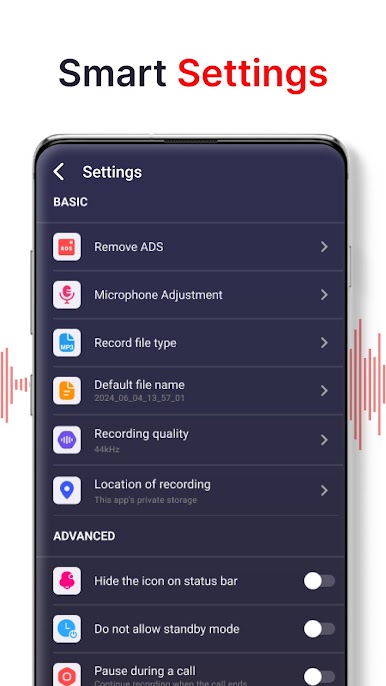
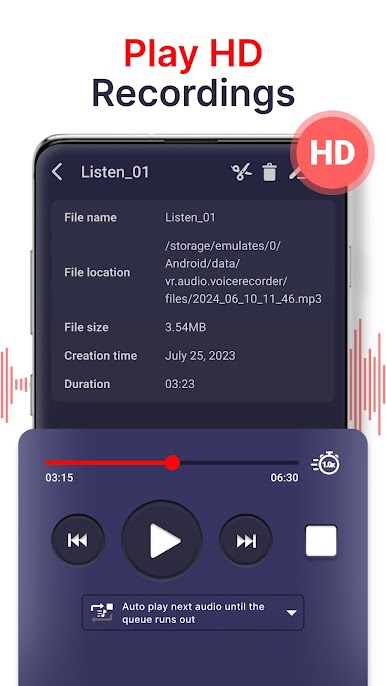
- support high quality format file: mp3
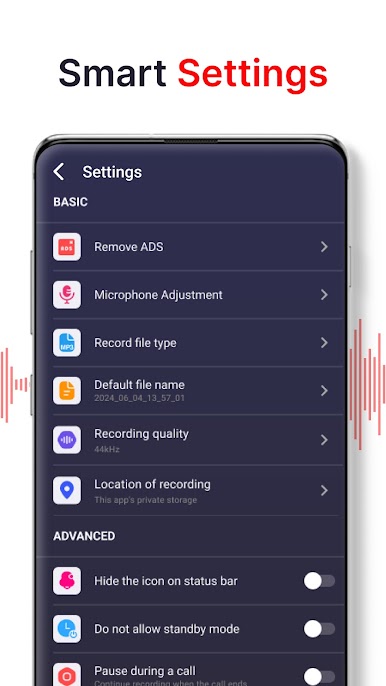
- store file on internal storage or SD card
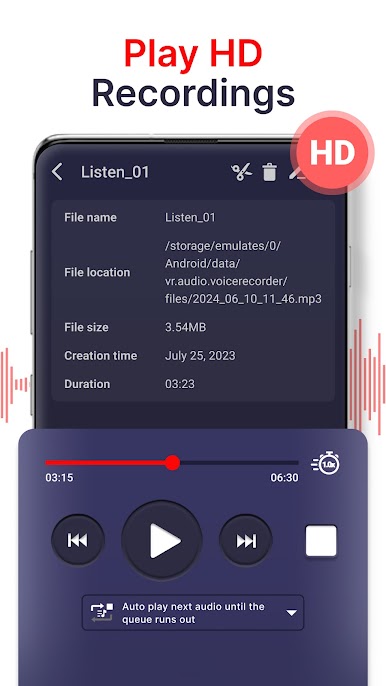
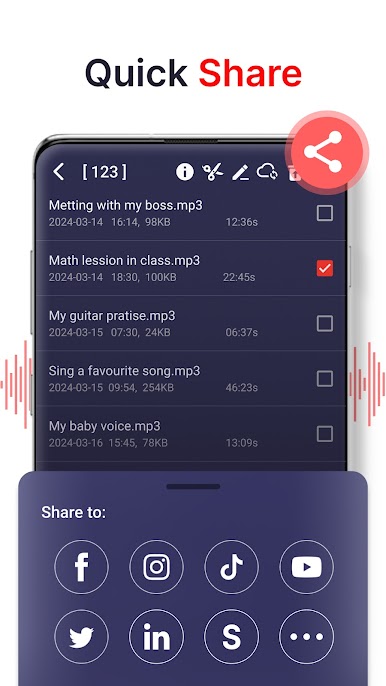
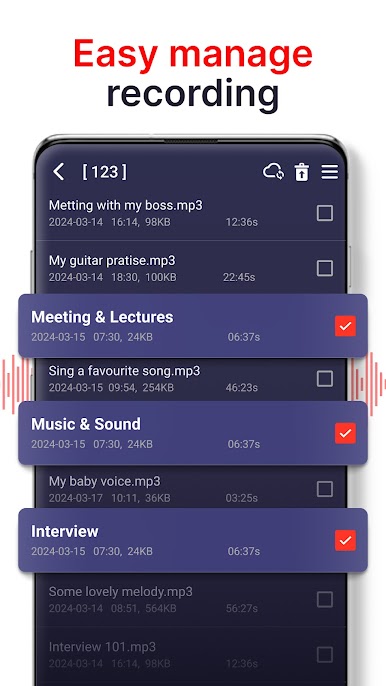
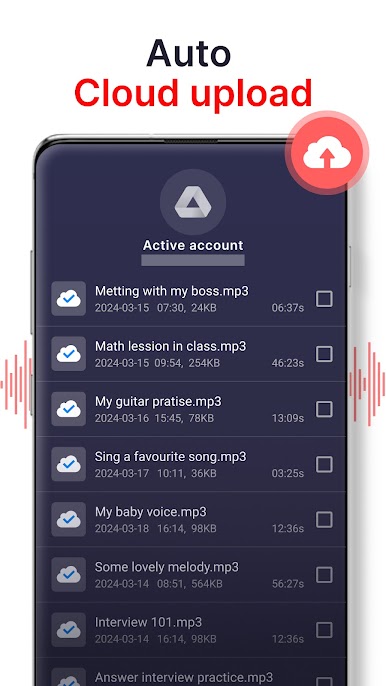
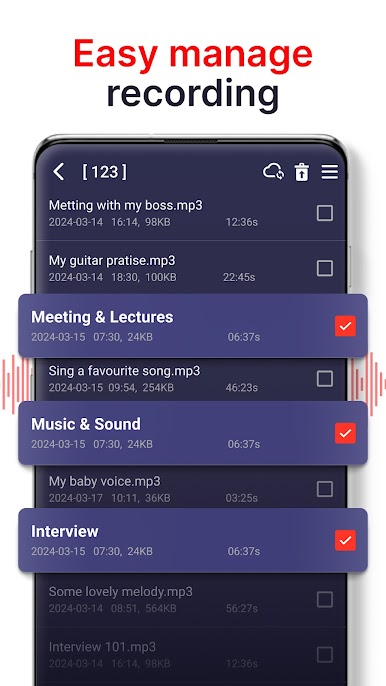
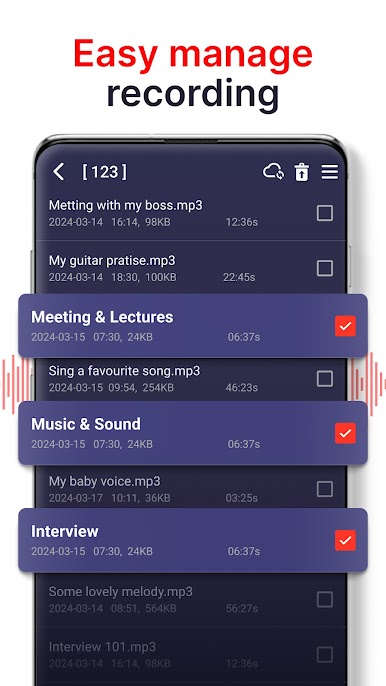
- have list of files with basic functions: search, arrange
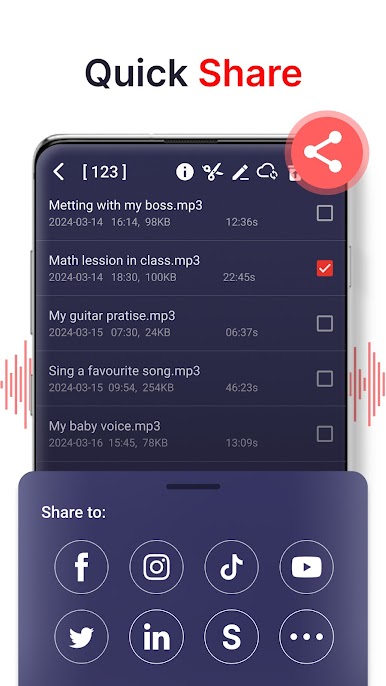
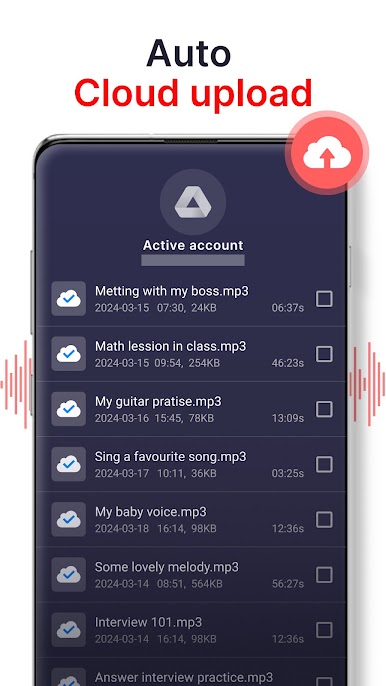
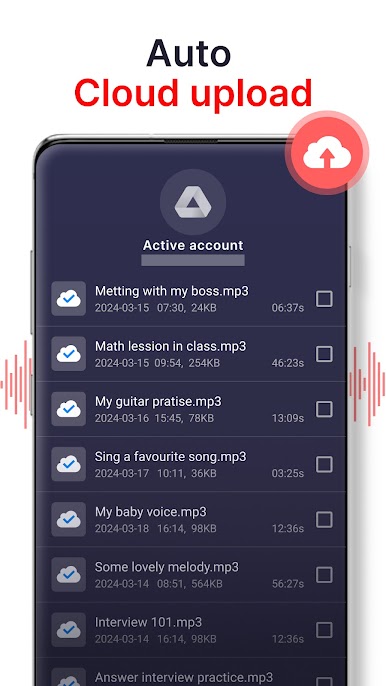
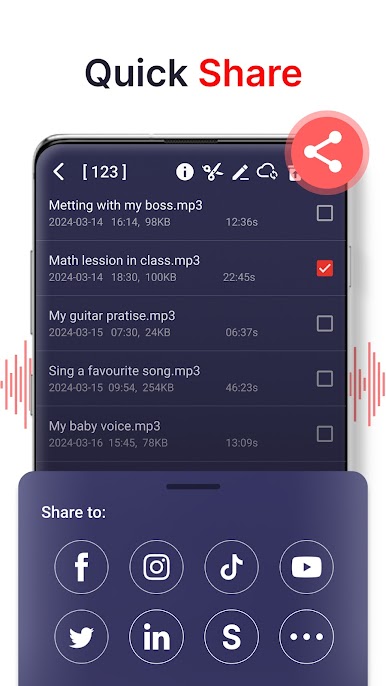
- have delete function, share function (via email, sms, mms, facebook, whatsapp, dropbox, etc.), view detail information
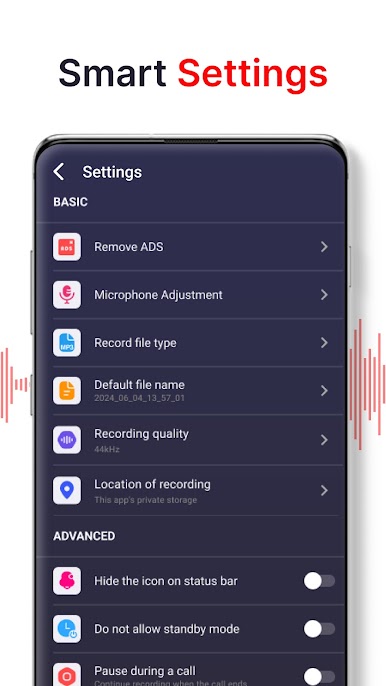
- mp3 encoding with adjustable sample rate (8-44 kHz)
- recording in background (even when display is off)
- microphone tool to adjust the sensitive
- save/pause/resume/cancel recording process control
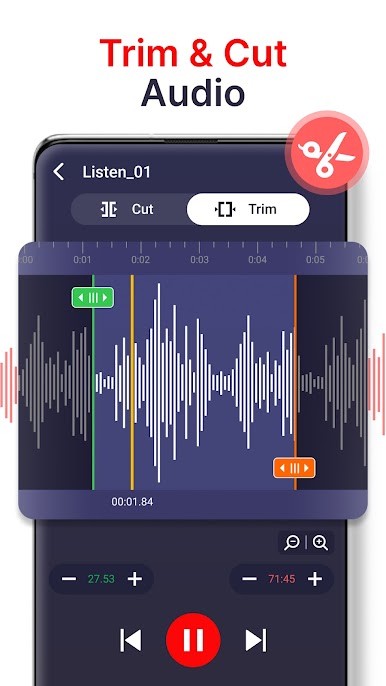
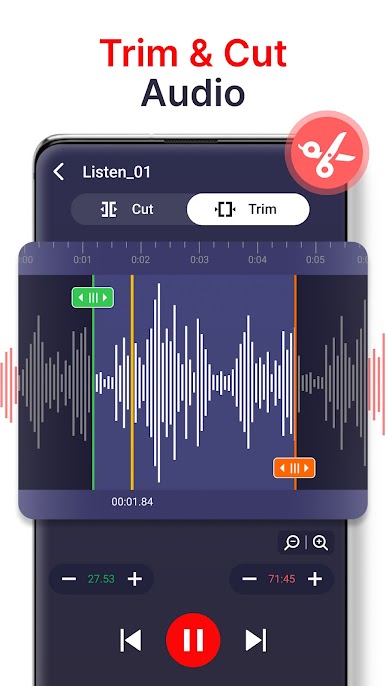
- function to edit recording files by cutting some parts not needed
- show remaining space of internal storage or SD card
- not support call recorder
Играйте в игру диктофон на ПК. Это легко и просто.
-
Скачайте и установите BlueStacks на ПК.
-
Войдите в аккаунт Google, чтобы получить доступ к Google Play, или сделайте это позже.
-
В поле поиска, которое находится в правой части экрана, введите название игры – диктофон.
-
Среди результатов поиска найдите игру диктофон и нажмите на кнопку "Установить".
-
Завершите авторизацию в Google (если вы пропустили этот шаг в начале) и установите игру диктофон.
-
Нажмите на ярлык игры диктофон на главном экране, чтобы начать играть.

