
Thanks for downloading!
Just a few steps left.
Your download will begin automatically. If it didn’t start, click here to download BlueStacks Air for Mac manually.
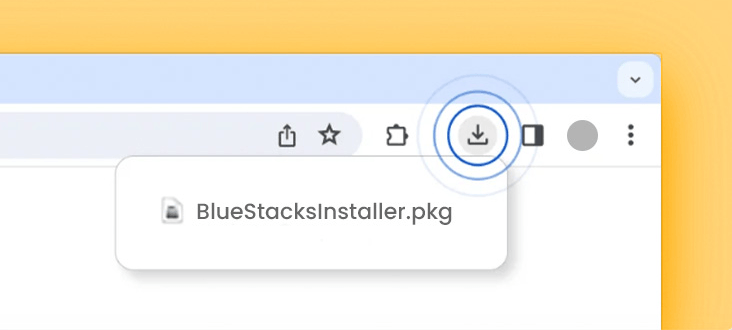
STEP 1
Open
Open the BlueStacksInstaller.pkg file in your Downloads folder or in your browser’s downloads section at the top-right corner of this window.
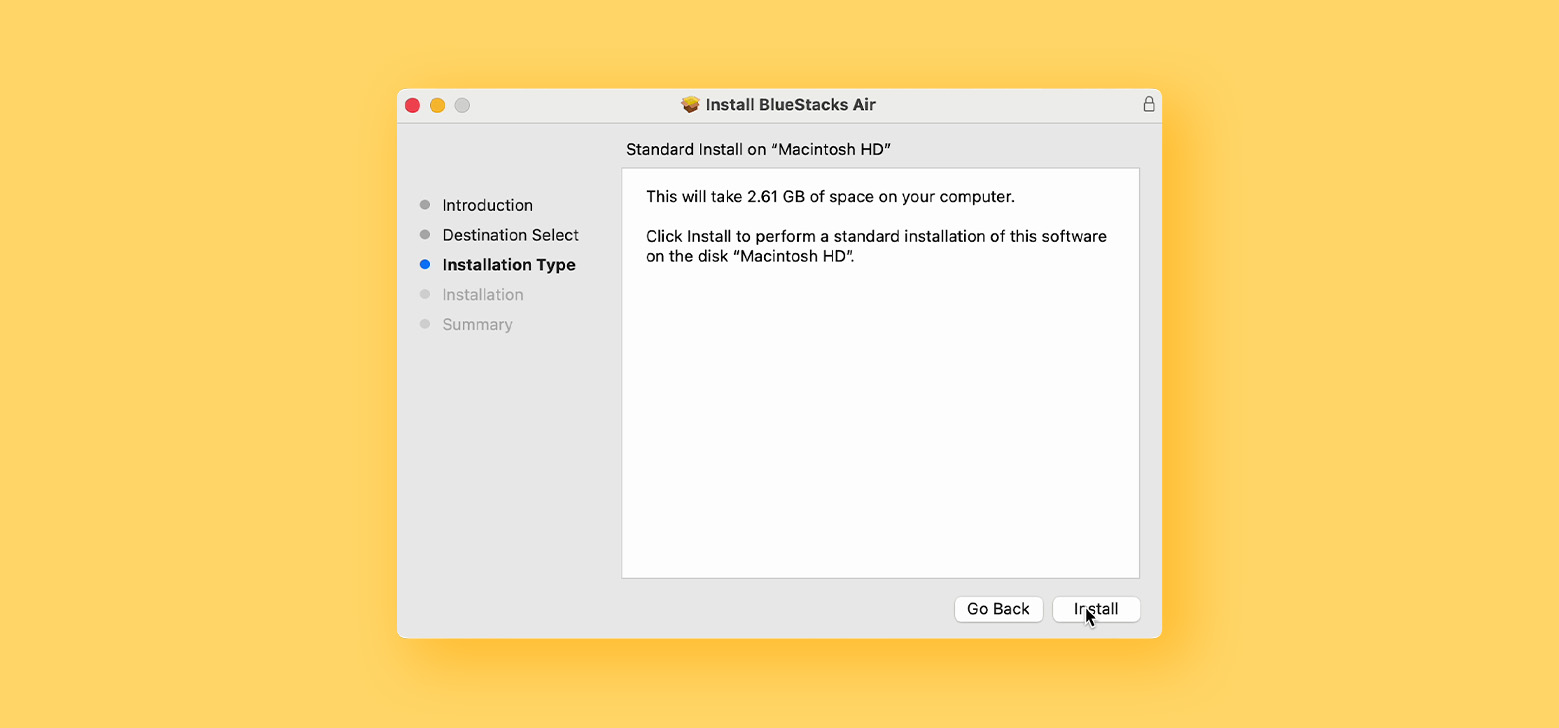
STEP 2
Install
Double-click the BlueStacksInstaller.pkg file. Follow the wizard to complete the installation.

STEP 3
Launch
Open the Launchpad, type BlueStacks Air, and launch it.

