

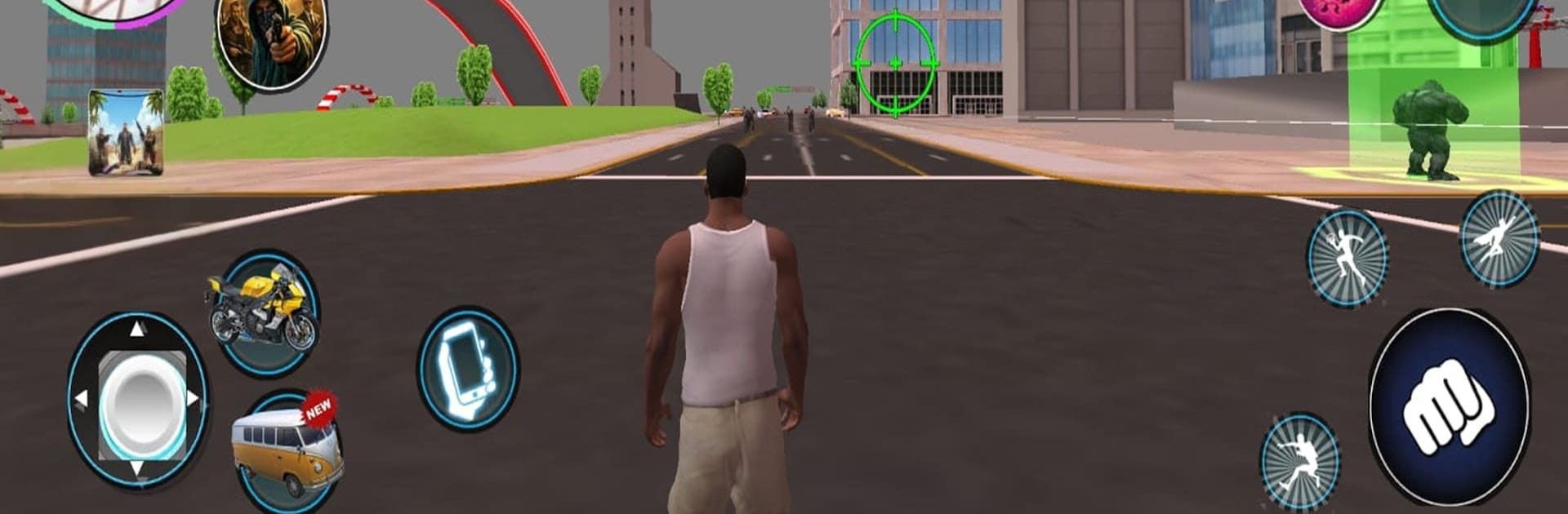

BlueStacks ile PC'de ya da bulut sistemimiz üzerinden oynayın.

- Genel Bakış
- Oyun Özellikleri
- Nasıl Oynanır ?
Sayfa Değiştirilme tarihi: Mayıs 12, 2026
Grand Theft Auto VI'i PC veya Mac'te Oynayın
Oyun Özellikleri
Geliştirmeler
- Macro'lar
- Multi Instance
- Multi Instance Senk.
- Eko Modu
- Geliştirmeler

Macros
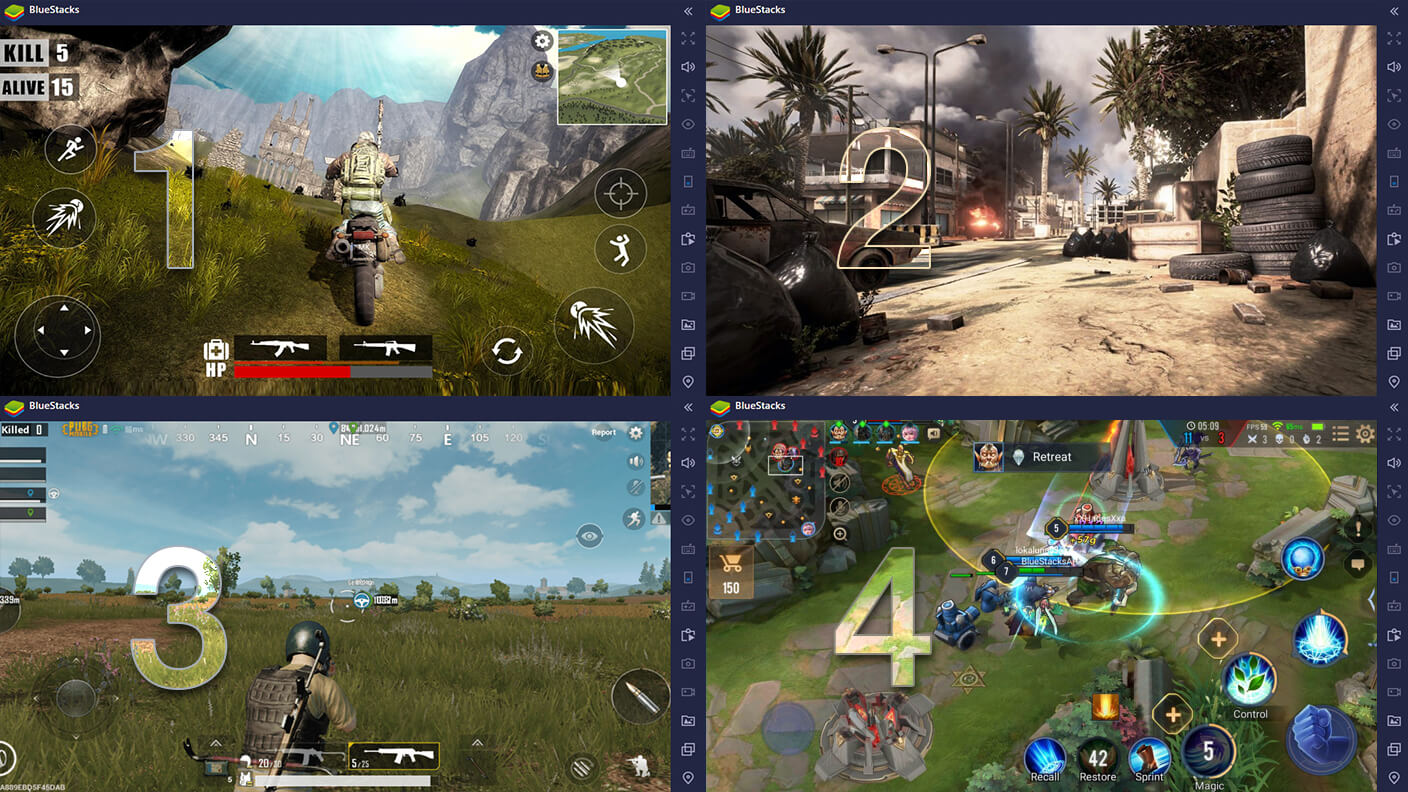
Multi Instance

Multi Instance Sync
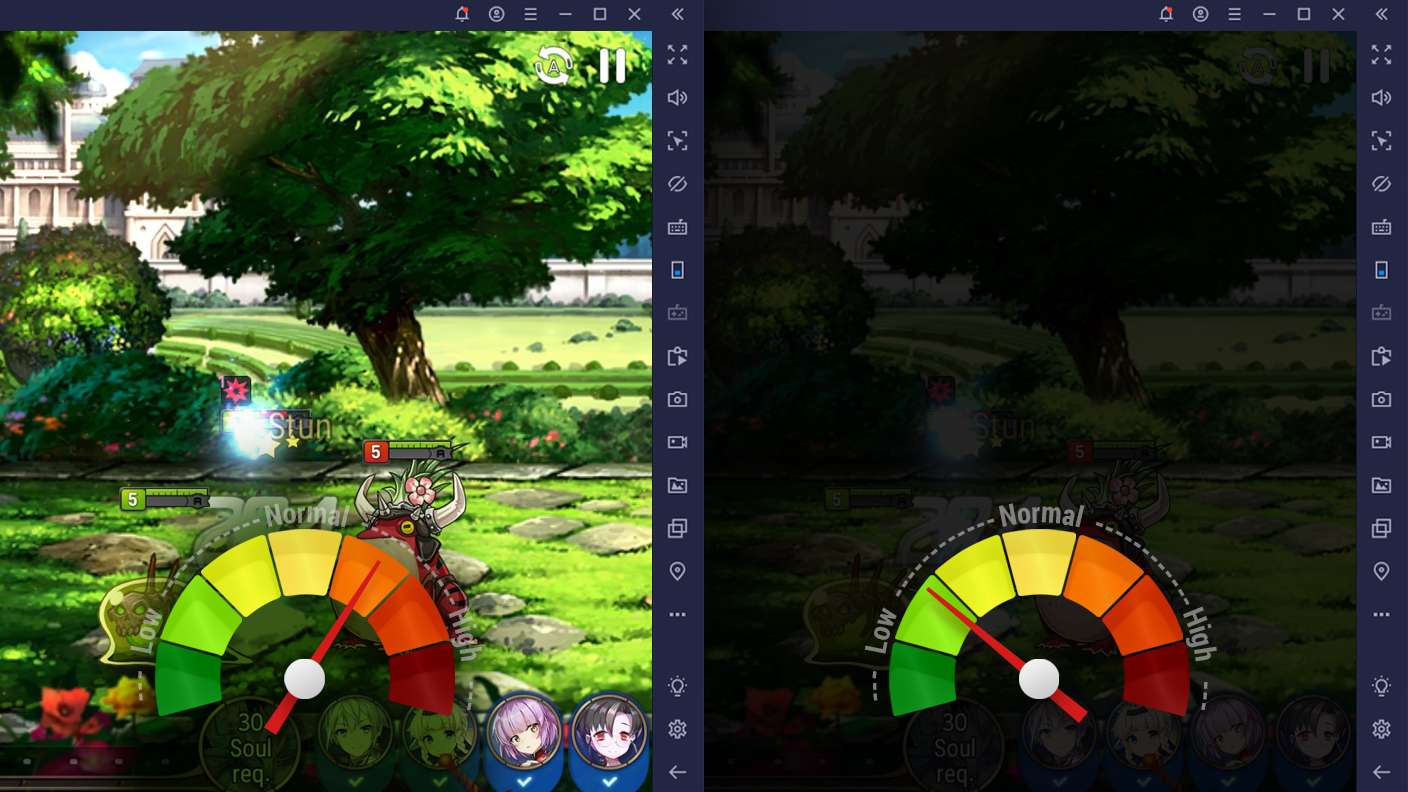
Eco Mode
PC'de Grand Theft Auto VI İndirme ve Oynatma
BlueStacks'i PC veya Mac'inize indirin ve yükleyin.
Play Store'a erişmek için Google girişi yapın ya da daha sonraya bırakın.
Sağ üst köşeye Grand Theft Auto VI yazarak arayın.
Grand Theft Auto VI uygulamasını arama sonuçlarından indirmek için tıklayın.
(iEğer Adım 2'yi atladıysanız) Grand Theft Auto VI uygulamasını yüklemek için Google'a giriş yapın.
Oynatmaya başlatmak için ekrandaki Grand Theft Auto VI ikonuna tıklayın.
Minimum Sistem Gereksinimleri
BlueStacks 5 ile aşağıdaki gereksinimleri karşılayan bir PC'de başlayabilirsiniz.
İşletim sistemi
Microsoft Windows 7 veya üzeri, macOS 11 (Big Sur) veya üzeri
İşlemci
Intel, AMD veya Apple Silicon İşlemci
Veri deposu
En az 4GB
HDD
10GB Boş Disk Alanı
* PC'de Yönetici olmanız gerekir. Microsoft veya chipseti sağlayıcısı güncel grafik sürücüleri.



Grand Theft Auto VI - FAQs
- How to play Grand Theft Auto VI on Windows PC & Mac?
Play Grand Theft Auto VI on your PC or Mac by following these simple steps.
- Click on 'Play Grand Theft Auto VI on PC’ to download BlueStacks
- Install it and log-in to Google Play Store
- Launch and play the game.
- Why is BlueStacks the fastest and safest platform to play games on PC?
BlueStacks respects your privacy and is always safe and secure to use. It does not carry any malware, spyware, or any sort of additional software that could harm your PC.
It is engineered to optimize speed and performance for a seamless gaming experience.
- What are Grand Theft Auto VI PC requirements?
Minimum requirement to run Grand Theft Auto VI on your PC
- OS: Microsoft Windows 7 or above MacOS 11 (Big Sur) or above
- Processor: Intel, AMD or Apple Silicon Processor
- RAM: Your PC must have at least 4GB of RAM. (Note that having 4GB or more disk space is not a substitute for RAM)
- HDD: 10GB Free Disk Space.
- You must be an Administrator on your PC.

