


Simple Control
Chơi trên PC với BlueStacks - Nền tảng chơi game Android, được hơn 500 triệu game thủ tin tưởng.

Trang đã được sửa đổi vào: Feb 23, 2025
Run Simple Control on PC or Mac
Let BlueStacks turn your PC, Mac, or laptop into the perfect home for Simple Control, a fun Tools app from ddoriNori.
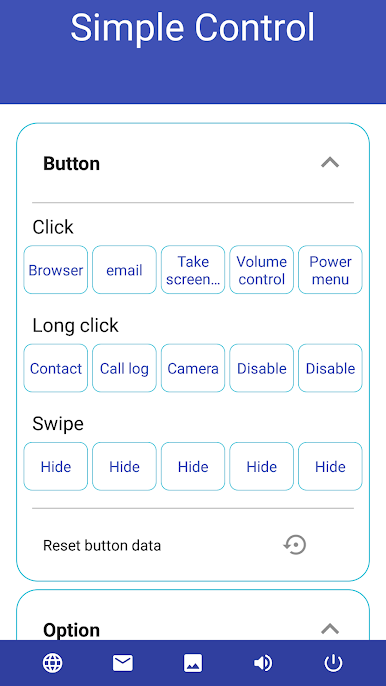
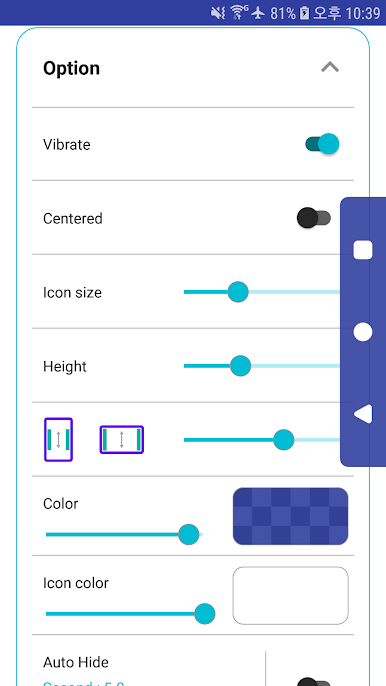
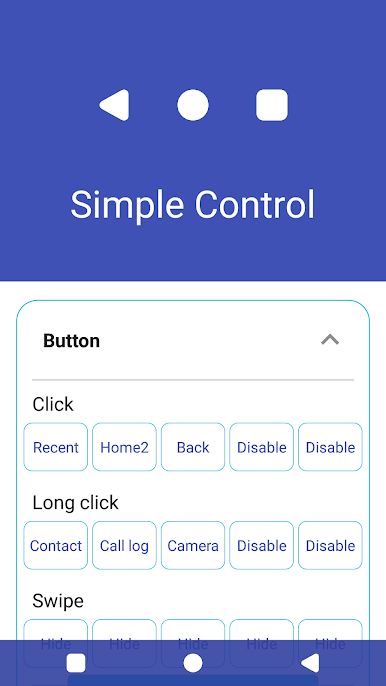
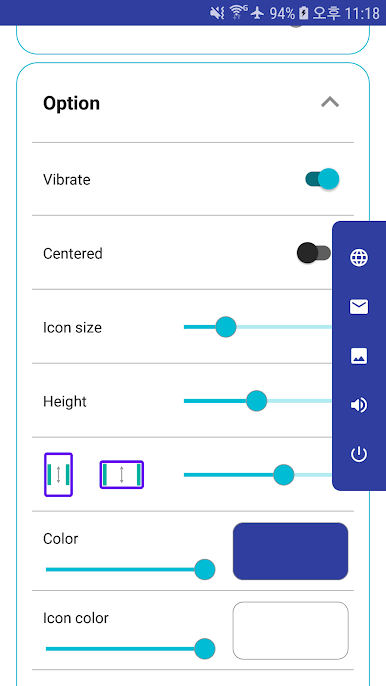
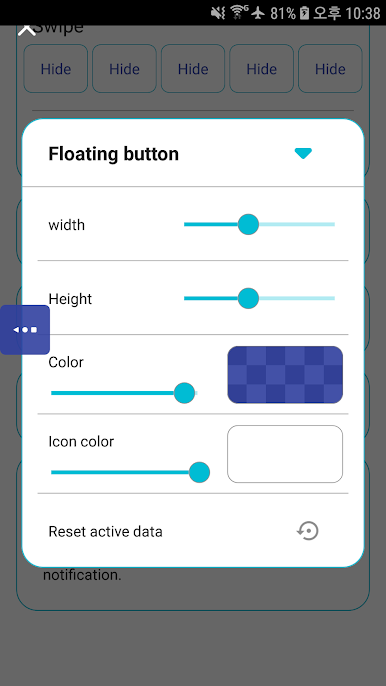
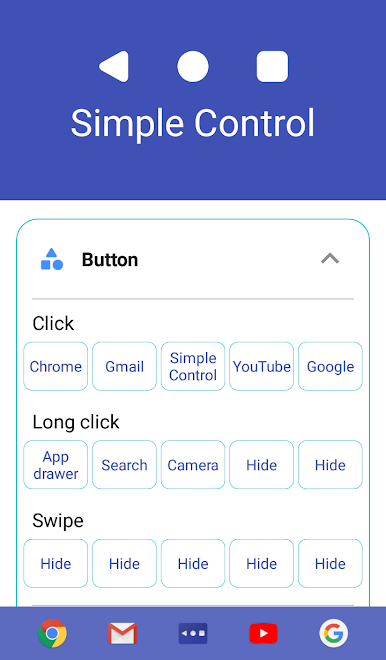
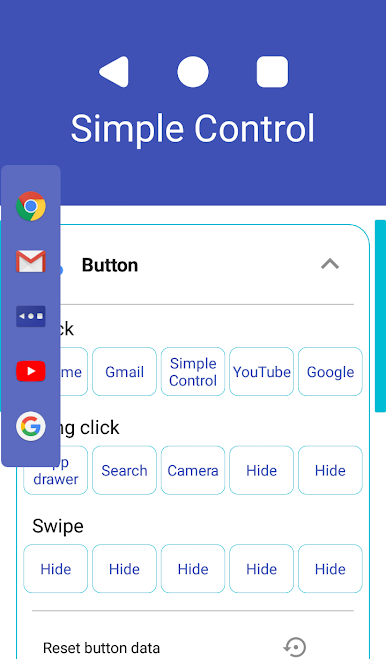
Simple Control feels like a practical shortcut bar that lives on the screen and does the everyday stuff fast. It puts a custom navigation bar wherever it is needed, with the usual back, home, and recent buttons, plus handy extras like opening the app drawer, taking a screenshot, search, voice commands, a power menu, and quick app launches. If a phone’s physical buttons are flaky or broken, this basically steps in and replaces them without fuss. It runs fine on a PC with BlueStacks too, so those on a keyboard and mouse still get easy taps for back or screenshots without digging through menus.
Setup is straightforward. Turn it on in the device Accessibility settings, then pick which buttons to show and how they should appear. Because it uses Accessibility, it needs that access to handle things like back, recent, screenshots, pulling down the notification panel, the power menu, and split screen. The app is clear about not collecting personal info through that service, which helps take the worry down. Day to day, it keeps navigation consistent and quick. No flashy fluff, just solid on-screen controls that stay where they are needed. The little extras are what stand out: snapping a screenshot without juggling hardware keys, opening notifications with a tap, or launching an app straight from the bar when time matters.
Big screen. Bigger performance. Use BlueStacks on your PC or Mac to run your favorite apps.

Chơi Simple Control trên PC. Rất dễ để bắt đầu
-
Tải và cài đặt BlueStacks trên máy của bạn
-
Hoàn tất đăng nhập vào Google để đến PlayStore, hoặc thực hiện sau
-
Tìm Simple Control trên thanh tìm kiếm ở góc phải màn hình
-
Nhấn vào để cài đặt Simple Control trong danh sách kết quả tìm kiếm
-
Hoàn tất đăng nhập Google (nếu bạn chưa làm bước 2) để cài đặt Simple Control
-
Nhấn vào icon Simple Control tại màn hình chính để bắt đầu chơi

