


Dummynation
Graj na PC z BlueStacks – Platforma gamingowa Android, która uzyskała zaufanie ponad 500 milionów graczy!

Strona zmodyfikowana w dniu: Oct 26, 2025
Graj Dummynation na PC
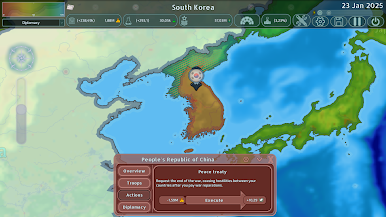
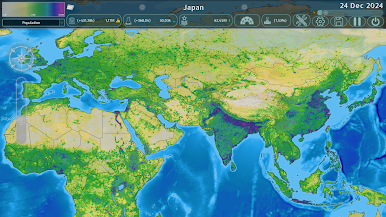
•Rozszerzaj swoje terytorium poprzez okupację wojskową, aby zdobyć więcej władzy, ale nie rozprzestrzeniaj się zbyt szybko, bo twoje imperium rozpadnie się jeszcze szybciej.
•Analizuj i manipuluj stosunkami dyplomatycznymi, aby najeżdżać kraje, unikając jednocześnie tworzenia zbyt wielu potężnych wrogów.
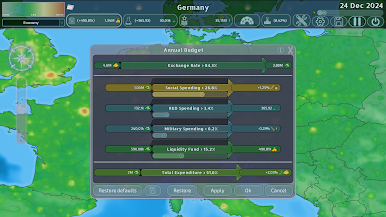
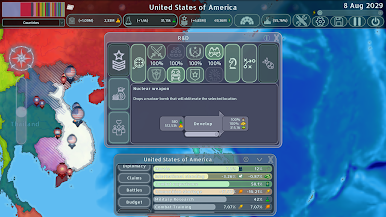
•Korzystaj z zasobów swojego kraju, aby podtrzymać badania i kampanie wojskowe, ale jeśli wydasz za dużo, twoje ziemie zubożeją i zostaniesz w tyle za swoimi rywalami w równowadze sił.
•Decyduj o polityce gospodarczej swojego kraju i osiągnij wysoki wzrost gospodarczy, co może pozwolić ci wyprzedzić rywali w wyścigu o władzę nawet bez użycia siły militarnej.

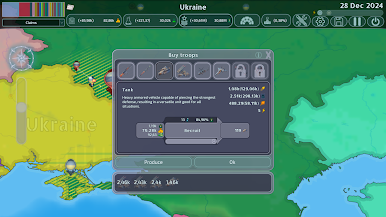
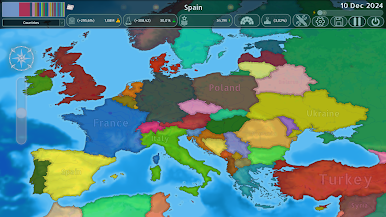
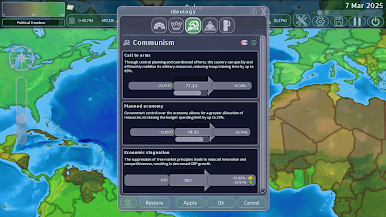
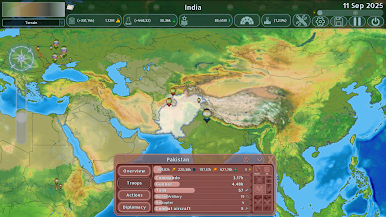
Zagraj w Dummynation na PC. To takie proste.
-
Pobierz i zainstaluj BlueStacks na PC
-
Zakończ pomyślnie ustawienie Google, aby otrzymać dostęp do sklepu Play, albo zrób to później.
-
Wyszukaj Dummynation w pasku wyszukiwania w prawym górnym rogu.
-
Kliknij, aby zainstalować Dummynation z wyników wyszukiwania
-
Ukończ pomyślnie rejestrację Google (jeśli krok 2 został pominięty) aby zainstalować Dummynation
-
Klinij w ikonę Dummynation na ekranie startowym, aby zacząć grę

