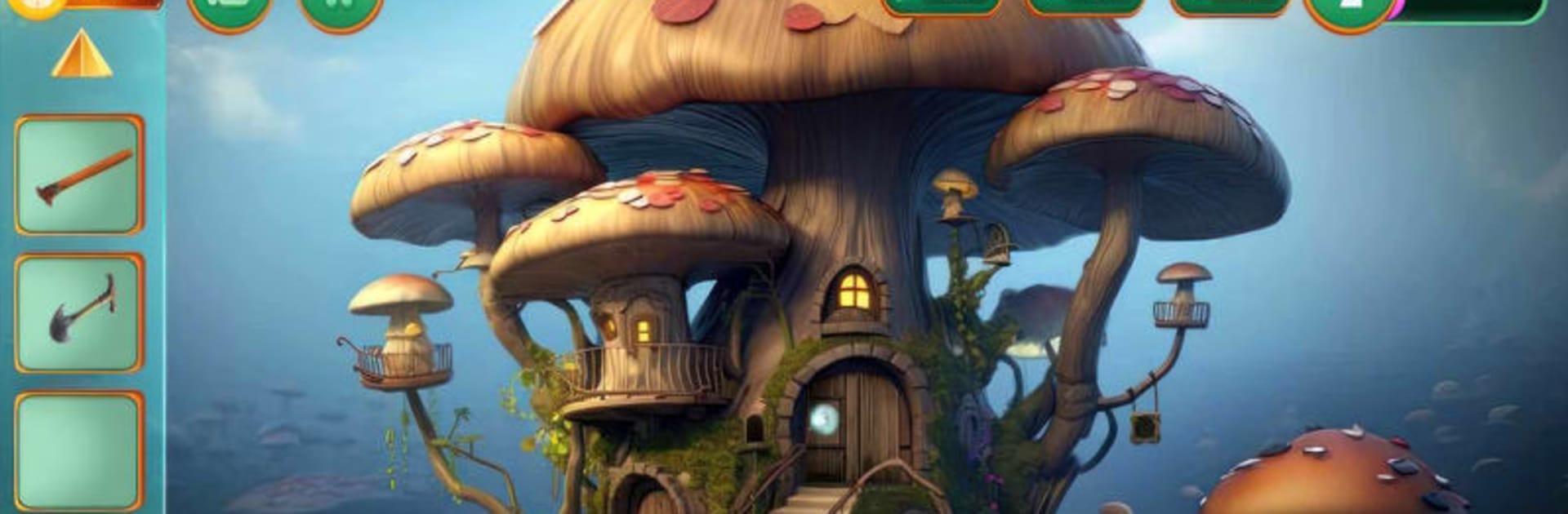


Play Escape Room: Hidden Riddles on PC or Mac
Join millions to experience Escape Room: Hidden Riddles, an exciting Adventure game from HFG Entertainments. With BlueStacks App Player, you are always a step ahead of your opponent, ready to outplay them with faster gameplay and better control with the mouse and keyboard on your PC or Mac.
About the Game
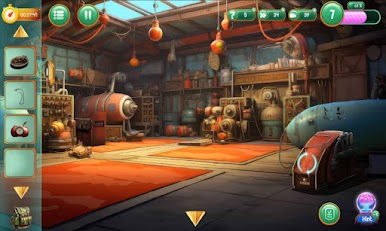
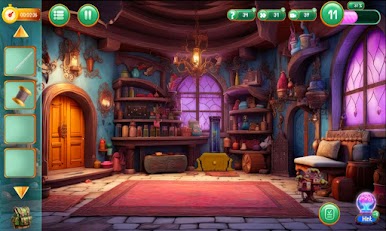
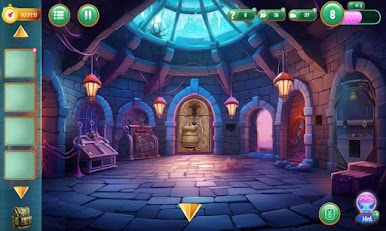
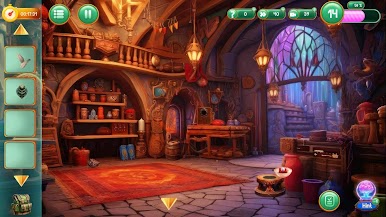
“Escape Room: Hidden Riddles” by HFG Entertainments challenges you with mind-bending puzzles in a world full of intrigue. Whether you’re helping two princesses unite against a cunning cousin or assisting a determined cop on a rescue mission in a bizarre bunny world, every twist promises excitement and surprise.
Game Features
- Mystifying Levels: Dive into 50 intricate levels filled with mystery.
- Guidance on Demand: Access walkthrough videos, daily rewards, and nifty tools like free hints and skips.
- Brain Teasers: Solve a variety of puzzles and riddles that are as satisfying as they are challenging.
- Multilingual Magic: Play in 24 languages, making it accessible to a global audience.
- Family Fun: Perfect for all ages, providing entertainment for everyone.
- Progress Sync: Keep your adventure seamless across multiple devices.
- BlueStacks Compatible: Enhance your gameplay on PC with BlueStacks for a smooth experience.
Slay your opponents with your epic moves. Play it your way on BlueStacks and dominate the battlefield.
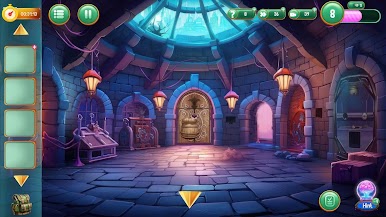
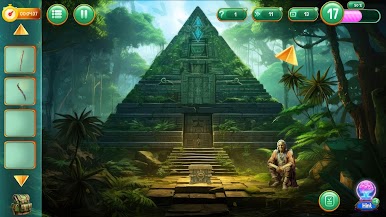
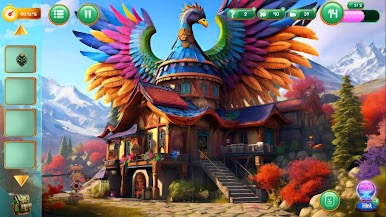
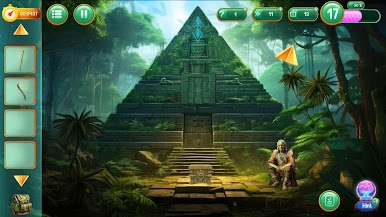

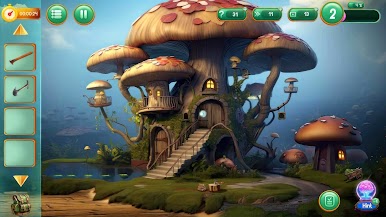
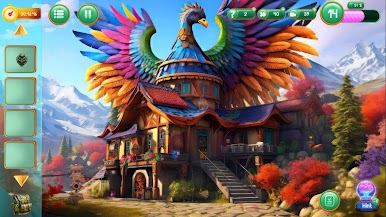
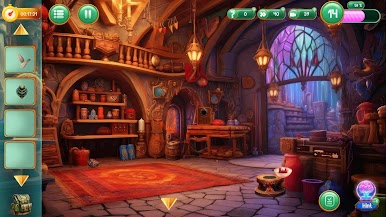
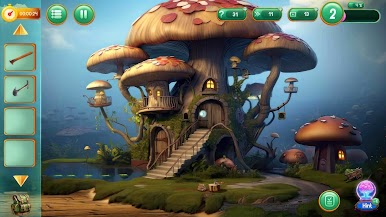

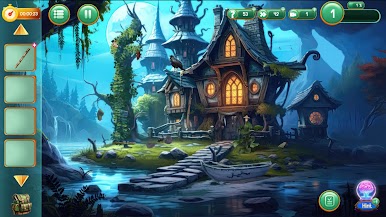
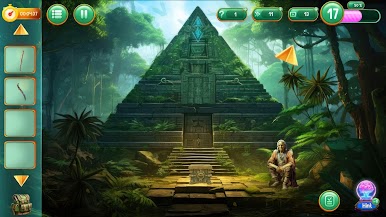
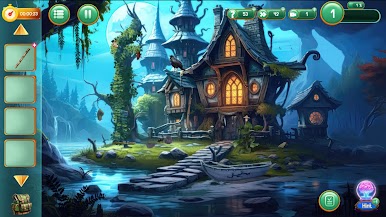
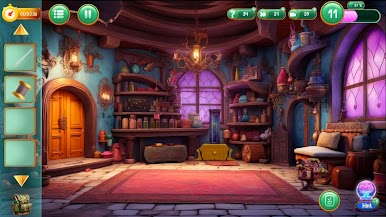
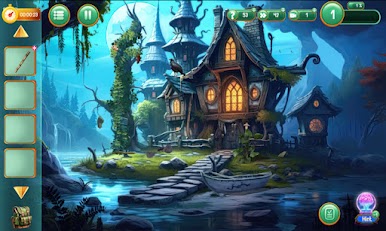
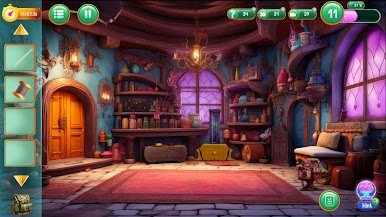
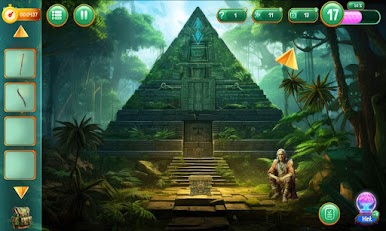

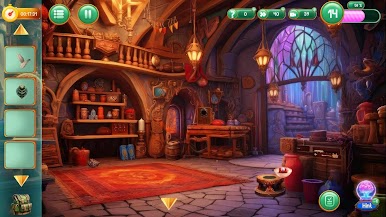
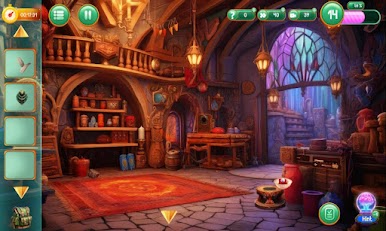
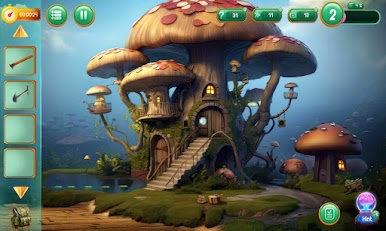
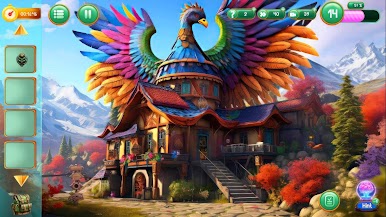
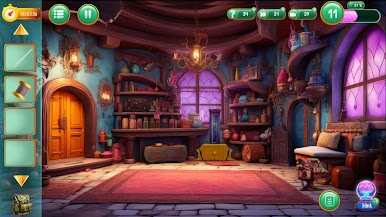
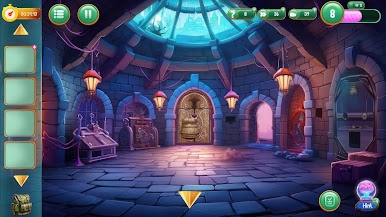
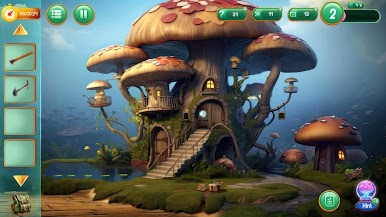
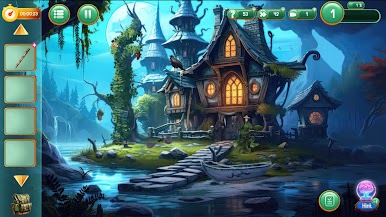
Zagraj w pokój ucieczki: ukryte zagadki na PC. To takie proste.
-
Pobierz i zainstaluj BlueStacks na PC
-
Zakończ pomyślnie ustawienie Google, aby otrzymać dostęp do sklepu Play, albo zrób to później.
-
Wyszukaj pokój ucieczki: ukryte zagadki w pasku wyszukiwania w prawym górnym rogu.
-
Kliknij, aby zainstalować pokój ucieczki: ukryte zagadki z wyników wyszukiwania
-
Ukończ pomyślnie rejestrację Google (jeśli krok 2 został pominięty) aby zainstalować pokój ucieczki: ukryte zagadki
-
Klinij w ikonę pokój ucieczki: ukryte zagadki na ekranie startowym, aby zacząć grę