


MIR
Graj na PC z BlueStacks – Platforma gamingowa Android, która uzyskała zaufanie ponad 500 milionów graczy!

Strona zmodyfikowana w dniu: Nov 27, 2014
Play MIR on PC
The application is completed slowly and always will be free, no PRO version.
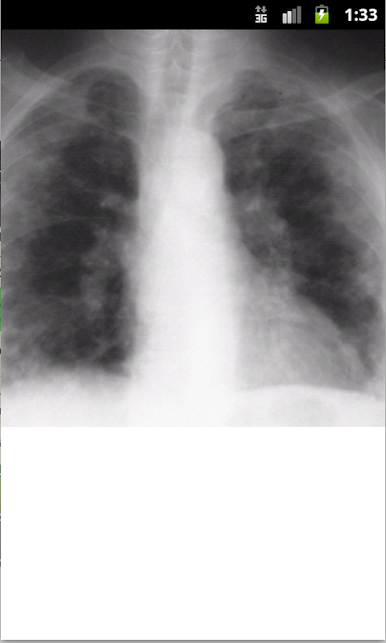
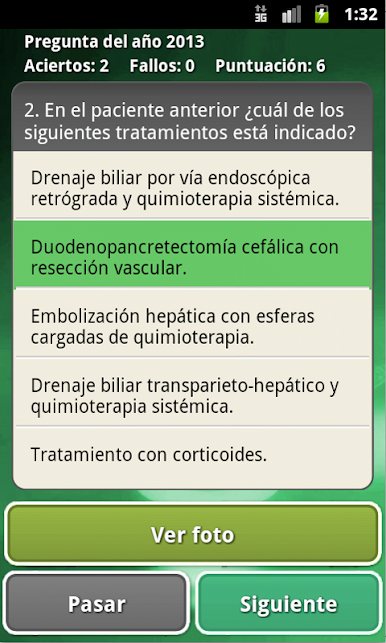
Questions and Answers exams MIR since 2001-2011 including images.
Features:
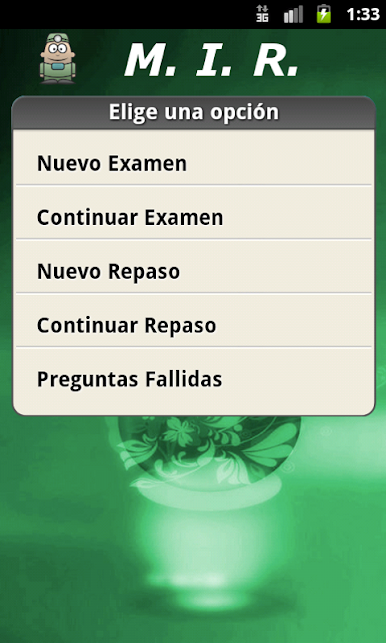
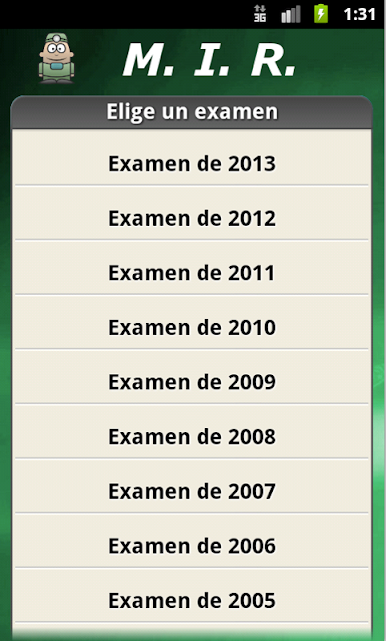
-You Can resolve the examination of the year you want answering questions at the time and seeing if you're right in green, or if you have failed in red.
-You Can continue the examination to continue answering later if you end up not before.
If you do not want to rate you can study in the review section may go forward or back to the questions
-You Can solve the questions you fail in the examinations in the failed section of questions that appear when we fail a question so we can solve only fault we had in the test.
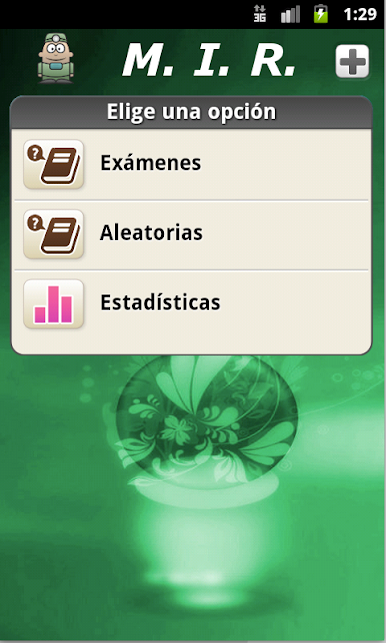
If you do not want a specific test section then uses random question which is a compendium of all examinations.
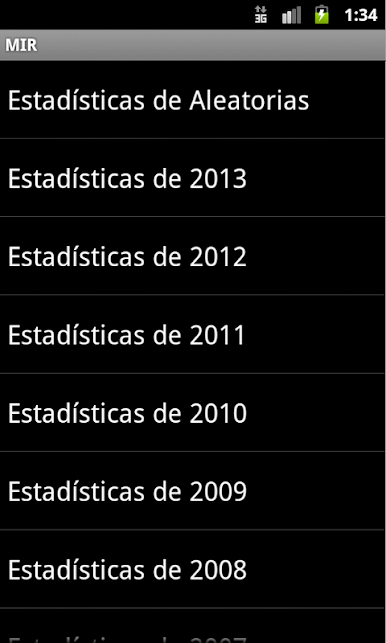
-You Can see the test results in the statistics section.
If a question has no correct answer it is that the official investigation had not.
Rate it if you like the application
Zagraj w MIR na PC. To takie proste.
-
Pobierz i zainstaluj BlueStacks na PC
-
Zakończ pomyślnie ustawienie Google, aby otrzymać dostęp do sklepu Play, albo zrób to później.
-
Wyszukaj MIR w pasku wyszukiwania w prawym górnym rogu.
-
Kliknij, aby zainstalować MIR z wyników wyszukiwania
-
Ukończ pomyślnie rejestrację Google (jeśli krok 2 został pominięty) aby zainstalować MIR
-
Klinij w ikonę MIR na ekranie startowym, aby zacząć grę

