

All-In-One Calculator
Chơi trên PC với BlueStacks - Nền tảng chơi game Android, được hơn 500 triệu game thủ tin tưởng.

Trang đã được sửa đổi vào: Nov 25, 2025
Run All-In-One Calculator on PC or Mac
Upgrade your experience. Try All-In-One Calculator, the fantastic Productivity app from allinonecalculator.com, from the comfort of your laptop, PC, or Mac, only on BlueStacks.
About the App
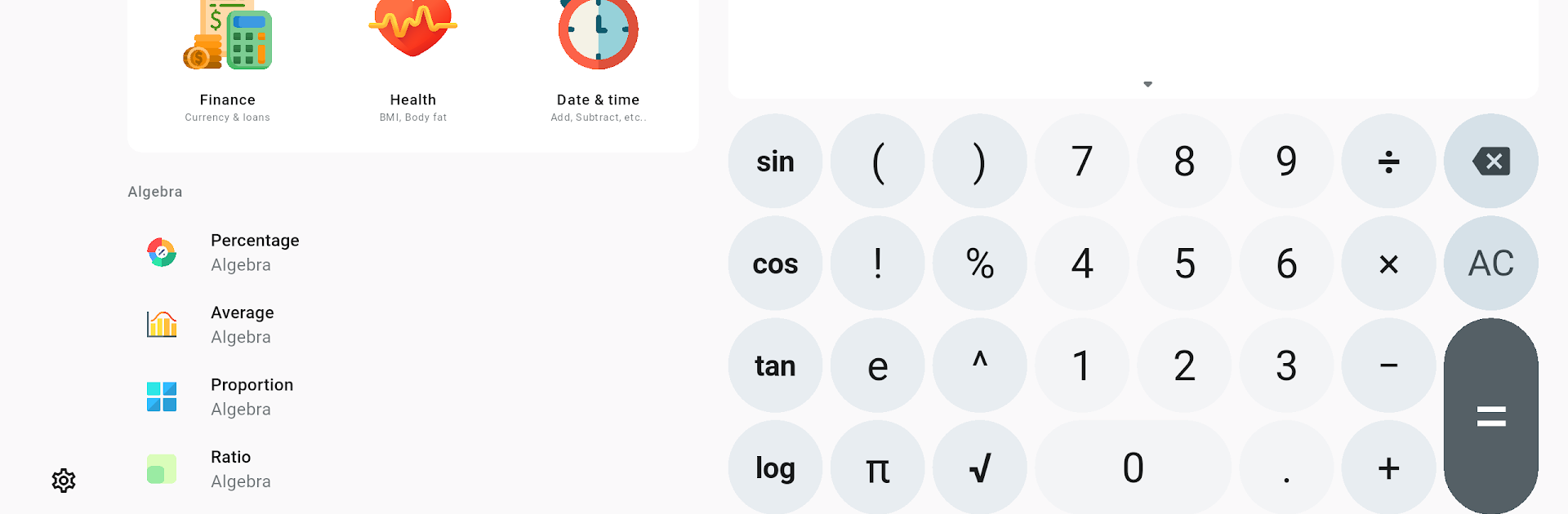
Ever wish you had just one app to handle all your math, conversion, and calculation needs? All-In-One Calculator aims to be your go-to toolkit for everything from quick arithmetic to more complex conversions, whether you’re managing homework, budgeting, cooking, or tackling a DIY project. Expect a friendly interface packed with powerful features—and yes, everything’s easy to find and free to use.
App Features
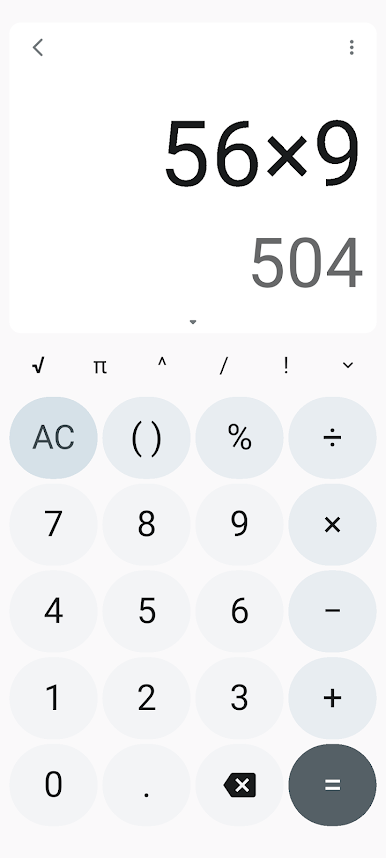
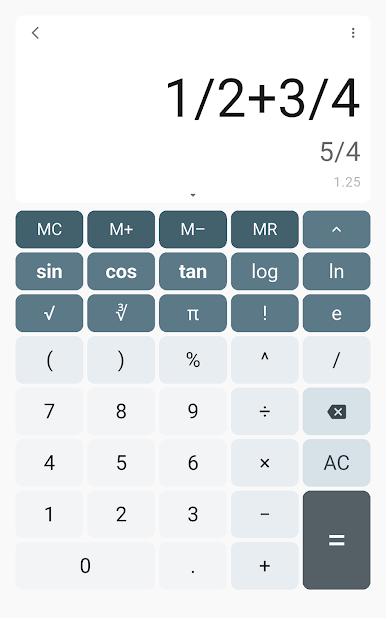
- Simple, Flexible Calculator
-
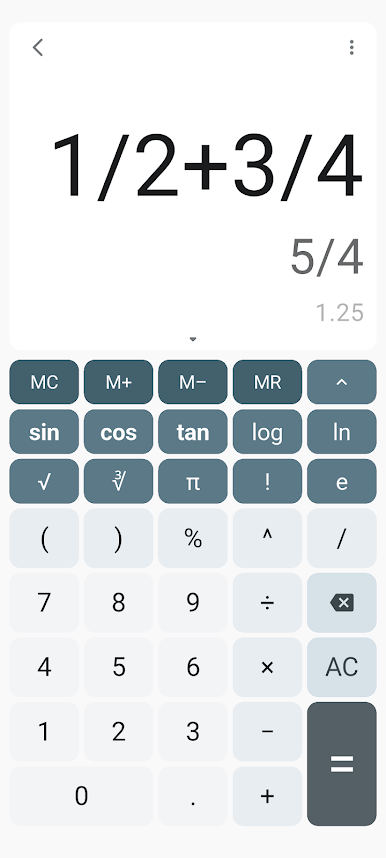
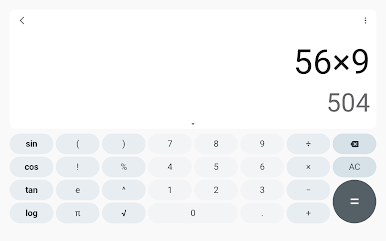
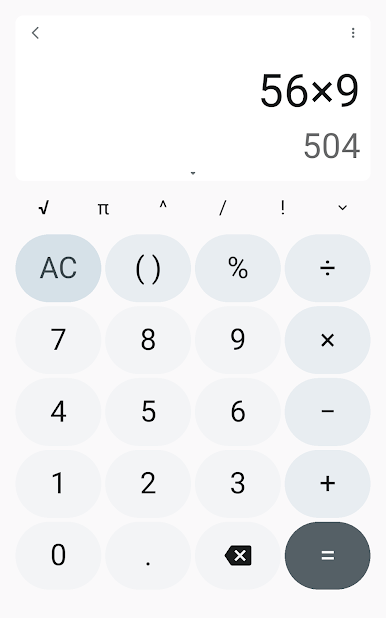
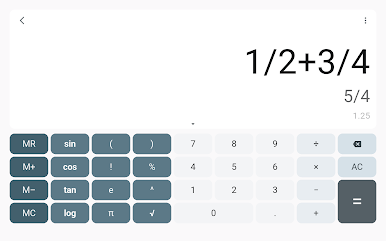
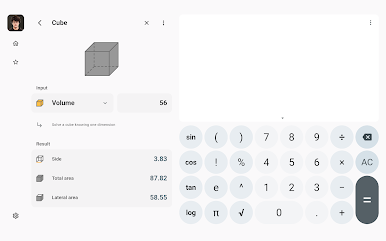
Switch between different calculator layouts (standard or scientific) to suit your problem—plus, big buttons mean less fumbling and more accuracy. Edit as you go, copy or paste your calculations, and check your history when you need a refresher.
-
Scientific Functions On Tap
-
Tackle fractions, exponents, and tricky equations—if you’re working through algebra, geometry, or anything more involved, the scientific calculator’s got your back.
-
Over 75 Specialized Tools
-
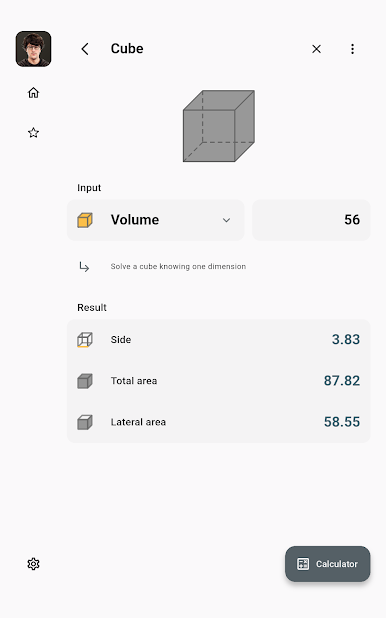
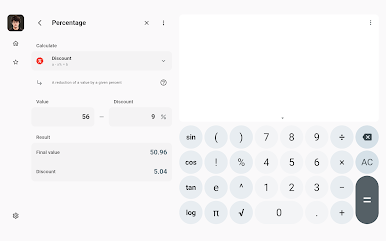
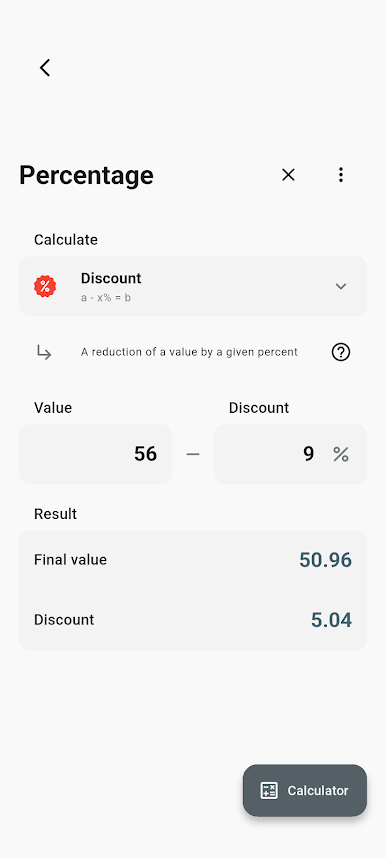
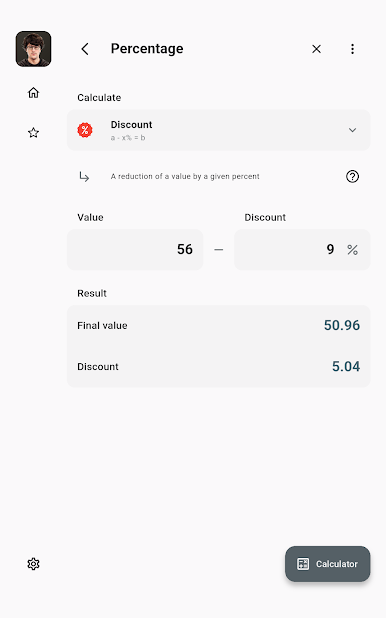
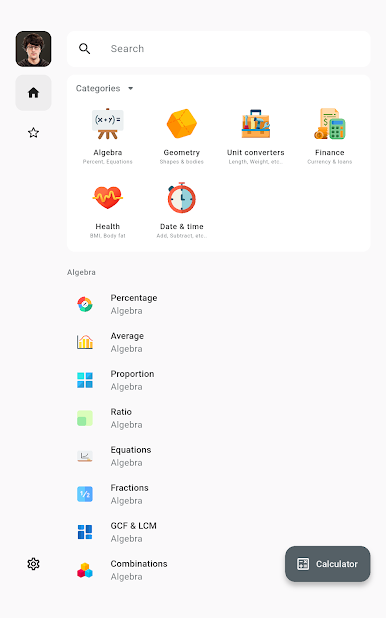
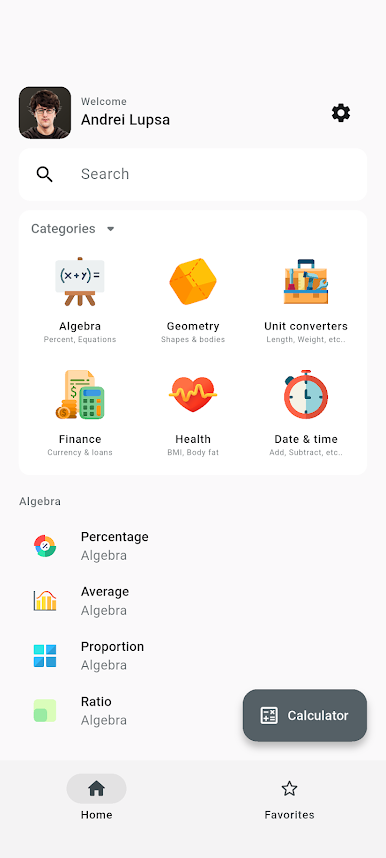
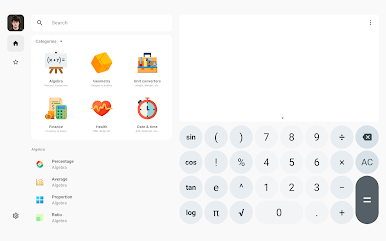
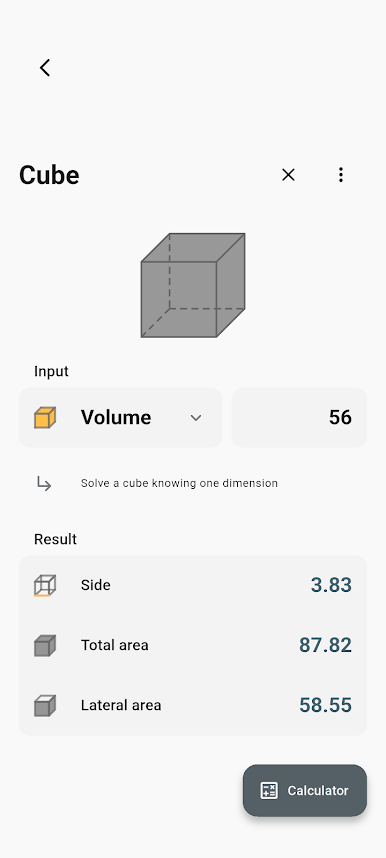
Jump into everything from algebra helpers (percentages, ratios, prime checks) to geometric shape calculators, financial tools, and health calculators—all organized and super quick to find using a smart search.
-
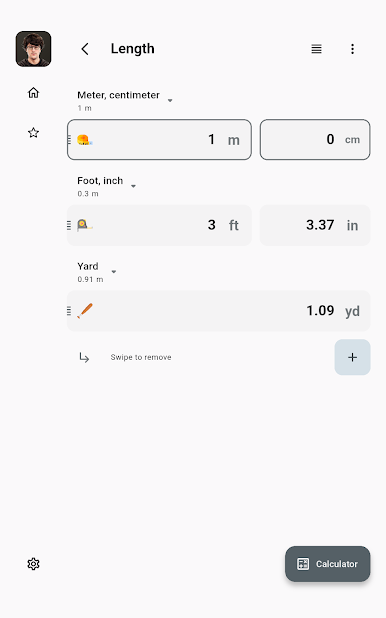
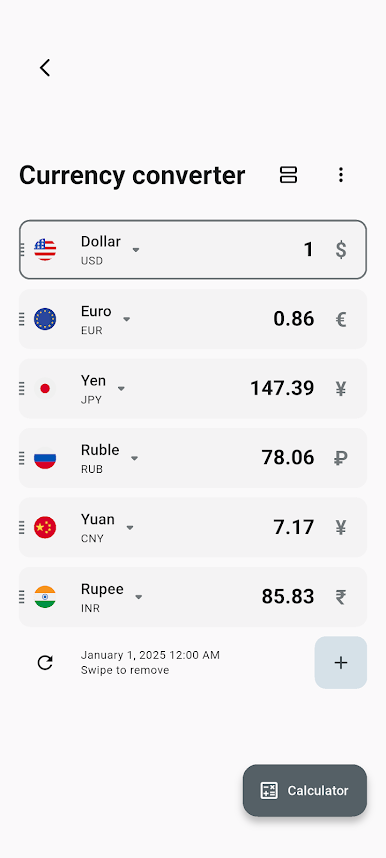
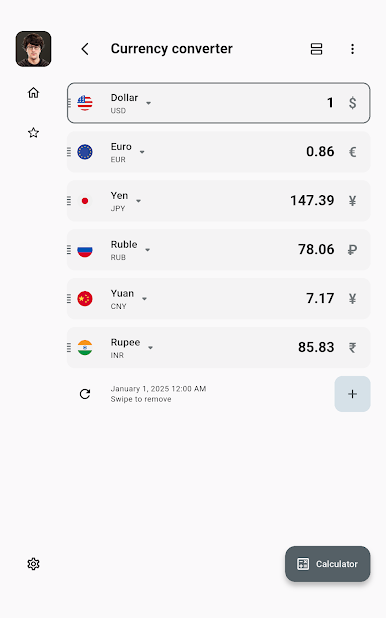
Unit & Currency Converters
-
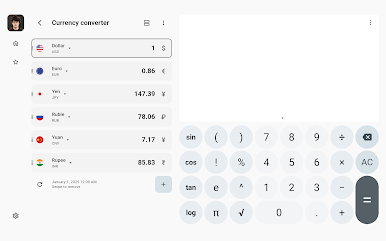
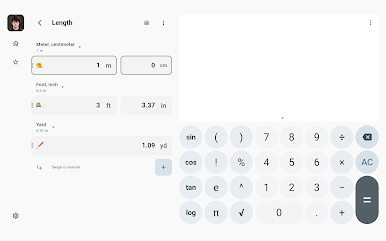
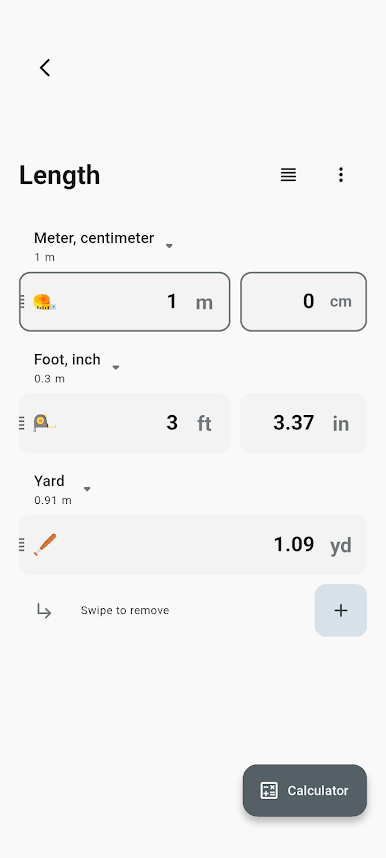
Need to convert temperature, distance, weight, digital storage, or even shoe size? With support for 160 currencies (and offline mode), you can switch values, units, or money with almost no effort.
-
Handy for School & Everyday Tasks
-
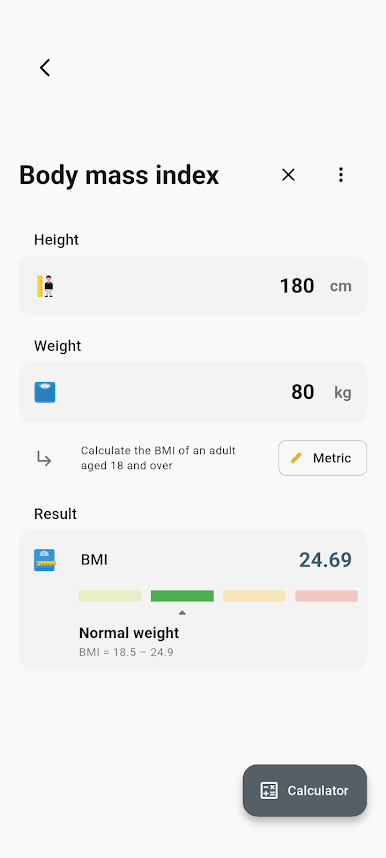
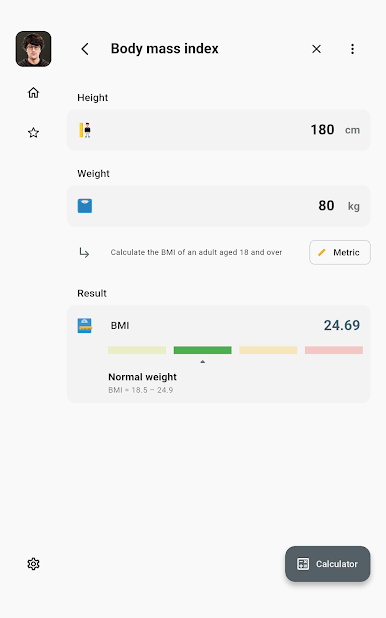
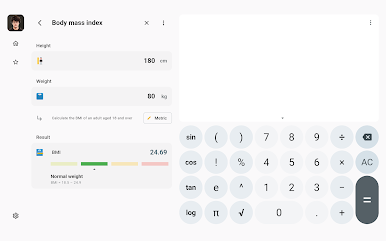
Perfect for students crunching through math homework, or anyone who just wants to figure out a sale price, loan payment, or body mass index in seconds.
-
Date and Time Tools
-
Calculate ages, add or subtract time, or find the gap between two dates without hassle.
-
Quick Results, Minimal Effort
-
Results pop up as you type—no more waiting for the answer to show up after you hit enter.
-
Runs Smoothly on BlueStacks
- Enjoy the extra convenience if you’re using All-In-One Calculator on BlueStacks, bringing all these features right onto your computer screen.
All-In-One Calculator from allinonecalculator.com keeps productivity at your fingertips, so you can spend less time crunching numbers and more time getting stuff done.
Ready to experience All-In-One Calculator on a bigger screen, in all its glory? Download BlueStacks now.
Chơi All-In-One Calculator trên PC. Rất dễ để bắt đầu
-
Tải và cài đặt BlueStacks trên máy của bạn
-
Hoàn tất đăng nhập vào Google để đến PlayStore, hoặc thực hiện sau
-
Tìm All-In-One Calculator trên thanh tìm kiếm ở góc phải màn hình
-
Nhấn vào để cài đặt All-In-One Calculator trong danh sách kết quả tìm kiếm
-
Hoàn tất đăng nhập Google (nếu bạn chưa làm bước 2) để cài đặt All-In-One Calculator
-
Nhấn vào icon All-In-One Calculator tại màn hình chính để bắt đầu chơi

