

French-Italian Dictionary
Graj na PC z BlueStacks – Platforma gamingowa Android, która uzyskała zaufanie ponad 500 milionów graczy!

Strona zmodyfikowana w dniu: Nov 18, 2025
Run French-Italian Dictionary on PC or Mac
What’s better than using French-Italian Dictionary by AllDict? Well, try it on a big screen, on your PC or Mac, with BlueStacks to see the difference.
French-Italian Dictionary is basically a two way French to Italian and Italian to French tool that feels fast and straightforward. Someone types a word, it pulls up meanings right away, and there is audio for pronunciation so users hear how it should sound. It all works offline, which makes it handy for travel or study spots with weak Wi‑Fi. The layout is clean, so there is no fumbling around to find the basics.
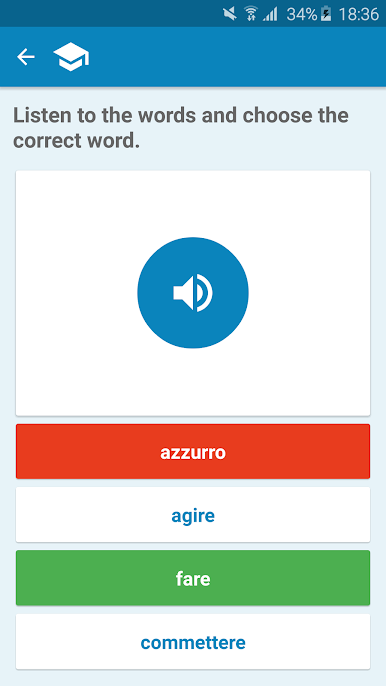
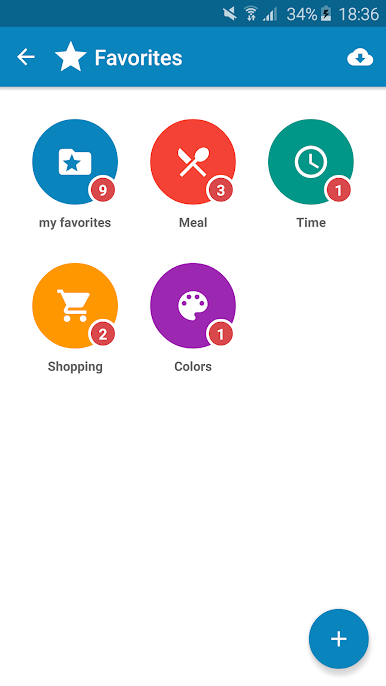
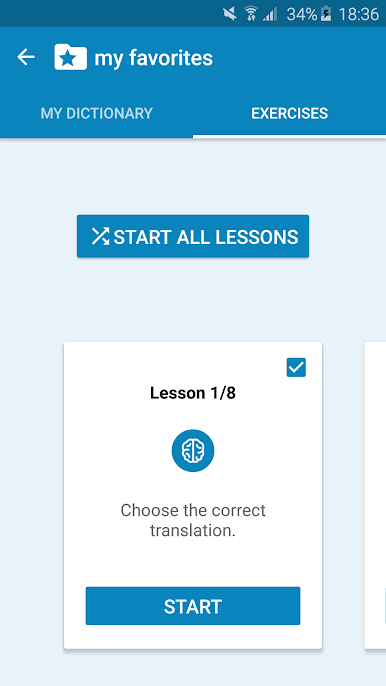
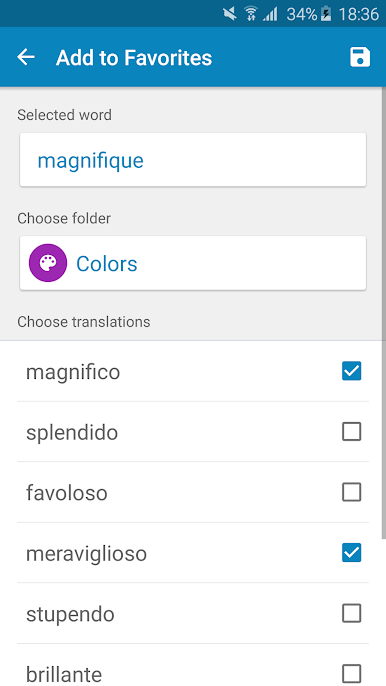
What stands out is the practice side. It is not only a lookup app. Users can save words into a personal list and then drill them with different exercises. There are prompts that nudge writing, listening, speaking, and reading, so it covers the usual problem areas without feeling heavy. It suits beginners who need simple checks, but also helps more advanced learners who want quick reference and focused review. Progress is not hidden behind clutter, and adding new words is quick enough that it actually gets used.
On PC through BlueStacks, it feels even more study friendly. Typing with a keyboard speeds up searches, the bigger screen keeps longer definitions readable, and the audio is clear through speakers or headphones. It plays nice alongside other windows too, so someone can read an article in French or Italian and pop in the dictionary without losing the flow. Simple idea, but it does the small things well.
Eager to take your app experience to the next level? Start right away by downloading BlueStacks on your PC or Mac.
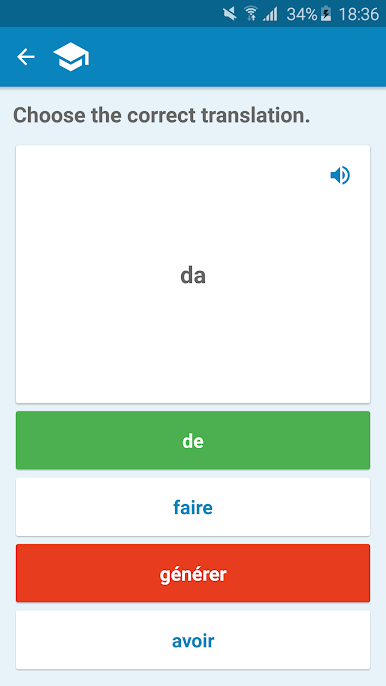
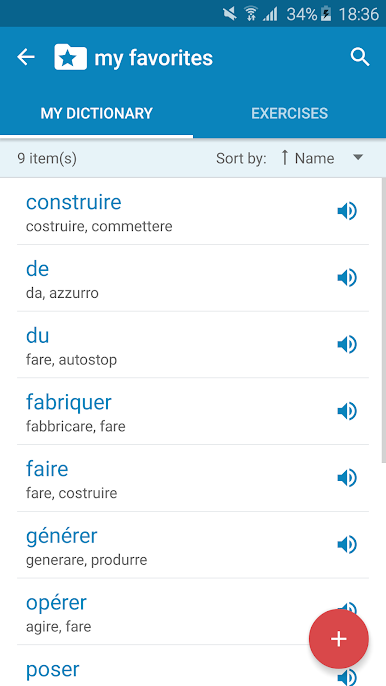
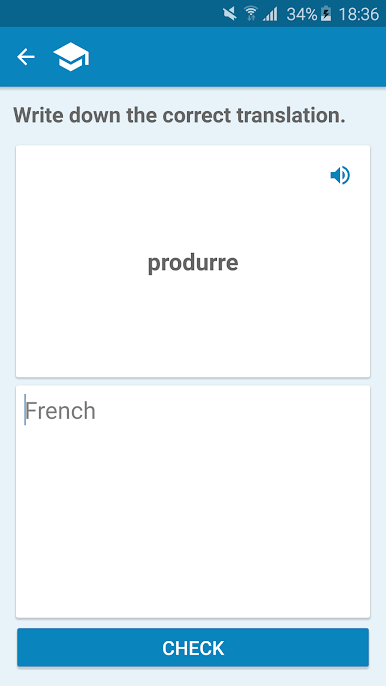
Zagraj w French-Italian Dictionary na PC. To takie proste.
-
Pobierz i zainstaluj BlueStacks na PC
-
Zakończ pomyślnie ustawienie Google, aby otrzymać dostęp do sklepu Play, albo zrób to później.
-
Wyszukaj French-Italian Dictionary w pasku wyszukiwania w prawym górnym rogu.
-
Kliknij, aby zainstalować French-Italian Dictionary z wyników wyszukiwania
-
Ukończ pomyślnie rejestrację Google (jeśli krok 2 został pominięty) aby zainstalować French-Italian Dictionary
-
Klinij w ikonę French-Italian Dictionary na ekranie startowym, aby zacząć grę

