


Nhiệt kế++ Nhiệt độ phòng
Chơi trên PC với BlueStacks - Nền tảng chơi game Android, được hơn 500 triệu game thủ tin tưởng.

Trang đã được sửa đổi vào: Dec 8, 2025
Play Thermometer++ Room Temperature on PC
Key Features:
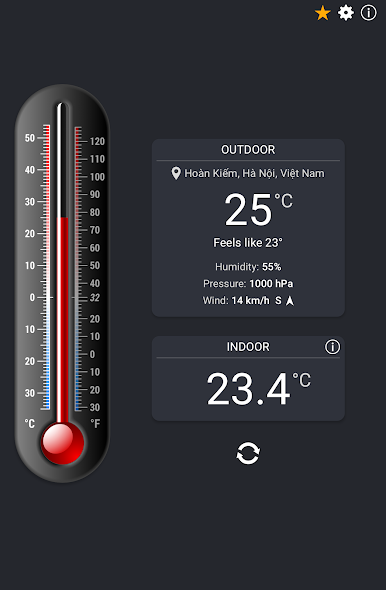
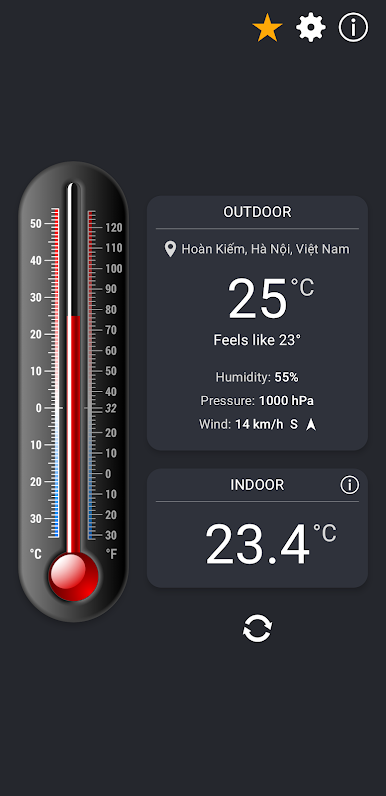
• Indoor Room Temperature – Instantly measure your indoor ambient temperature using your device’s built-in sensors. Get an accurate read on your room climate anytime with this thermometer.
• Outdoor Temperature & Weather – See the outdoor temperature updated in real time. Our AI system combines multiple sources to deliver local weather info, including temperature, humidity, and pressure, specific to your neighborhood.
• Humidity & Pressure – Functions as a hygrometer and barometer, showing outdoor humidity and pressure — all in one smart thermometer app.
• Feels‑Like Temperature – Know how it actually feels outside before you leave.
• Celsius & Fahrenheit – View a beautiful thermometer display with a dual scale and switch between units with a single tap.
• Minimalist Design – Clean, easy-to-read interface with only essential information.
• Fewer Ads, No Distractions – Thermometer++ is ad-supported but designed to keep ads minimal.
• Premium Version – Go ad‑free and get faster updates. Unlock Premium with a subscription or one‑time payment.
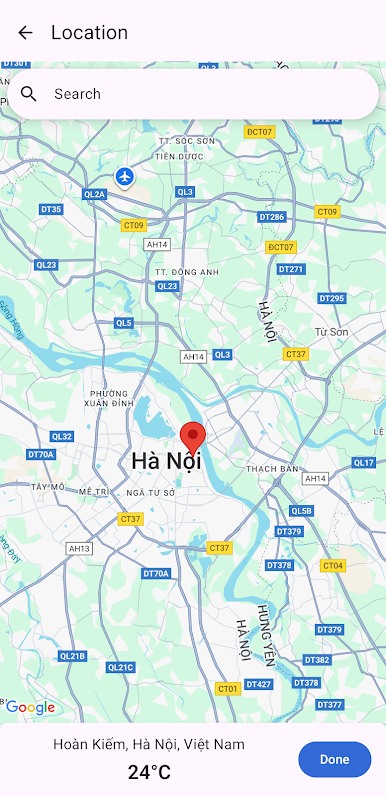
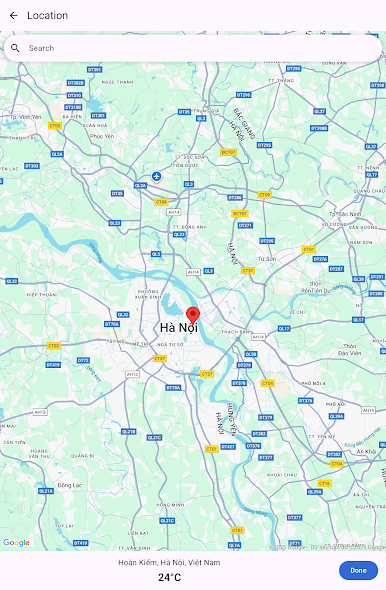
• Location Flexibility – Auto-detects your location or lets you set any place on the map to check conditions anywhere. Perfect for travel or planning ahead.
• Practical & Helpful – Plan your day and decide what to wear by checking real-time temperature and humidity. Stay prepared during heatwaves or cold spells by monitoring indoor and outdoor conditions.
Download Thermometer++ today and enjoy a fast, accurate way to stay informed about your environment’s temperature and weather with this versatile thermometer tool!
Chơi Nhiệt kế++ Nhiệt độ phòng trên PC. Rất dễ để bắt đầu
-
Tải và cài đặt BlueStacks trên máy của bạn
-
Hoàn tất đăng nhập vào Google để đến PlayStore, hoặc thực hiện sau
-
Tìm Nhiệt kế++ Nhiệt độ phòng trên thanh tìm kiếm ở góc phải màn hình
-
Nhấn vào để cài đặt Nhiệt kế++ Nhiệt độ phòng trong danh sách kết quả tìm kiếm
-
Hoàn tất đăng nhập Google (nếu bạn chưa làm bước 2) để cài đặt Nhiệt kế++ Nhiệt độ phòng
-
Nhấn vào icon Nhiệt kế++ Nhiệt độ phòng tại màn hình chính để bắt đầu chơi

