


Wysyłanie Aplikacji
Graj na PC z BlueStacks – Platforma gamingowa Android, która uzyskała zaufanie ponad 500 milionów graczy!

Strona zmodyfikowana w dniu: Sep 9, 2024
Run Apk Share - Bluetooth Transfer on PC or Mac
Why limit yourself to your small screen on the phone? Run Apk Share – Bluetooth Transfer, an app by Trusted Tools, best experienced on your PC or Mac with BlueStacks, the world’s #1 Android emulator.
About the App
Looking for a hassle-free way to manage and share your apps? Apk Share – Bluetooth Transfer by Trusted Tools keeps things simple, letting you easily send, back up, or even clean out those unused apps—all in one place. Whether you’re swapping apps with friends or just making sure you’ve got backups stashed away, this productivity app makes it easy without eating up your data or requiring complicated steps.
App Features
-
Quick App Sharing
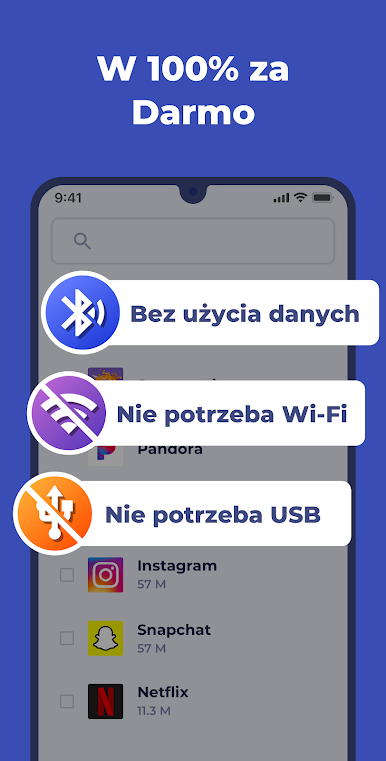
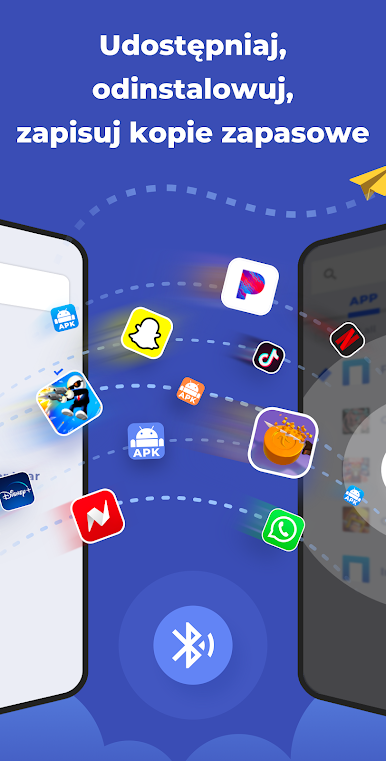
Swap apps with your friends or other devices in seconds using Bluetooth. No Wi-Fi or USB cables necessary—just select what you want to send and go. You can also share apps via WhatsApp, email, Google Drive, and more, or even send the Play Store link straight to someone. -
Batch Backups
Back up your favorite apps to your SD card in one fell swoop. Useful if you’re getting a new phone or just want to keep your installed apps safe. Everything lands in one tidy folder, so finding your backups later is easy. -
Easy Uninstall
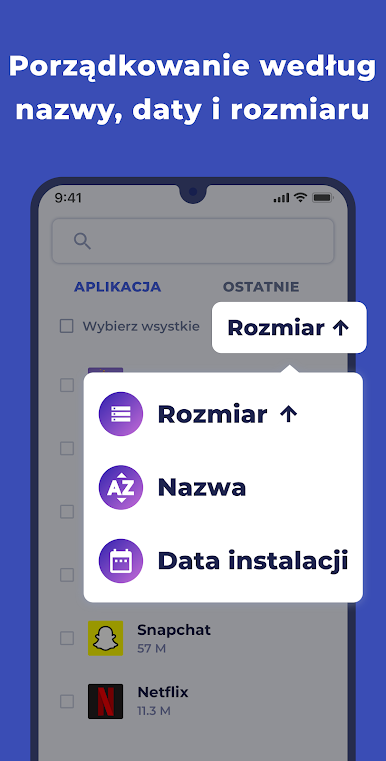
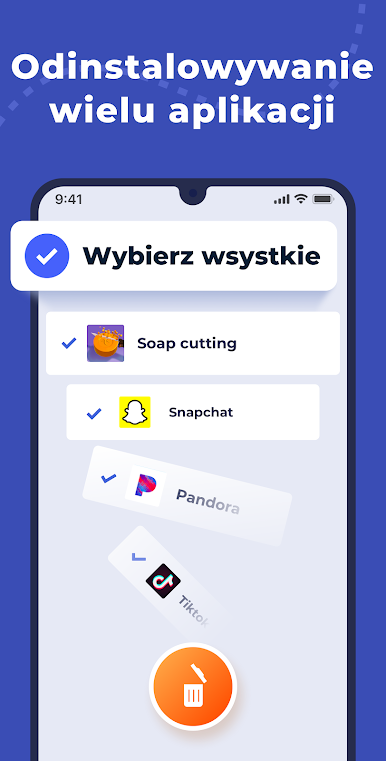
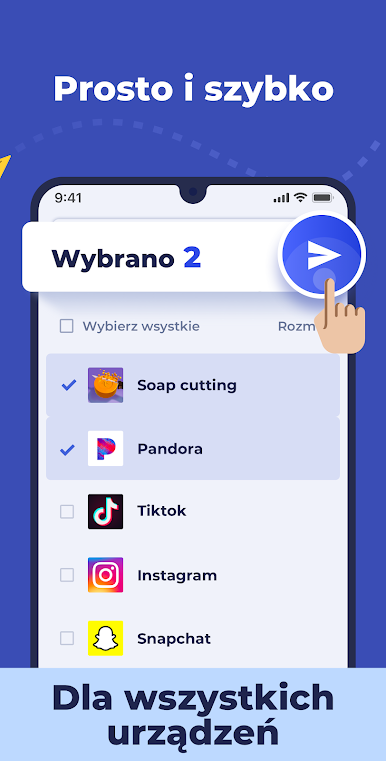
Got too many apps cluttering up your phone? Uninstall them in bulk with just a tap. Sort apps by name, size, or install date to spot and remove what you don’t need—no more searching one by one. -
Handy App Manager
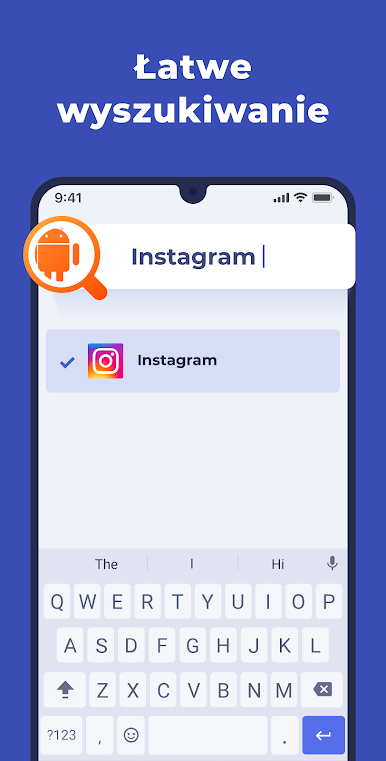
Browse, search, and filter your installed apps with ease. Want to check an app’s details like permissions, size, or install date? It’s all right there. You can even see and manage system apps (though you’ll need root permissions to uninstall those). -
Flexible Compatibility
Works across just about any Android device, from older versions up to the latest, and supports a variety of languages—so you’re covered no matter what you’re using. -
Simple Permissions, Secure Use
The app only asks for the permissions it needs (like Bluetooth and storage) and nothing more, keeping things safe and privacy-friendly.
Enjoy the same features if you prefer using Apk Share – Bluetooth Transfer with BlueStacks, giving you a bit more room to work with on a bigger screen.
Ready to experience Apk Share – Bluetooth Transfer on a bigger screen, in all its glory? Download BlueStacks now.
Zagraj w Wysyłanie Aplikacji na PC. To takie proste.
-
Pobierz i zainstaluj BlueStacks na PC
-
Zakończ pomyślnie ustawienie Google, aby otrzymać dostęp do sklepu Play, albo zrób to później.
-
Wyszukaj Wysyłanie Aplikacji w pasku wyszukiwania w prawym górnym rogu.
-
Kliknij, aby zainstalować Wysyłanie Aplikacji z wyników wyszukiwania
-
Ukończ pomyślnie rejestrację Google (jeśli krok 2 został pominięty) aby zainstalować Wysyłanie Aplikacji
-
Klinij w ikonę Wysyłanie Aplikacji na ekranie startowym, aby zacząć grę

