


Online Compiler:Code on Mobile
Chơi trên PC với BlueStacks - Nền tảng chơi game Android, được hơn 500 triệu game thủ tin tưởng.

Trang đã được sửa đổi vào: Feb 12, 2025
Play Online Compiler:Code on Mobile on PC
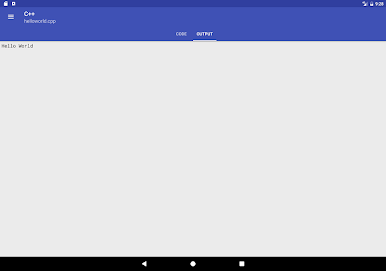
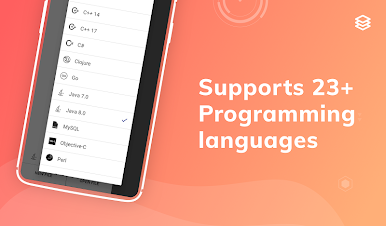
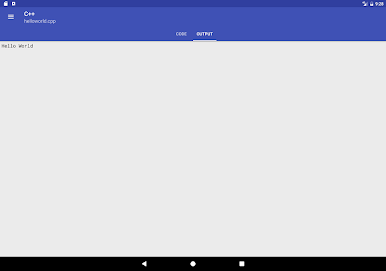
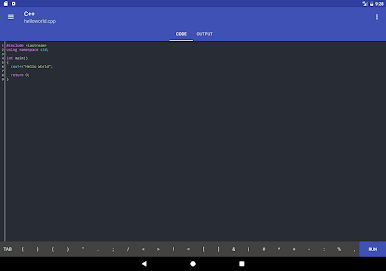
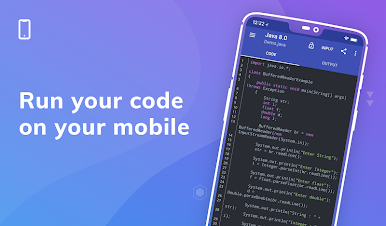
Online Console Compiler - Code on Mobile is the fastest online compiler and IDE to compile and run programs/code snippets on your smartphone for 23 programming languages.
The best way to practice coding on the go, anytime, anywhere.
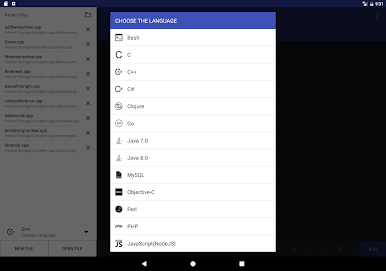
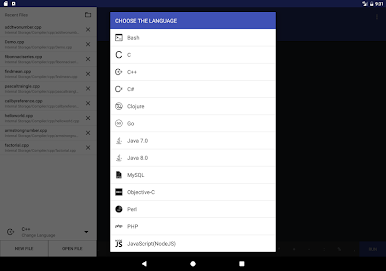
Languages supported include:
1. Bash (Shell Script)
2. C - GCC Compiler
3. C++ - GCC Compiler
4. C++ 14 - GCC Compiler
5. C++ 17 - GCC Compiler
6. C# (C Sharp) - Mono compiler
7. Clojure
8. Go Language
9. Java 7
10. Java 8
11. MySQL
12. Objective-C
13. Perl
14. PHP
15. NodeJS
16. Python 2.7
17. Python 3.0
18. R Language
19. Ruby
20. Scala
21. Swift 1.2
22. VB.Net - Mono Compiler
23. Pascal
Features included are:
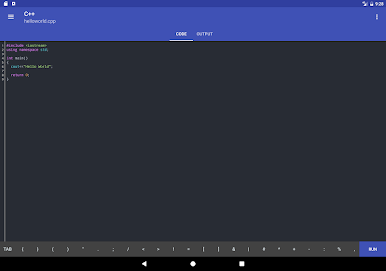
1. Code Syntax Highlighting
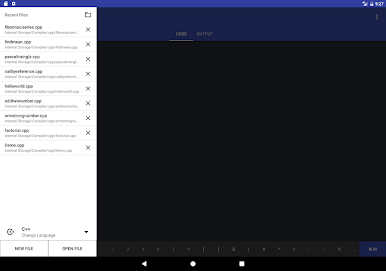
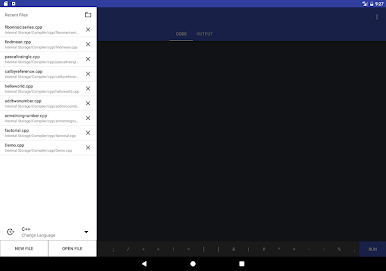
2. Open your existing code snippet from Internal storage,
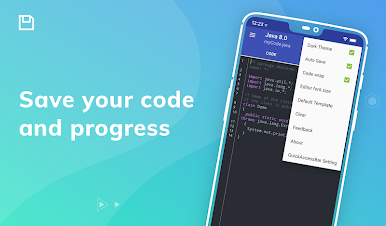
3. Auto Save your code as you type.
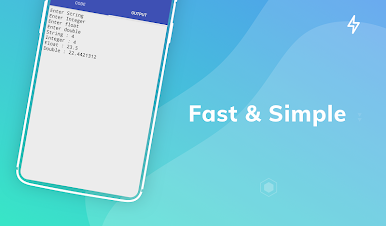
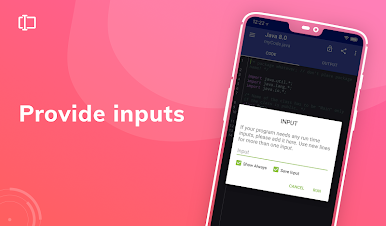
4. Add single and multiple Inputs to your code.
Disclaimer: Online Console Compiler uses strong cloud based compilers to compile the code and display output, it is the fastest code compiler and app size is just ~1.7 MB.
Simply type or copy the source code of your favourite programming language in the IDE and run it within seconds.
Practice your coding skills and see your code snippets come to life.
Instead of rating us low, you can write your problems to us at hello@prghub.com; that will help us help you better.
Your love, guidance, and support are greatly appreciated!
Visit our website : https://compiler.run
Chơi Online Compiler:Code on Mobile trên PC. Rất dễ để bắt đầu
-
Tải và cài đặt BlueStacks trên máy của bạn
-
Hoàn tất đăng nhập vào Google để đến PlayStore, hoặc thực hiện sau
-
Tìm Online Compiler:Code on Mobile trên thanh tìm kiếm ở góc phải màn hình
-
Nhấn vào để cài đặt Online Compiler:Code on Mobile trong danh sách kết quả tìm kiếm
-
Hoàn tất đăng nhập Google (nếu bạn chưa làm bước 2) để cài đặt Online Compiler:Code on Mobile
-
Nhấn vào icon Online Compiler:Code on Mobile tại màn hình chính để bắt đầu chơi

