


Pumped Workout Tracker Gym Log
Graj na PC z BlueStacks – Platforma gamingowa Android, która uzyskała zaufanie ponad 500 milionów graczy!

Strona zmodyfikowana w dniu: Aug 20, 2025
Play Pumped Workout Tracker Gym Log on PC
Key Features:
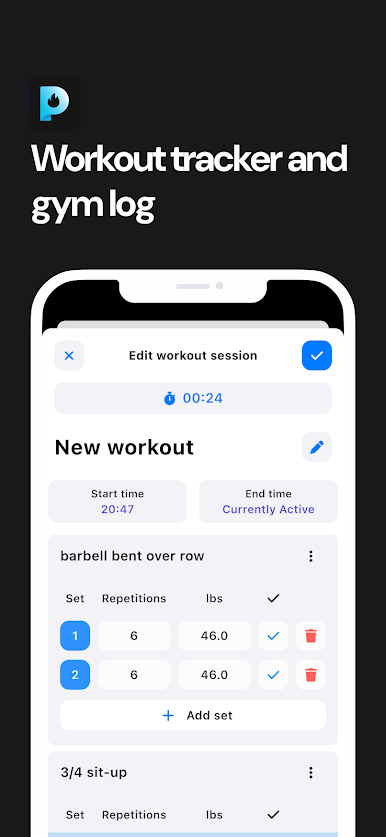
• Comprehensive Workout Tracking: Easily log sets, reps, weights, and exercises for bodybuilding, strength training, powerlifting, and HIIT sessions.
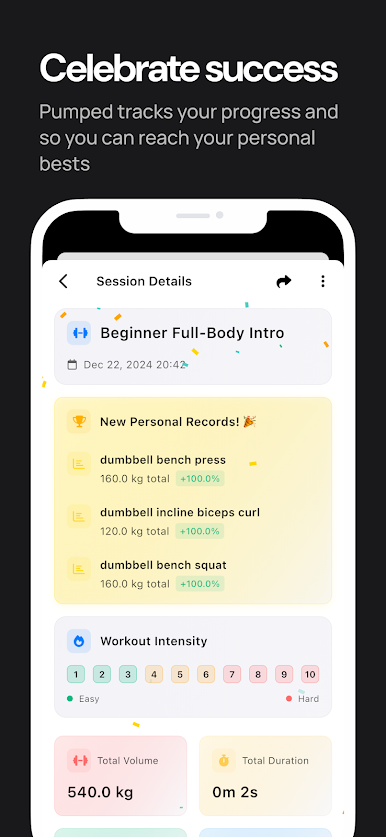
• Progress & Performance Metrics: Monitor muscle gains, track fat loss, and follow your weightlifting progress with in-depth analytics and charts.
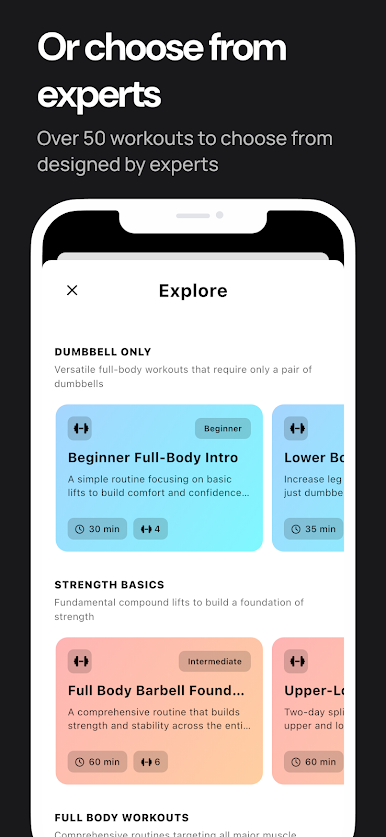
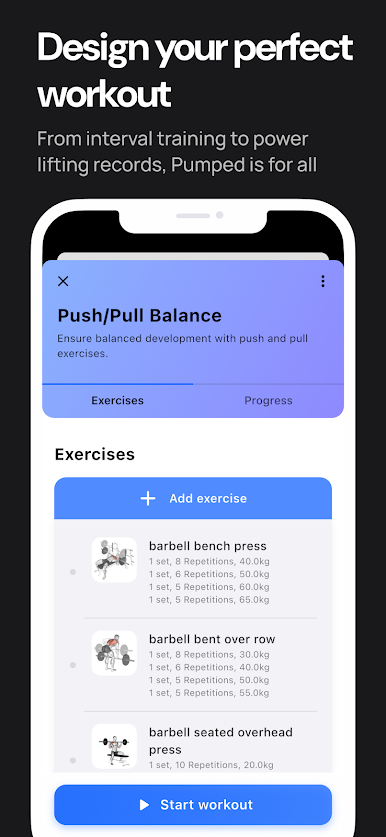
• Custom Workout Plans: Create personalized fitness routines or choose from expert-designed workout plans to grow stronger, build lean muscle, and improve overall fitness.
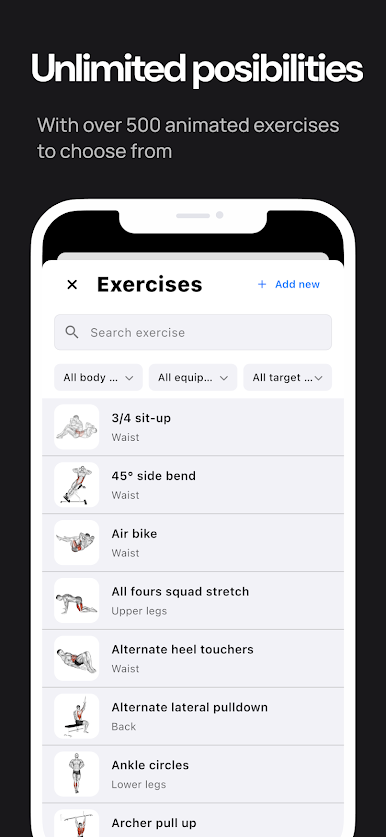
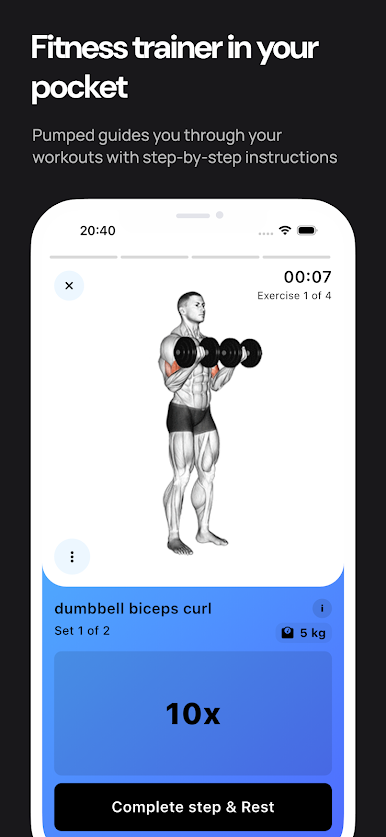
• Exercise Library & Instructions: Access a vast database of exercises with clear instructions, ensuring proper form and maximizing gains.
• Motivation & Goal Setting: Set workout goals, track your improvements, and stay motivated to hit new personal records.
• Intuitive, User-Friendly Interface: Our clean, simple design makes logging workouts fast and effortless, so you can focus on results.
Level up your fitness game with Pumped Workout Tracker Gym Log, the all-in-one fitness planner and progress tracker you’ve been waiting for. Start building muscle, improving strength, and getting fit—download Pumped now
Zagraj w Pumped Workout Tracker Gym Log na PC. To takie proste.
-
Pobierz i zainstaluj BlueStacks na PC
-
Zakończ pomyślnie ustawienie Google, aby otrzymać dostęp do sklepu Play, albo zrób to później.
-
Wyszukaj Pumped Workout Tracker Gym Log w pasku wyszukiwania w prawym górnym rogu.
-
Kliknij, aby zainstalować Pumped Workout Tracker Gym Log z wyników wyszukiwania
-
Ukończ pomyślnie rejestrację Google (jeśli krok 2 został pominięty) aby zainstalować Pumped Workout Tracker Gym Log
-
Klinij w ikonę Pumped Workout Tracker Gym Log na ekranie startowym, aby zacząć grę

