


Text Expander: Gõ Nhanh
Chơi trên PC với BlueStacks - Nền tảng chơi game Android, được hơn 500 triệu game thủ tin tưởng.

Trang đã được sửa đổi vào: Sep 26, 2025
Play Text Expander: Fast Typing on PC
Text expander expands keyword with long phrases. Type fast like an octopus!
Have to type the same phrases again and again, everyday?
Fast Typing text expander can do the job for you.
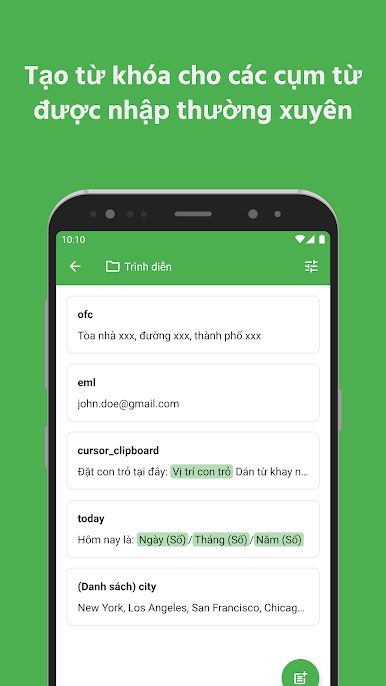
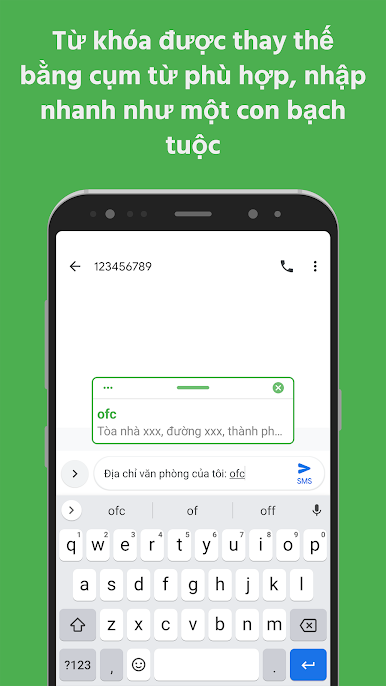
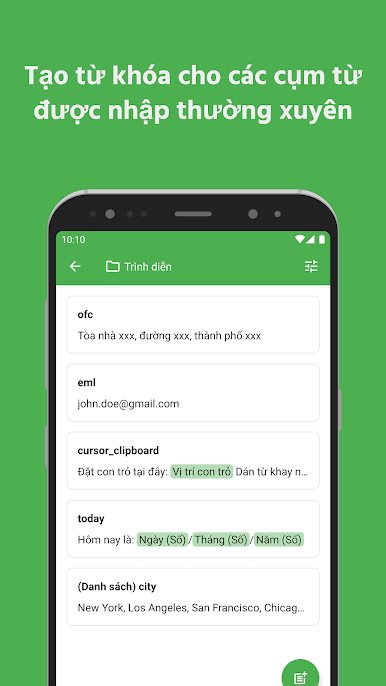
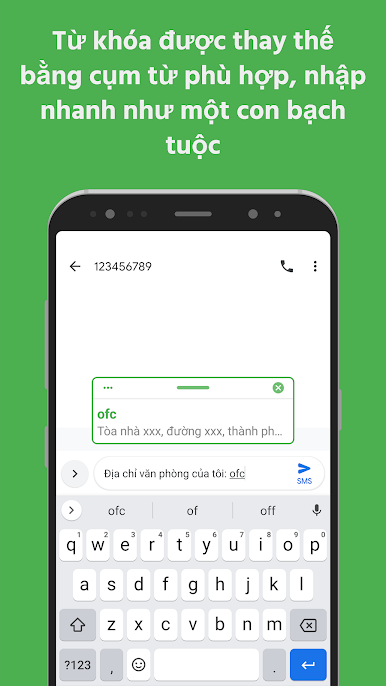
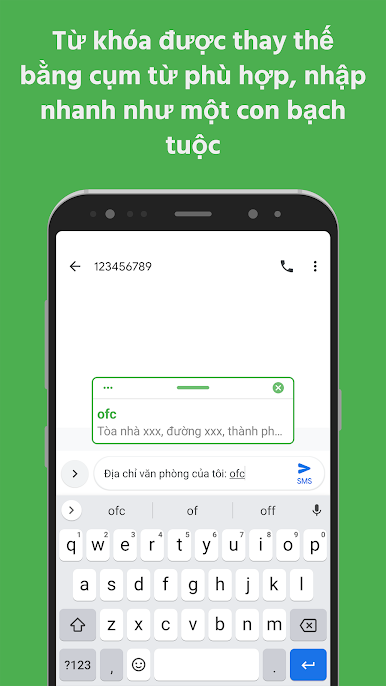
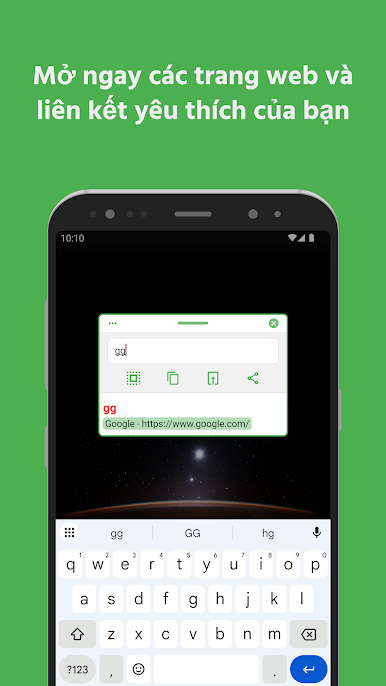
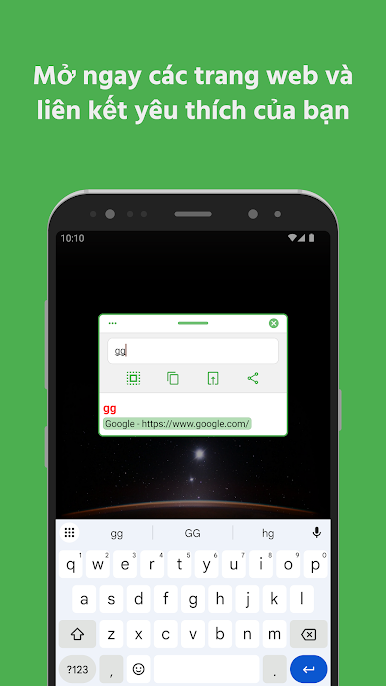
Create a short keyword for long phrase, anytime you type the keyword, text expander will replace it with corresponding full phrase.
No matter how long the sentence is, text expander will type it for you.
Save time for inputing words, sentences, emojis, date time, or anything!
Features
✔️ Text expander
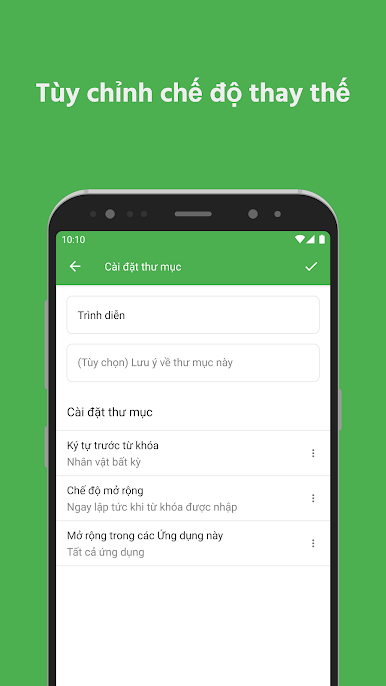
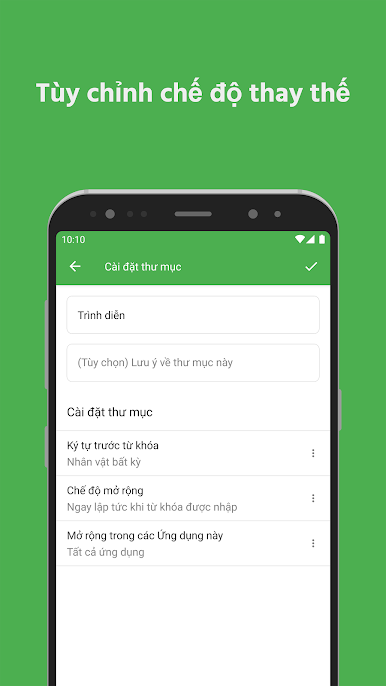
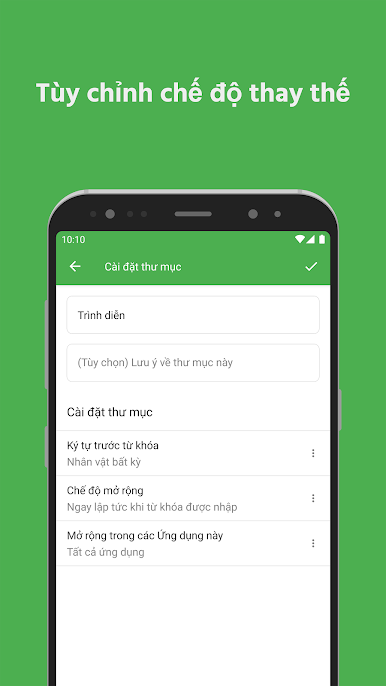
✔️ Folder grouping
✔️ Show keyword suggestion when you type
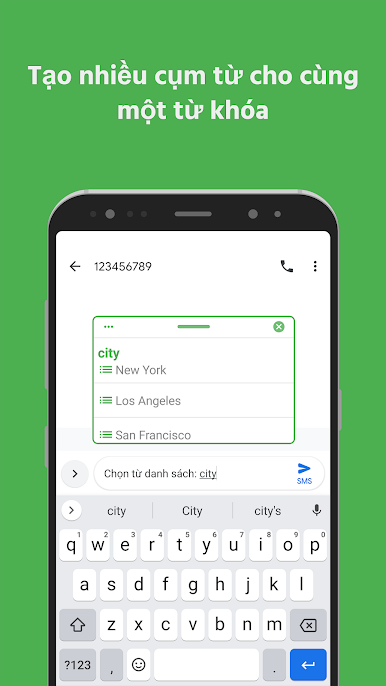
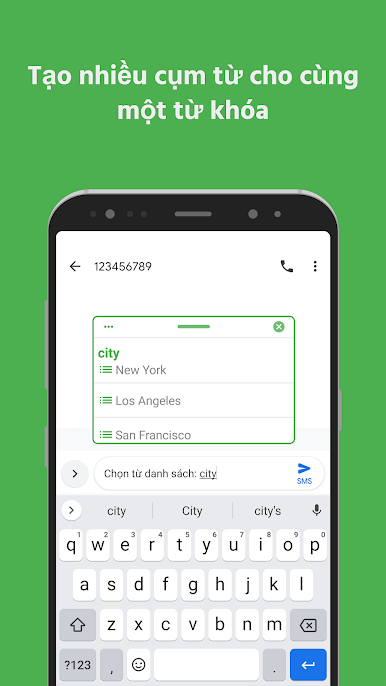
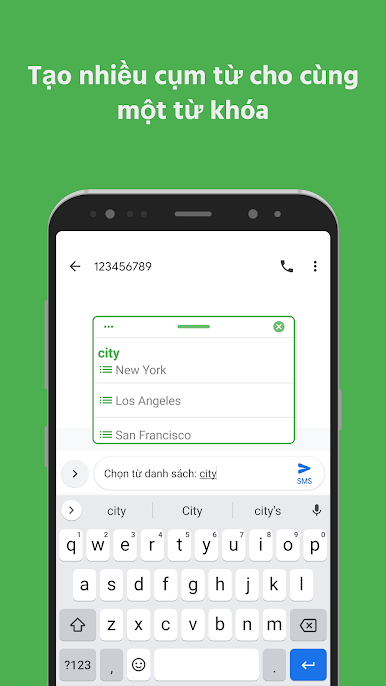
✔️ Phrase list: multiple phrases for one keyword
✔️ Change phrase case based on keyword case
✔️ Insert date & time
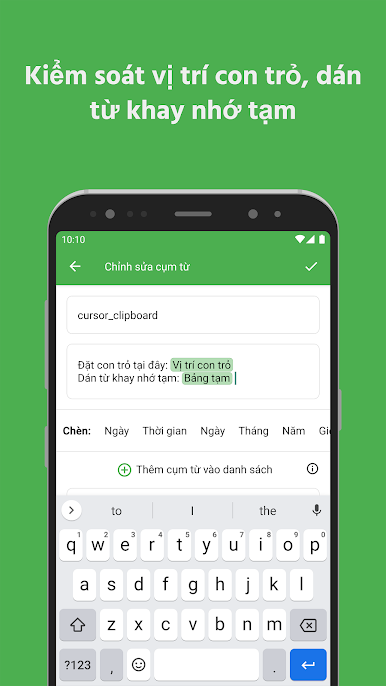
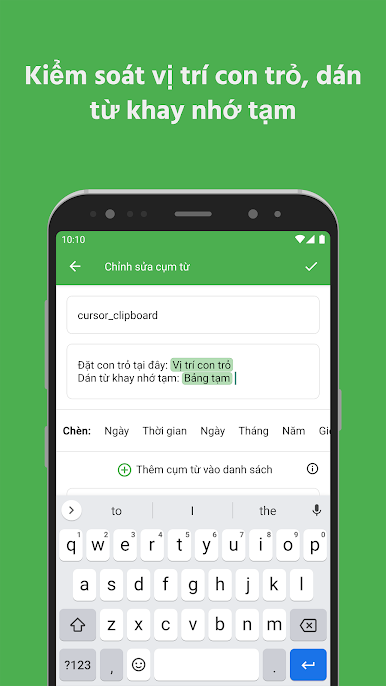
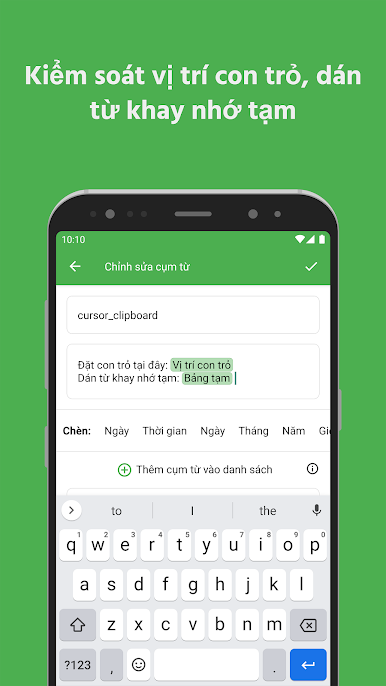
✔️ Cursor position
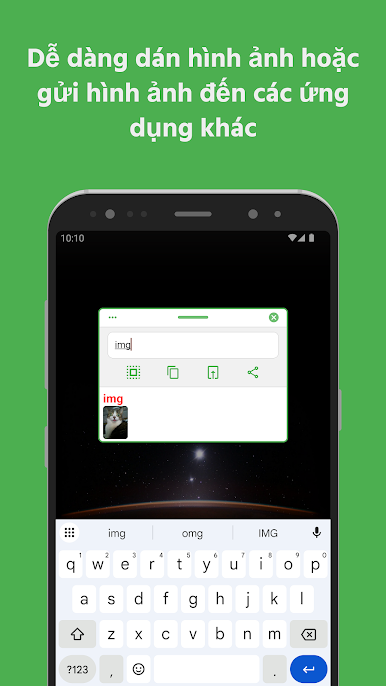
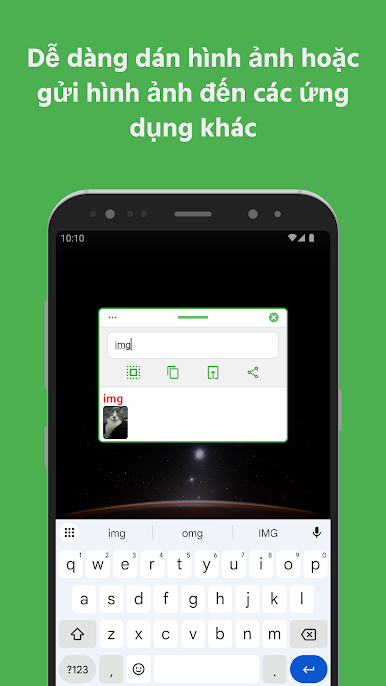
✔️ Paste from clipboard
✔️ Dark mode
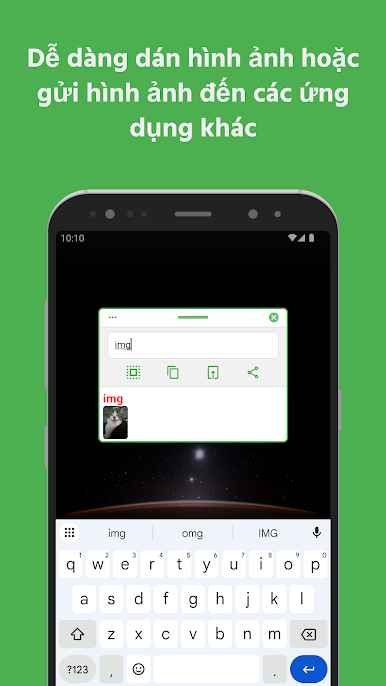
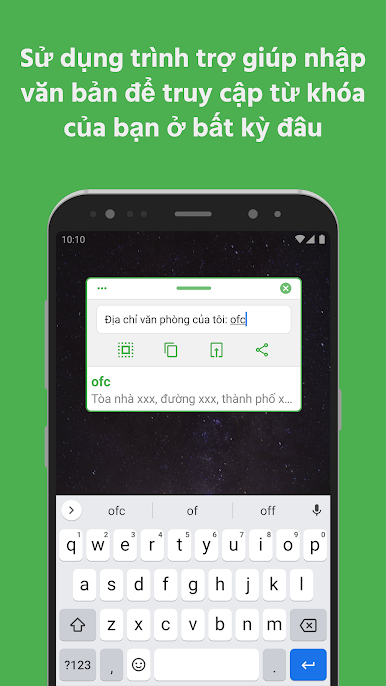
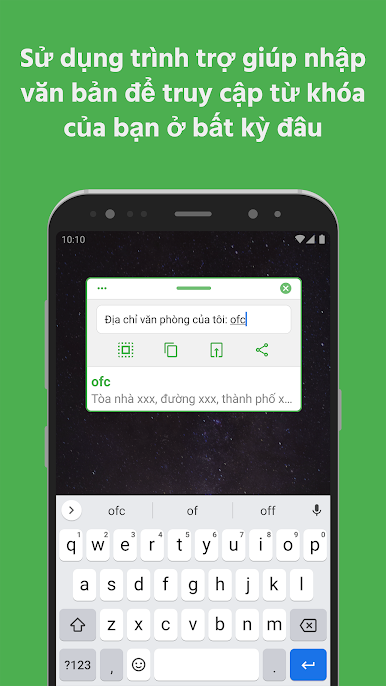
✔️ Text input helper
✔️ Backup & restore
✔️ App blacklist or whitelist
✔️ Pause service when necessary
✔️ Trigger replacement instantly or after delimiter typed
✔️ Undo replacement
Important
Accessibility service is required to replace keywords with phrases in other apps.
All usage of accessibility service privileges is exclusively for the purpose of providing Accessibility features to users.
Text expander cannot detect keyword in incompatible apps. Use text input helper to help inputing in incompatible apps.
Useful Links
🔗 Privacy policy: https://octopus.page.link/privacy
🔗 Terms of use: https://octopus.page.link/terms
Icon originally created by Freepik - Flaticon: https://www.flaticon.com/free-icons/computer-hardware
Chơi Text Expander: Gõ Nhanh trên PC. Rất dễ để bắt đầu
-
Tải và cài đặt BlueStacks trên máy của bạn
-
Hoàn tất đăng nhập vào Google để đến PlayStore, hoặc thực hiện sau
-
Tìm Text Expander: Gõ Nhanh trên thanh tìm kiếm ở góc phải màn hình
-
Nhấn vào để cài đặt Text Expander: Gõ Nhanh trong danh sách kết quả tìm kiếm
-
Hoàn tất đăng nhập Google (nếu bạn chưa làm bước 2) để cài đặt Text Expander: Gõ Nhanh
-
Nhấn vào icon Text Expander: Gõ Nhanh tại màn hình chính để bắt đầu chơi

