


Applore - Phone Asistant
Chơi trên PC với BlueStacks - Nền tảng chơi game Android, được hơn 500 triệu game thủ tin tưởng.

Trang đã được sửa đổi vào: Dec 16, 2025
Run Applore - Device Manager on PC or Mac
Why limit yourself to your small screen on the phone? Run Applore – Device Manager, an app by MobileBrain App Studio, best experienced on your PC or Mac with BlueStacks, the world’s #1 Android emulator.
About the App
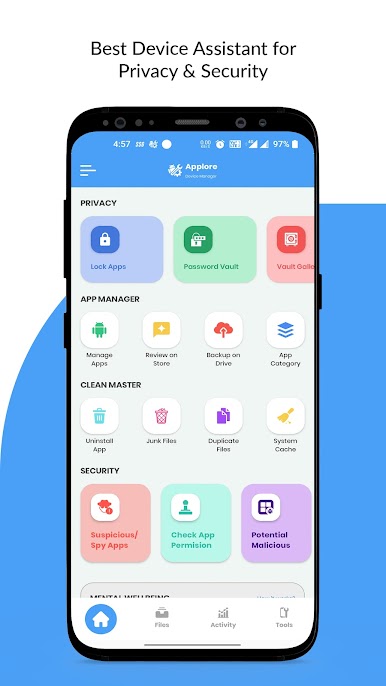
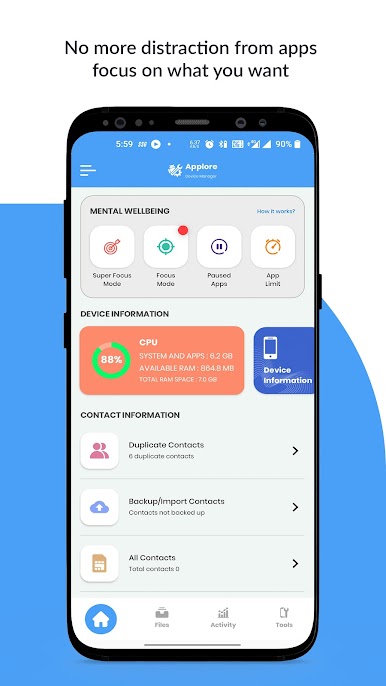
Tired of your phone feeling slow or cluttered? Applore – Device Manager from MobileBrain App Studio is here to give you total control over your device, making managing everything from apps to files simple and stress-free. Whether you’re cleaning up space, locking down privacy, or just trying to find that one rogue file, this handy Tools app keeps things running smoothly. Expect a cleaner, safer, and more organized experience every day, with features designed for real life (and yes, it works great with BlueStacks too if you’re on your desktop).
App Features
-
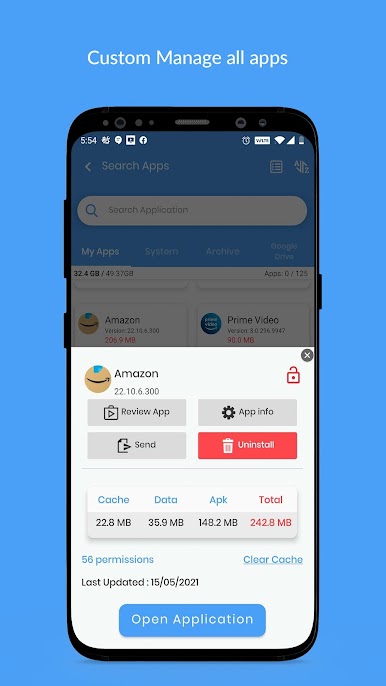
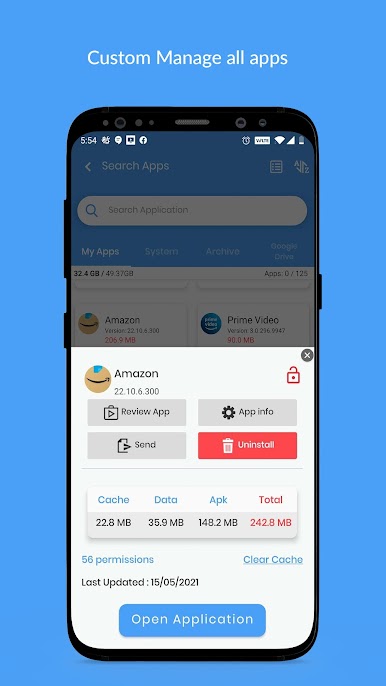
Comprehensive App Management
Get a complete overview of both installed and system apps. Sort, bulk uninstall, check what’s eating up your memory, and back up or restore apps when you need to. -
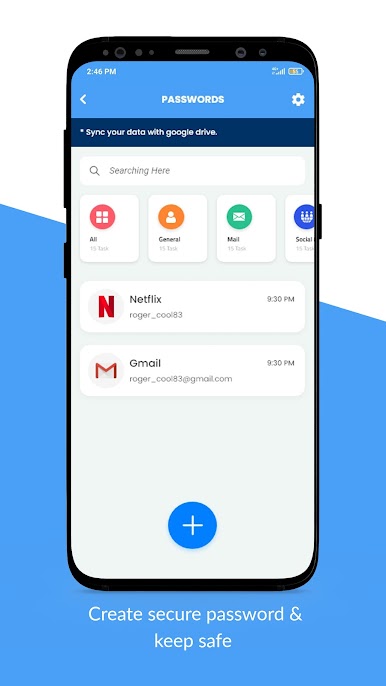
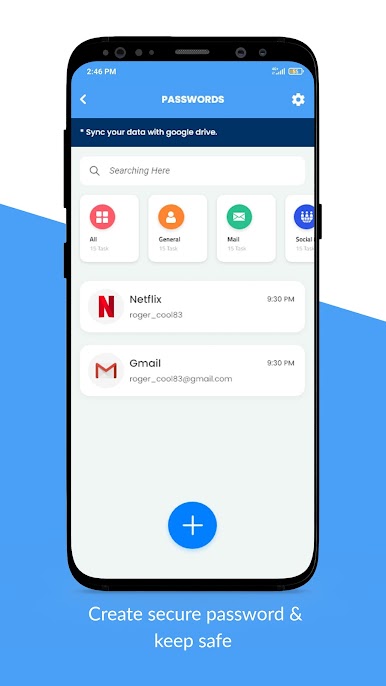
Smart Privacy & Security Tools
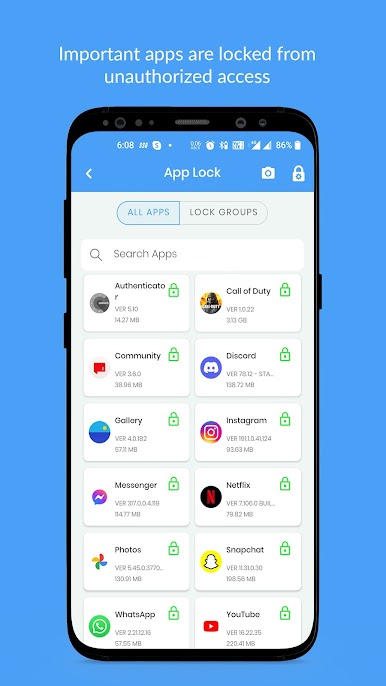
Scan for hidden or suspicious apps, see which ones access your private info, and lock down what matters most—apps, WiFi, notifications, or even system settings—with a PIN, pattern, or fingerprint. -
Junk Cleaner & Cache Remover
When your phone’s lagging or storage is running low, quickly sweep out unwanted files, old thumbnails, and leftover junk so your device feels brand new. -
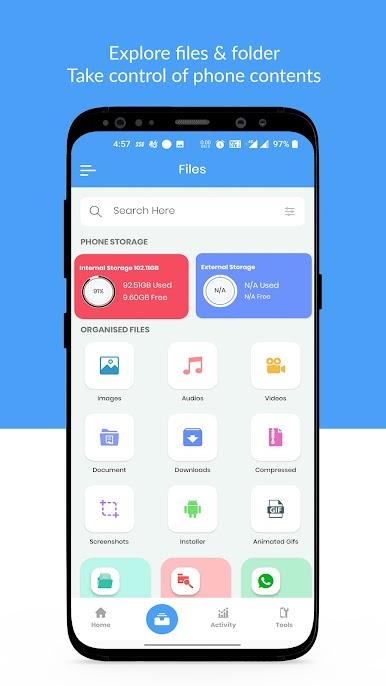
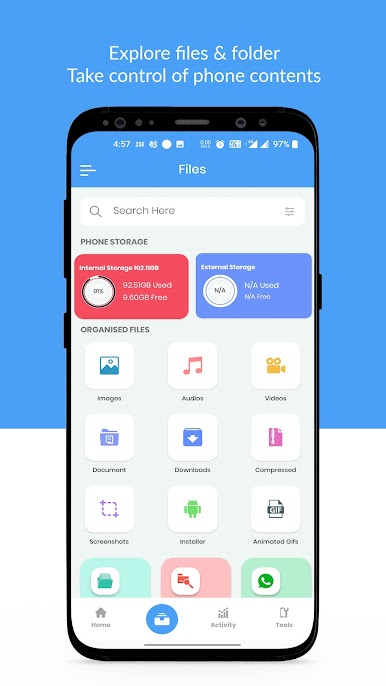
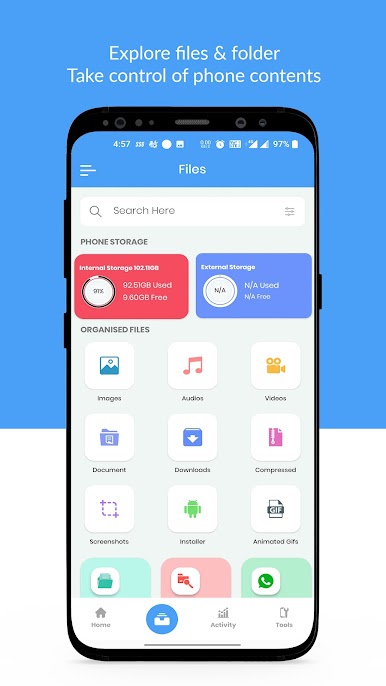
File Manager with Everyday Tools
Browse, search, move, cut, or share files just like you would on a computer. Manage your photos, videos, documents—compress, decompress, and even preview images and videos with handy thumbnails. -
Duplicate File Finder
Find and delete those sneaky identical files, especially copies from WhatsApp or other social apps. Free up space without guessing which file to keep. -
RAM Booster for Smooth Performance
Speed up your phone (or your BlueStacks experience) by cleaning up background processes and garbage taking up memory—perfect for smoother gaming or multitasking. -
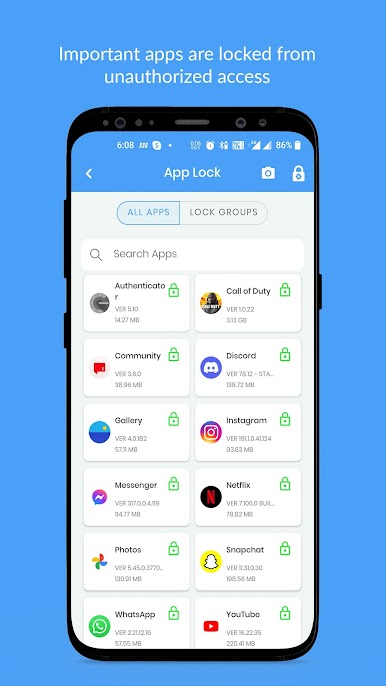
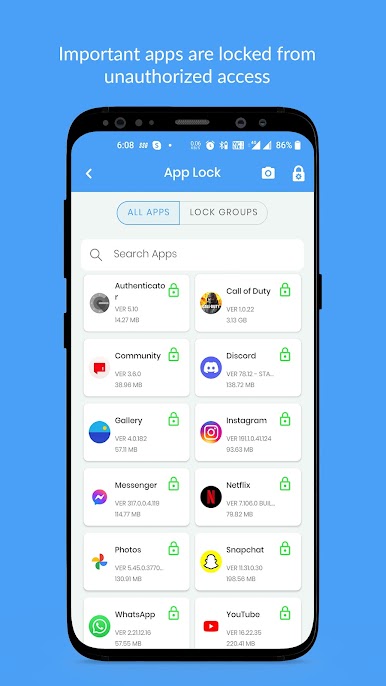
App Locking Made Easy
Protect your sensitive apps, social accounts, or even your WiFi and Bluetooth settings. Choose from PIN, patterns, or just your fingerprint for an extra layer of security. -
Stay Updated
Don’t miss app updates! Get notified when new versions are available, along with clear info on what’s changed so you can keep your favorite tools current. -
Category Insights
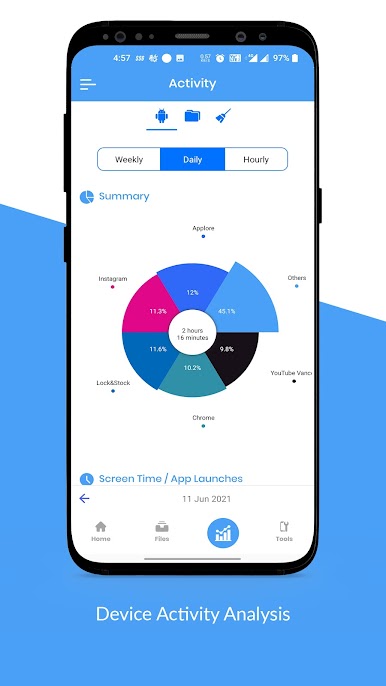
Curious which apps are taking up the most space, or wondering how many games you’ve installed? Sort your apps into categories to make the decision to keep or delete that much easier. -
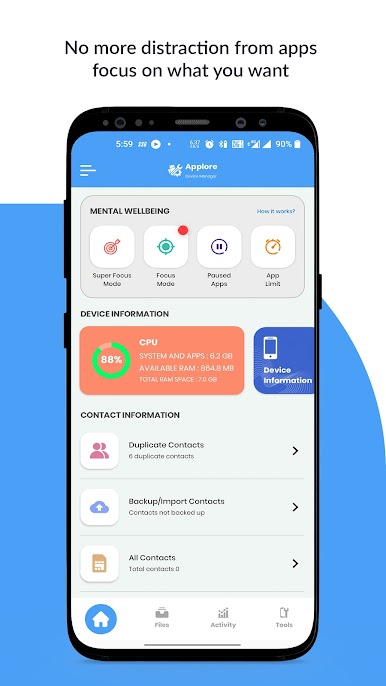
System Info at Your Fingertips
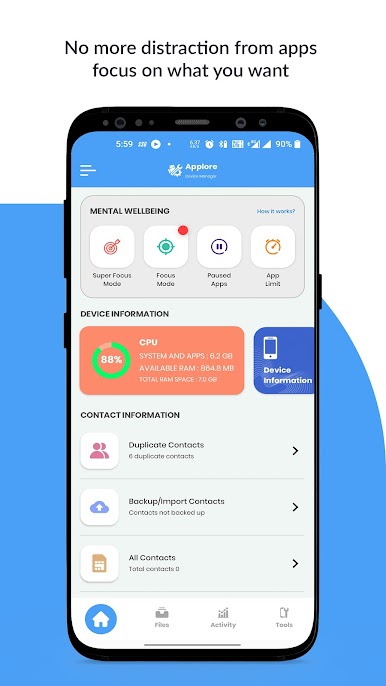
Ever want to know your phone’s battery health, device temperature, or exactly what sensors you’ve got? Get an instant, detailed look at your hardware anytime.
Switch to BlueStacks and make the most of your apps on your PC or Mac.

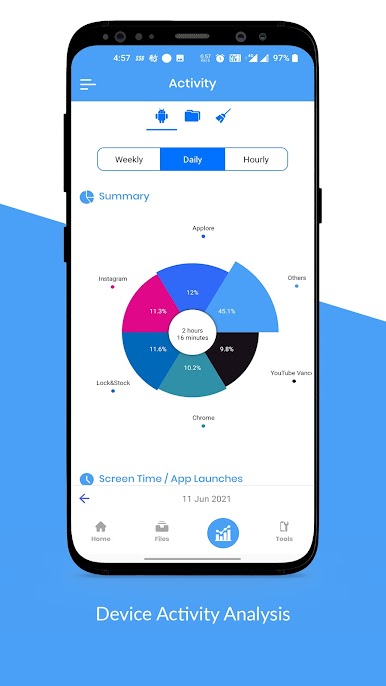
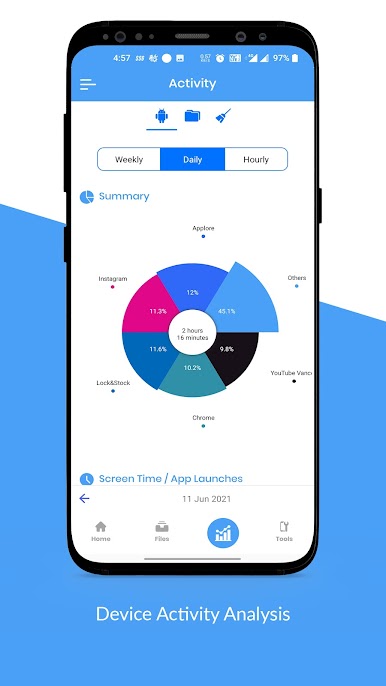
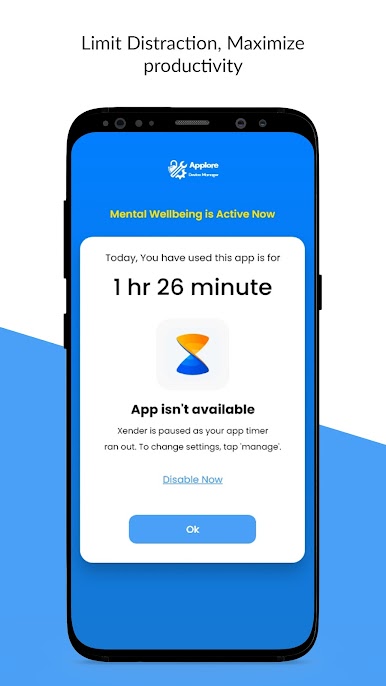
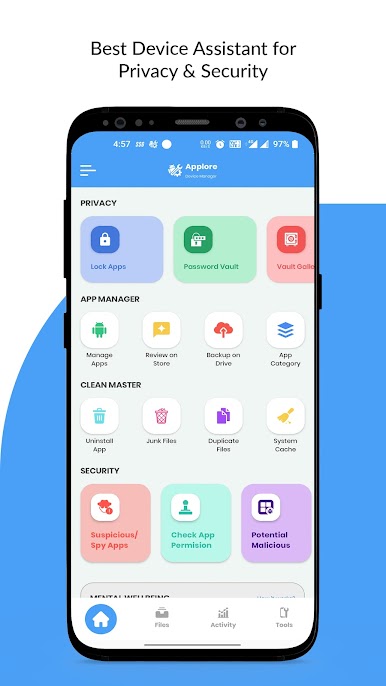
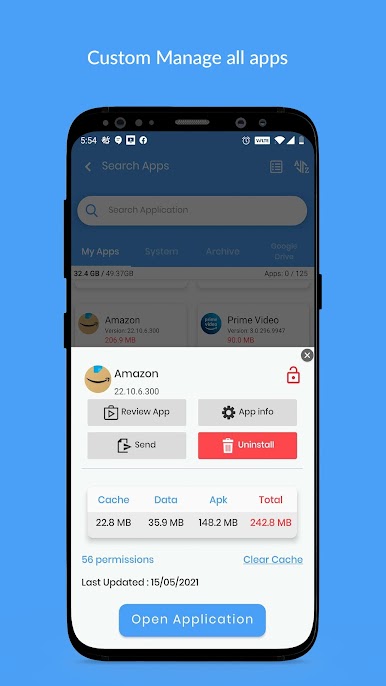
Chơi Applore - Phone Asistant trên PC. Rất dễ để bắt đầu
-
Tải và cài đặt BlueStacks trên máy của bạn
-
Hoàn tất đăng nhập vào Google để đến PlayStore, hoặc thực hiện sau
-
Tìm Applore - Phone Asistant trên thanh tìm kiếm ở góc phải màn hình
-
Nhấn vào để cài đặt Applore - Phone Asistant trong danh sách kết quả tìm kiếm
-
Hoàn tất đăng nhập Google (nếu bạn chưa làm bước 2) để cài đặt Applore - Phone Asistant
-
Nhấn vào icon Applore - Phone Asistant tại màn hình chính để bắt đầu chơi

