


Bộ định thời trực quan
Chơi trên PC với BlueStacks - Nền tảng chơi game Android, được hơn 500 triệu game thủ tin tưởng.

Trang đã được sửa đổi vào: Sep 29, 2025
Run Visual Timer - Countdown on PC or Mac
What’s better than using Visual Timer – Countdown by Humane Digital? Well, try it on a big screen, on your PC or Mac, with BlueStacks to see the difference.
About the App
Visual Timer – Countdown from Humane Digital makes handling your to-do list a breeze. If you need a no-fuss, easy way to keep track of meetings, home routines, or just want to help your kids grasp how time passes, this app’s here for you. Whether you’re trying to stay focused at work or just need to structure the kids’ bedtime, this timer offers a clear visual countdown that’s simple and easy to follow.
App Features
-
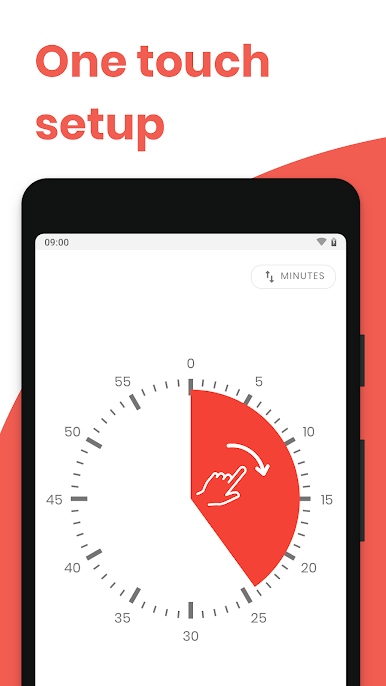
Instant Setup
No instructions needed — just tap and your timer starts. Forget hunting through menus; you can get going in seconds. -
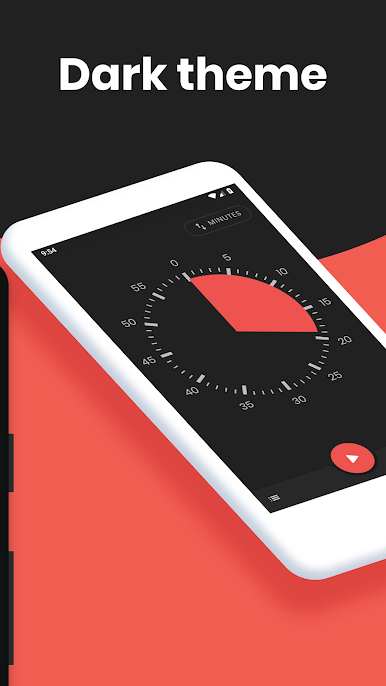
Visual Time Tracking
A bold, easy-to-read countdown lets you glance over and know exactly how much time’s left. It’s handy when you want to stay on track without checking the clock every minute. -
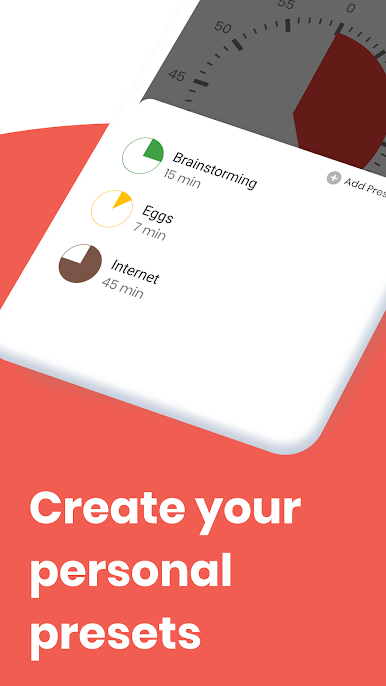
Preset Timers
Have the same tasks every day? Save your favorite routines as presets so you don’t have to keep resetting the timer every time you use it. -
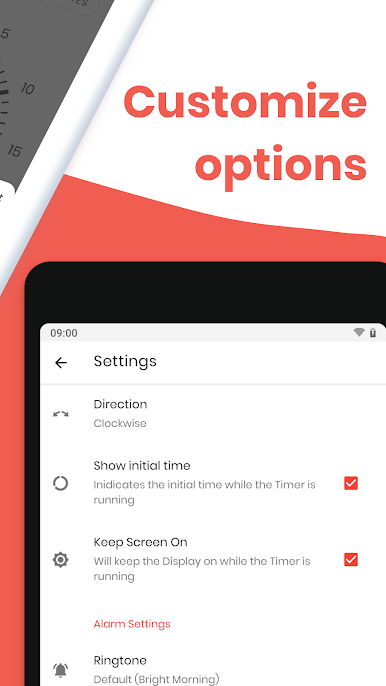
Custom Alerts
Adjust alarm tones and notifications so they fit your environment — whether you’re in a quiet classroom, the office, or at home. -
1-Hour Session Limit
To keep the experience fast and focused, Visual Timer – Countdown only goes up to sixty minutes per session. Perfect for tasks, lessons, breaks, or workout sets. -
Great for Work, Home, or School
Use it for meetings, study blocks, chore time, or even music practice. The visual countdown makes it easier for everyone—including kids—to see and manage time.
You’ll get the smoothest experience running Visual Timer – Countdown with BlueStacks, whether you’re organizing your day or just making sure dinner doesn’t burn.
Switch to BlueStacks and make the most of your apps on your PC or Mac.

Chơi Bộ định thời trực quan trên PC. Rất dễ để bắt đầu
-
Tải và cài đặt BlueStacks trên máy của bạn
-
Hoàn tất đăng nhập vào Google để đến PlayStore, hoặc thực hiện sau
-
Tìm Bộ định thời trực quan trên thanh tìm kiếm ở góc phải màn hình
-
Nhấn vào để cài đặt Bộ định thời trực quan trong danh sách kết quả tìm kiếm
-
Hoàn tất đăng nhập Google (nếu bạn chưa làm bước 2) để cài đặt Bộ định thời trực quan
-
Nhấn vào icon Bộ định thời trực quan tại màn hình chính để bắt đầu chơi

