


Webjet
Chơi trên PC với BlueStacks - Nền tảng chơi game Android, được hơn 500 triệu game thủ tin tưởng.

Trang đã được sửa đổi vào: Dec 14, 2025
Play Webjet on PC
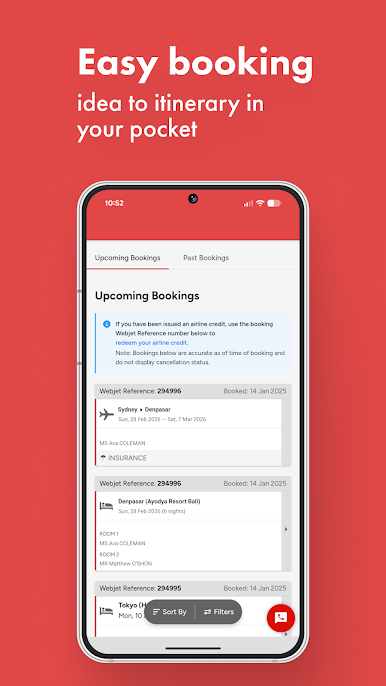
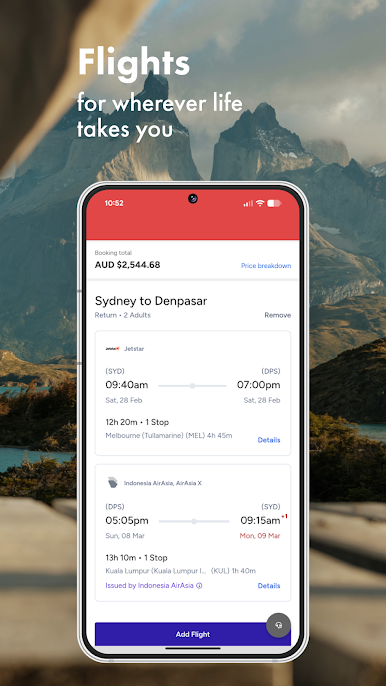
Booking flights with Webjet couldn’t be easier. Filter by airline, stops, departure time, trip length or price and see everything clearly laid out—WiFi, meals, legroom, the lot. Set a Price Alert so you know when fares shift. Add or remove flights, hotels, cars and insurance in My Cart without starting over. Pick up where you left off with recent searches or check upcoming trips in your profile. The world really is your oyster.
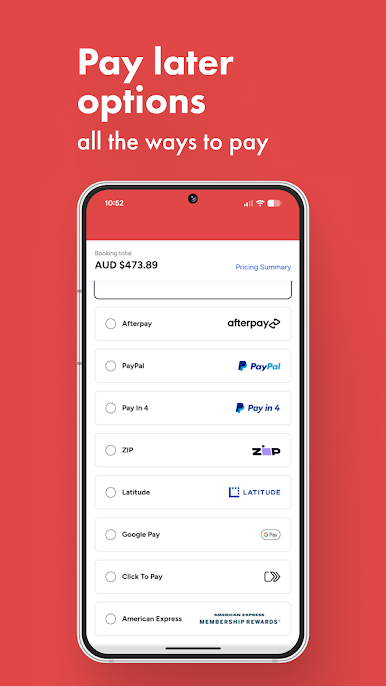
All the ways to pay
Pay your way with 17 options, including GooglePay, Mastercard, Visa, American Express, PayPal, Afterpay and more. Use your credit or debit card, tap a virtual wallet, split the cost with buy now pay later, or even pay with points. Got a Webjet Gift Card? You can use that too.
T&Cs apply. Some payment methods may not be available for all booking combinations.
Save with a holiday package
Win back some breathing room in your budget by saving when you book a flight + hotel holiday package. Choose one of our recommended combos or build your dream trip with your pick of flights and top hotels. We’ll show the cheapest flight first, but you can always tap change flight to swap times or airlines. It’s your shortcut to holiday bliss.
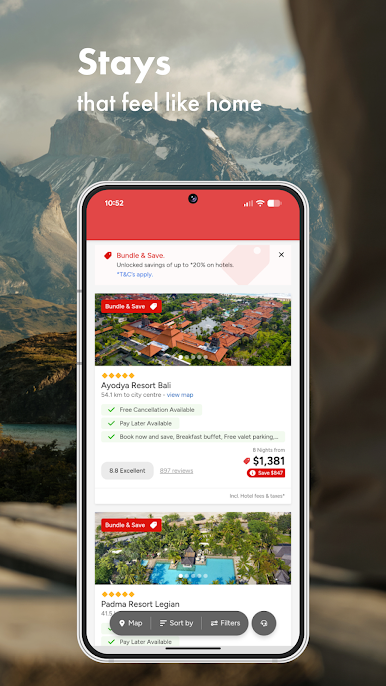
Hotels that feel like home (but with better views)
From quick stays to dream digs, book a hotel in seconds. Specials are flagged up front and you can compare traveller ratings side by side. Prefer a list or a map? Your call. Plus, members get more—create a free account to unlock extra hotel savings.
Cars for every trip
Need some wheels? Compare 400+ trusted car hire brands worldwide. Book your car on its own or bundle with flights to unlock Bundle & Save discounts. From kid-haulers to convertibles, find the best ride for your next adventure right here.
Added insurance yet?
Don’t let the unexpected derail your plans. Webjet Travel Insurance (powered by Cover-More) is quick to quote and easy to add before you go.
T&Cs apply.



Chơi Webjet trên PC. Rất dễ để bắt đầu
-
Tải và cài đặt BlueStacks trên máy của bạn
-
Hoàn tất đăng nhập vào Google để đến PlayStore, hoặc thực hiện sau
-
Tìm Webjet trên thanh tìm kiếm ở góc phải màn hình
-
Nhấn vào để cài đặt Webjet trong danh sách kết quả tìm kiếm
-
Hoàn tất đăng nhập Google (nếu bạn chưa làm bước 2) để cài đặt Webjet
-
Nhấn vào icon Webjet tại màn hình chính để bắt đầu chơi

