


AustralianETA
Chơi trên PC với BlueStacks - Nền tảng chơi game Android, được hơn 500 triệu game thủ tin tưởng.

Trang đã được sửa đổi vào: Nov 24, 2025
Play AustralianETA on PC
https://immi.homeaffairs.gov.au/visas/getting-a-visa/visa-listing/electronic-travel-authority-601
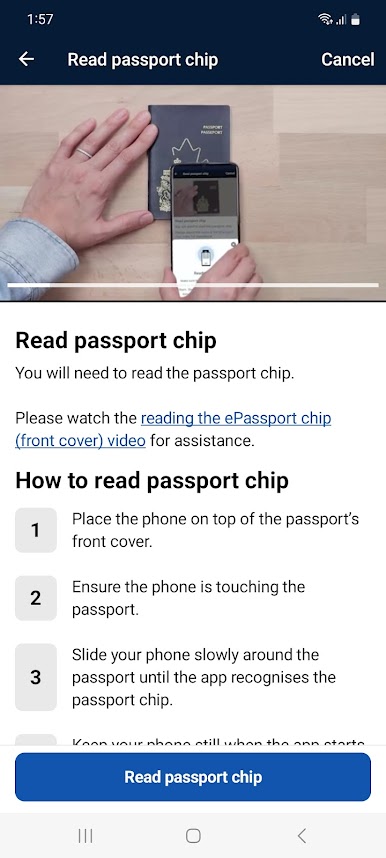
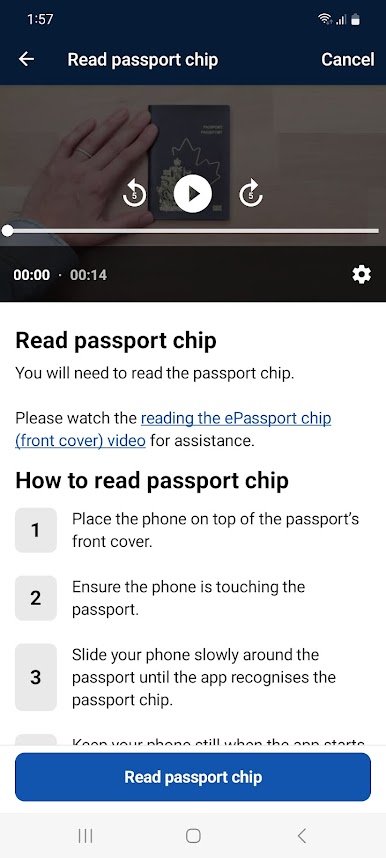
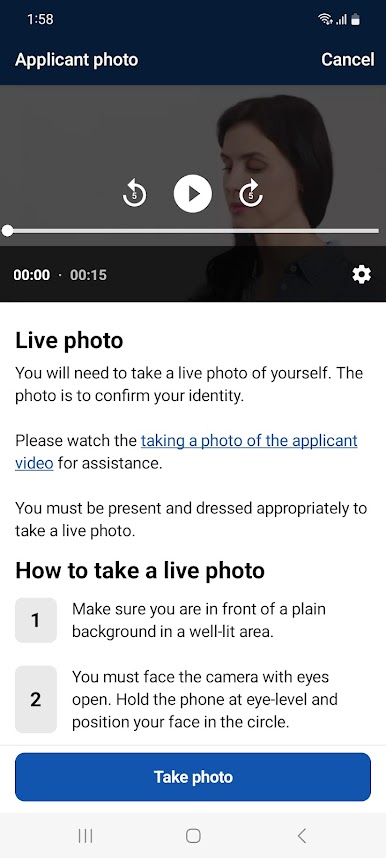
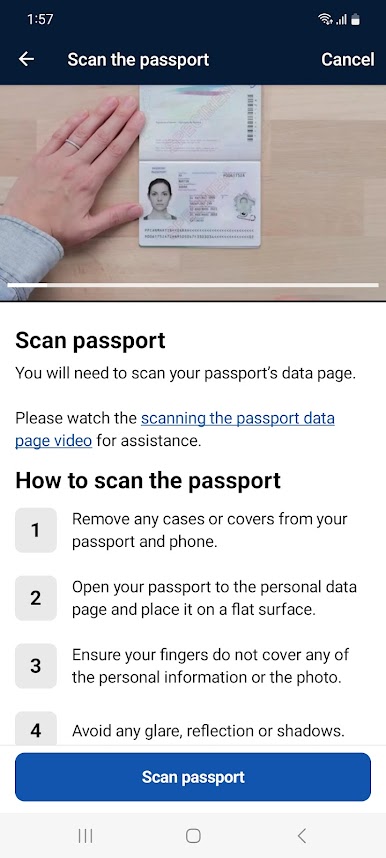
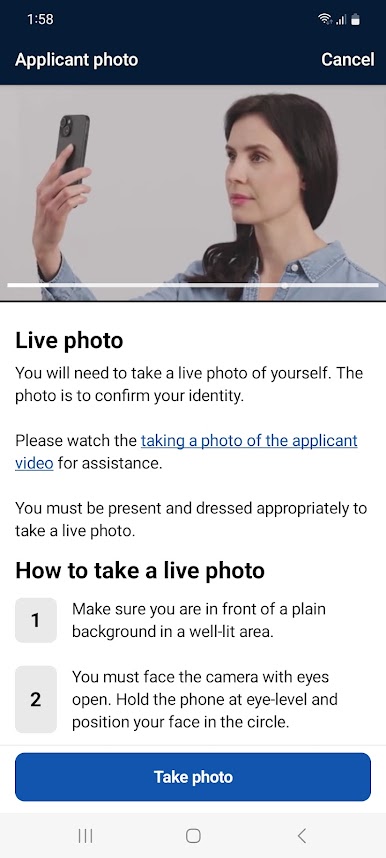
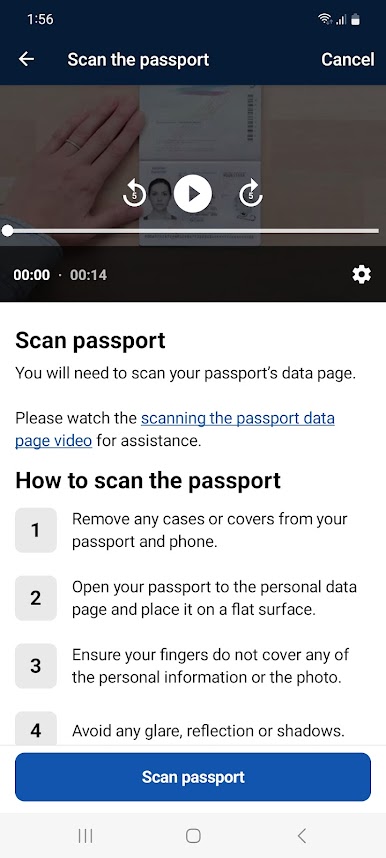
Support videos to assist with using the Australian ETA app are available as follows:
Scanning your passport: https://bordertv.au.vbrickrev.com/sharevideo/2d607dd8-829b-408c-8eb5-4005b7e5ef60
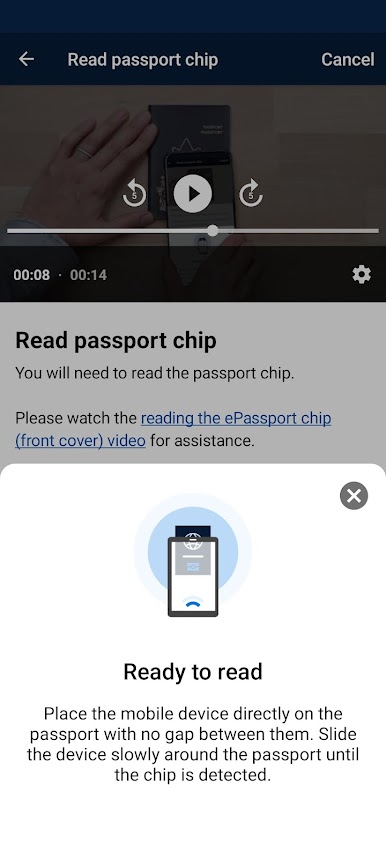
Reading the eChip (USA passports): https://bordertv.au.vbrickrev.com/sharevideo/08294c2c-91a6-4d09-a696-bd41a76866d0
Reading the eChip (Non-USA passports): https://bordertv.au.vbrickrev.com/sharevideo/3f24932c-d86b-4367-bd66-99d9225203ce
Taking a photo of yourself: https://bordertv.au.vbrickrev.com/sharevideo/03cc38fc-d065-4507-92c3-01d45f76e6e1
Please note that use of the Australian ETA App incurs a non-refundable service fee of $20.
Chơi AustralianETA trên PC. Rất dễ để bắt đầu
-
Tải và cài đặt BlueStacks trên máy của bạn
-
Hoàn tất đăng nhập vào Google để đến PlayStore, hoặc thực hiện sau
-
Tìm AustralianETA trên thanh tìm kiếm ở góc phải màn hình
-
Nhấn vào để cài đặt AustralianETA trong danh sách kết quả tìm kiếm
-
Hoàn tất đăng nhập Google (nếu bạn chưa làm bước 2) để cài đặt AustralianETA
-
Nhấn vào icon AustralianETA tại màn hình chính để bắt đầu chơi

