


video âm thanh cắt
Chơi trên PC với BlueStacks - Nền tảng chơi game Android, được hơn 500 triệu game thủ tin tưởng.

Trang đã được sửa đổi vào: Oct 30, 2025
Run Video Audio Cutter on PC or Mac
Get freedom from your phone’s obvious limitations. Use Video Audio Cutter, made by Mytechnosound, a Video Players & Editors app on your PC or Mac with BlueStacks, and level up your experience.
About the App
Ever wished trimming a video or audio clip could be as simple as just a couple of taps? With Video Audio Cutter by Mytechnosound, snipping your favorite songs or videos feels effortless—no confusing menus or bloated editing steps. Whether you want to save that funny moment from a longer video, grab a catchy ringtone, or just make your media work for you, this app sets out to make editing fast, friendly, and stress-free. You get the flexibility to tweak both videos and audio, all within a compact and approachable setup.
App Features
-
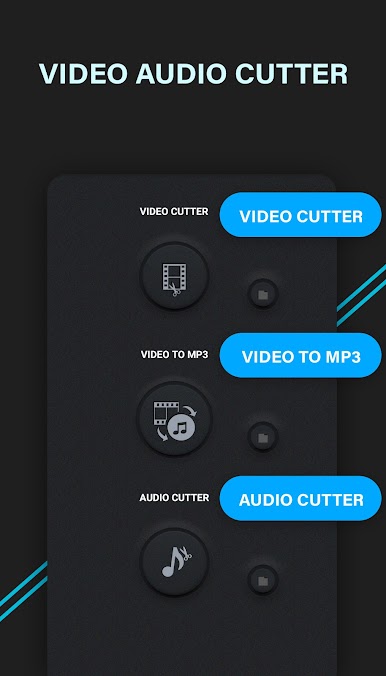
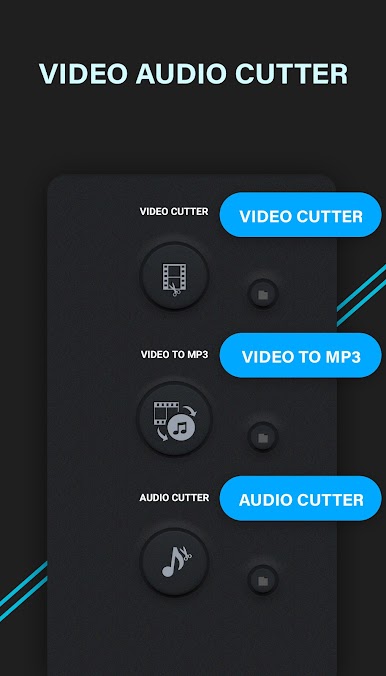
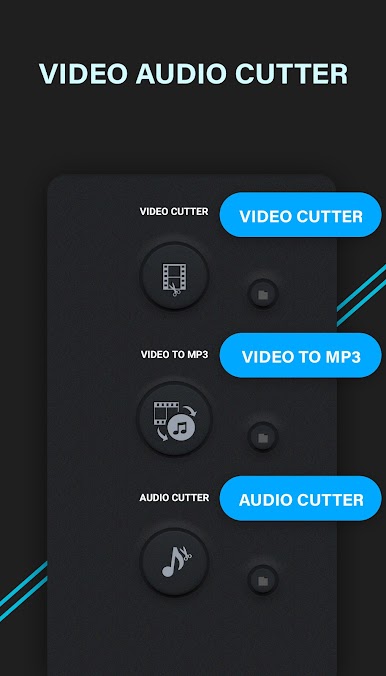
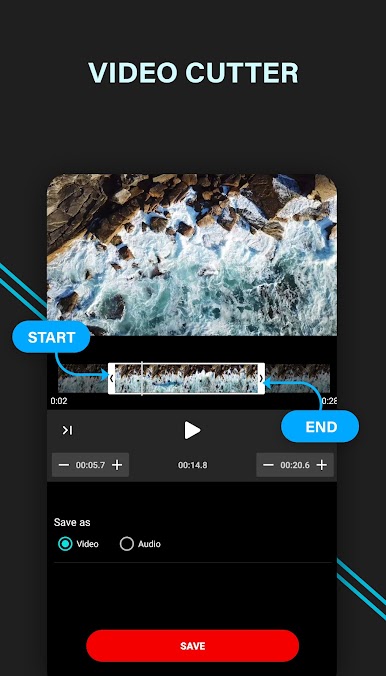
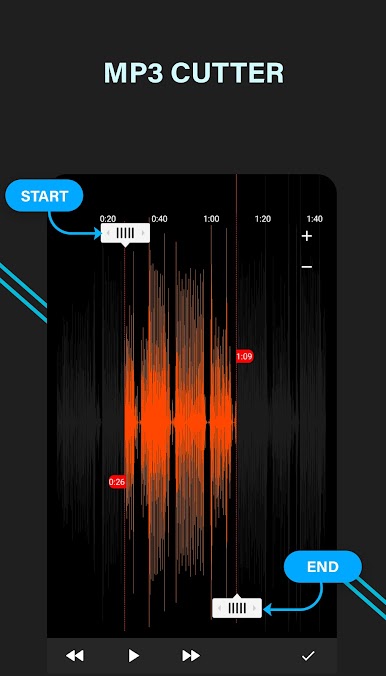
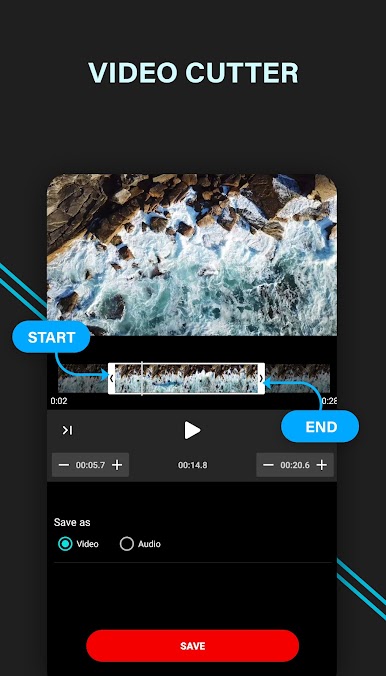
Quick Video & Audio Trimming
Chop down those long files in seconds. Just pick a file, set your start and end points, and let the app handle the rest—no hassle, no fuss. -
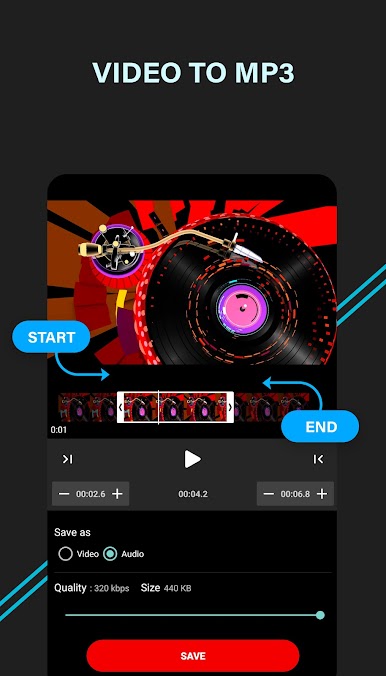
Video-to-MP3 Conversion
Want just the music from a video? Convert almost any video format to MP3 with a couple of taps. Handy if you need audio for a project or just for your playlist. -
Ringtone Maker
Found the perfect part of your favorite song? Cut it and save it directly as your ringtone, all in one go. -
Adjustable MP3 Quality
Need higher sound quality, or want to save space? It’s easy to pick how clear (or small) your audio files should be when converting. -
Supports Tons of Formats
Video Audio Cutter plays nice with most common video types—AVI, MP4, MKV, MOV, FLV, and more—so you won’t get stuck with unsupported files. -
Built-In Video Player
Preview your edits before saving anything, so you know exactly what you’re getting.
And if you’re using BlueStacks, you can get all these features on a bigger screen.
Ready to experience Video Audio Cutter on a bigger screen, in all its glory? Download BlueStacks now.
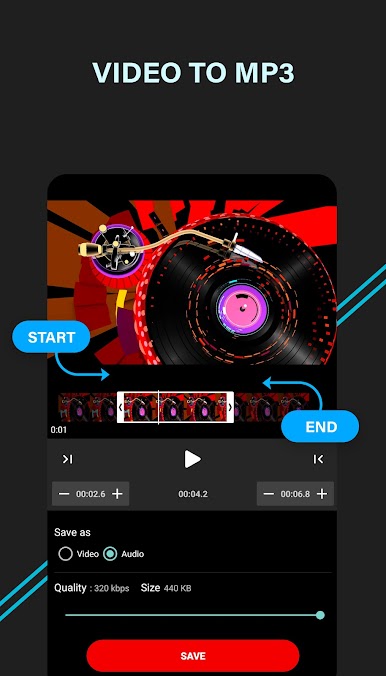
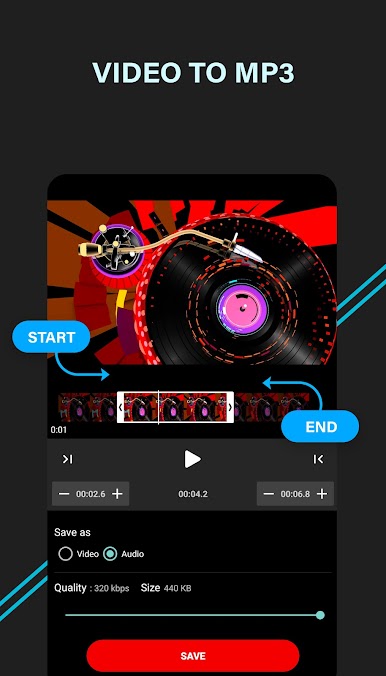
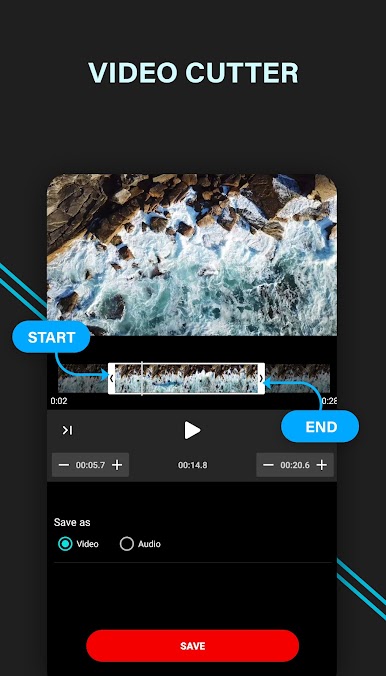
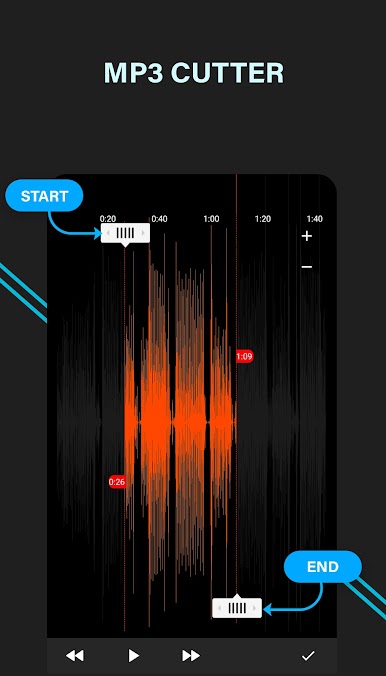
Chơi video âm thanh cắt trên PC. Rất dễ để bắt đầu
-
Tải và cài đặt BlueStacks trên máy của bạn
-
Hoàn tất đăng nhập vào Google để đến PlayStore, hoặc thực hiện sau
-
Tìm video âm thanh cắt trên thanh tìm kiếm ở góc phải màn hình
-
Nhấn vào để cài đặt video âm thanh cắt trong danh sách kết quả tìm kiếm
-
Hoàn tất đăng nhập Google (nếu bạn chưa làm bước 2) để cài đặt video âm thanh cắt
-
Nhấn vào icon video âm thanh cắt tại màn hình chính để bắt đầu chơi

