


MT Manager
Chơi trên PC với BlueStacks - Nền tảng chơi game Android, được hơn 500 triệu game thủ tin tưởng.

Trang đã được sửa đổi vào: Oct 15, 2026
Tổng quan
The main functions are:
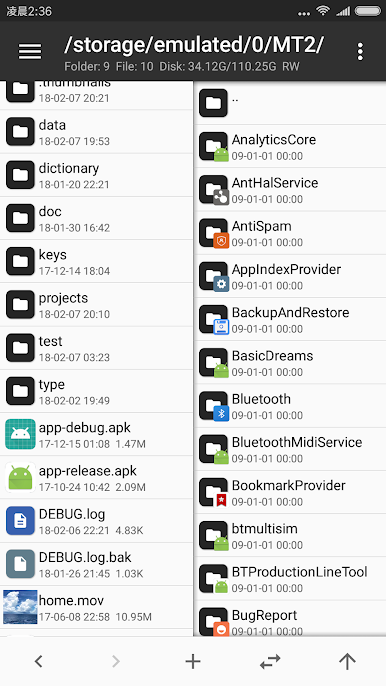
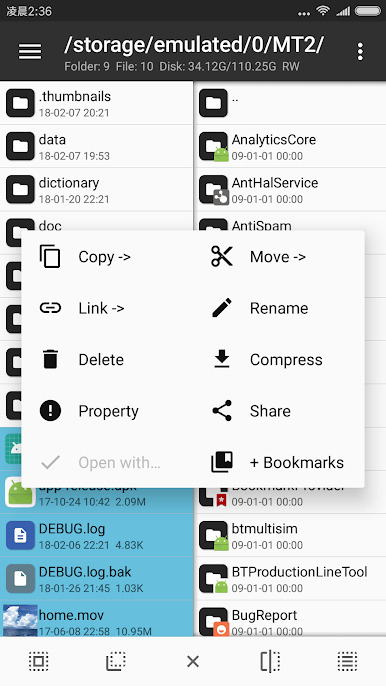
- File management, such as file copy, move, delete. If you give root privilege to MT, you can access the system directory, remount the file system as read-write, modify file permissions and owner.
- Open the ZIP file like WinRAR. You can delete, rename, move, add / replace external files to the ZIP without decompression and repackaging, and decompress files in the ZIP.
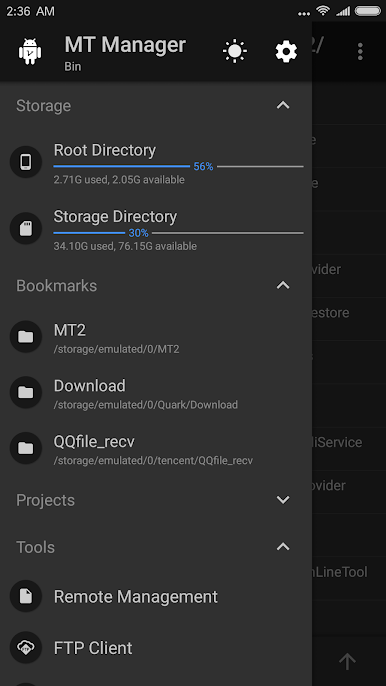
- Text editor, picture viewer, music player, font previewer, script executer, text contrast and other functions, in the sidebar you can easily view the storage device, FTP connection, bookmark, background, tools and so on.
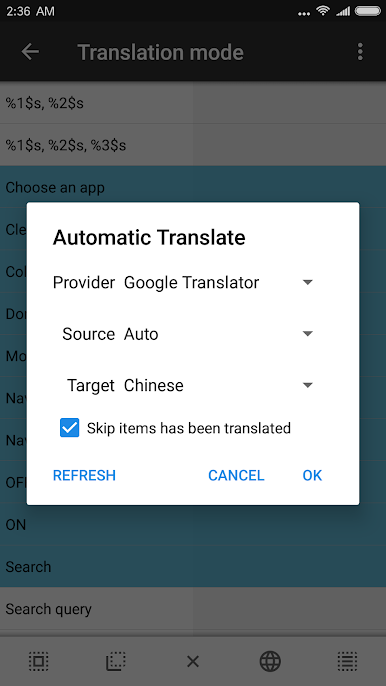
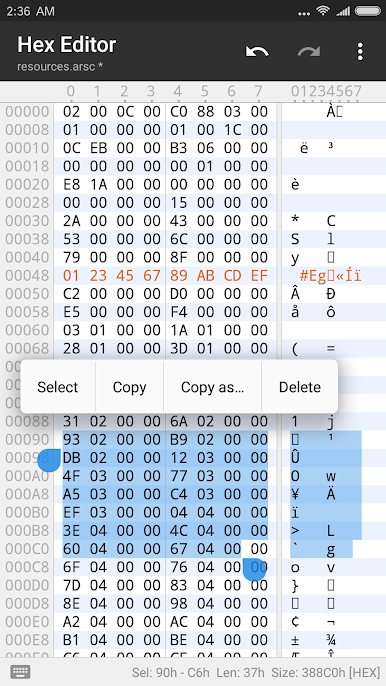
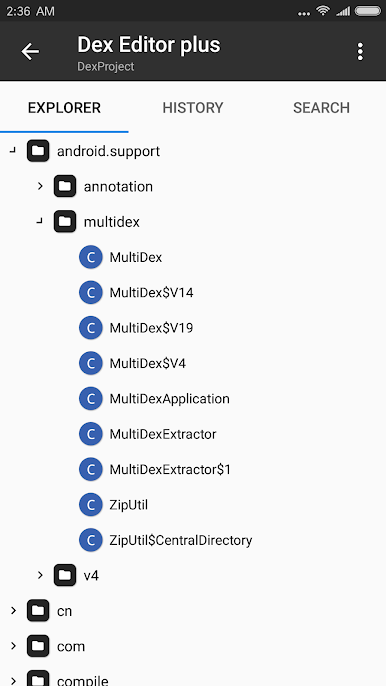
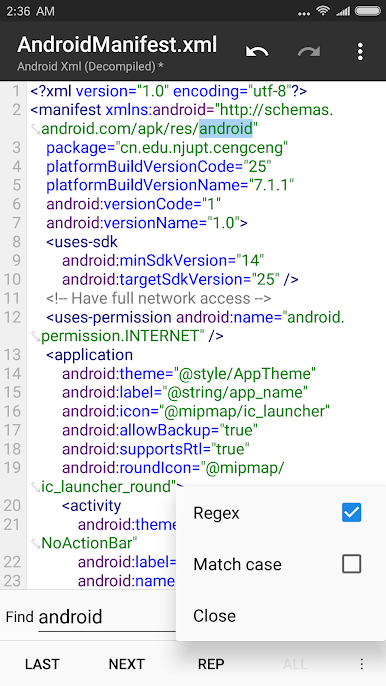
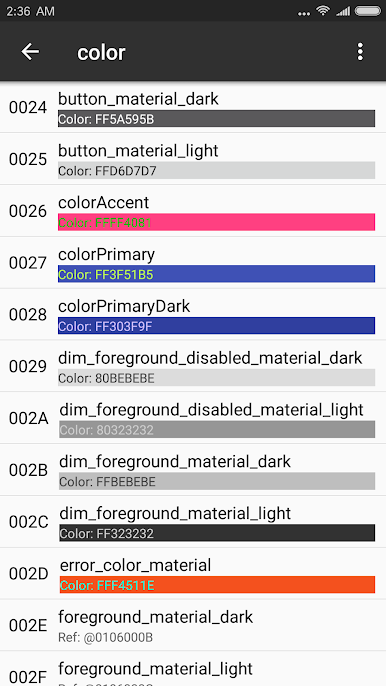
- Many powerful APK editing features, like dex editor, arsc editor, xml editor. you can also sign apk, optimize apk, clone apk, remove signature verification, confuse apk resource, anti-confuse apk resource, translate app.
Chơi MT Manager trên PC. Rất dễ để bắt đầu
-
Tải và cài đặt BlueStacks trên máy của bạn
-
Hoàn tất đăng nhập vào Google để đến PlayStore, hoặc thực hiện sau
-
Tìm MT Manager trên thanh tìm kiếm ở góc phải màn hình
-
Nhấn vào để cài đặt MT Manager trong danh sách kết quả tìm kiếm
-
Hoàn tất đăng nhập Google (nếu bạn chưa làm bước 2) để cài đặt MT Manager
-
Nhấn vào icon MT Manager tại màn hình chính để bắt đầu chơi

