


Epic Band Rock Star Music Game
Graj na PC z BlueStacks – Platforma gamingowa Android, która uzyskała zaufanie ponad 500 milionów graczy!

Strona zmodyfikowana w dniu: Nov 10, 2025
Play Epic Band Rock Star Music Game on PC or Mac
Step into the World of Epic Band Rock Star Music Game, a thrilling Music game from the house of Tapps Games. Play this Android game on BlueStacks App Player and experience immersive gaming on PC or Mac.
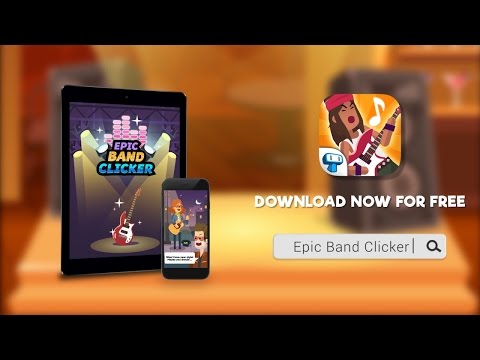
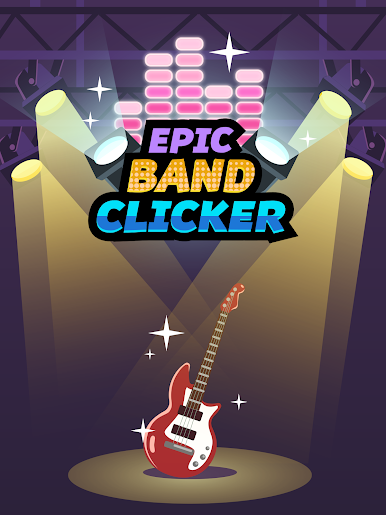
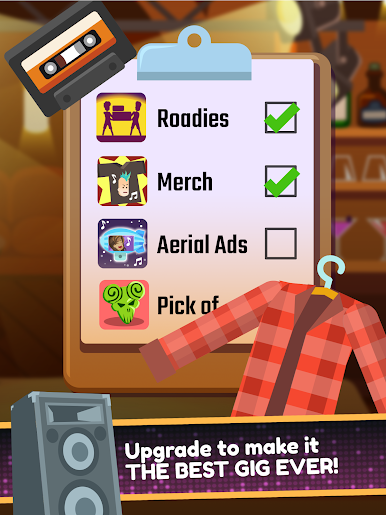
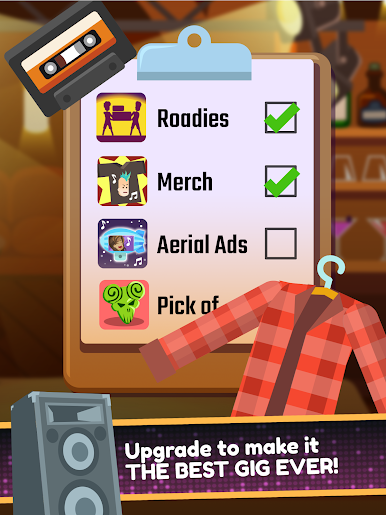
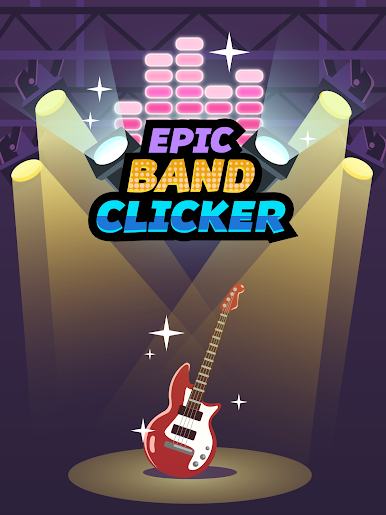
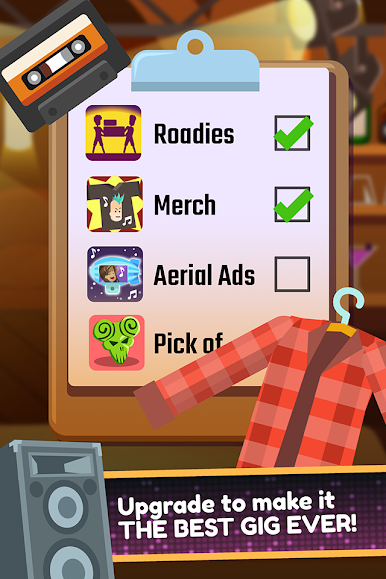
Epic Band Rock Star Music Game is a straight up tapper about building a band from nothing and watching the numbers go wild. It starts small on a street corner with a cheap guitar and a slow trickle of coins. Every click pushes a song bar, the crowd meter jumps, and cash plus fans spill out. The loop is simple and weirdly satisfying. Spend earnings on better instruments, hire roadies, add members one by one, and the whole show escalates from acoustic plinking to a full setup with drums, bass, and a loud electric lead. New venues open as the band gains momentum, so it shifts from bars to parties and bigger stages without getting stuck for long.
There are goofy boosts too, like relics from rock idols that tweak your income, and a mosh feature that turns the crowd into a short burst of extra cash. It leans cartoon and lighthearted rather than serious sim, which fits the constant clicking and fast songs. On BlueStacks, the frantic tap rhythm works nicely with a mouse, and mapping a key for taps helps alot during longer runs, plus the larger screen makes upgrades and fan totals easier to read. It is free to play, with optional purchases that speed things up, so expect some grind. The appeal is seeing a scrappy street act snowball into a packed gig, one click at a time, no music skill needed, just quick hands and a taste for big numbers.
Ready to top the leaderboard? We bet you do. Let precise controls and sharp visuals optimized on BlueStacks lead you to victory.






Zagraj w Epic Band Rock Star Music Game na PC. To takie proste.
-
Pobierz i zainstaluj BlueStacks na PC
-
Zakończ pomyślnie ustawienie Google, aby otrzymać dostęp do sklepu Play, albo zrób to później.
-
Wyszukaj Epic Band Rock Star Music Game w pasku wyszukiwania w prawym górnym rogu.
-
Kliknij, aby zainstalować Epic Band Rock Star Music Game z wyników wyszukiwania
-
Ukończ pomyślnie rejestrację Google (jeśli krok 2 został pominięty) aby zainstalować Epic Band Rock Star Music Game
-
Klinij w ikonę Epic Band Rock Star Music Game na ekranie startowym, aby zacząć grę

