

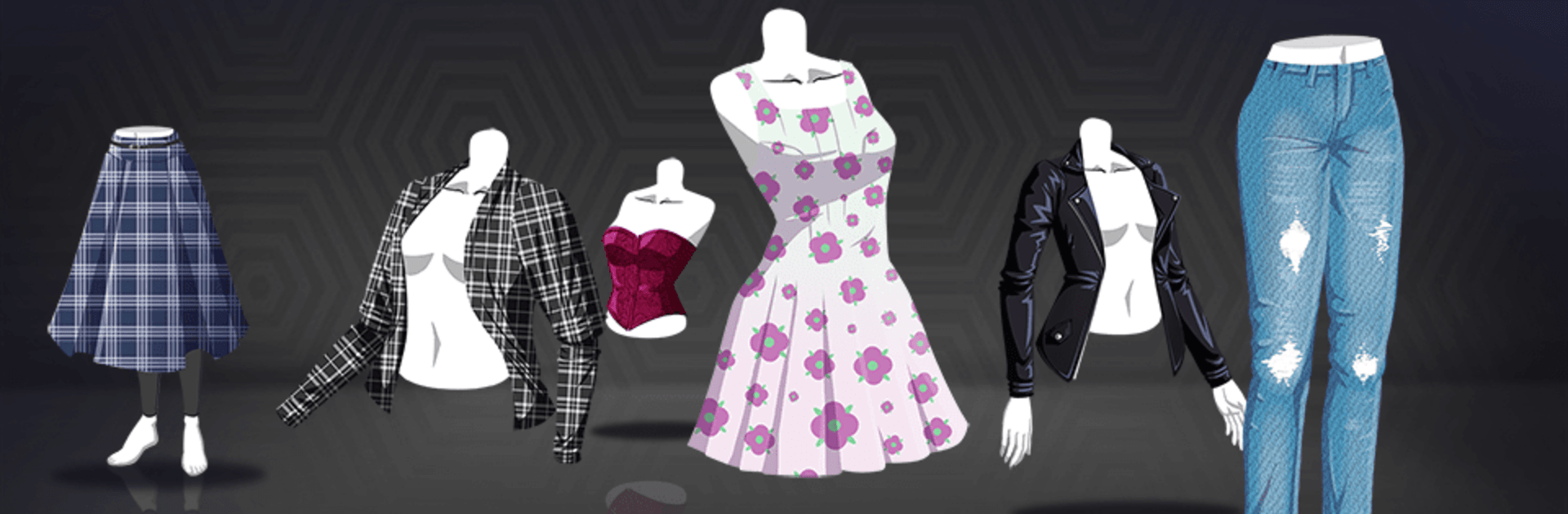
Fashion Fever: Dress Up Game
Chơi trên PC với BlueStacks - Nền tảng chơi game Android, được hơn 500 triệu game thủ tin tưởng.

Trang đã được sửa đổi vào: Nov 17, 2025
Play Fashion Fever: Dress Up Game on PC or Mac
Fashion Fever: Dress Up Game brings the Simulation genre to life, and throws up exciting challenges for gamers. Developed by Tapps Games, this Android game is best experienced on BlueStacks, the World’s #1 app player for PC and Mac users.
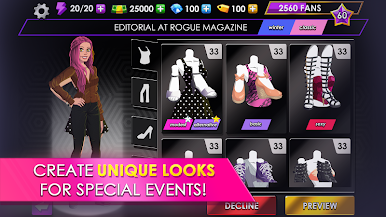
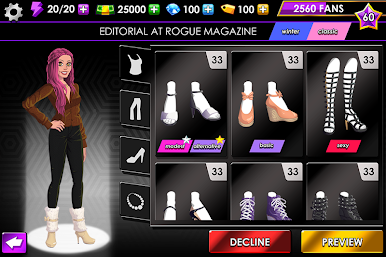
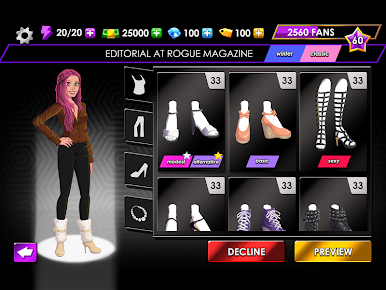
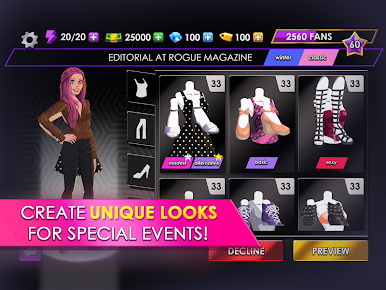
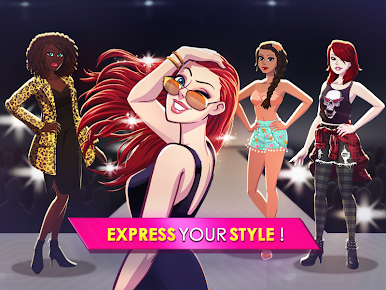
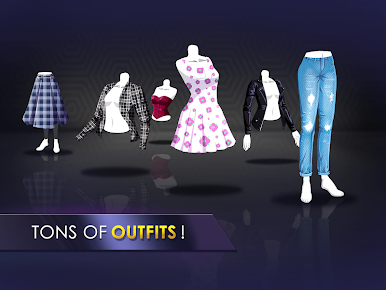
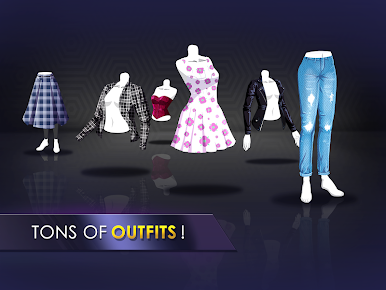
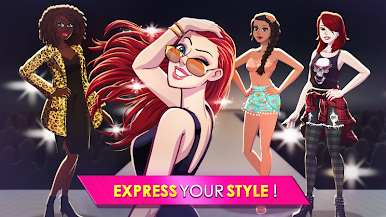
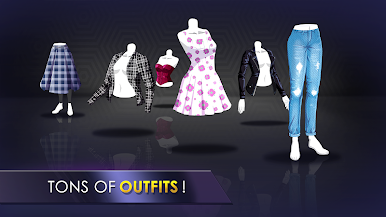
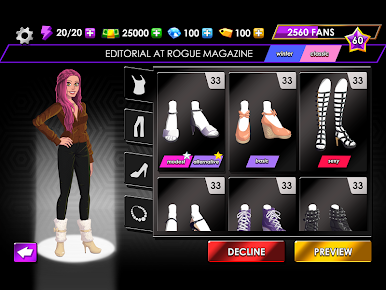
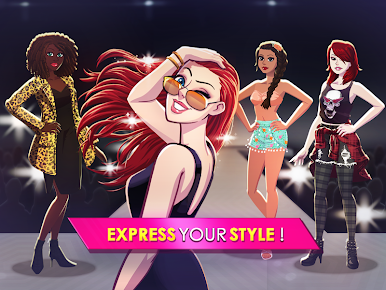
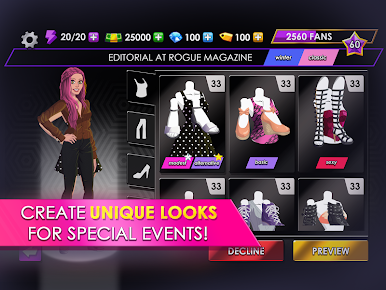
Fashion Fever: Dress Up Game is all about trying out new outfits and coming up with looks that actually feel fresh, not just the same old thing. The main idea is picking out styles for a top model, switching up her look for all sorts of things—from photoshoots to red carpets. It’s not just tossing on a random dress either; shoes, accessories, everything’s fair game, so there’s a lot of room to mess around with details until something just clicks. If someone likes games where customizing is at the heart of it—especially with clothes, shoes, different styles for different cities—this one really does a nice job of letting that part shine.
What stands out is the way the game keeps throwing new events and themes at the player, so it’s not just recycling the same party or runway over and over. Dressing up for winter, summer, or a big award show takes different thinking, and it’s surprising how much the options open up the more you play. The wardrobe gets a lot bigger, and every new piece gives a little more freedom to try something different next time. There are plenty of brands and styles to pick from, and the model really feels like someone you can style in your own way, instead of just following preset looks. Played on PC with BlueStacks, the controls are nice and quick, making the whole dress-up process feel less fussy than on a phone, especially when switching between shoes or tweaking accessories. For anyone into fashion games where experimenting is part of the fun, this one makes that the focus, and there’s always a bit more to unlock.
Make your gaming sessions memorable with precise controls that give you an edge in close combats and visuals that pop up, bringing every character to life.


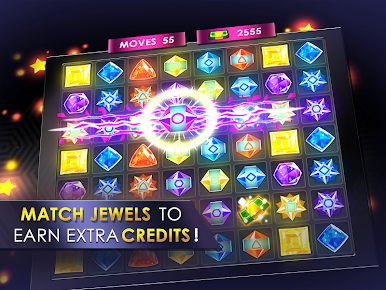
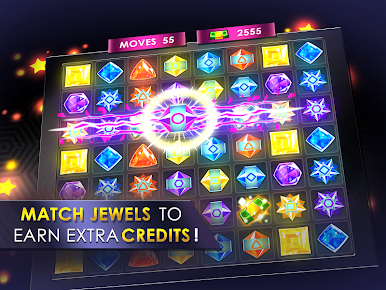


Chơi Fashion Fever: Dress Up Game trên PC. Rất dễ để bắt đầu
-
Tải và cài đặt BlueStacks trên máy của bạn
-
Hoàn tất đăng nhập vào Google để đến PlayStore, hoặc thực hiện sau
-
Tìm Fashion Fever: Dress Up Game trên thanh tìm kiếm ở góc phải màn hình
-
Nhấn vào để cài đặt Fashion Fever: Dress Up Game trong danh sách kết quả tìm kiếm
-
Hoàn tất đăng nhập Google (nếu bạn chưa làm bước 2) để cài đặt Fashion Fever: Dress Up Game
-
Nhấn vào icon Fashion Fever: Dress Up Game tại màn hình chính để bắt đầu chơi

