


3C Battery Manager Pro key
Chơi trên PC với BlueStacks - Nền tảng chơi game Android, được hơn 500 triệu game thủ tin tưởng.

Trang đã được sửa đổi vào: Sep 10, 2025
Play 3C Battery Manager Pro key on PC
Since version 1.2.0, there is no app icon, but you can open the unlock popup from Play Store or app's OS settings page.
Please make sure to install 3C Battery Manager from Play Store.
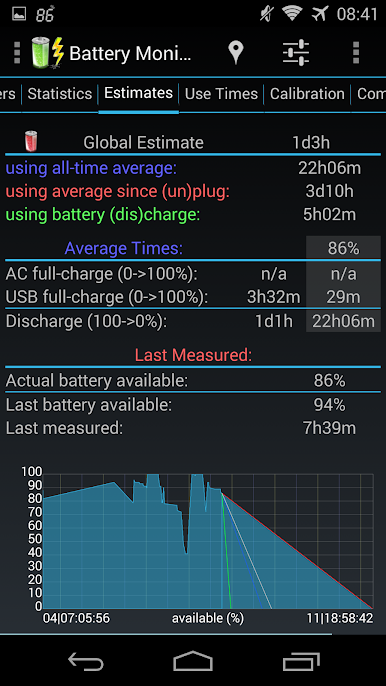
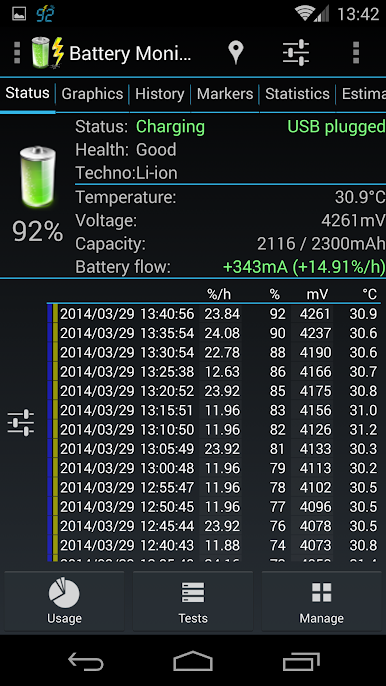
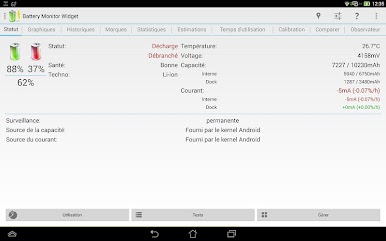
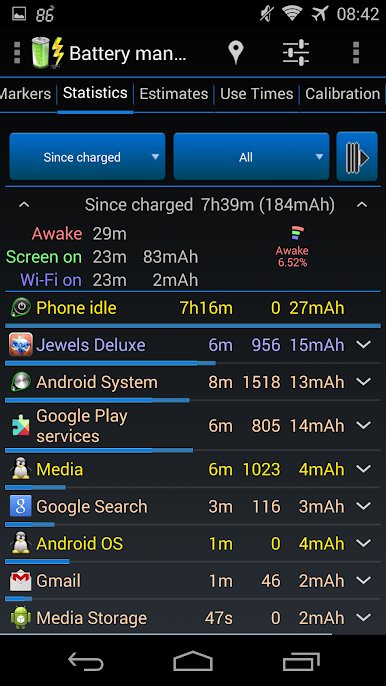
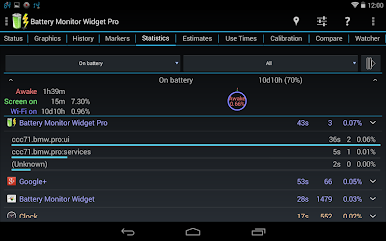
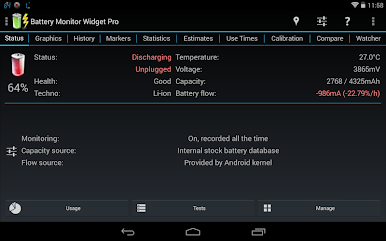
Unlocks the following pro features:
★ Remove all ads
★ Complete UI theming and customizations
★ Full control of widgets and notification refresh rates
★ Add home-screen shortcut to apps features
★ Hide any tabs or any menu item
★ Adding more than one shortcut or toggle to Android quick settings
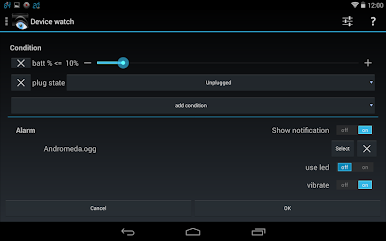
★ Create multiple watchers to trigger alarms
★ Automatic battery markers
★ Manage multiple batteries
★ Manage multiple chargers
★ Calculate % using mV data (useful for extended batteries)
★ Notification shortcut to access any features from status notification
★ Enabling more than one notification pack
★ Add multiple line indicators
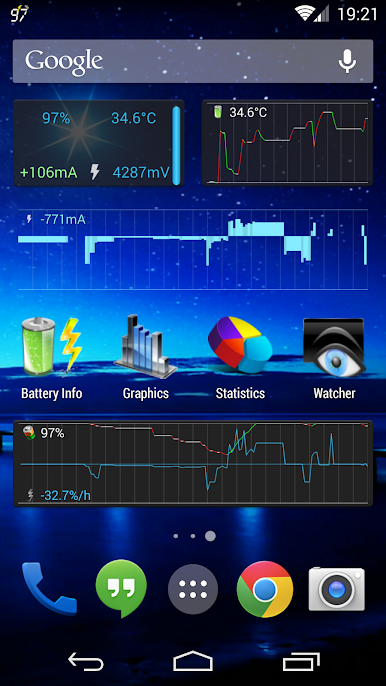
★ Full 2x1 data widgets customization
★ Full 5x2 - 2x1 (6 sizes) graphs widgets customization

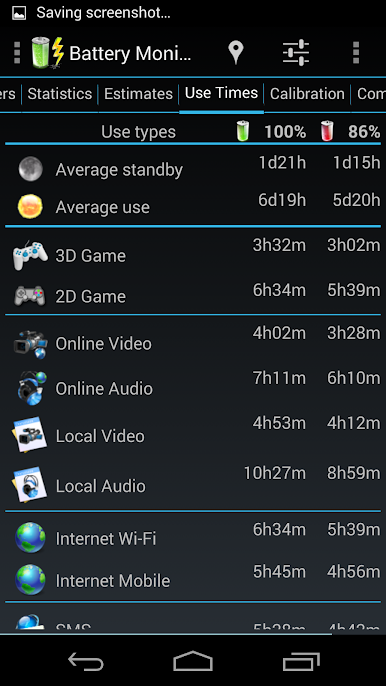
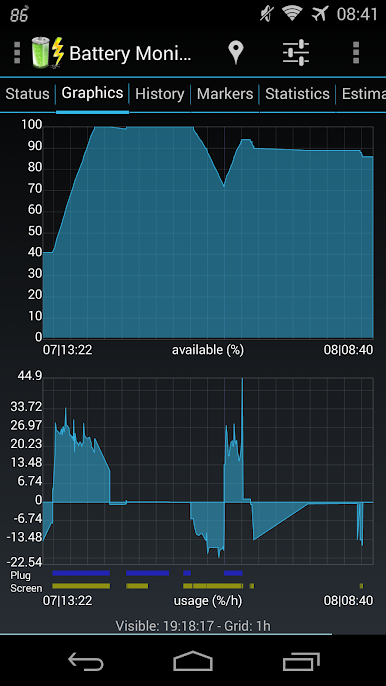
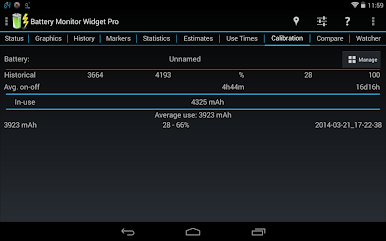
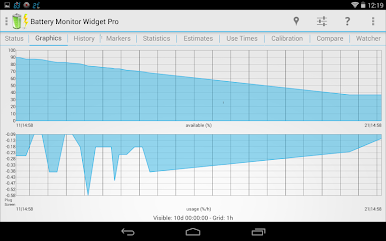
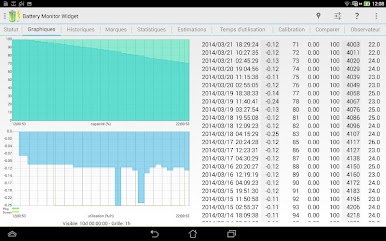
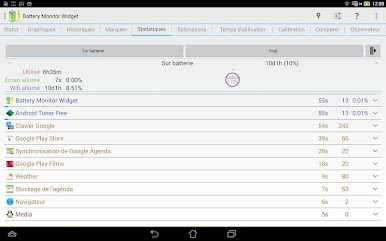
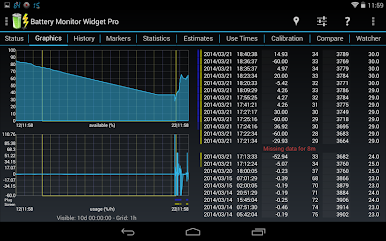
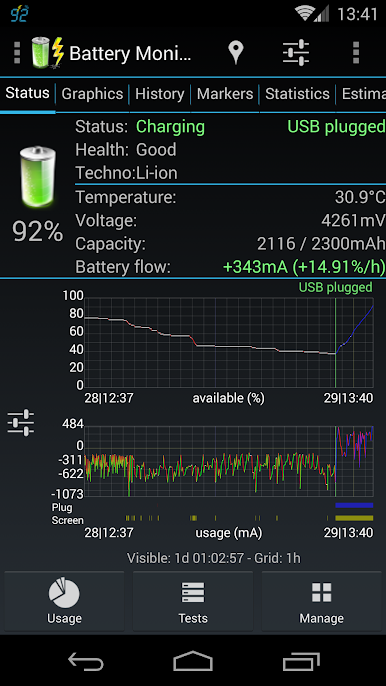
Chơi 3C Battery Manager Pro key trên PC. Rất dễ để bắt đầu
-
Tải và cài đặt BlueStacks trên máy của bạn
-
Hoàn tất đăng nhập vào Google để đến PlayStore, hoặc thực hiện sau
-
Tìm 3C Battery Manager Pro key trên thanh tìm kiếm ở góc phải màn hình
-
Nhấn vào để cài đặt 3C Battery Manager Pro key trong danh sách kết quả tìm kiếm
-
Hoàn tất đăng nhập Google (nếu bạn chưa làm bước 2) để cài đặt 3C Battery Manager Pro key
-
Nhấn vào icon 3C Battery Manager Pro key tại màn hình chính để bắt đầu chơi

