


Classic Solitaire Panda
Graj na PC z BlueStacks – Platforma gamingowa Android, która uzyskała zaufanie ponad 500 milionów graczy!

Strona zmodyfikowana w dniu: Sep 24, 2025
Play Classic Solitaire Panda on PC or Mac
Join millions to experience Classic Solitaire Panda, an exciting Card game from pan sudoku solitaire. With BlueStacks App Player, you are always a step ahead of your opponent, ready to outplay them with faster gameplay and better control with the mouse and keyboard on your PC or Mac.
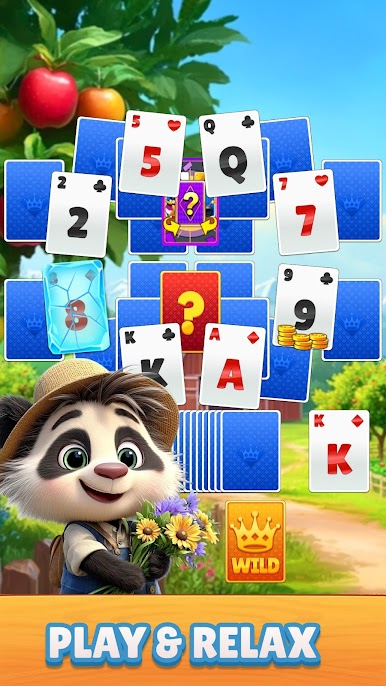
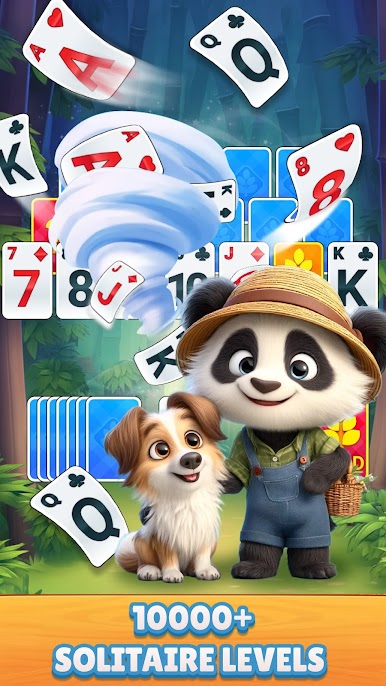
Classic Solitaire Panda is straight-up Klondike, the old school patience game, dressed in a friendly, clean look with a little panda charm. It plays exactly how people expect: tap to send a card where it belongs, or drag if that feels better. The rules stay classic, and the pace is calm, so it is great for quick brain breaks or longer sessions when someone wants to untangle a stubborn layout. What stands out is how smooth the helpers are. There are unlimited hints for those tricky moments, and an Autocomplete that finishes the last stretch so no one has to shuffle through busywork. Draw 1 keeps things relaxed, Draw 3 brings a bit more challenge, and both feel fair.
Left-handed and right-handed layouts are in there, which sounds small but is actually super nice on longer runs. Daily puzzles give a fresh deal each day so there is always something new to try, and winning those feels neat without being stressful. It supports multiple languages and scales well, so it looks fine on a big display or a smaller window. On PC with BlueStacks it clicks along easily with a mouse, and having the larger view makes the stacks way easier to read. No weird gimmicks, just classic solitaire that behaves the way it should, with a few modern conveniences that save time and spare some frustration.
Get ready for a buttery smooth, high-performance gaming action only on BlueStacks.




Zagraj w Classic Solitaire Panda na PC. To takie proste.
-
Pobierz i zainstaluj BlueStacks na PC
-
Zakończ pomyślnie ustawienie Google, aby otrzymać dostęp do sklepu Play, albo zrób to później.
-
Wyszukaj Classic Solitaire Panda w pasku wyszukiwania w prawym górnym rogu.
-
Kliknij, aby zainstalować Classic Solitaire Panda z wyników wyszukiwania
-
Ukończ pomyślnie rejestrację Google (jeśli krok 2 został pominięty) aby zainstalować Classic Solitaire Panda
-
Klinij w ikonę Classic Solitaire Panda na ekranie startowym, aby zacząć grę

