


Tin nhắn văn bản SMS
Chơi trên PC với BlueStacks - Nền tảng chơi game Android, được hơn 500 triệu game thủ tin tưởng.

Trang đã được sửa đổi vào: Nov 29, 2025
Run SMS text messaging on PC or Mac
Get freedom from your phone’s obvious limitations. Use SMS text messaging, made by KiteTech, a Communication app on your PC or Mac with BlueStacks, and level up your experience.
About the App
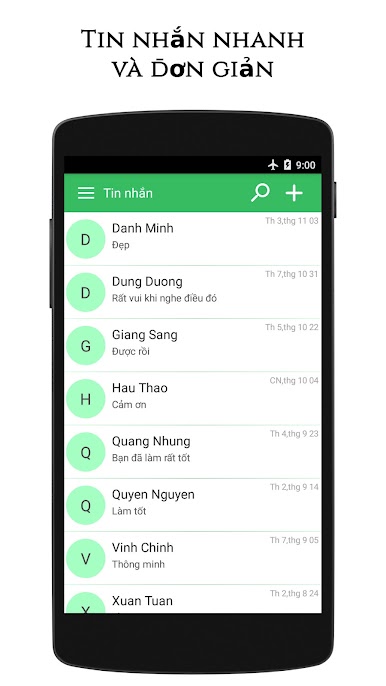
SMS text messaging by KiteTech keeps your conversations simple, speedy, and just the way you like them. Whether you’re catching up with friends or sorting through group chats, this Communication app puts text messaging front and center, making it easy to keep up, organize, and personalize your messages. From blocking that bothersome spam to customizing your chat style, you’ll find a bunch of handy features tucked in one place.
App Features
-
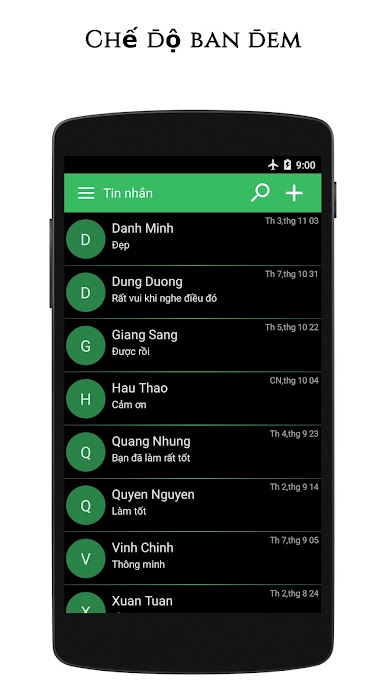
Night Mode
Love texting late into the night? Switch over to night mode for a softer look that’s easier on the eyes after dark. -
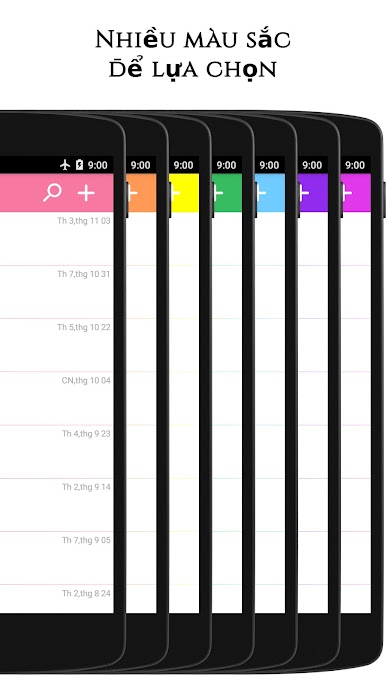
Personal Color Choices
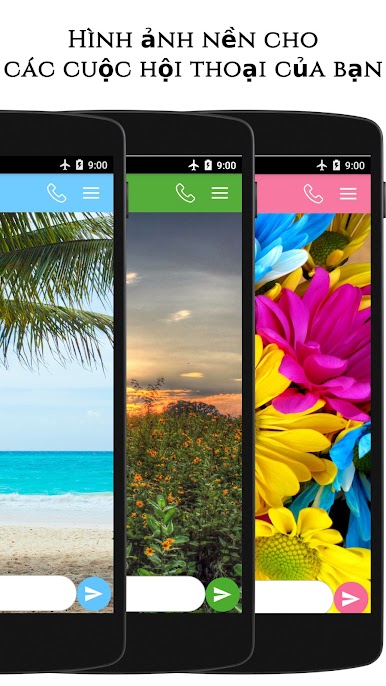
Make your text threads yours—change up colors to match your vibe or mood for the day. -
Spam Blocker
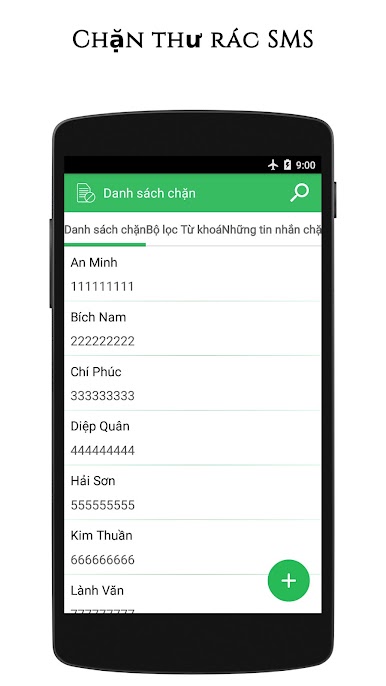
Tired of random spam texts ruining your day? Block unwanted numbers and keep your inbox looking clean. -
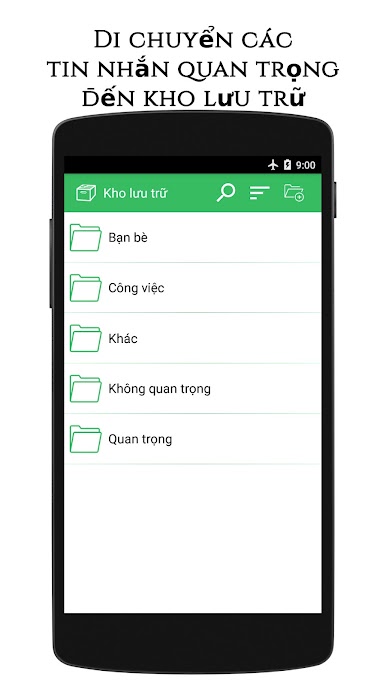
Folders for Your Messages
Easily organize all your conversations by sorting them into folders. No more hunting for that one chat hidden in a pile. -
Dual SIM Ready
Using two phone numbers? The app smoothly juggles dual SIMs, so you never mix up your messages. -
Group SMS and MMS
Chat with multiple friends at once. Create group threads and share photos or media without a fuss. -
Search Your Chats
Need to find a specific message from months ago? Use the search feature to pull it up fast. -
Emoji Fun
Express yourself with a wide range of emojis—sometimes words just aren’t enough, right? -
Backup and Restore
Switching devices or worried about losing messages? Back up your texts and restore them any time.
By the way, you can also enjoy SMS text messaging on BlueStacks for a seamless messaging experience on a bigger screen.
BlueStacks gives you the much-needed freedom to experience your favorite apps on a bigger screen. Get it now.
Chơi Tin nhắn văn bản SMS trên PC. Rất dễ để bắt đầu
-
Tải và cài đặt BlueStacks trên máy của bạn
-
Hoàn tất đăng nhập vào Google để đến PlayStore, hoặc thực hiện sau
-
Tìm Tin nhắn văn bản SMS trên thanh tìm kiếm ở góc phải màn hình
-
Nhấn vào để cài đặt Tin nhắn văn bản SMS trong danh sách kết quả tìm kiếm
-
Hoàn tất đăng nhập Google (nếu bạn chưa làm bước 2) để cài đặt Tin nhắn văn bản SMS
-
Nhấn vào icon Tin nhắn văn bản SMS tại màn hình chính để bắt đầu chơi

