

Steam Property - Lite
Chơi trên PC với BlueStacks - Nền tảng chơi game Android, được hơn 500 triệu game thủ tin tưởng.

Trang đã được sửa đổi vào: Mar 14, 2024
Run Steam Property - Lite on PC or Mac
What’s better than using Steam Property – Lite by AD_LS? Well, try it on a big screen, on your PC or Mac, with BlueStacks to see the difference.
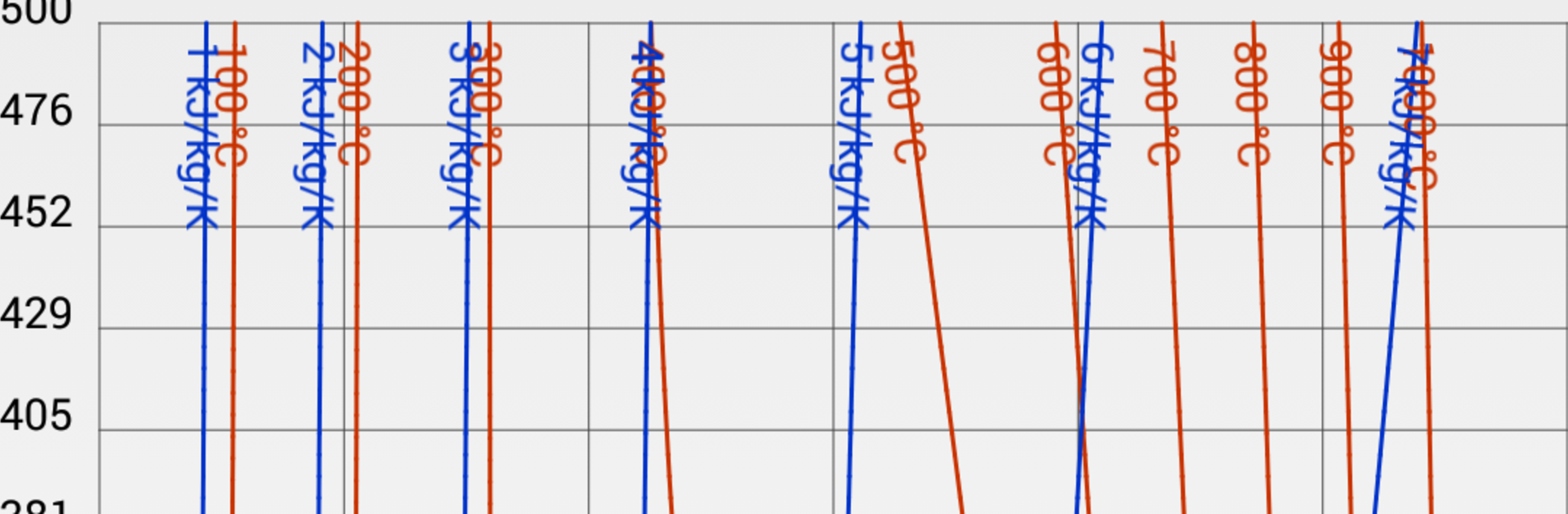
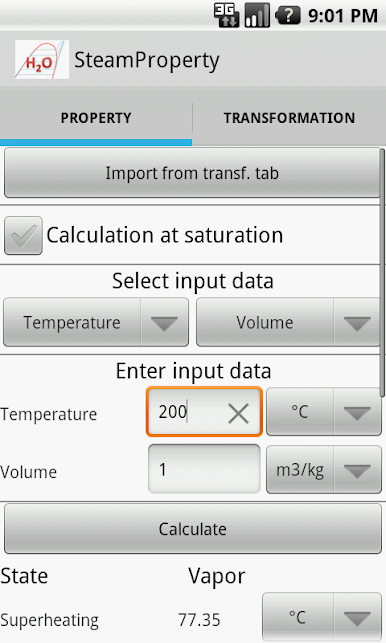
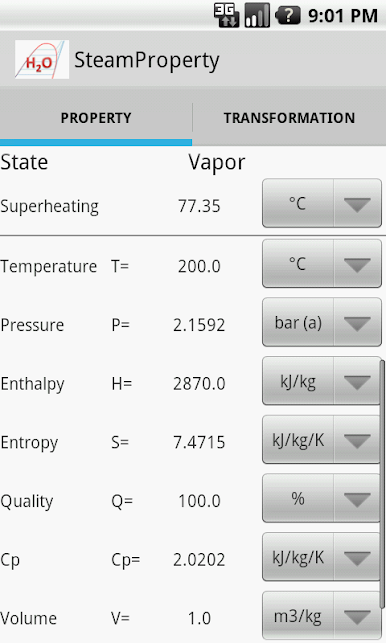
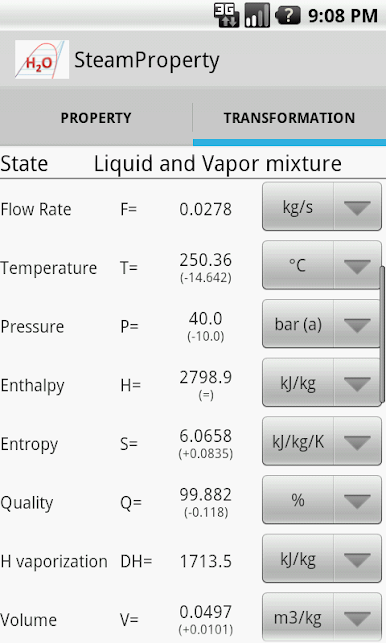
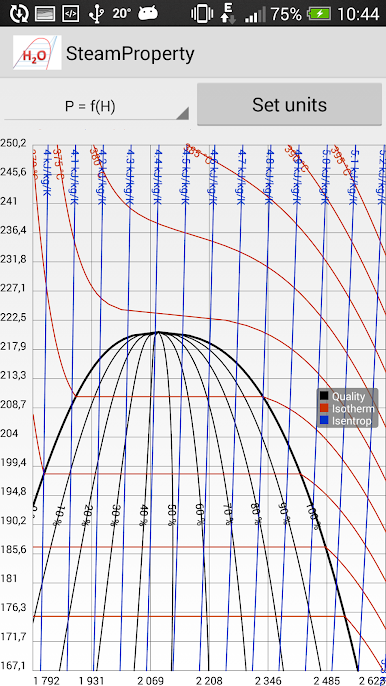
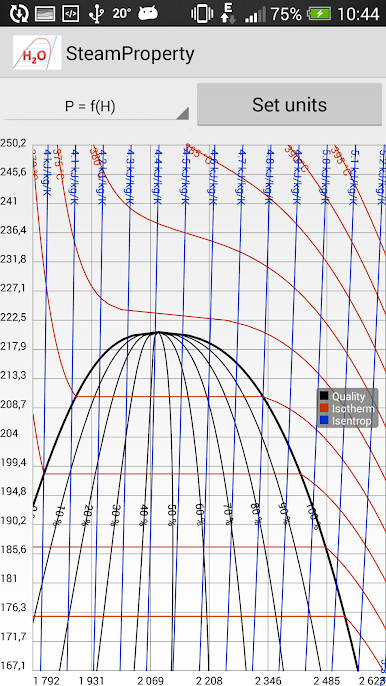
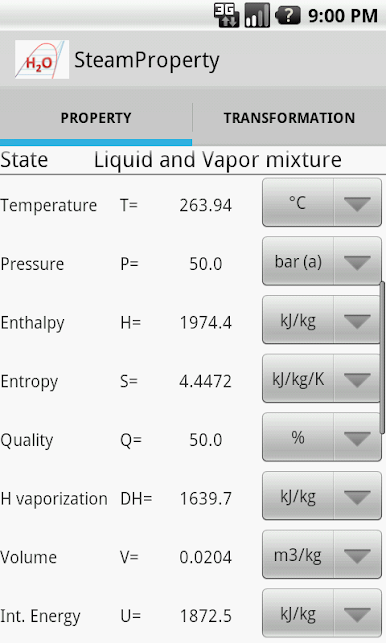
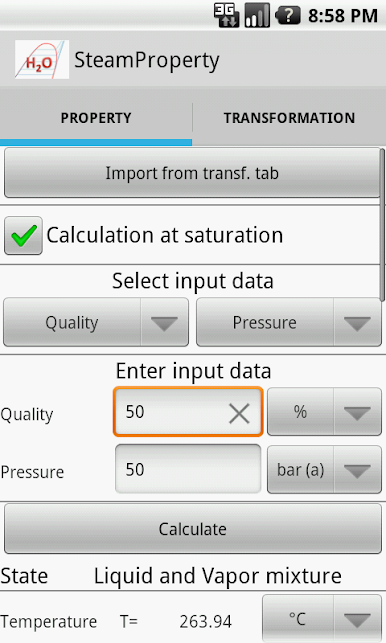
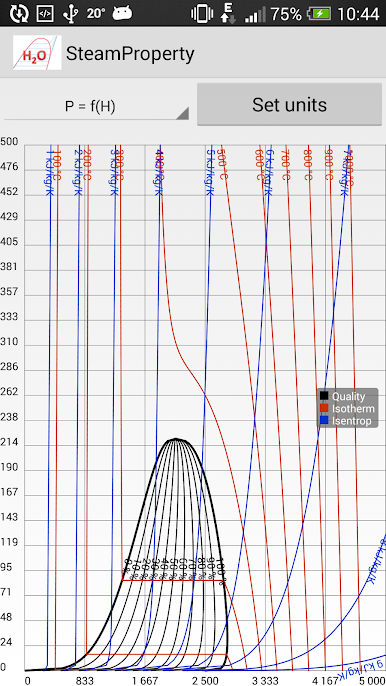
Steam Property – Lite is basically a pocket steam table that runs on a phone, and it feels even better on a PC through BlueStacks since typing exact numbers is easier and the results are clearer to read. It is built around the IAPWS IF-97 formulation, so it sticks to what engineers expect and it aims for high precision even near the critical point and at high pressure. The layout is no fuss. Pick what you know, punch in a couple values, and it spits out the rest. It handles water and steam, not just one or the other, and it does not overload the screen with stuff that does not matter.
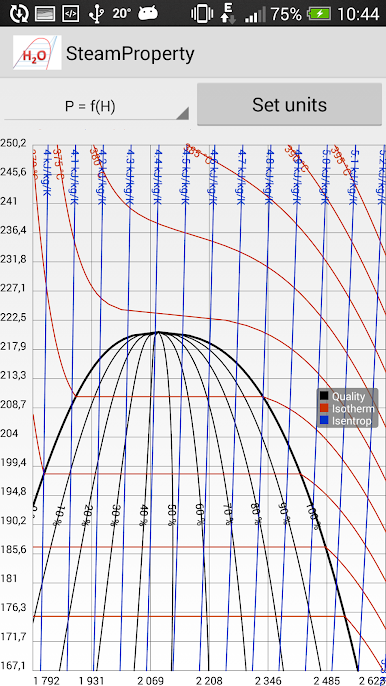
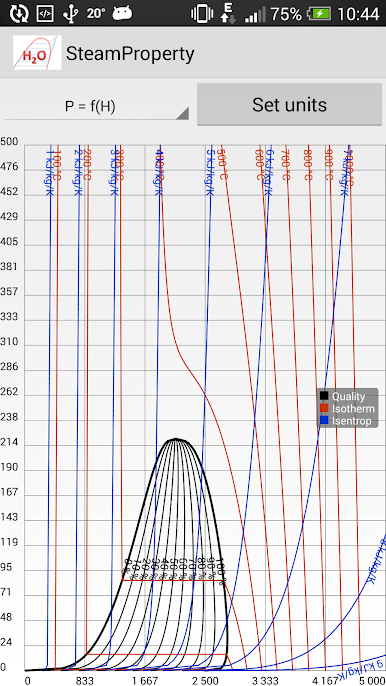
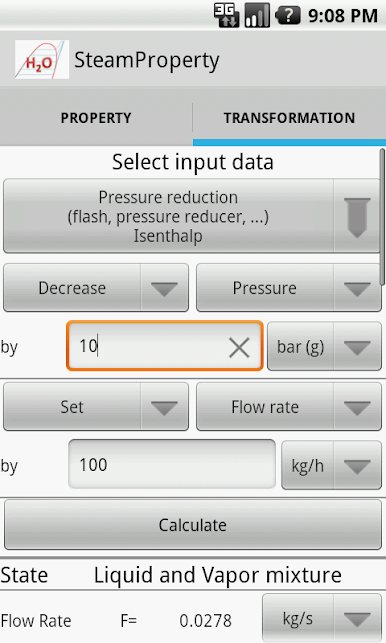
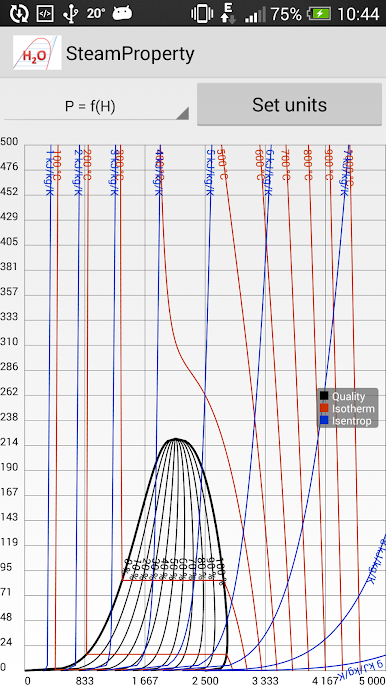
The inputs in the lite version focus on the essentials. Pressure with temperature, or pressure with enthalpy for general states. For saturation work it can run from quality with pressure, quality with temperature, or quality with volume, and it also solves off temperature only or pressure only when someone just needs the sat line. Results show up fast, stable, and consistent. What stands out is how steady it stays when values get close to the tricky regions. The pro version adds the more advanced pairs like pressure with entropy, pressure with volume, temperature with volume, temperature with entropy, and enthalpy with entropy, plus transformation calculations like heating, cooling, or throttling, and a T as a function of H graph. The lite build is already solid for quick checks, classroom problems, or plant notes, and on a laptop with BlueStacks it just feels like using a clean desktop calculator without the paper tables all over the desk.
Switch to BlueStacks and make the most of your apps on your PC or Mac.
Chơi Steam Property - Lite trên PC. Rất dễ để bắt đầu
-
Tải và cài đặt BlueStacks trên máy của bạn
-
Hoàn tất đăng nhập vào Google để đến PlayStore, hoặc thực hiện sau
-
Tìm Steam Property - Lite trên thanh tìm kiếm ở góc phải màn hình
-
Nhấn vào để cài đặt Steam Property - Lite trong danh sách kết quả tìm kiếm
-
Hoàn tất đăng nhập Google (nếu bạn chưa làm bước 2) để cài đặt Steam Property - Lite
-
Nhấn vào icon Steam Property - Lite tại màn hình chính để bắt đầu chơi

