


Vandals
Graj na PC z BlueStacks – Platforma gamingowa Android, która uzyskała zaufanie ponad 500 milionów graczy!

Strona zmodyfikowana w dniu: Sep 9, 2022
Podgląd
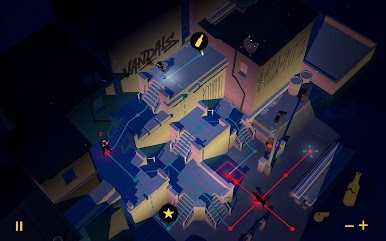
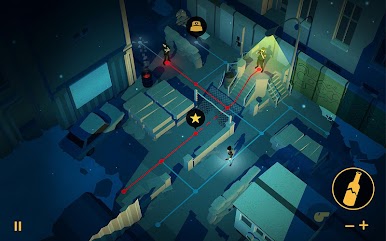
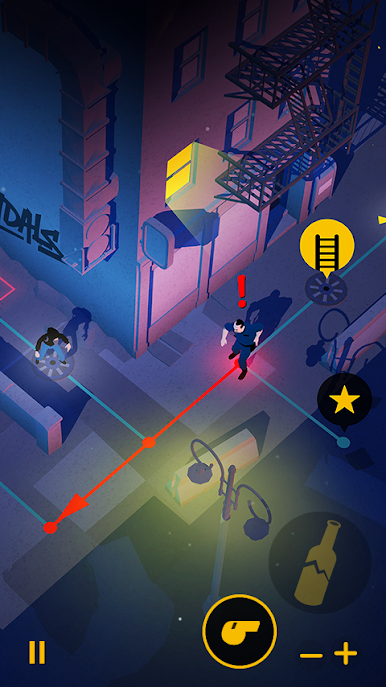
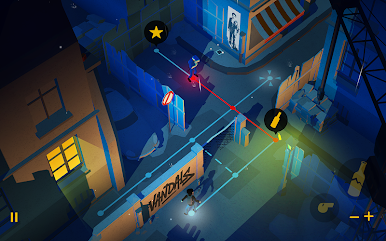
Z Paryża do Tokio poprzez Sao Paulo, Berlinie i Nowym Jorku, więc można chodzić śladami największych artystów ulicznych jak Blek Le Rat Keith Haring lub.
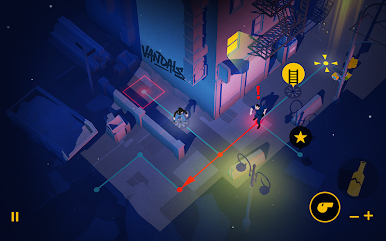
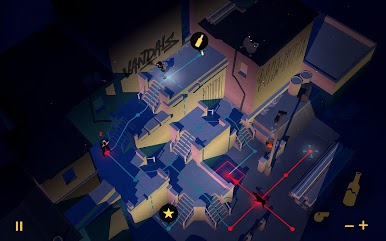
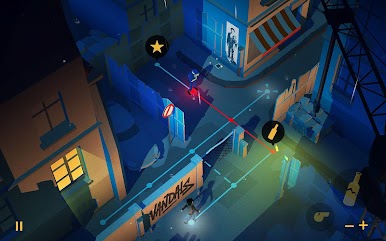
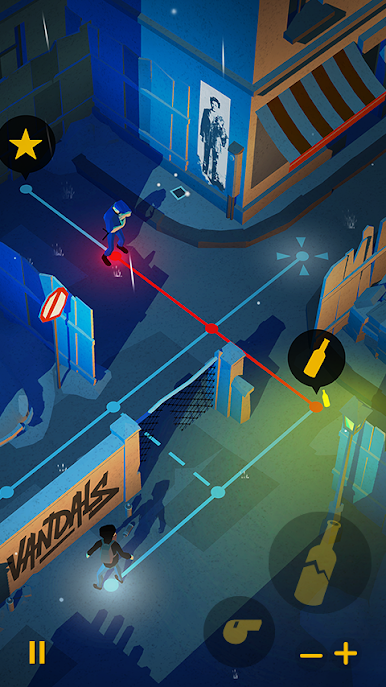
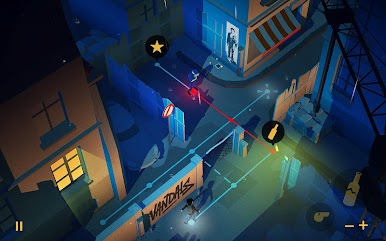
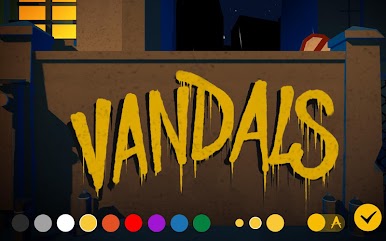
Wandale będzie można rozdać swój pseudonim na ścianach Nowym Jorku jako Lady Pink, rysować postacie dziecinne w stylu Keith Haring lub zainspirować się pisać swoje poezja Miss.Tic.
Po Typ: Rider, Wandalowie to nowy projekt Cosmografik. Jest to gra wideo publikowane i koprodukcji ARTE kanale telewizyjnym i European Digital kulturowego, wyprodukowany przez ex nihilo i opracowanego we współpracy z Novelab.
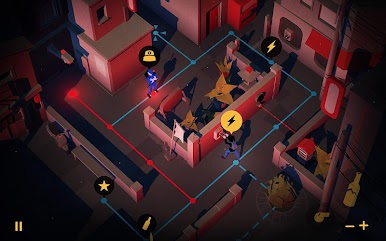
Łatwy do nauki, puzzle obiecać godzin zanurzenia i zabawy.
• Podziel się najpiękniejsze kreacje na portalach społecznościowych
• Poczuj rytm oryginalnej ścieżki dźwiękowej: Słuchawki polecam!
• Odtwarzanie w trybie pionowym lub poziomym. Opcja dla lewo i praworęcznych!
Gra zawiera:
• 60 zagadek do rozwiązania
• 5 miast do oryginalnych światów graficznych
• 40 arkusze na ewolucję sztuki ulicznej od lat 60-tych
• 18 trofeów do odblokowania


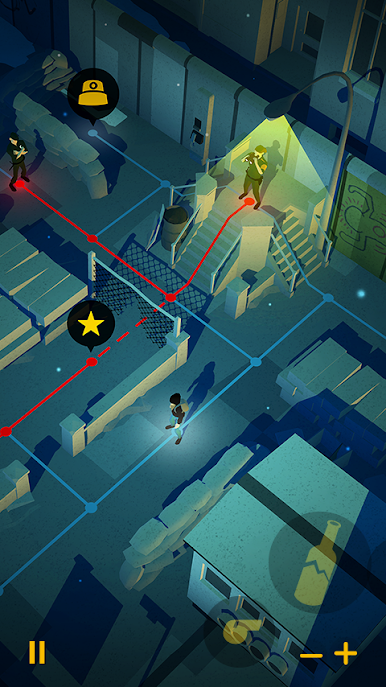

Zagraj w Vandals na PC. To takie proste.
-
Pobierz i zainstaluj BlueStacks na PC
-
Zakończ pomyślnie ustawienie Google, aby otrzymać dostęp do sklepu Play, albo zrób to później.
-
Wyszukaj Vandals w pasku wyszukiwania w prawym górnym rogu.
-
Kliknij, aby zainstalować Vandals z wyników wyszukiwania
-
Ukończ pomyślnie rejestrację Google (jeśli krok 2 został pominięty) aby zainstalować Vandals
-
Klinij w ikonę Vandals na ekranie startowym, aby zacząć grę

